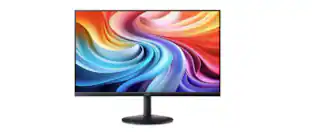
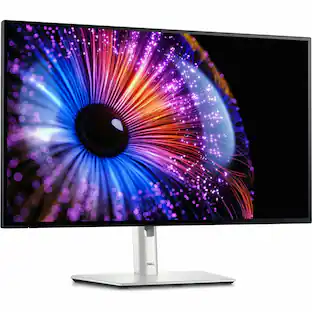
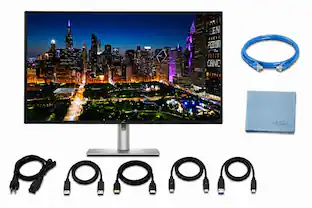
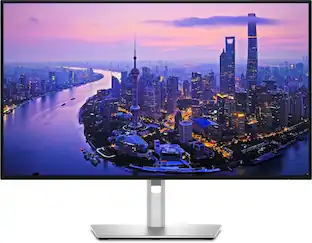
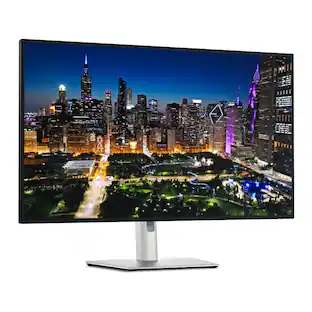
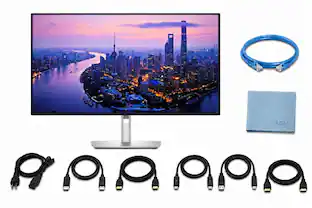
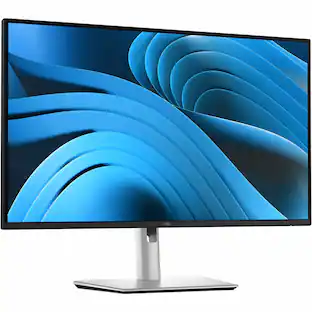
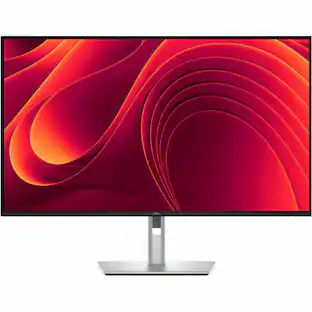
Dell - UltraSharp 27" IPS LED 4K UHD 120Hz Monitor with HDR (USB, HDMI) - Black, Silver, Dual Color
Customers are saying
Customers consistently note that this monitor delivers exceptional overall performance and a wide variety of connectivity options. Users are particularly impressed with the screen quality, highlighting that the colors are perfect right out of the box. Additionally, the smooth 120Hz refresh rate is frequently praised for providing a noticeably better visual experience.
Screen Size
27"Highlights
4K UHD
Experience breathtaking level of details when you open your eyes to the clarity of 4K UHD screen.
VESA DisplayHDR 600
This monitor is compatible with VESA DisplayHDR 600 high dynamic range.
Viewing Angle
This stylish LED monitor offers 178/178 degree viewing angles for some great viewing experience no matter where and how you look at it.
VESA Compatible
VESA mount compatibility allows you to mount the display on a wall or with a stand depending on your specific needs.
Brightness
View your content easily in well-lit areas with 600 nit brightness.
Picture-In-Picture
Picture-in-Picture (PiP) mode enables you to view content from multiple inputs simultaneously.
Thunderbolt
Thunderbolt I/O technology lets you move data between your devices and your computer with unprecedented speed.
- Refresh Rate120HzMaximum Resolution3840 x 2160Response Time5 millisecondsPanel TypeIPSSynchronization TechnologyNot Applicable
Reviews
Rating 4.6 out of 5 stars with 12 reviews
- Connectivity (5)
- Overall Performance (4)
- Refresh Rate (4)
- Screen Quality (3)
Customer Images
The vast majority of our reviews come from verified purchases. Reviews from customers may include My Best Buy members, employees, and Tech Insider Network members (as tagged). Select reviewers may receive discounted products, promotional considerations or entries into drawings for honest, helpful reviews.



Compare similar products

Dell UltraSharp 4K Thunderbolt Hub Monitors. Experience enhanced IPS Black with 3000:1 contrast ratio, improved ComfortView Plus technology, an ambient light sensor, and a 120Hz refresh rate display.
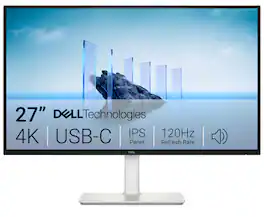
Dell 27 Plus 4K USB-C Monitor - S2725QC. Whether you're watching movies or playing games, enjoy an immersive viewing experience with improved eye comfort on a 4-star certified monitor*.
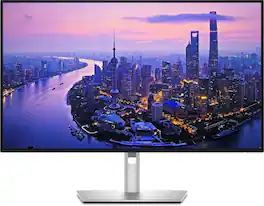
Dell UltraSharp U2725QE 27-inch 4K UHD IPS Black monitor combines precise color, high performance, and versatile connectivity. The 3840 x 2160 IPS Black panel is factory calibrated for 99% DCI-P3 coverage and Delta E <1.5, ensuring accurate color for creative and color-critical work. A 120Hz refresh rate and 5ms response time provide smooth motion for editing and multitasking. Thunderbolt 4 offers a single-cable solution for video, data, and up to 140W power with support for daisy-chaining additional 4K monitors. ComfortView Plus and an ambient light sensor reduce blue light and adjust brightness automatically for comfortable long sessions. The fully ergonomic stand supports height, tilt, swivel, and pivot adjustments, and connectivity includes HDMI 2.1, USB-C, USB-A, and Ethernet for a streamlined professional workspace.

Dell UltraSharp 4K Thunderbolt Hub Monitors. Experience enhanced IPS Black with 3000:1 contrast ratio, improved ComfortView Plus technology, an ambient light sensor, and a 120Hz refresh rate display.
| Pros for Dell - UltraSharp 27" IPS LED 4K UHD 120Hz Monitor with HDR (USB, HDMI) - Black, Silver, Dual Color | |||
|---|---|---|---|
| Connectivity, Refresh Rate, Screen Quality, Overall Performance | Connectivity, Refresh Rate, Image Quality, Port Count, Adjustability | There were no pros for this product— | Screen Quality |
| Cons for Dell - UltraSharp 27" IPS LED 4K UHD 120Hz Monitor with HDR (USB, HDMI) - Black, Silver, Dual Color | |||
| There were no cons for this product— | Volume Control | There were no cons for this product— | There were no cons for this product— |
Specs
I can’t find the model number for 27”
Answered by YourDellTeamIt is Dell U2725QE Monitor.
Is the monitor compatible with VESA mounting?
Yes, this monitor is compatible with VESA mounting.
This question and answer was generated by AI based on customer and product data.What is the contrast ratio for this monitor?
The contrast ratio for this monitor is 3000:1.
This question and answer was generated by AI based on customer and product data.Does this monitor have an anti-glare screen?
Yes, this monitor has an anti-glare screen.
This question and answer was generated by AI based on customer and product data.What type of panel does this monitor use?
This monitor uses an IPS panel type.
This question and answer was generated by AI based on customer and product data.

Customers often buy these together
Computer Keyboards
![esc ~ ! 1 tab caps lock shift ctrl F2 Fl # 2 3 Q W A S Z start opt L F3 $ 4 E D X alt cmd3 ) FS F4 A % 5 6 R T F G V C logi 44 HI & F9 FID FB F7 F6 * ) - - & 0 8 9 7 O P U I Y K L H J > < N M 1 B PM + = { [ : I ; ? I alt cmd D 2 4 300 3 1 F12 . * page I insert home up clear backspace 8 9 + 7 page A pg up end down home } I delete ] / 6 4 5 4 enter 2 3 enter 1 dn Pg end shift = 0 del ins etrl fn opt](https://pisces.bbystatic.com/image2/BestBuy_US/images/products/6539/6539505_sd.jpg;maxHeight=232;maxWidth=233?format=webp)
Logitech - MX Keys S Universal Full-size Wireless Scissor Keyboard for PC and Mac with Backlit keys - Black
Top Deal$119.99The price was $129.99![g) FS F4 F3 esc F2 F1 A $ % # 6 ! 4 5 ~ 3 1 2 R T W E Q tab F G S D lock A caps V C X Z shift H command option control F6 & 7 Y H B logi 44 F9 FB F7 * ( ) 9 0 8 I O U K L J < N M 1.0% r FI3 FQ2 Fl F10 fn + delete - = - 3 I { / P [ ] A return : I ; shift ? > I control option command 2 10 300 3 F PS F1 page clear home up page 7 end down Q P F F8 = I 8 9 4 5 1 2 0 F9 * 1 + 6 3 enter](https://pisces.bbystatic.com/image2/BestBuy_US/images/products/6578/6578481_sd.jpg;maxHeight=232;maxWidth=233?format=webp)
Logitech - MX Keys S for Mac Advanced Full-size Wireless Scissor Keyboard with Backlit keys for MacBook, iMac, iPad - Space Gray
Top Deal$119.99The price was $129.99
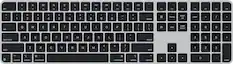

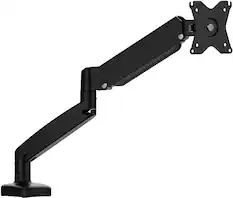
Monitor Stands
More recommended items
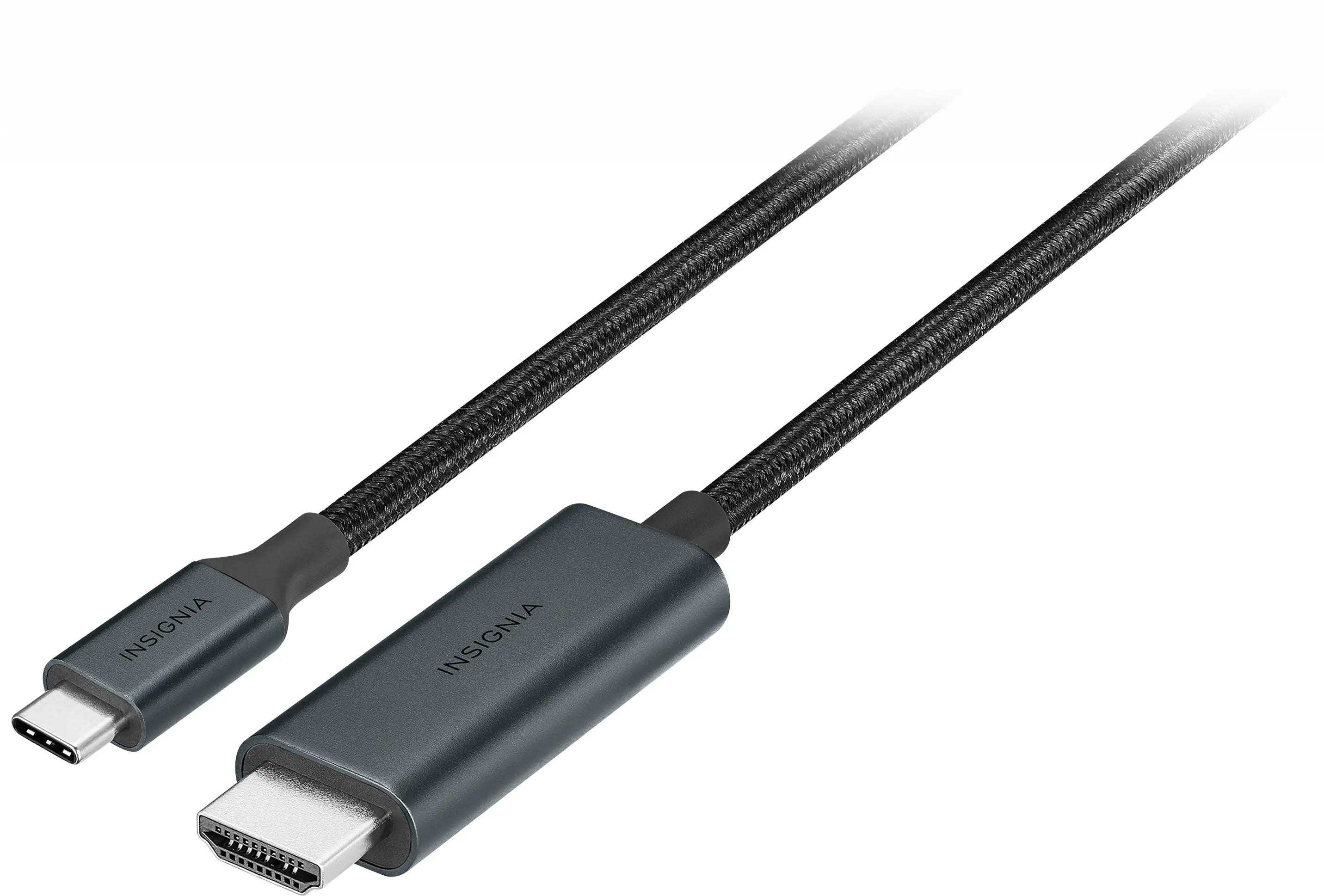 Monitor and Video Cables
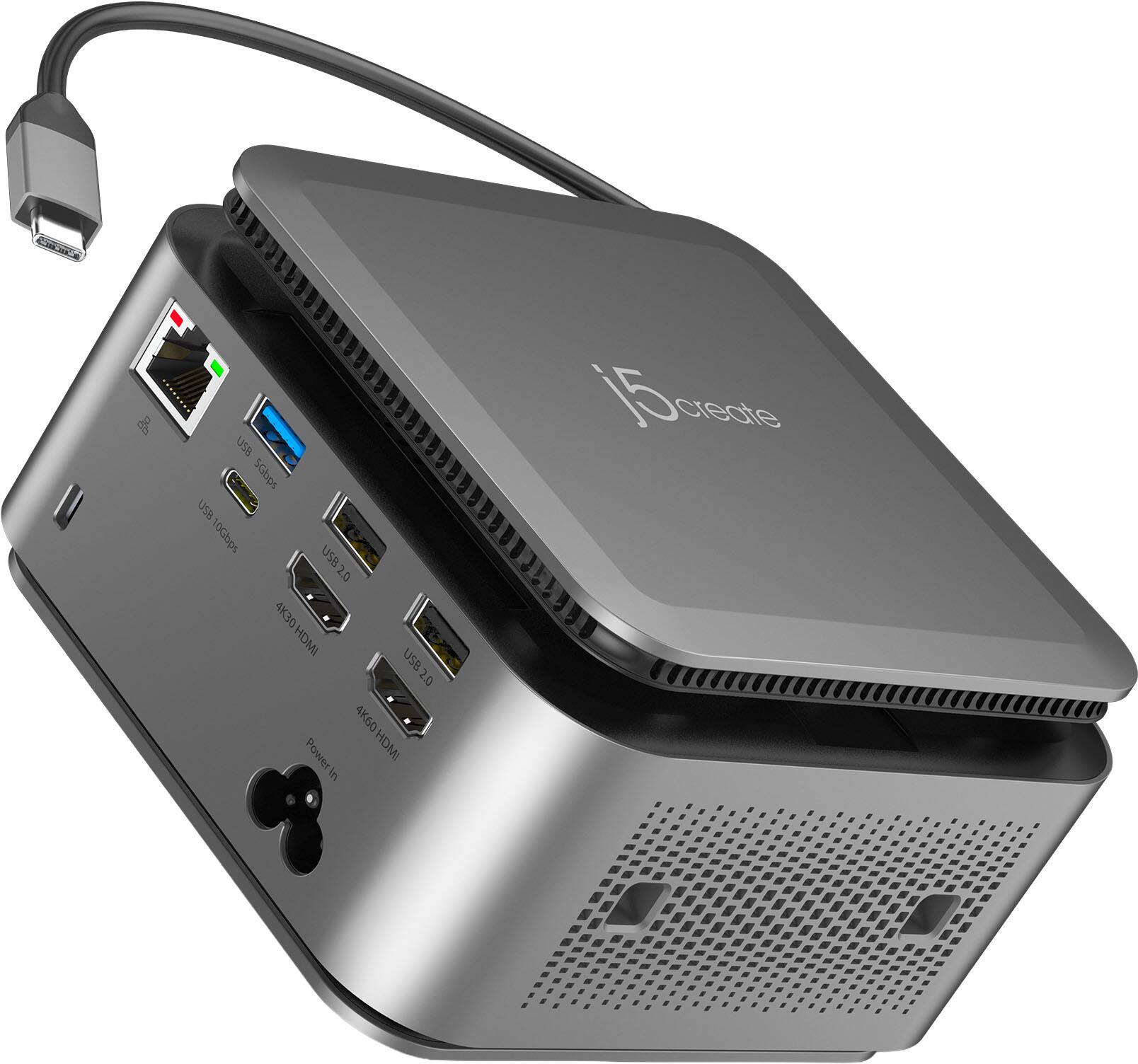 Laptop Docking Stations
 Mice
Mice Web Cameras
 Cables and Adapters
More to consider
 Top Deal$299.99The price was $369.99
 $869.00The price was $959.99
 $370.99The price was $399.99
 $769.00The price was $814.99
 $1,299.99The price was $1,999.99
 $529.95The price was $594.95

Explore tech essentials Sponsored
- Top Deal$299.99The price was $369.99
 $189.99The price was $299.99


Discover related products
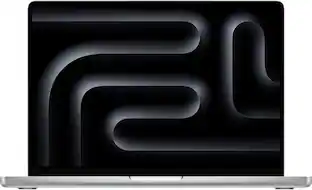
Apple - MacBook Pro 14-inch Apple M4 Pro chip Built for Apple Intelligence - 24GB Memory - 512GB SSD
$1,899.99The price was $1,999.00 $12.99The price was $13.99
 $169.99The price was $269.99
 $1,889.99The price was $1,899.00



Keep exploring
 $899.00The price was $934.64
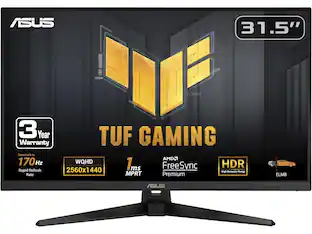 $204.99The price was $221.49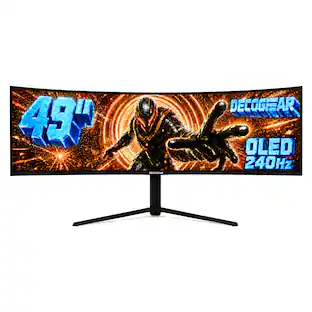
Deco Gear - 49" QD-OLED 240Hz Curved Super Ultrawide Gaming Monitor 5K DQHD 0.03 ms HDR400 90W USB-C
$739.99The price was $1,539.99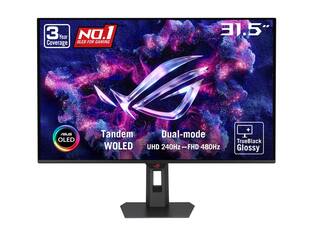 $846.51The price was $971.99
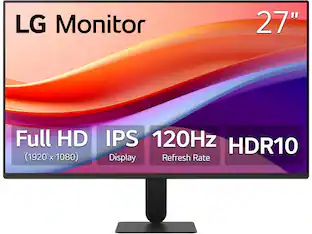 $120.99The price was $129.99
 $199.99The price was $218.99
 $431.99The price was $453.31