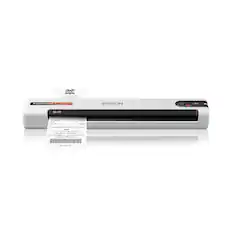
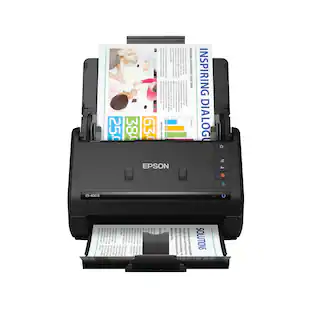
Epson - WorkForce ES-60W Wireless Mobile Color Sheetfed Document Scanner - Black
Customers are saying
Customers have good things to say about the WorkForce ES-60W Wireless Mobile Color Sheetfed Document Scanner, especially its ease of use and fast scanning speed. The compact size and lightweight design are also appreciated, along with its long battery life and overall performance. However, some customers have expressed concerns regarding connectivity issues, software functionality, and the design of the USB port.
Up to 600 x 600 dpi optical resolution (1200 x 1200 dpi interpolated resolution)
To capture every word and image detail with clarity.
8.5" x 70.9" maximum scan size
Enables you to capture entire pages.
Portable design
Enables you to easily take the scanner on the go.
High-speed USB 2.0 interface
Offers easy connectivity.
Built-in Wi-Fi
Lets you upload images instantly to your laptop, desktop or mobile device.
- NetworkingWirelessScan MethodSingle passDuplex Scan FunctionYes
Reviews
Rating 4.3 out of 5 stars with 496 reviews
- Ease of use (208)
- Scan Speed (126)
- Size (77)
- Overall Performance (25)
- Battery Life (24)
- Connectivity (27)
- Software (7)
- Duplex (4)
- USB Port (4)
Customer Images
The vast majority of our reviews come from verified purchases. Reviews from customers may include My Best Buy members, employees, and Tech Insider Network members (as tagged). Select reviewers may receive discounted products, promotional considerations or entries into drawings for honest, helpful reviews.
Compare similar products

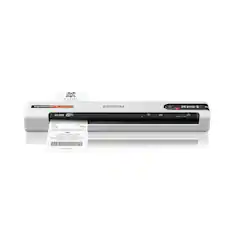
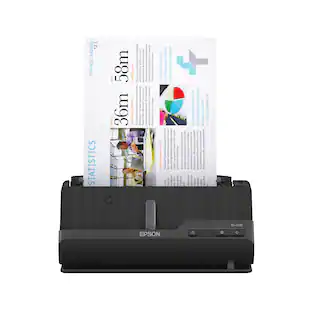
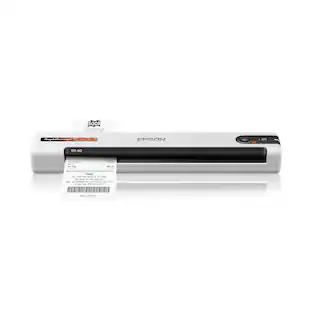
Create digital copies of paper documents with this Epson WorkForce wireless scanner. It provides fast operation to effortlessly handle a large volume of forms or receipts, and the LCD screen displays the connection and battery level status. Nuance OCR converts outputs from this Epson WorkForce wireless scanner into searchable, editable versions for efficient file management.

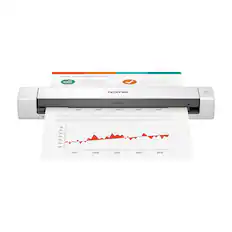
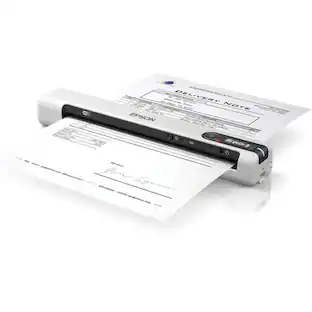
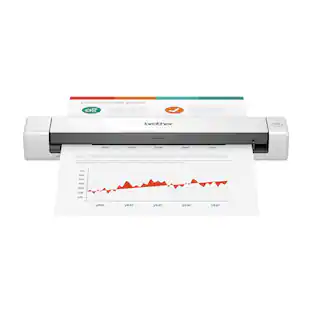
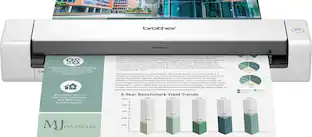
Easily scan paperwork, receipts, business cards, and plastic ID cards directly to your PC or smartphone with this Brother mobile scanner. The embedded battery and microSD port let you use this portable scanner anywhere, while duplex scanning processes both sides of the document at one time. This Brother DS-940DW wireless scanner scans black-and-white and color documents at up to 16 ppm, while its compact size and mobility make it a perfect fit for usage on the road, in the home or small office.

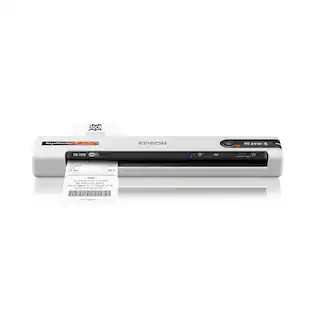
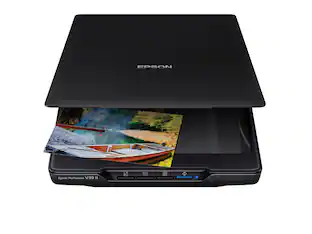
Create digital copies of important documents with this Epson WorkForce scanner. Its versatile document-handling capability accommodates standard paper, ID cards and receipts, and the included Nuance OCR software converts output into editable files or searchable PDFs for efficient archiving. This Epson WorkForce scanner’s small, lightweight design offers portability, and the USB interface provides easy connectivity.
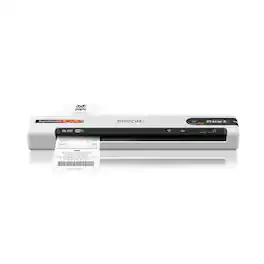
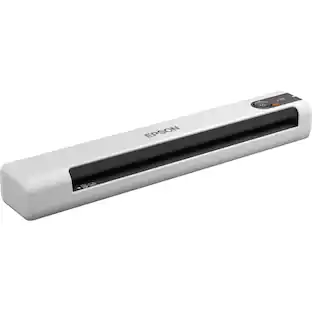
Unleash the power of AI¹ with the Epson RapidReceipt RR-70W mobile business scanner. Driven by Epson ScanSmart AI PRO technology, you’ll quickly and intelligently convert scanned information into smart digital data – making your documents AI-ready for Microsoft Copilot, Apple Intelligence, ChatGPT workflows and more. Going beyond simple document capture, the RapidReceipt RR-70W mobile scanner utilizes an extensive data model of various invoices and receipts to quickly turn stacks of unorganized paperwork into categorized digital data that easily integrates into financial applications such as QuickBooks and TurboTax². The lightest wireless mobile single-sheet document scanner in its class³, the RapidReceipt RR-70W helps increase your productivity with scan speeds up to 15 ppm⁴ and the ability to create searchable and editable PDFs. Plus, this portable scanner can be charged via USB or battery for added convenience. One of the smartest investments you can make for your business, the Epson RapidReceipt RR-70W mobile business scanner, powered by ScanSmart AI PRO, enables you and your business to stay organized and efficient by unleashing the power of AI.
| Pros for Epson - WorkForce ES-60W Wireless Mobile Color Sheetfed Document Scanner - Black | |||
|---|---|---|---|
| Ease of use, Size, Overall Performance, Scan Speed, Battery Life | Ease of use, Scan Quality, Size, Wireless, Duplex | Ease of use, Scan Quality, Size, Overall Performance, Speed | Ease of use, Wireless, Size, Overall Performance, Scanning Speed |
| Cons for Epson - WorkForce ES-60W Wireless Mobile Color Sheetfed Document Scanner - Black | |||
| Connectivity, Software, Duplex, USB Port | Software | Software, Connectivity, Compatibility, Paper Handling | There were no cons for this product— |
Specs
Does this scanner have automatic feed fuctionality?
Answered by EpsonHello Charlie. Yes, the ES-60W has an Automatic Feeding Mode. The scanner automatically accepts each new sheet as it’s inserted. This also allows you to combine multi-page scans and save them into one file. Regards, Kevin - The Epson Team.

Is the Epson scanner portable?
Yes, the Epson scanner has a portable design so you can take it with you.
This question and answer was generated by AI based on customer and product data.Does this scanner have Wi-Fi?
Yes, this Epson scanner has built-in Wi-Fi for direct uploads.
This question and answer was generated by AI based on customer and product data.How is this Epson scanner powered?
This scanner uses a high-speed USB 2.0 interface for connectivity.
This question and answer was generated by AI based on customer and product data.What is the optical resolution of this Epson scanner?
This Epson scanner has an optical resolution of up to 600 x 600 dpi.
This question and answer was generated by AI based on customer and product data.
Customers often buy these together
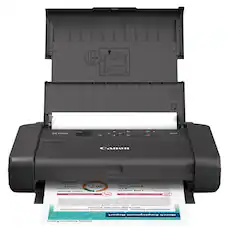
Canon - PIXMA TR160 Portable Wireless Inkjet Printer - Black
$199.99The price was $269.99
More to consider
 $229.99The price was $279.99
 Top Deal$559.99The price was $629.99


Discover lifestyle innovations Sponsored
 $249.99The price was $259.99
- $229.99The price was $279.99
Discover related products
 $146.99The price was $228.99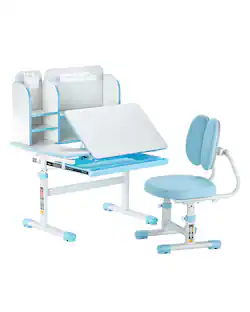
VEVOR - Kids Study Chair and Desk Set, Study Desk and Chair for Kids with Bookshelf & Storage Drawer
$120.99The price was $187.99 $99.99The price was $153.00
 $169.99The price was $199.99
 $299.99The price was $499.99



Keep exploring
 $849.00The price was $1,288.03
 $124.24The price was $134.72
 $717.02The price was $739.99
 $359.00The price was $499.00