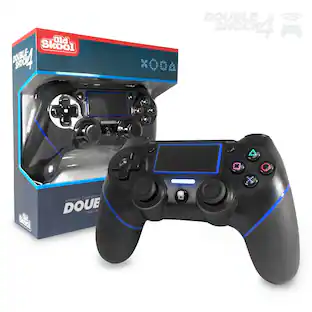
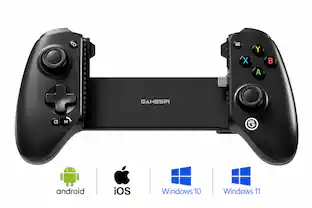
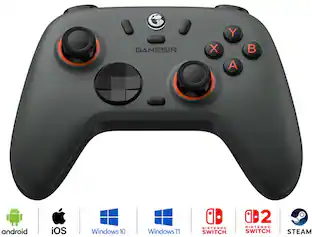
GameSir - G8 Plus Officially MFi Certified Phone Controller for iPhone 15/16/17/iPad Mini & Android - USB-C - 2 Pro Back Buttons - Gray
Customers are saying
Customers are pleased with the solid build quality and ergonomic design that provides a comfortable, console-like gaming experience. Users also appreciate the reliable USB-C connectivity and the inclusion of Hall Effect sticks and triggers. Furthermore, the device is highly regarded for its compatibility with various phone cases, making it a versatile choice for mobile gamers.
Features
Officially MFi Certified Controller
Play seamlessly on your iPhone and iPad. As an Apple-certified accessory, the GameSir G8+ MFi ensures reliable performance, stable connectivity, and full compatibility across iOS devices for a truly plug-and-play experience.
125-215mm Ultra-Wide Stretch Design
Engineered with an adjustable stretch range from 125mm to 215mm, the G8+ MFi fits a wide variety of devices, including the iPad mini and larger smartphones, ensuring secure and comfortable support for any setup.
Console Controller Grade
Designed with console-controller-level ergonomics and laser-textured grips, the G8+ MFi offers exceptional comfort and stability, allowing gamers to stay in control even during long sessions. Enjoy an authentic console-controller-like feel on mobile.
The Anti Stick-Drift Solution: GameSir™ Hall Effect Sticks
Equipped with GameSir™ Hall Effect sticks, the G8+ MFi delivers pinpoint accuracy and smooth 360° control. Using non-contact magnetic sensors, these sticks are built for long-lasting precision and are immune to wear and tear, eliminating stick drift and boosting a lifespan of up to 5 million cycles.
Precision-Tuned Hall Effect Analog Triggers
GameSir’s precision-tuned Hall Effect analog triggers provide unparalleled smoothness and responsiveness. Additionally, gamers can activate hair trigger mode by pressing M+LT/RT. Whether you need precise linear control or instant response, it gives you the competitive edge.
Plug-and-Play
The movable Type-C connector ensures a secure, low-latency connection and supports pass-through charging for nonstop gaming. Swappable silicone pad design offers added protection for your device in every scenario.
Free Customization
Featuring a magnetic detachable faceplate, the G8+ MFi allows gamers to freely swap ABXY layouts or thumbsticks for their ideal configuration. Build your own perfect setup that matches your playstyle.
Button Design
The ABXY buttons feature a 2 million-click lifespan, delivering consistent, responsive feedback. The mechanical D-pad ensures crisp, accurate inputs for precise movement and fighting game combos.
Two Remappable Back Buttons
High Quality Vibration
Asymmetric Motors for Immersive Vibration
Customize
Software Customization Support
Specifications
- Compatible Platform(s)iOS, Android
Reviews
Rating 4.5 out of 5 stars with 64 reviews
- Build Quality (27)
- Ergonomics (14)
- Connectivity (13)
- Compatibility (5)
- Hall Effect Sticks (4)
Customer Images
The vast majority of our reviews come from verified purchases. Reviews from customers may include My Best Buy members, employees, and Tech Insider Network members (as tagged). Select reviewers may receive discounted products, promotional considerations or entries into drawings for honest, helpful reviews.


Compare similar products
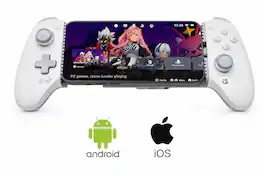
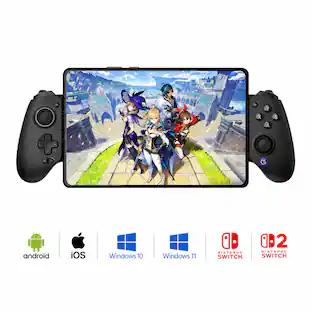
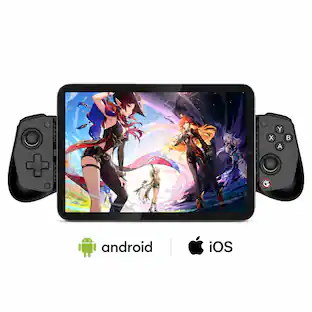
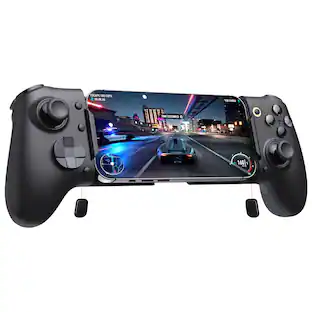
Upgrade your mobile gaming setup with the GameSir G8 Plus MFi Type-C Mobile Controller — the official Apple-certified controller built to deliver true console-level performance on your iPhone, iPad, and Android devices. Designed for gamers who demand precision, speed, and comfort, this controller replaces unreliable Bluetooth connections with a stable, low-latency Type-C wired link, giving you instant response time in every match. Featuring Hall Effect joysticks and analog triggers, the G8 Plus offers drift-free accuracy and long-lasting durability, making it perfect for competitive shooters, racing titles, RPGs, and cloud-gaming platforms. Two remappable back buttons let you trigger advanced moves faster, while the ergonomic, textured grip ensures all-day comfort during intense gaming sessions. The adjustable stretch design securely fits most smartphones and compact tablets (125–215 mm), and pass-through charging keeps your device powered while you play — so the action never has to stop. With customizable faceplates and interchangeable thumbsticks, you can tailor the controller to your personal style and gameplay preferences. If you’re tired of touchscreen controls and want a premium, console-style experience on mobile, the GameSir G8 Plus MFi is the perfect upgrade.
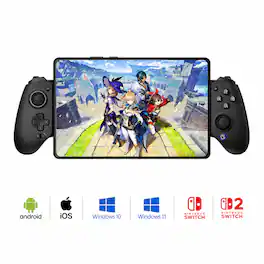
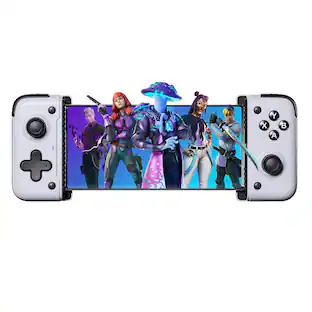
The GameSir G8 Galileo is a premium mobile gaming controller designed for Android and iPhone 15 series devices, offering a console-grade experience with its ergonomic full-size grips and high-performance features. It includes Hall Effect sensing sticks and precision-tuned analog triggers for accurate, drift-free control. The controller's extendable bridge accommodates most phones, even with slim cases, and its interchangeable magnetic faceplates allow for personalized aesthetics. Additional features include two mappable back buttons for customizable in-game actions and a 3.5mm audio jack for direct headset connectivity. Compatible with PS Remote Play, Android, and G-Touch modes, the GameSir G8 Galileo delivers a versatile and immersive gaming experience.

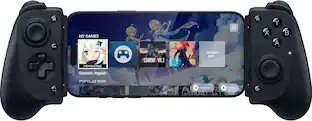
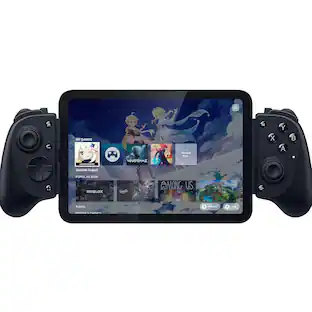
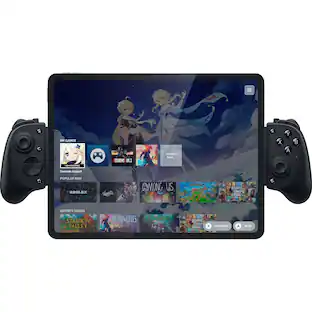
Unlock full-on mobile gaming with the Razer Kishi V3—a full-sized mobile controller that brings a console-class gameplay experience to your smartphone. Designed for iPhone 15/16/17 series and Android USB Type-C phones, the Kishi V3 delivers the ergonomics and performance of a pro-grade console controller. Featuring full-sized TMR thumbsticks for high-precision input and dual mouse click back buttons for faster, more efficient actions, it’s built for gamers who demand more from their mobile setup. Whether you’re battling in competitive shooters or exploring open worlds, experience responsive controls and immersive gameplay on the go. With universal USB-C support, passthrough charging, and case-friendly compatibility, the Razer Kishi V3 is the ultimate iPhone and Android controller for mobile gaming. Works with popular cloud gaming services, remote play apps, and thousands of native mobile games.
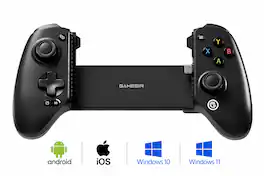
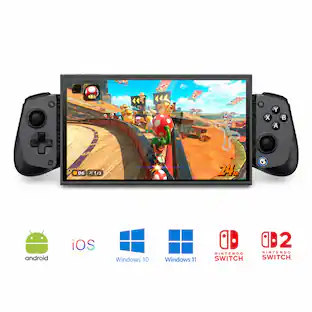
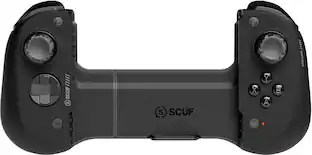
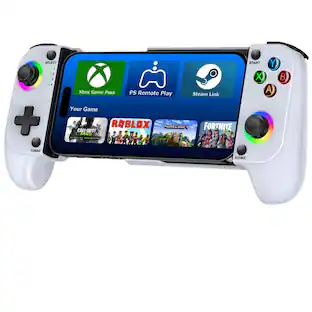
Introducing the GameSir G8 SE, a lightweight addition to the G8 series that maintains the high standards gamers expect. With a low-latency wired connection and GameSir’s anti stick-drift Hall Effect sticks, the G8 SE delivers precise, reliable control. Lightweight in design yet uncompromising in quality, it’s the ideal choice for seamless mobile gaming.
| Pros for GameSir - G8 Plus Officially MFi Certified Phone Controller for iPhone 15/16/17/iPad Mini & Android - USB-C - 2 Pro Back Buttons - Gray | |||
|---|---|---|---|
| Build Quality, Ergonomics, Connectivity, Compatibility, Hall Effect Sticks | Ergonomics, Connectivity, Compatibility, Overall Performance, Button Quality | There were no pros for this product— | Build Quality, Ergonomics, Connectivity, Performance, Button Tactility |
| Cons for GameSir - G8 Plus Officially MFi Certified Phone Controller for iPhone 15/16/17/iPad Mini & Android - USB-C - 2 Pro Back Buttons - Gray | |||
| There were no cons for this product— | Input Lag | There were no cons for this product— | There were no cons for this product— |
Specs
Customers often buy these together
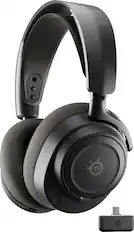
Gaming Headsets
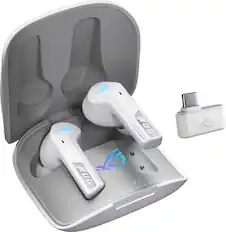
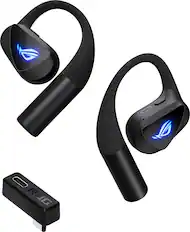
ASUS - ROG Cetra True Wireless SpeedNova In-Ear Gaming Earbuds - White
$103.99The price was $199.99
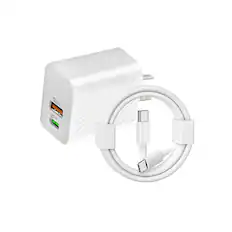
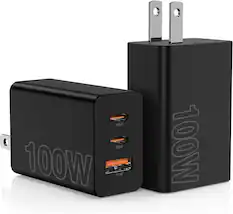
Power Adapters and Chargers
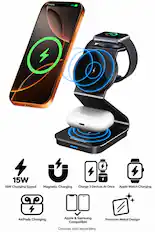
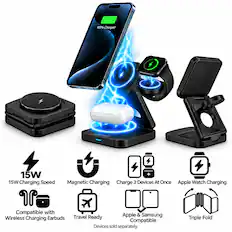
Energizer - 3-in-1 Metal 15W Magnetic MagSafe/Qi2 15W, Universal Charging Station/Stand for Phones + AirPods + Apple Watch - Black
Techtober Deal$40.99The price was $50.99

PC Gaming Headsets



More to consider
 Clearance$89.99The price was $149.99


Level up your game Sponsored
 Techtober Deal$29.99The price was $49.99
Discover related products
 $32.99The price was $34.99
 $29.95The price was $44.95




Keep exploring
 $40.87The price was $44.69
 $490.95The price was $529.95