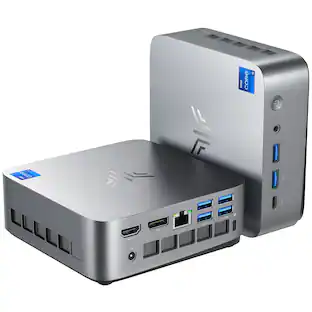
GEEKOM - A9 Max AI Mini PC, AMD Ryzen AI 9 HX 470, Radeon 890M, 32GB DDR5 RAM& 2TB SSD, Windows 11 Pro Pre-installed - Silver+Black
About this product
𝗣𝗿𝗼𝗱𝘂𝗰𝘁𝗶𝘃𝗶𝘁𝘆 𝗔𝗜 𝗖𝗼𝗺𝗽𝗮𝗻𝗶𝗼𝗻 | 𝗗𝗲𝘀𝗶𝗴𝗻𝗲𝗿 𝗙𝗼𝗰𝘂𝘀𝗲𝗱 𝗖𝗹𝗼𝘂𝗱 𝗟𝗼𝗰𝗮𝗹 𝗛𝘆𝗯𝗿𝗶𝗱 𝗪𝗼𝗿𝗸𝘀𝘁𝗮𝘁𝗶𝗼𝗻 (𝗖𝗹𝗼𝘂𝗱 𝗜𝗱𝗲𝗮 𝗚𝗲𝗻𝗲𝗿𝗮𝘁𝗶𝗼𝗻 + 𝗡𝗣𝗨 𝗣𝗼𝘄𝗲𝗿𝗲𝗱 𝗟𝗼𝗰𝗮𝗹 𝗔𝗜 𝗣𝗹𝘂𝗴𝗶𝗻 𝗔𝗰𝗰𝗲𝗹𝗲𝗿𝗮𝘁𝗶𝗼𝗻) CPUs in this tier come with a dedicated built-in NPU. Made for creators just like you, they fit your real work flows: brainstorm ideas in the cloud, then finish all your outputs locally. The dedicated NPU scheduling easily takes on computing tasks from AI plugins in creative software, turning this into a handy hybrid-AI machine built around creators’ daily habits. 𝗤𝗨𝗜𝗖𝗞 𝗖𝗔𝗣𝗔𝗕𝗜𝗟𝗜𝗧𝗬 𝗛𝗘𝗔𝗗𝗦-𝗨𝗣: This tier isn’t built to run those ultra-big large parameter local models. It’s optimized for the lightweight local AI jobs creators rely on day-to-day. Powered by its dedicated NPU plus smart CPU scheduling, it speeds up AI plugins inside Photoshop and video editing tools. You’ll see faster photo retouching, matting, image outpainting, style transfer and much more. Everything runs locally — no need to upload your original files to the cloud, so you get better workflow speed without risking your asset privacy. 𝗪𝗛𝗔𝗧 𝗬𝗢𝗨 𝗖𝗔𝗡 𝗔𝗖𝗧𝗨𝗔𝗟𝗟𝗬 𝗨𝗦𝗘 𝗜𝗧 𝗙𝗢𝗥: Use cloud AI to whip up poster and short video creative drafts, then do local AI outpainting, defect repair, clean lossless matting, style transfer, batch color grading, bulk image retouching, and polish your short video scripts right on the device. 𝗤𝗨𝗜𝗖𝗞 𝗦𝗧𝗔𝗥𝗧 𝗚𝗨𝗜𝗗𝗘 𝗙𝗢𝗥 𝗡𝗘𝗪 𝗨𝗦𝗘𝗥𝗦: 𝟭. Brainstorm fast with cloud AI tools to generate multiple poster & short video drafts and lock in your creative direction. 𝟮. Keep all your design files and source images stored locally. Nothing gets uploaded externally, so you avoid copyright leaks and quality compression. 𝟯. Launch local AI plugins directly inside Photoshop or your video editor. Tap into the device’s computing power to handle heavy tasks like outpainting, matting, restoration and color grading. 𝟰. Import assets in batches. Run 24/7 background processing for images and text to cut down repetitive manual work and crank out more creative work faster. 𝗪𝗛𝗢 𝗧𝗛𝗜𝗦 𝗜𝗦 𝗙𝗢𝗥: Designers, video editors, self-media studios and creative pros. If you want to brainstorm creatively AND keep your files private, plus churn out bulk assets often, this is built for you.
Highlights
Features
【🛡️ 3-year Warranty and After-Sales Support】
Please confirm your 𝘀𝗵𝗶𝗽𝗽𝗶𝗻𝗴 𝗮𝗱𝗱𝗿𝗲𝘀𝘀 before ordering. For any product issues like malfunctions or delivery delays, please contact GEEKOM support first. We are committed to improving our services. While most brands offer only a 1-year warranty, GEEKOM provides a 𝟯-𝘆𝗲𝗮𝗿 warranty, reflecting our confidence in materials, build quality, and manufacturing standards. Your purchase is protected by our 90-day return policy.
【🚨Industry Supply Alert】
A severe industry-wide DDR memory shortage—fueled by surging demand from the AI sector—is driving up costs across the board. To uphold GEEKOM’s uncompromising quality standards, we may need to adjust our offerings in the future. We therefore recommend placing your order under the current terms to secure today’s pricing and value. 𝗚𝗲𝗻𝘂𝗶𝗻𝗲 𝗣𝗿𝗼𝗱𝘂𝗰𝘁𝘀 𝗦𝗮𝗳𝗲: only on Best Buy & GEEKOM Official Website| Avoid Fakes.
【Secure, Stable and Durable】
The GEEKOM A9 Max Mini PC is built to power through demanding workloads with Windows 11 24H2 pre-installed and full compatibility with Ubuntu, Manjaro. AI researchers, and tech professionals. Security is built-in with TPM 2.0 encryption, Kensington Lock support, and dual 2.5G LAN ports for secure wired connections.
【Built-in Gaming Powerhouse】
The AMD Radeon 890M integrated graphics packs a punch, with 16 RDNA 3.5 compute units that deliver performance comparable to entry-level discrete GPUs. It handles popular games like Valorant, Fortnite, and LOL. AMD's FidelityFX Super Resolution (FSR) technology boosts frame rates. It delivers crisp 4K video and can handle light 3D rendering tasks with ease, making it ideal for high-performance gamers and creative professionals.
【Secure, Stable and Durable】
The GEEKOM A9 Max Mini PC is built to power through demanding workloads with Windows 11 24H2 pre-installed and full compatibility with Ubuntu, Manjaro. AI researchers, and tech professionals. Security is built-in with TPM 2.0 encryption, Kensington Lock support, and dual 2.5G LAN ports for secure wired connections.
Specifications
- Processor ModelAMD Ryzen AI 300 SeriesStorage TypeSSDTotal Storage Capacity2048 gigabytesSystem Memory (RAM)32 gigabytesGraphics TypeIntegrated
Reviews
Rating 5 out of 5 stars with 1 review
The vast majority of our reviews come from verified purchases. Reviews from customers may include My Best Buy members, employees, and Tech Insider Network members (as tagged). Select reviewers may receive discounted products, promotional considerations or entries into drawings for honest, helpful reviews.

- HP - OmniDesk Mini PC - Intel Core 3 304 - 8GB Memory - 128GB Storage - Cashmere White$439.99The price was $589.99
- HP - OmniDesk Mini PC with Quad Display Support - Intel Core Ultra 5 325 - 16GB Memory - 512GB SSD - Smoke Silver$1,049.99The price was $1,269.99
Compare similar products
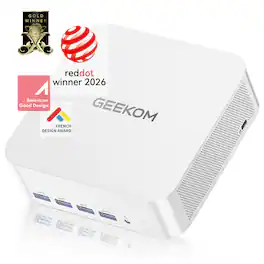
𝗣𝗿𝗼𝗱𝘂𝗰𝘁𝗶𝘃𝗶𝘁𝘆 𝗔𝗜 𝗖𝗼𝗺𝗽𝗮𝗻𝗶𝗼𝗻 | 𝗗𝗲𝘀𝗶𝗴𝗻𝗲𝗿 𝗙𝗼𝗰𝘂𝘀𝗲𝗱 𝗖𝗹𝗼𝘂𝗱 𝗟𝗼𝗰𝗮𝗹 𝗛𝘆𝗯𝗿𝗶𝗱 𝗪𝗼𝗿𝗸𝘀𝘁𝗮𝘁𝗶𝗼𝗻 (𝗖𝗹𝗼𝘂𝗱 𝗜𝗱𝗲𝗮 𝗚𝗲𝗻𝗲𝗿𝗮𝘁𝗶𝗼𝗻 + 𝗡𝗣𝗨 𝗣𝗼𝘄𝗲𝗿𝗲𝗱 𝗟𝗼𝗰𝗮𝗹 𝗔𝗜 𝗣𝗹𝘂𝗴𝗶𝗻 𝗔𝗰𝗰𝗲𝗹𝗲𝗿𝗮𝘁𝗶𝗼𝗻) CPUs in this tier come with a dedicated built-in NPU. Made for creators just like you, they fit your real work flows: brainstorm ideas in the cloud, then finish all your outputs locally. The dedicated NPU scheduling easily takes on computing tasks from AI plugins in creative software, turning this into a handy hybrid-AI machine built around creators’ daily habits. 𝗤𝗨𝗜𝗖𝗞 𝗖𝗔𝗣𝗔𝗕𝗜𝗟𝗜𝗧𝗬 𝗛𝗘𝗔𝗗𝗦-𝗨𝗣: This tier isn’t built to run those ultra-big large parameter local models. It’s optimized for the lightweight local AI jobs creators rely on day-to-day. Powered by its dedicated NPU plus smart CPU scheduling, it speeds up AI plugins inside Photoshop and video editing tools. You’ll see faster photo retouching, matting, image outpainting, style transfer and much more. Everything runs locally — no need to upload your original files to the cloud, so you get better workflow speed without risking your asset privacy. 𝗪𝗛𝗔𝗧 𝗬𝗢𝗨 𝗖𝗔𝗡 𝗔𝗖𝗧𝗨𝗔𝗟𝗟𝗬 𝗨𝗦𝗘 𝗜𝗧 𝗙𝗢𝗥: Use cloud AI to whip up poster and short video creative drafts, then do local AI outpainting, defect repair, clean lossless matting, style transfer, batch color grading, bulk image retouching, and polish your short video scripts right on the device. 𝗤𝗨𝗜𝗖𝗞 𝗦𝗧𝗔𝗥𝗧 𝗚𝗨𝗜𝗗𝗘 𝗙𝗢𝗥 𝗡𝗘𝗪 𝗨𝗦𝗘𝗥𝗦: 𝟭. Brainstorm fast with cloud AI tools to generate multiple poster & short video drafts and lock in your creative direction. 𝟮. Keep all your design files and source images stored locally. Nothing gets uploaded externally, so you avoid copyright leaks and quality compression. 𝟯. Launch local AI plugins directly inside Photoshop or your video editor. Tap into the device’s computing power to handle heavy tasks like outpainting, matting, restoration and color grading. 𝟰. Import assets in batches. Run 24/7 background processing for images and text to cut down repetitive manual work and crank out more creative work faster. 𝗪𝗛𝗢 𝗧𝗛𝗜𝗦 𝗜𝗦 𝗙𝗢𝗥: Designers, video editors, self-media studios and creative pros. If you want to brainstorm creatively AND keep your files private, plus churn out bulk assets often, this is built for you.
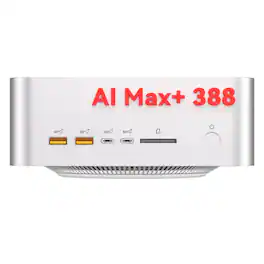
𝗟𝗼𝗰𝗮𝗹 𝗔𝗜 𝗦𝘂𝗽𝗲𝗿 𝗣𝗖 | 𝗣𝗿𝗼𝗳𝗲𝘀𝘀𝗶𝗼𝗻𝗮𝗹 𝗢𝗳𝗳𝗹𝗶𝗻𝗲 𝗔𝗜 𝗗𝗲𝗽𝗹𝗼𝘆𝗺𝗲𝗻𝘁 𝗪𝗼𝗿𝗸𝘀𝘁𝗮𝘁𝗶𝗼𝗻 (𝗦𝘂𝗽𝗽𝗼𝗿𝘁𝘀 𝟭𝟮𝟴𝗕 𝗟𝗼𝗰𝗮𝗹 𝗟𝗮𝗿𝗴𝗲 𝗠𝗼𝗱𝗲𝗹 𝗜𝗻𝗳𝗲𝗿𝗲𝗻𝗰𝗲) This is GEEKOM’s high-end professional AI computing host. It’s built for AI hobbyists, independent developers, cross-border studios and tech pros. The best part? It’s a personal-grade AI box that can stably run 128B parameter large models locally. Everything runs fully offline — no API fees, and all AI computation stays under your control for advanced projects. 𝗪𝗛𝗔𝗧 𝗠𝗢𝗗𝗘𝗟𝗦 𝗖𝗔𝗡 𝗜𝗧 𝗥𝗨𝗡: It handles all kinds of medium and large local models smoothly. You can run offline inference for 128B big models, and also use quantized advanced models for heavy AI tasks. 𝗪𝗛𝗔𝗧 𝗖𝗔𝗡 𝗬𝗢𝗨 𝗔𝗖𝗧𝗨𝗔𝗟𝗟𝗬 𝗨𝗦𝗘 𝗜𝗧 𝗙𝗢𝗥: 𝟭. Run big models offline. 𝟮. Build your private knowledge base. 𝟯. Set up AI agents to automate workflows. 𝟰. Generate high-res images locally with Stable Diffusion. 𝟱. Debug batches of code. 𝟲. Analyze confidential business data safely. 𝟳. Keep it running long-term with no recurring API subscription costs. 𝗤𝗨𝗜𝗖𝗞 𝗦𝗧𝗔𝗥𝗧 𝗚𝗨𝗜𝗗𝗘 𝗙𝗢𝗥 𝗡𝗘𝗪 𝗨𝗦𝗘𝗥𝗦: 𝟭. Go offline, load medium and large models via LM Studio or Ollama. It can run mainstream 128B models steadily, and deploy quantized MoE models too. 𝟮. Upload your private files or studio docs to build your own local knowledge base. All data stays on the machine, with no risk of leaking out. 𝟯. Leave it running 24/7 in the background. It can auto-answer questions, process bulk data and run AI agents without you touching it. 𝟰. Generate high-res AI images, run code inference and handle complex calculations locally. No cloud API reliance, no subscription charges, and unlimited usage. 𝗪𝗛𝗢 𝗧𝗛𝗜𝗦 𝗜𝗦 𝗙𝗢𝗥: AI developers, tech lovers and studio owners who need private offline computing, continuous background deployment, and self-hosted private AI systems.
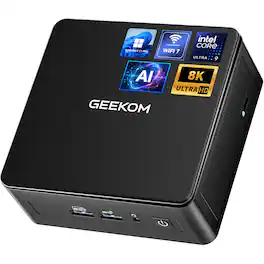
𝗣𝗿𝗼𝗱𝘂𝗰𝘁𝗶𝘃𝗶𝘁𝘆 𝗔𝗜 𝗖𝗼𝗺𝗽𝗮𝗻𝗶𝗼𝗻 | 𝗗𝗲𝘀𝗶𝗴𝗻𝗲𝗿 𝗙𝗼𝗰𝘂𝘀𝗲𝗱 𝗖𝗹𝗼𝘂𝗱 𝗟𝗼𝗰𝗮𝗹 𝗛𝘆𝗯𝗿𝗶𝗱 𝗪𝗼𝗿𝗸𝘀𝘁𝗮𝘁𝗶𝗼𝗻 (𝗖𝗹𝗼𝘂𝗱 𝗜𝗱𝗲𝗮 𝗚𝗲𝗻𝗲𝗿𝗮𝘁𝗶𝗼𝗻 + 𝗡𝗣𝗨 𝗣𝗼𝘄𝗲𝗿𝗲𝗱 𝗟𝗼𝗰𝗮𝗹 𝗔𝗜 𝗣𝗹𝘂𝗴𝗶𝗻 𝗔𝗰𝗰𝗲𝗹𝗲𝗿𝗮𝘁𝗶𝗼𝗻) CPUs in this tier come with a dedicated built-in NPU. Made for creators just like you, they fit your real work flows: brainstorm ideas in the cloud, then finish all your outputs locally. The dedicated NPU scheduling easily takes on computing tasks from AI plugins in creative software, turning this into a handy hybrid-AI machine built around creators’ daily habits. 𝗤𝗨𝗜𝗖𝗞 𝗖𝗔𝗣𝗔𝗕𝗜𝗟𝗜𝗧𝗬 𝗛𝗘𝗔𝗗𝗦-𝗨𝗣: This tier isn’t built to run those ultra-big large parameter local models. It’s optimized for the lightweight local AI jobs creators rely on day-to-day. Powered by its dedicated NPU plus smart CPU scheduling, it speeds up AI plugins inside Photoshop and video editing tools. You’ll see faster photo retouching, matting, image outpainting, style transfer and much more. Everything runs locally — no need to upload your original files to the cloud, so you get better workflow speed without risking your asset privacy. 𝗪𝗛𝗔𝗧 𝗬𝗢𝗨 𝗖𝗔𝗡 𝗔𝗖𝗧𝗨𝗔𝗟𝗟𝗬 𝗨𝗦𝗘 𝗜𝗧 𝗙𝗢𝗥: Use cloud AI to whip up poster and short video creative drafts, then do local AI outpainting, defect repair, clean lossless matting, style transfer, batch color grading, bulk image retouching, and polish your short video scripts right on the device. 𝗤𝗨𝗜𝗖𝗞 𝗦𝗧𝗔𝗥𝗧 𝗚𝗨𝗜𝗗𝗘 𝗙𝗢𝗥 𝗡𝗘𝗪 𝗨𝗦𝗘𝗥𝗦: 𝟭. Brainstorm fast with cloud AI tools to generate multiple poster & short video drafts and lock in your creative direction. 𝟮. Keep all your design files and source images stored locally. Nothing gets uploaded externally, so you avoid copyright leaks and quality compression. 𝟯. Launch local AI plugins directly inside Photoshop or your video editor. Tap into the device’s computing power to handle heavy tasks like outpainting, matting, restoration and color grading. 𝟰. Import assets in batches. Run 24/7 background processing for images and text to cut down repetitive manual work and crank out more creative work faster. 𝗪𝗛𝗢 𝗧𝗛𝗜𝗦 𝗜𝗦 𝗙𝗢𝗥: Designers, video editors, self-media studios and creative pros. If you want to brainstorm creatively AND keep your files private, plus churn out bulk assets often, this is built for you.
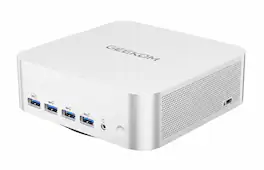
GEEKOM Mini PC A8 Max With AMD Ryzen 7 8745HS 16GB DDR5|1TB SSD Dual LAN, Radeon 780M Mini PC Windows 11 Pro
| Pros for GEEKOM - A9 Max AI Mini PC, AMD Ryzen AI 9 HX 470, Radeon 890M, 32GB DDR5 RAM& 2TB SSD, Windows 11 Pro Pre-installed - Silver+Black | |||
|---|---|---|---|
| There were no pros for this product— | There were no pros for this product— | There were no pros for this product— | Overall Performance, Connectivity, Heat Dissipation, Noise Level, Processor Speed |
Specs
Questions & Answers
Can this system be ordered with more RAM? Currently comes with 32 GB, I understand the supplychain issues.
Answered by GEEKOM Mini PCOur unit ships with 32GB DDR5 RAM as the factory default. Unfortunately, higher‑RAM factory configurations cannot be ordered directly. This model supports user‑upgradeable dual‑channel RAM with a maximum capacity of 256GB. You can purchase compatible DDR5 memory modules and install them by yourself. Thank you for your support.
Is it dual-channel ram?
Answered by GEEKOM Mini PCYes, the GEEKOM A9 Max mini PC supports dual-channel DDR5 RAM, with a maximum dual-channel capacity of 256GB.
Is the 2 TB SSD a single PCie device? Can a second be added by user?


Customers often buy these together
Office Software





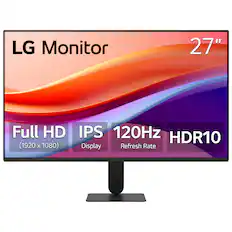
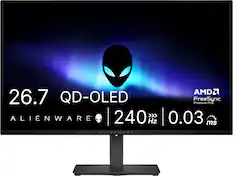
Monitors
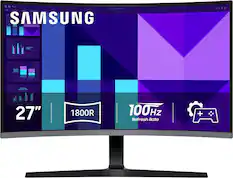
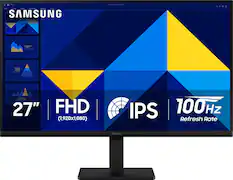
Samsung - 27" S39GD Series Curved FHD 100Hz Monitor with Built-in Speakers - Black
Our 365-day lowest price$129.99The price was $199.99
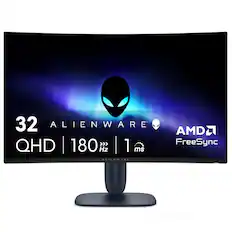
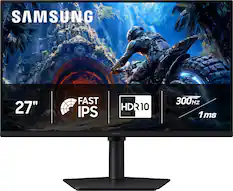
Samsung - 32" Odyssey G51F QHD 180Hz 1ms AMD FreeSync Gaming Monitor with HDR10 (DisplayPort, HDMI) - Black
$299.00The price was $329.99
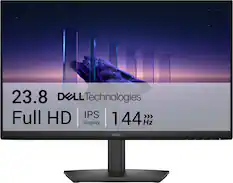
More recommended items
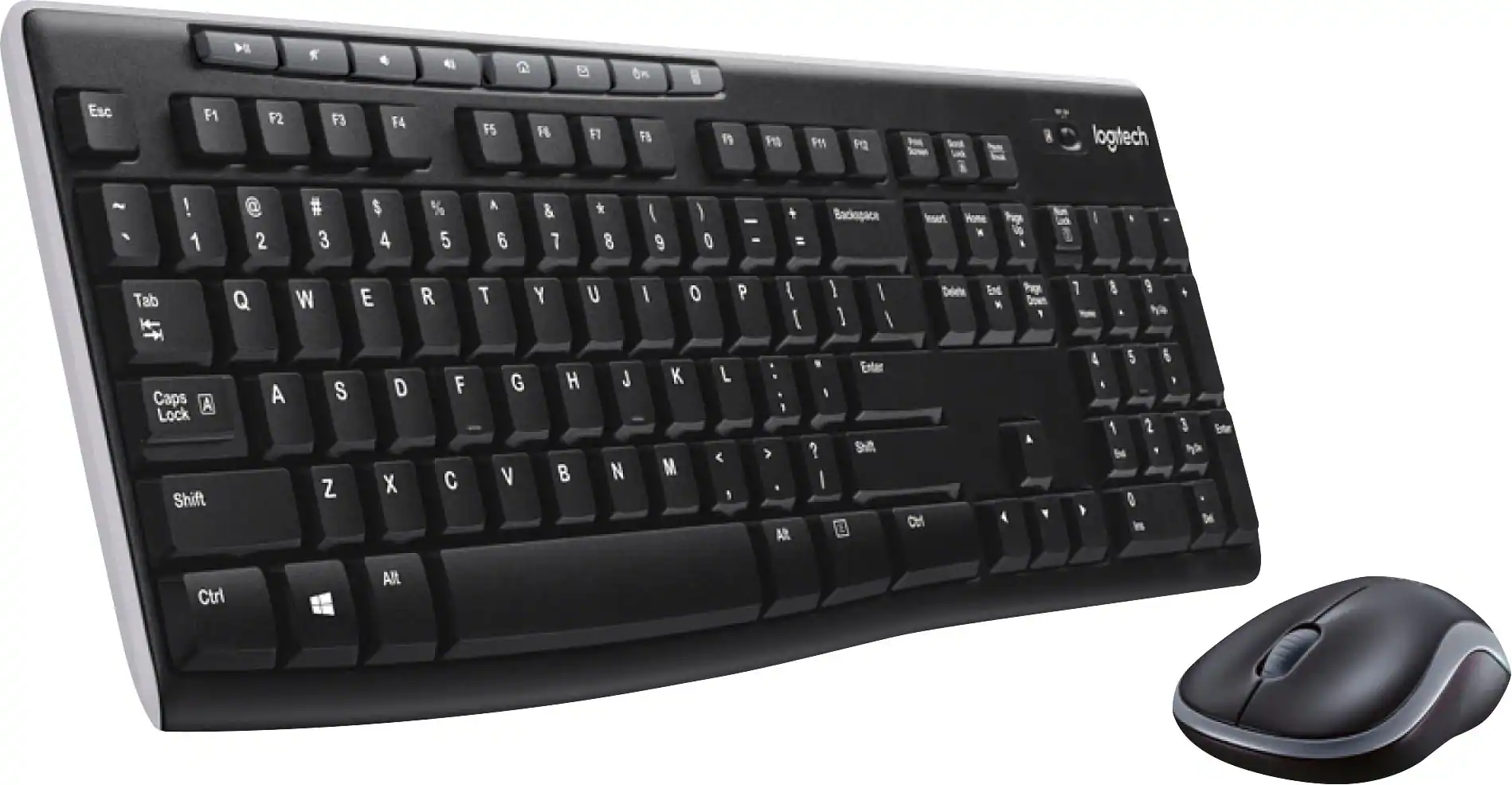 Computer Keyboards
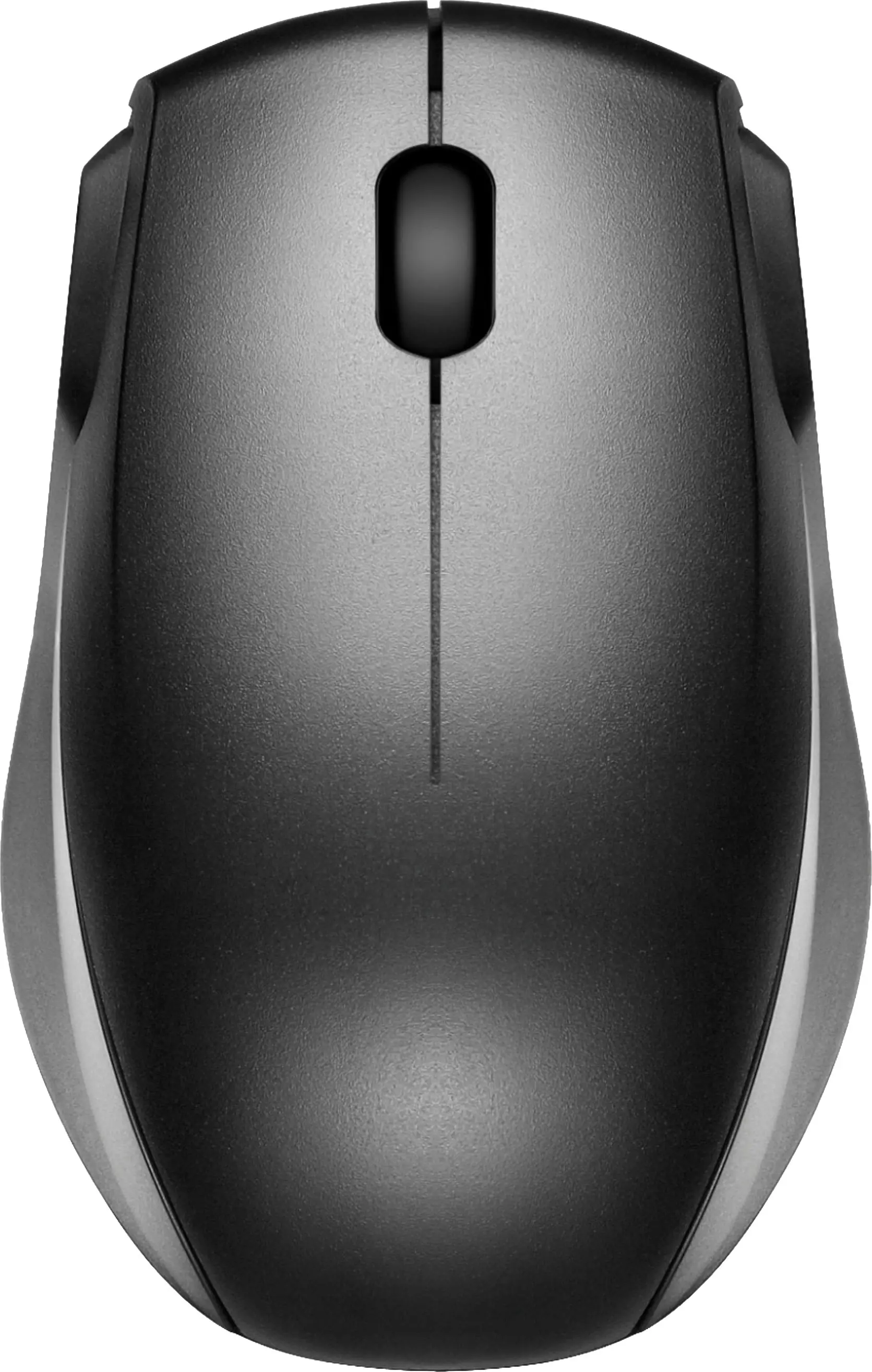 Mice
Mice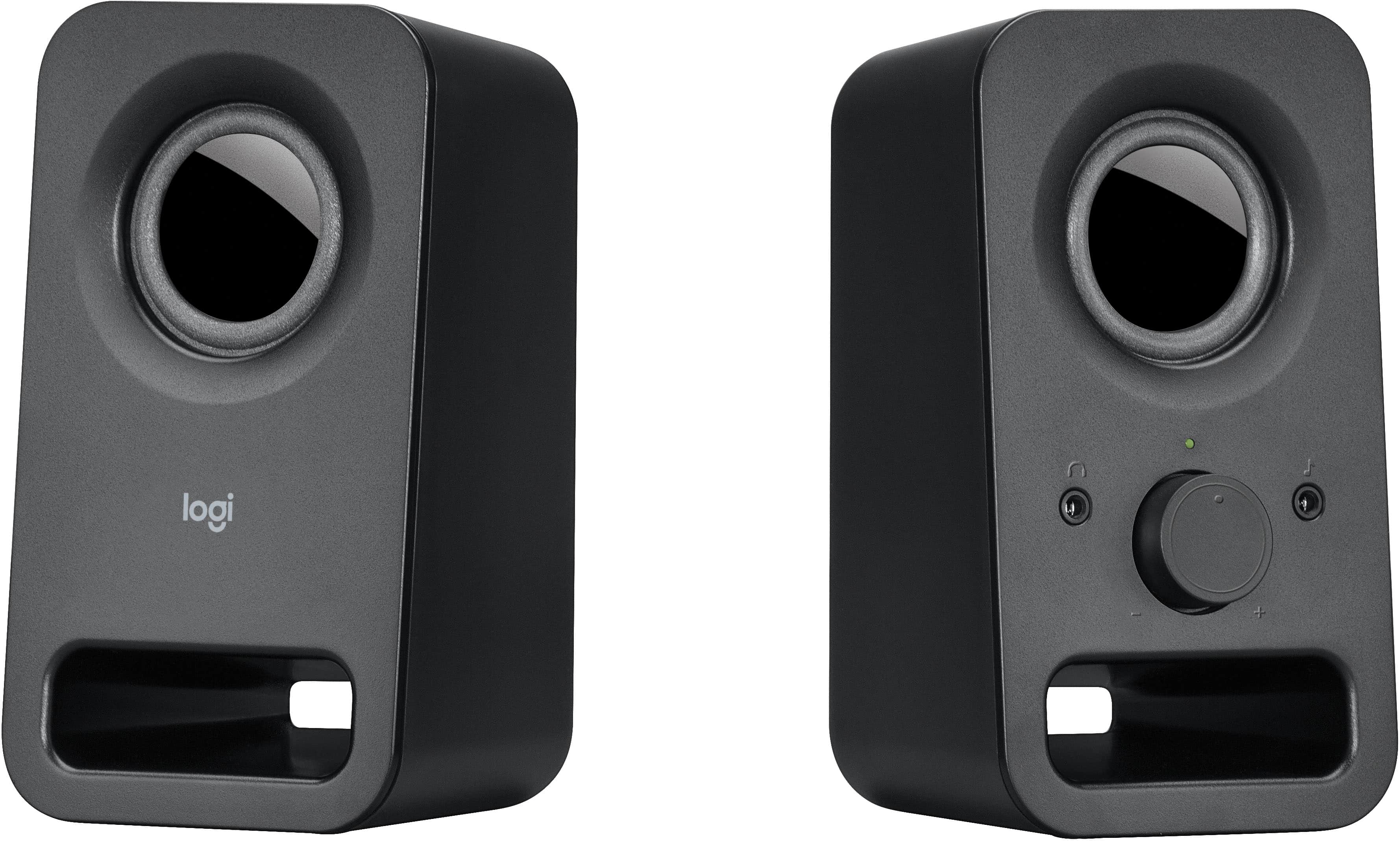 Computer Speakers
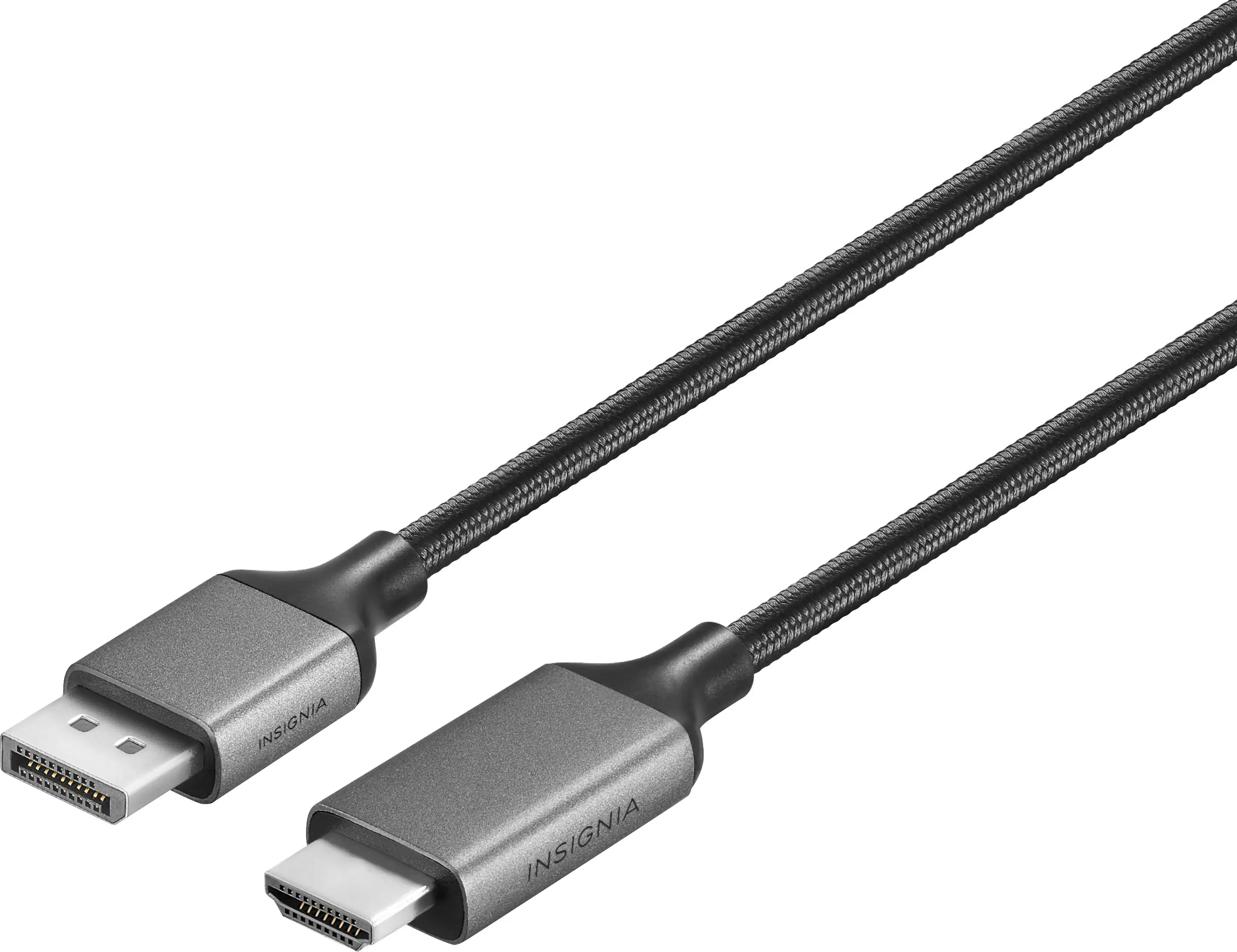 Monitor and Video Cables
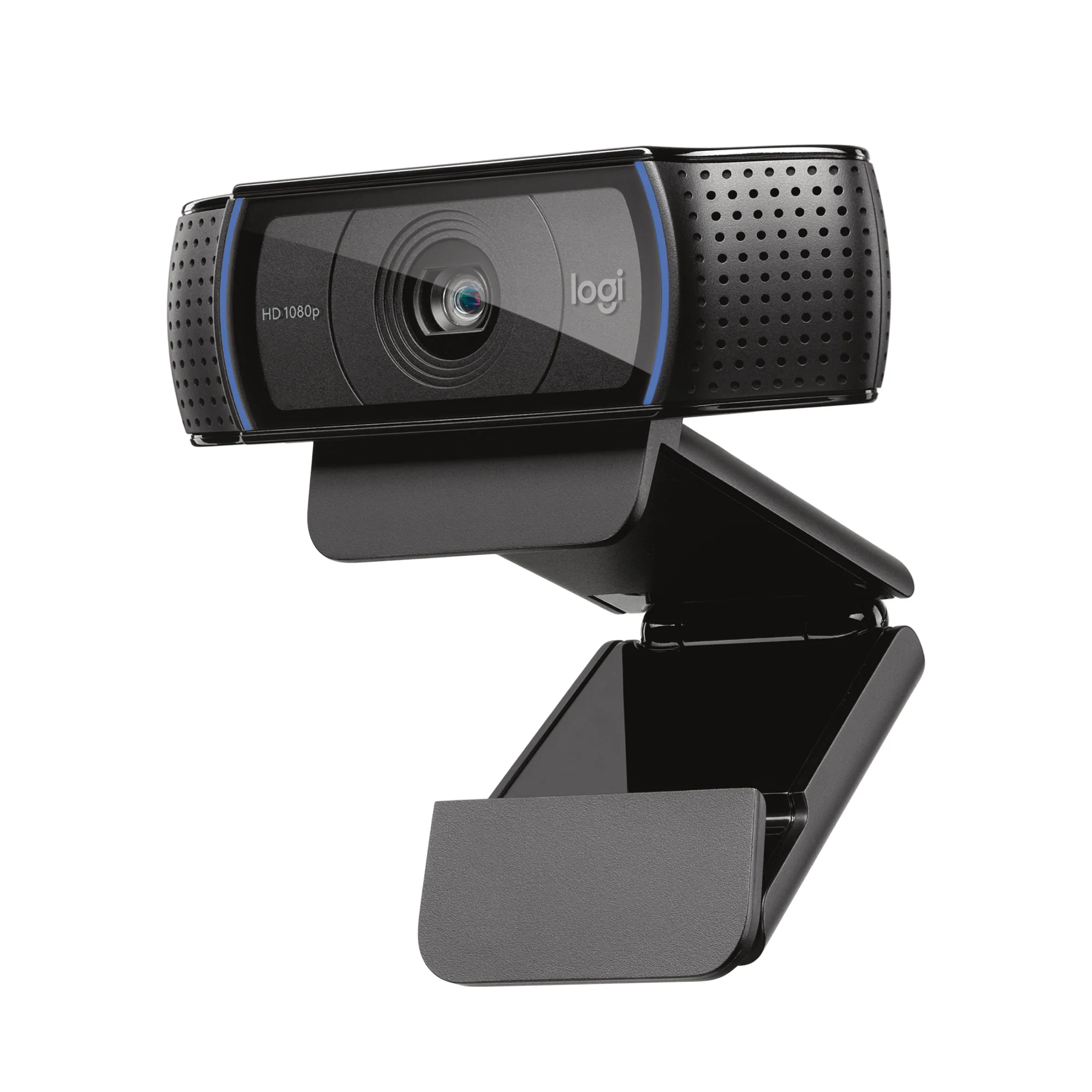 Web Cameras
Customers ultimately bought
 $1,369.99The price was $1,849.06
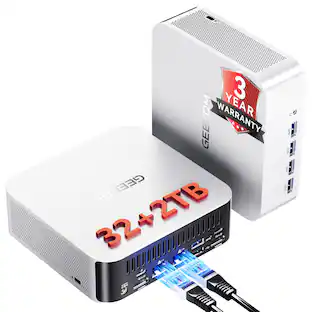

Keep exploring
 $749.99The price was $799.00
 $689.99The price was $700.00
- $1,099.99The price was $1,199.00
 $7,599.99The price was $7,799.99
MSI - Vision ZS Gaming Desktop -R9-9950X3D - 32GB Memory - NVIDIA GeForce RTX 5080 - 2TB SSD - White
$4,099.99The price was $4,304.22 $1,109.00The price was $1,149.00