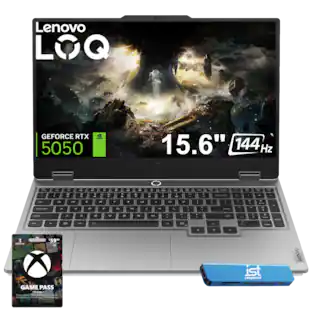
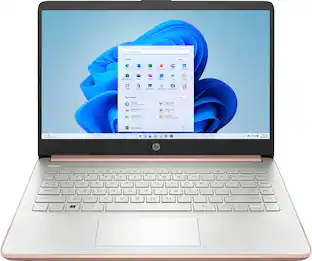
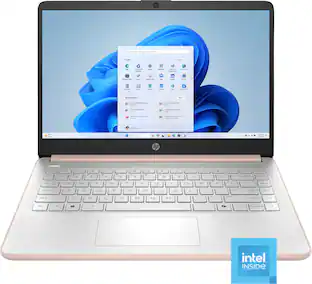
HP - 14" Laptop - Intel Celeron N4500 2021 - 4GB Memory - 64GB eMMC - Snowflake White
Customers are saying
Customers often highlight the impressive overall performance, portability, and lightweight design as the primary reasons they enjoy this product. While many users appreciate the long battery life and aesthetic appeal, some have expressed concerns regarding the processor speed and limited storage capacity. Additionally, a few customers noted occasional issues with screen reliability and felt that the RAM could be insufficient for certain tasks.
Color
Snowflake WhiteHighlights
Windows 11 Home in S Mode
Experience the most secure Windows ever built. With fast boot times, increased responsiveness, and added protection against phishing and malicious software, applications run more smoothly.
Microsoft Copilot
Do more with AI as your personal assistant. Kickstart new projects with relevant answers, simplified solutions, and helpful advice. Copilot in Windows 11 is ready to support you whenever and wherever you need it.
Intel Celeron N4500 processor
Save time and increase productivity with powerful performance and smooth multitasking. Access fast web applications, edit photos and videos, and get the responsiveness you're looking for.
Intel UHD Graphics
Stream content in smooth 4K and play your favorite games in 720p without the need for a dedicated graphics card.
4GB DDR4 Memory (RAM)
DDR4 RAM efficiently accesses and processes your data, while reducing data corruption.
64GB Embedded Multimedia Card (eMMC) Storage
Compact and power-saving solution that provides reliable flash-based storage.
Micro-edge display
With virtually no bezel encircling the display, an ultra-wide viewing experience provides for seamless multi-monitor set-ups.
14-in HD Display
Watch videos and create colorful presentations in excellent, high-definition quality rendered with 1 million pixels. The anti-glare panel lets you enjoy time outside without glare on your screen.
Sleek design
Easily take this thin and light PC from room to room or on the road.
HP Fast Charge
Go from 0 to 50% charge in approximately 45 minutes.¹
Up to 12 hours of battery life
A long lasting charge keeps you up and running all day long.
Wi-Fi 6 (2x2) and Bluetooth 5.4 wireless card
Expect faster speeds and improved performance for connecting multiple devices in your household.
Tuned Stereo Speakers
Custom-tuned dual speakers are put through rigorous testing and refinement to deliver exceptional audio quality.
Dual array microphones
With two microphones and advanced noise reduction technology, you'll always sound crystal clear when you video chat or record.
HP True Vision HD Camera
Video chat with vibrant clarity, even in low light.
Ports
1 Multi-format SD media card reader, 1 USB Type-C (5Gbps signaling rate), 2 USB Type-A (5Gbps signaling rate), 1 Headphone/microphone combo, 1 AC Smart pin, 1 HDMI 1.4b
Weighs 3.24 lbs. and measures 0.71" thin
Incredibly lightweight design supports maximum portability while providing the computing power of an Intel processor. 3-cell, 41 Wh Li-ion battery.
Microsoft 365
Bring your ideas to life with the included one year subscription of Microsoft 365 including Word, Excel, and PowerPoint. Now with smart assistance features to make all you do more powerful.
- Screen Size14 inchesScreen Resolution1366 x 768 (HD)Touch ScreenNoBrightness250 nitsProcessor ModelIntel Celeron
Reviews
Rating 4.2 out of 5 stars with 568 reviews
- Overall Performance (235)
- Portability (85)
- Battery Life (29)
- Size (15)
- Color (14)
- Speed (28)
- Storage Capacity (27)
- Heat Dissipation (9)
- RAM (5)
Customer Images
The vast majority of our reviews come from verified purchases. Reviews from customers may include My Best Buy members, employees, and Tech Insider Network members (as tagged). Select reviewers may receive discounted products, promotional considerations or entries into drawings for honest, helpful reviews.

Compare similar products

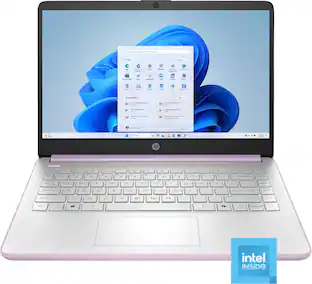
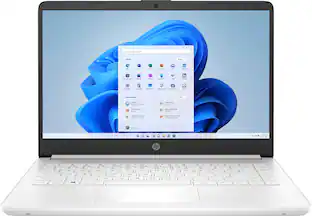
Performance to do more. All-day long. Designed to keep you productive and entertained, this HP 14-inch laptop PC features Copilot key for AI assistance, long battery life and a thin and portable design.

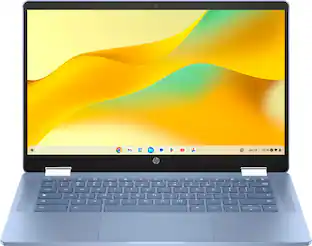
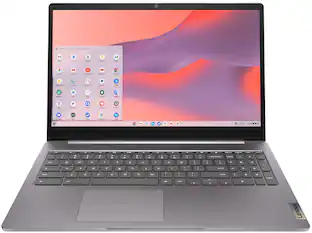
Do less and accomplish more. The HP Chromebook 14-inch brings a reliable Intel processor, 14-inch high definition screen, dual speakers, and dependable Wi-Fi technology, so you can easily knock out any assignment, listen to music, or stream your favorite videos and games.
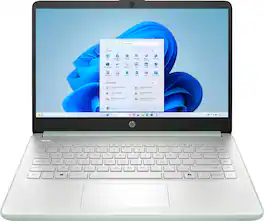
Performance to do more. All-day long. Designed to keep you productive and entertained, this HP 14-inch laptop PC features Copilot key for AI assistance, long battery life and a thin and portable design.
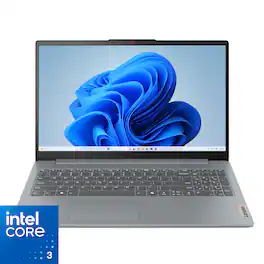
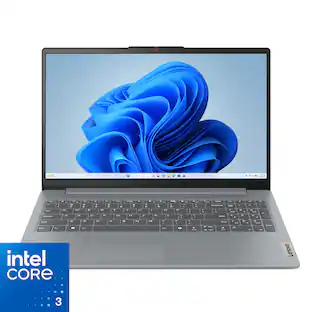
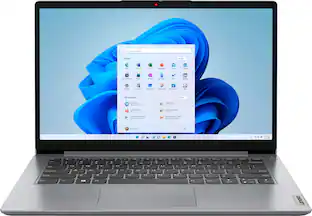
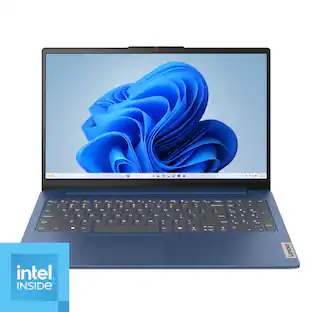
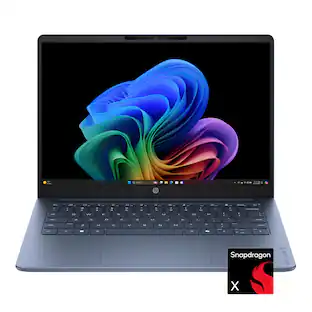
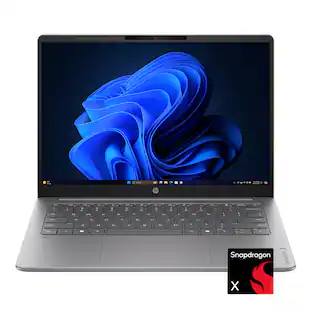
Impossibly slim, the Lenovo IdeaPad Slim 3i is amazingly dynamic and remarkably smart to take your work and play to the next level. Combined with an array of AI-driven productivity features, you’ve got the full works right in your hands.
| Pros for HP - 14" Laptop - Intel Celeron N4500 2021 - 4GB Memory - 64GB eMMC - Snowflake White | |||
|---|---|---|---|
| Overall Performance, Portability, Battery Life, Size, Color | Overall Performance, Portability, Battery Life, Speed, Size | Overall Performance, Portability, Battery Life, Speed, Color | There were no pros for this product— |
| Cons for HP - 14" Laptop - Intel Celeron N4500 2021 - 4GB Memory - 64GB eMMC - Snowflake White | |||
| Storage Capacity, Heat Dissipation, RAM, Speed | Screen Quality, Storage Capacity, Heat Dissipation | Screen Quality, Storage Capacity, RAM | There were no cons for this product— |
Specs
Customers often buy these together
Office Software




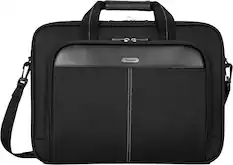
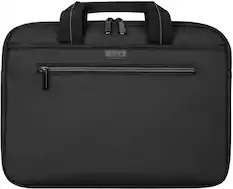
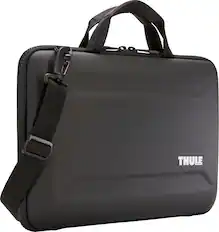
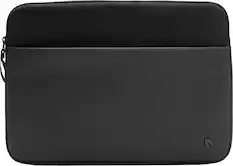
Laptop Bags and Cases
More recommended items
 Mice
Mice Antivirus and Internet Security Software
 Monitors
 Headphones
 Inkjet Printers
More to consider
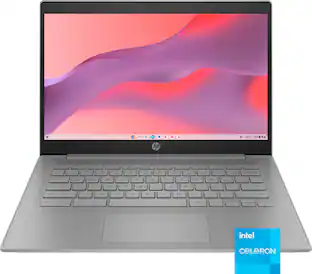 New Limited Time Deal$189.00The price was $399.00
 $384.90The price was $499.99
 60th Anniversary Deal$199.99The price was $349.99
 60th Anniversary Deal$189.00The price was $419.00
 $314.00The price was $399.00
 60th Anniversary Deal$179.00The price was $379.00
 $219.99The price was $249.00
 New Limited Time Deal$269.99The price was $399.99
Explore tech essentials Sponsored
 60th Anniversary Deal$599.99The price was $699.99
- 60th Anniversary Deal$189.00The price was $419.00
- New Limited Time Deal$189.00The price was $399.00
 60th Anniversary Deal$499.99The price was $599.99
 60th Anniversary Deal$199.99The price was $349.99
 60th Anniversary Deal$699.99The price was $799.99
Discover related products
 60th Anniversary Deal$11.99The price was $19.99
 $249.99The price was $275.00








Keep exploring
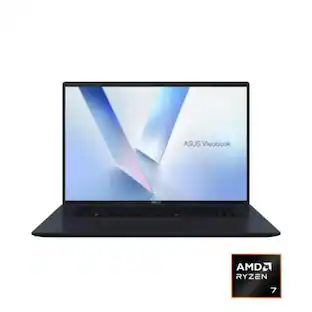 60th Anniversary Deal$889.99The price was $999.99
 60th Anniversary Deal$1,649.99The price was $1,799.99
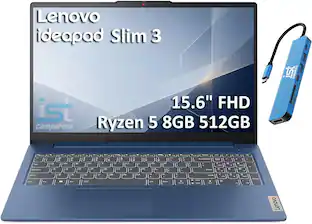 $539.99The price was $899.99
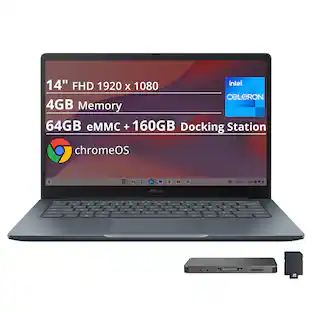 $269.00The price was $519.00
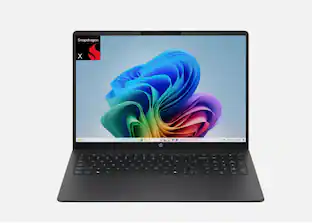 $529.99The price was $584.99