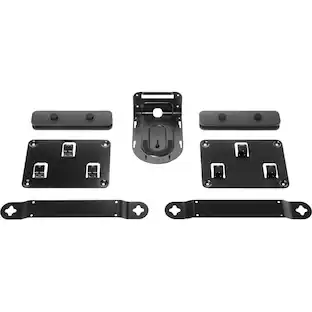
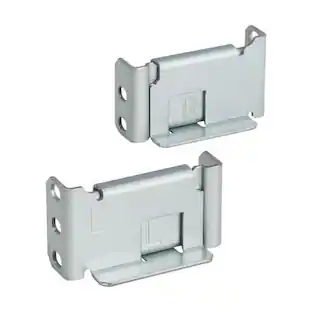
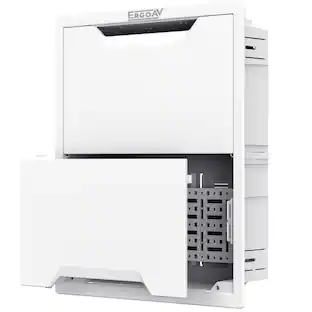
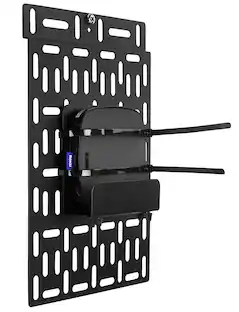
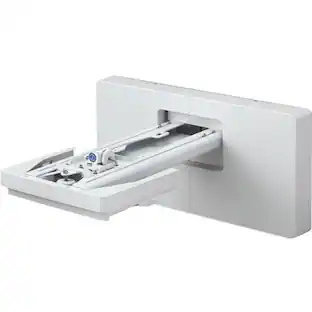
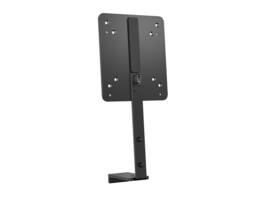
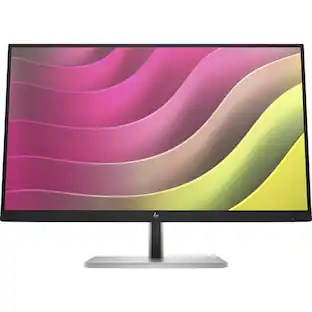
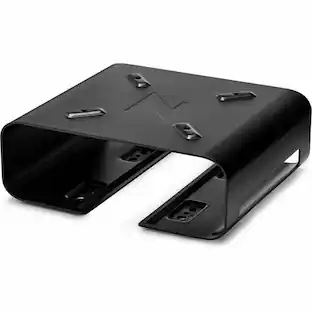
HP - B560 PC Mounting Bracket - Black
About this product
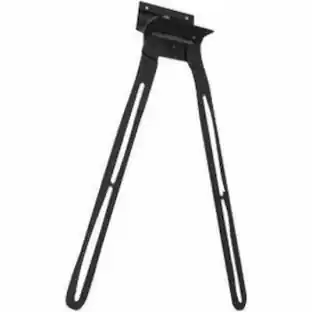
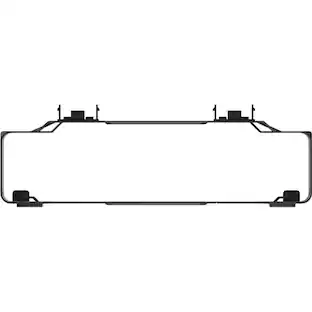
HP B560 PC Mounting Bracket
Features
Mounting Bracket for HP B560 PC
HP B560 PC Mounting Bracket
Specifications
- BrandHPModel NumberB560Product NameHP B560 PC Mounting BracketColorBlackAccessory TypeMountingCompatibilityE-Series G5/Series 5 Pro/Series 7 Pro
Reviews
This product doesn't have any reviews yet.

Compare similar products
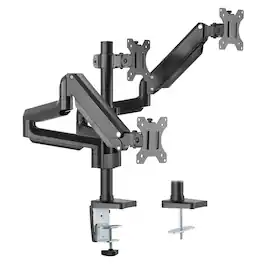
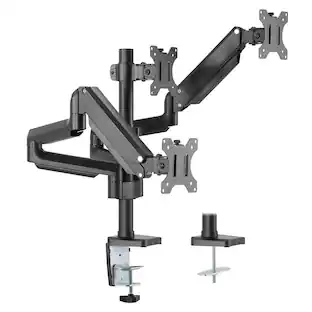
Transform your workstation with the Mount-It! Triple Monitor Mount featuring smooth gas spring arms for effortless positioning. Designed to support three monitors, this full-motion desk mount allows height adjustment, tilt, swivel, and 360° rotation to create an ergonomic multi-screen setup. Ideal for professionals, gamers, and multitaskers, it helps free up desk space while improving comfort and productivity. Clamp and grommet mounting options ensure a secure and flexible installation.
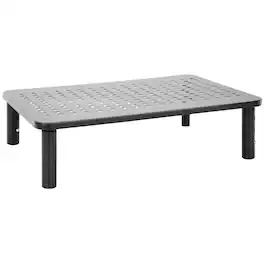
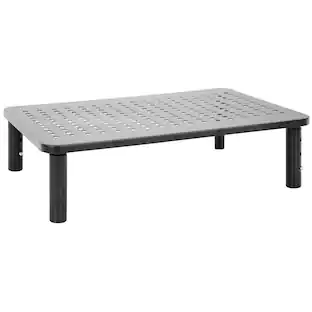
Create a more comfortable and organized workspace with the Mount-It! Adjustable Desktop Riser Stand. Designed for laptops, monitors, and small desktop devices, this sturdy metal stand raises screens to a more ergonomic viewing height to help reduce neck, back, and shoulder strain. Three adjustable height levels allow you to customize your setup for improved comfort throughout the day. The open space underneath provides convenient storage for keyboards, notebooks, and office accessories, helping keep your desk clutter-free. Built with a durable metal frame and protective silicone pads, this riser supports screens from 11" to 32" and holds up to 44 lbs while protecting your desk surface from scratches. Its modern ventilated design also promotes airflow to help keep devices cooler during use.
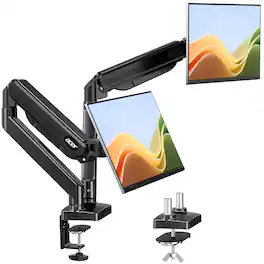
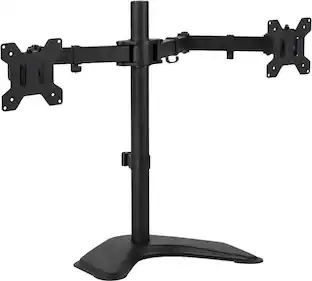
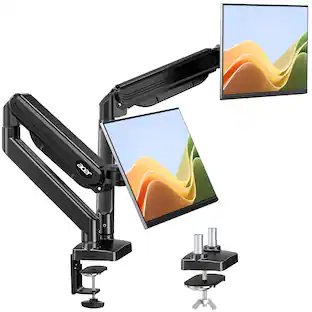
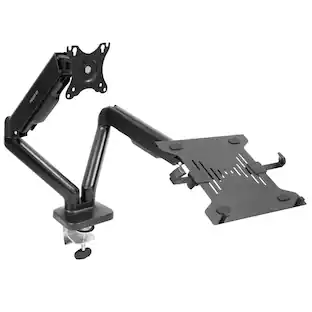
Raise your dual monitors and instantly free up desktop space. This monitor mount supports 17–32 inch monitors, with a single-screen load capacity of 4.4–19.8 lbs, and is VESA (75×75/100×100 mm) compliant. Reclaim your valuable desk space by lifting monitors, instantly creating a cleaner, more organized, and efficient workstation.
Specs
Be the first to ask a question.
We’ll try to get your question answered within 24 hours by a Best Buy customer or brand representative.
Customers often buy these together
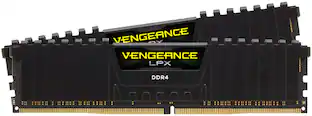
CORSAIR VENGEANCE LPX 32GB (2x16GB) DDR4 3200MHz C16 UDIMM Desktop Memory
$259.99The price was $315.99
More to consider
Explore tech essentials Sponsored
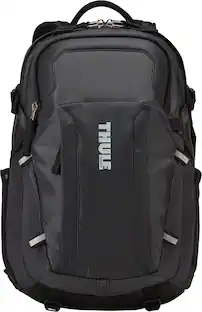
Thule EnRoute 27L Escort 2 Backpack for 15.6" Laptop w/ 10.1" Padded Tablet Sleeve, Crushproof SafeZone, & Water Bottle Holder
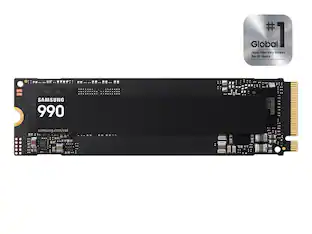
Clearance$104.99The price was $149.95Samsung Internal SSD 990 1TB, Read/Write Speeds Up to 7,250/6,450 MB/s (MZ V9V1T0B/AM)
$189.99The price was $229.99

Keep exploring
Logitech Rally Mounting Kit for the Logitech Rally Ultra-HD ConferenceCam
$185.61The price was $194.49