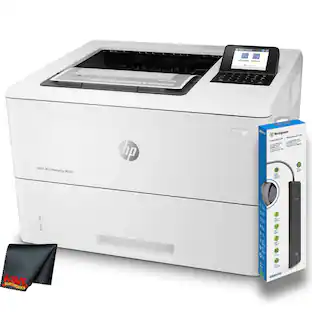
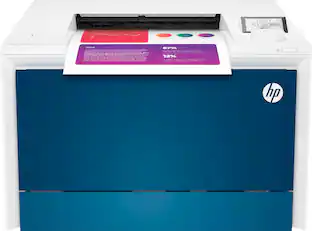
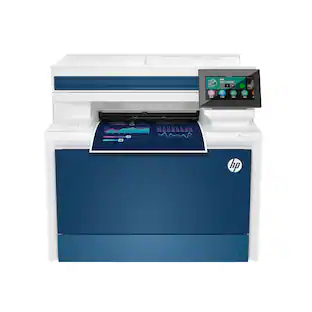
HP - LaserJet Pro 4201dw Wireless Color Laser Printer - White/Blue
Customers are saying
Customers love the excellent print quality of the product. They consistently praise its high-quality output.
Everything small teams need
Print professional-quality color documents and reports plus auto 2-sided printing. Perfect for up to 10 people.
Stays connected
Intelligent Wi-Fi looks for the best connection to stay online and ready to print
Do more in fewer steps.
Simple shortcuts allow you to complete common tasks with just a touch.
Blazing fast color
Up to 35 color pages per minute, with sharp details and incredible color
Print from any device
Wireless printing from any mobile device, PC or tablet. Ethernet and Bluetooth included. Works with Microsoft, Mac, AirPrint, Android, Chromebook and more.
Protects your data
Includes HP Wolf Pro Security with customizable settings so your printer and information are always secure
Sustainable printing
Redesigned Original HP TerraJet Cartridge for reduced plastic use and energy consumption when printing.
Reduce your footprint.
HP Auto-On/Auto-Off technology optimizes printer energy usage and costs.
¹This printer is intended to work only with cartridges that have a new or reused HP chip, and it uses dynamic security measures to block cartridges using a non-HP chip.
- NetworkingWirelessENERGY STAR CertifiedYesPrinter TypePrinterDuty CycleUp to 50,000ISO Color Print Speed35 pages per minuteMonochromatic/ColorColor
Reviews
Rating 3.6 out of 5 stars with 11 reviews
- Print Quality (7)
Customer Images
The vast majority of our reviews come from verified purchases. Reviews from customers may include My Best Buy members, employees, and Tech Insider Network members (as tagged). Select reviewers may receive discounted products, promotional considerations or entries into drawings for honest, helpful reviews.


- HP - LaserJet Pro MFP 3301sdw Wireless AI-Enabled Color All-in-One Laser Printer - White$439.00The price was $539.00
- HP - LaserJet M140w Wireless AI-Enabled Black and White Laser Printer - White$139.00The price was $209.00
- HP - LaserJet Pro MFP 3101sdw Wireless AI-Enabled Black-and-White All-in-One Laser Printer - White$229.99The price was $349.99


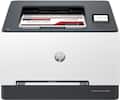
Compare similar products

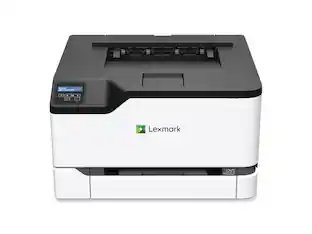
Get vibrant laser-quality color and powerful productivity with the Color LaserJet Pro 4201dw. Super fast and super easy with advanced features for small teams.
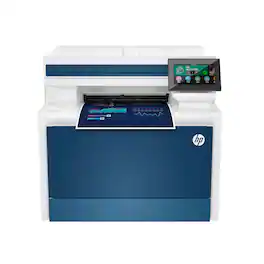
From America's most trusted printer brand, the Color LaserJet Pro MFP 4301fdw provides vibrant laser-quality color and powerful productivity. Super fast and super easy with advanced features for small teams.
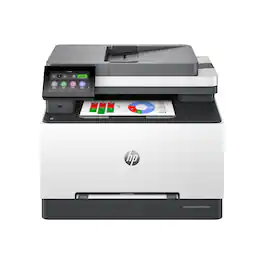
Get ground-breaking multifunction performance, ultra-fast color speeds and wireless connectivity for an effortless and secure printing experience with the Color LaserJet Pro MFP 3301sdw.

Designed for business work teams that need professional performance with fast, high quality two-sided color printing, laser productivity, and award-winning reliability in a space-saving design. Reliable, high-quality color wireless printing for your office or small business.
| Pros for HP - LaserJet Pro 4201dw Wireless Color Laser Printer - White/Blue | |||
|---|---|---|---|
| Print Quality | Print Quality, Ease of use, Overall Performance, Setup, Noise Level | Print Quality, Overall Performance, Setup, Ease of Use, Connectivity | Print Quality, Ease of use, Overall Performance, Size |
| Cons for HP - LaserJet Pro 4201dw Wireless Color Laser Printer - White/Blue | |||
| There were no cons for this product— | Weight, Size, Software | Weight | Connectivity |
Specs
I am looking for a color printer that will take 100 LB or more cover cardstock and print in vibrant colors for cards. Will this printer do the job? Will a Laser printer give me the same color quality as an inkjet?
Answered by HP TeamHello and thank you for asking. The HP Color LaserJet Pro 4210dw is only rated up to 61lb. cover stock (163 grams/square meter), where the current HP OfficeJet Pro printers are rated up to 110 lb. cover stock (300 grams/square meter).

How do I scan a page or make 2 sided papers?
Answered by HP TeamHello. Thanks for your question. The HP LaserJet Pro 4201dw Printer doesn't have a scanner. You can use the HP Smart app to scan with your smartphone or tablet.
what's the nob that in front of the LCD display window?
Answered by HP TeamHello and thank you for asking. The HP Color LaserJet Pro 4201dw has a 4-line LCD with LED backlight that show the printer options menu. You use the twist and click knob to find and select the various printer functions on that menu.
Can I print wirelessly from my phone or tablet?
Yes, the printer allows wireless printing from any mobile device, PC or tablet.
This question and answer was generated by AI based on customer and product data.What is the HP Wolf Pro Security feature?
HP Wolf Pro Security provides customizable settings to help keep your printer and information secure.
This question and answer was generated by AI based on customer and product data.
Customers often buy these together
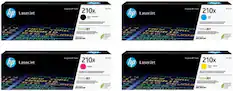
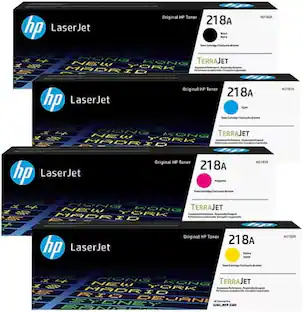
Toner Cartridges
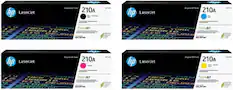




More to consider
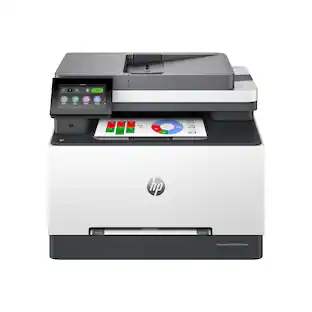 $439.00The price was $539.00

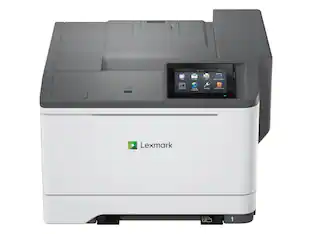
Explore tech essentials Sponsored
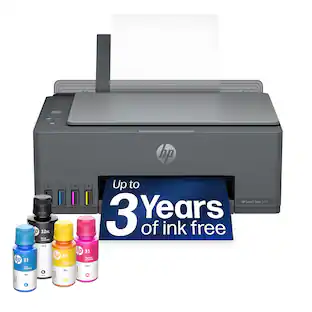 Top Deal$169.99The price was $189.99
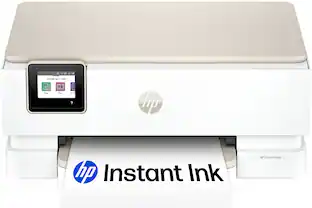 $119.89The price was $219.89
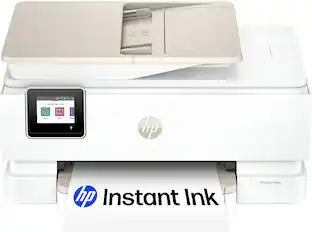 $159.89The price was $239.89

Discover related products
 $1,599.99The price was $1,799.99
 $12.99The price was $13.99
 $143.99The price was $144.99








Keep exploring
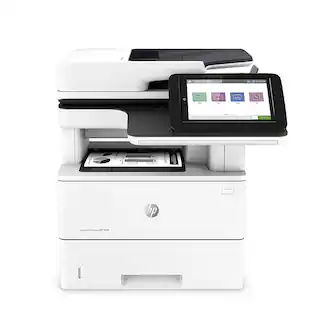 $1,606.99The price was $2,069.95
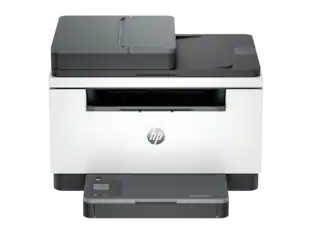 $179.00The price was $239.00
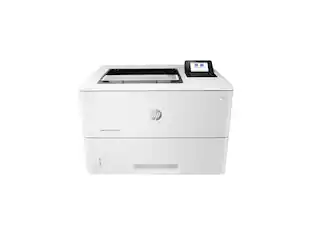 $879.87The price was $954.49
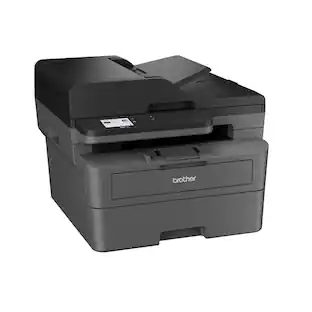 $429.99The price was $434.99
 $499.00The price was $557.88
 $569.99The price was $616.34