HP - Refurbished Excellent - OmniBook 5 - 14" 2K OLED Touch-Screen Laptop - Snapdragon X Plus 2025 - 16GB Memory - 512GB SSD - Copilot+ PC - Glacier Silver
About this product
Built for advanced performance and seamless productivity, with an ultra-thin profile and HP AI Companion to act as your on-device personal assistant. Streamline your workflow with the AI-driven Snapdragon processor and an incredible battery life that holds up to heavy multitasking and intensive workloads. Stunning audio-visual experiences with the 1080p infrared camera and OLED display keep you looking and sounding your best.
Highlights
Features
Up to 34 hours battery life¹ ²
Feel free to leave your charger at home. The incredible 34-hour battery life lasts as long as your weekend trip, so you can pack even lighter.
14" 2K OLED touchscreen with OLED
Everyday productivity is boosted by rich colors and crisp visuals on the OLED touch display with 1920x1200 resolution. Enhance your device’s durability with Corning Gorilla Glass 3, engineered for unparalleled scratch resistance. It helps reduce accidental damage with strong, more durable protection than most displays. Multitouch-enabled, 0.2 ms response time, UWVA, edge-to-edge glass, 95% DCI-P3.
Windows 11 Home operating system
All the best elements of Windows 10, with added features to make it easier to log in to start working, gaming, or creating.
Snapdragon X Plus X1P-42-100 processor with Qualcomm Hexagon NPU (45 NPU TOPS)
Experience high-performance graphics and rich user experiences while optimizing power consumption. Elevate your mobile UI, games, and advanced graphics applications with fast responsiveness and superior mobile connectivity.
16GB LPDDR5x Memory (RAM)
Experience speedy and responsive performance with power efficiency. Designed to support higher data rates with less latency, plus faster file transfers and application load.
512GB Solid State Drive (SSD) storage
With high-speed data transfer, the PCIe Gen4 NVMe M.2 SSD offers fast speed and efficient storage.
Qualcomm Adreno GPU
Experience high performance graphics and rich user experiences while optimizing power consumption. Elevate your mobile UI, games and advanced graphics applications with fast responsiveness and superior mobile connectivity.
Wi-Fi 6E (2x2) Dual Band Simultaneous and Bluetooth 5.3
Unlock unprecedented wireless performance by harnessing the power of the 6 GHz spectrum for faster speeds and enhanced connectivity.
HD Audio with stereo speakers
Through rigorous testing and refinement, HP custom-tunes the dual speaker setup in every notebook for exceptional stereo quality.
HP Audio Boost 2.0
Feel and hear state-of-the-art sound with the next generation of HP Audio Boost powered by Smart Amp technology—providing louder, richer sound and making music or sound effects feel more dynamic.
HP Fast Charge
Go from 0 to 50% charge in approximately 30 minutes.
HP True Vision FHD IR camera
Video chat with peace of mind with a privacy camera you can close when not in use. The infrared sensor gives you the added security of Windows Hello, for a safer way to log in to your computer.
Exclusive on-device Copilot+ PC experiences
Copilot+ PC brings exclusive on-device AI experiences designed to accelerate productivity and creativity. With powerful performance for unique AI experiences and the most advanced Windows security, you can find mission-critical information fast, turn ideas into action, respond quickly to customers, and safeguard your most sensitive data.
Poly Camera Pro
Elevate your video calls with help from AI to enhance virtual interactions, customizable settings and professional grade features across all collaboration and streaming apps, without sacrificing performance or battery.
Advanced AI Noise Reduction
Enjoy clearer team conversations with AI noise reduction. Using the Advanced Personal Mode, it tracks only your voice during conference calls while automatically filtering out noises and other speakers for distinctively focused communications.
Next Gen AI Apps
The new HP AI Companion app increases your productivity with a collection of AI tools and solutions. Describe or draw your vision with text or image prompts and watch Paint Cocreator generate an interpretation of it. Live Captions turns spoken words in video calls and movies into English subtitles in real time. Super Resolution uses AI to upscale your games in real time to deliver the visuals you crave, without the performance hit.
Microsoft Copilot
Do more with AI as your personal assistant. Kickstart new projects with relevant answers, simplified solutions, and helpful advice. Copilot in Windows 11 is ready to support you whenever and wherever you need it.
Otter.ai
This AI assistant can record audio, write notes, automatically capture slides, record, transcribe, and generate meeting summaries so that you can save time and stay organized.
Ports
2 USB Type-C (10Gbps signaling rate, USB Power Delivery 3.0, DisplayPort 1.4a, HP Sleep and Charge), 1 USB (Type-A 10Gbps signaling rate), 1 Headphone/microphone combo
McAfee Deepfake Detector
Browse freely knowing we'll alert you in seconds if you're watching a deepfake. McAfee Deepfake Detector, powered by Smart AI, identifies manipulated audio and AI-generated media and is processed locally on the NPU for privacy.
Windows Studio Effects
Experience next generation video calls enabled by AI. Keep everyone in view with automatic framing while staying connected with eye contact. Experience better privacy with background blur and choose optional portrait effect to soften background and have an aesthetic look.
Weighs 2.9 lbs. and measures 0.50" thin
The OmniBook 5 is designed for your on-the-go lifestyle, packing in advanced performance for heavy multitasking in an ultra-thin profile.
Making responsible choices
Designed using responsible materials like ocean-bound and post-consumer recycled plastic, and recycled metal to help drive progress toward a more sustainable future.
Try PC Game Pass for free
Play hundreds of high-quality PC games on your new HP device with 3 free months of PC Game Pass – including EA play. With new games being added all the time, there’s always something new to play.
Specifications
- Screen TypeUWVAScreen Size14 inchesScreen Resolution1920 x 1200 (Full HD+)Touch ScreenYesBrightness300 nits
Reviews
This product doesn't have any reviews yet.


Compare similar products
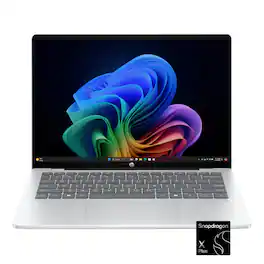
Built for advanced performance and seamless productivity, with an ultra-thin profile and HP AI Companion to act as your on-device personal assistant. Streamline your workflow with the AI-driven Snapdragon processor and an incredible battery life that holds up to heavy multitasking and intensive workloads. Stunning audio-visual experiences with the 1080p infrared camera and OLED display keep you looking and sounding your best.
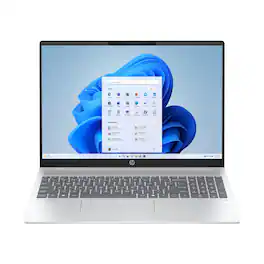
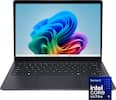
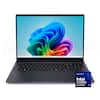
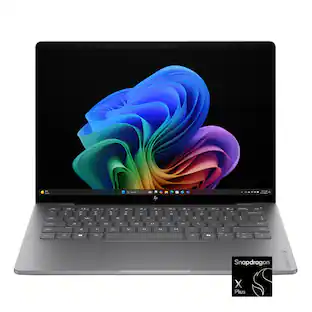
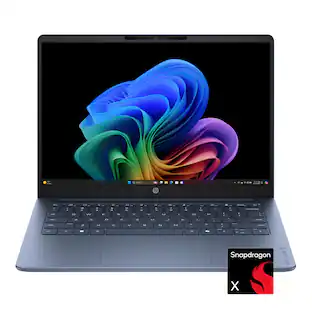
The HP OmniBook 5 Laptop Next Gen AI 14-he0245dx is a high-performance Copilot+ PC designed for AI-driven productivity. It features the Snapdragon X Plus processor, an integrated Qualcomm Hexagon NPU for AI tasks, and a vivid OLED touchscreen.
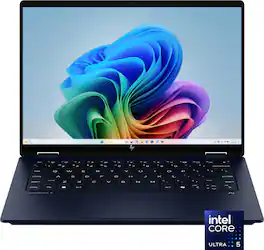
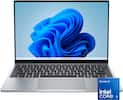
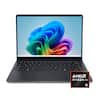
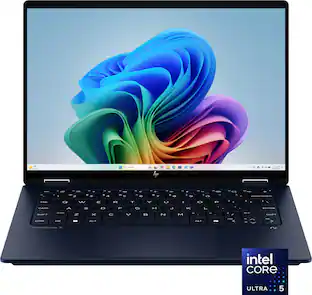
Take your creativity to go with the thin and light HP OmniBook X Flip 14 Next Gen AI PC. Multiple modes enable you to work and play from any angle, while a high-resolution edge-to-edge 2K multitouch-enabled display makes every view crisp and clear. An AI-powered Intel Core Ultra processor and an all-day, fast-charging battery ensures that you have the speed, performance, and endurance to create wherever you are. Copilot+ PCs bring exclusive on-device AI experiences designed to accelerate productivity and creativity.
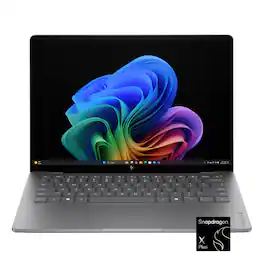
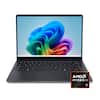
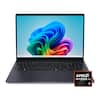
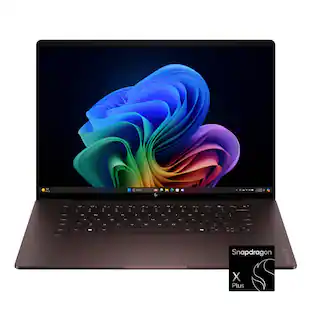
Advanced AI performance and beyond-all-day battery life. Powered by a Snapdragon X Plus processor, the HP OmniBook X 14 PC combines intelligent performance, incredible battery life, and a slim design that travels effortlessly—so you can stay productive anywhere, all day long.
Specs
Be the first to ask a question.
We’ll try to get your question answered within 24 hours by a Best Buy customer or brand representative.
Customers often buy these together
Office Software





Laptop Bags and Cases



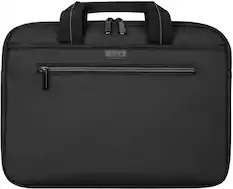
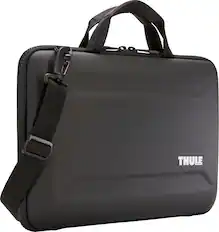
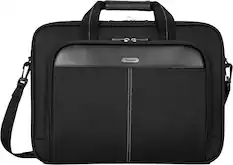
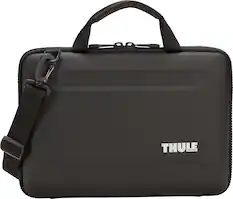
More recommended items
 Mice
Mice Antivirus and Internet Security Software
 Monitors
 Laptop Docking Stations
 Headphones
 Inkjet Printers
More to consider
 $949.00The price was $1,099.99
 $595.19The price was $607.99
 Techtober Deal$549.99The price was $699.99
 Techtober Deal$749.99The price was $1,199.99
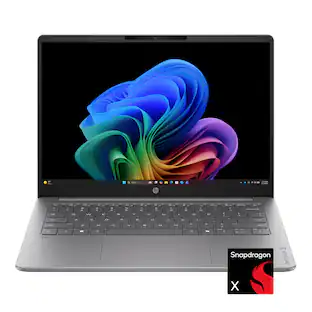 Techtober Deal$529.99The price was $699.99
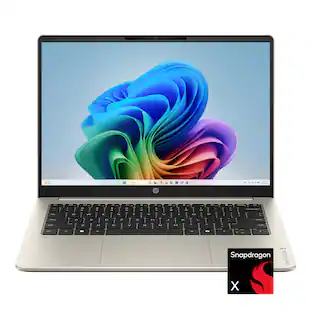 $709.00The price was $759.00
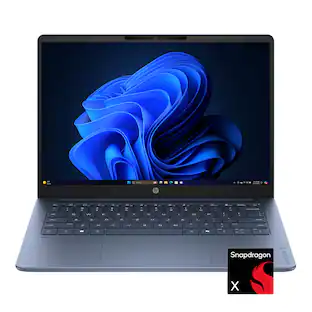 Techtober Deal$429.99The price was $599.99
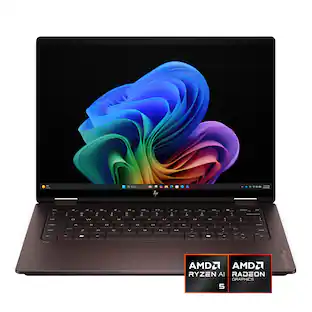 Techtober Deal$699.99The price was $1,299.99
 Techtober Deal$629.99The price was $799.99
 $939.00The price was $969.99
 Techtober Deal$749.99The price was $1,199.99
Explore tech essentials Sponsored
- Techtober Deal$749.99The price was $1,199.99
 Techtober Deal$179.00The price was $349.00
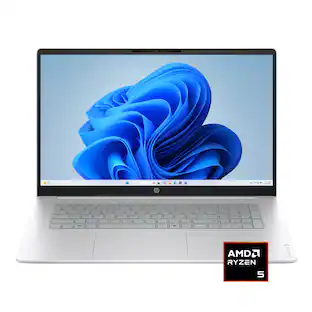 Techtober Deal$699.99The price was $849.99
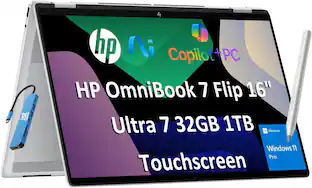 $1,199.99The price was $1,249.99
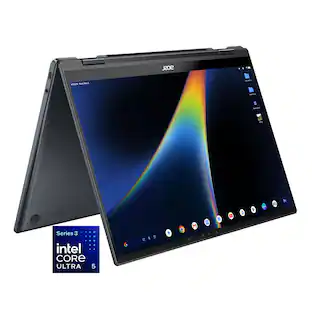
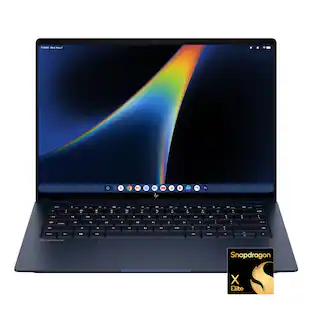
Discover related products
 $799.99The price was $999.00
 $434.99The price was $499.00
 $593.99The price was $659.99
 $249.00The price was $275.00
 Techtober Deal$10.99The price was $13.99
 $1,377.99The price was $1,409.33








Keep exploring
 $569.99The price was $1,249.99
 $819.99The price was $2,399.99
 $589.99The price was $949.99
 $550.00The price was $559.00