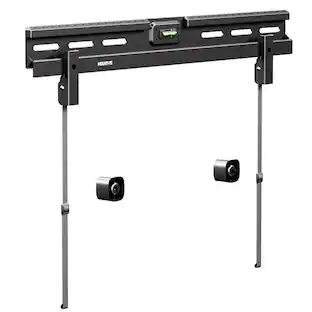
Insignia™ - Desktop Mount for Monitors up to 35” Wide - Black
Customers are saying
Customers find value in the product's impressive stability and solid build quality, which are the most frequently praised features. Users also appreciate the effective cable management system and the straightforward assembly process. While the mounting performance is generally reliable, some customers have noted concerns regarding the height of the stand and its ability to support heavier monitors.
Wide compatibility
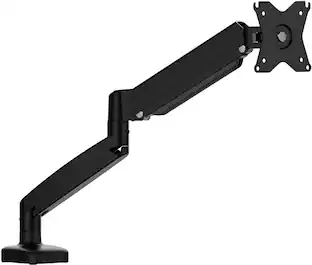
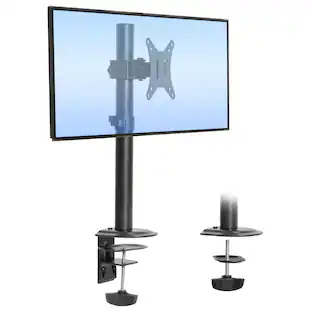
Supports monitors up to 35 in. (88.9 cm) in landscape mode or up to 28 in. (71.12 cm) in portrait mode.
Adjustable positioning
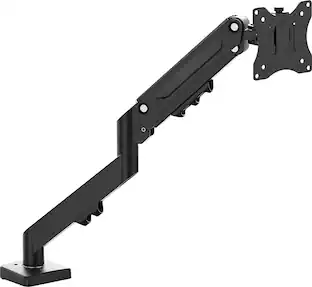
Display can tilt (+/- 45°), swivel (+/- 90°) and rotate (360°) on the mount to find the perfect viewing option.
Raise your monitor
Support structure raises your monitor from 5.91 to 14.96 in. (15 to 38 cm) with an extension up to 16 in. (40.64 cm).
Cable management system
Neatly tucks away cords and keeps your desktop organized.
Desk mount
Compatible with desks from 0.39 to 3.15 in. (1 to 8 cm) thick with a straight edge.
VESA compatibility
Works with monitors with 50 x 50, 75 x 75, or 100 x 100 VESA mounting patterns.
SPCC (Steel Plate Cold Commercial) and aluminum construction
Sturdy construction securely holds up to 26 lbs. (11.79 kg).
Mounting hardware kit
Includes everything you need for a simple setup.
Assembly required
Assembly required. No tools needed. Save time by adding a Furniture Assembly service to your order, and a Geek Squad installer will come to your home and assemble it for you.
Brought to you by Best Buy
Insignia brings you affordable, dependable products with all the features you need.
- BrandInsignia™Model NumberNS-SMMT2B5Product NameDesktop Mount for Monitors up to 35” WideColorBlackAssembly RequiredYesMount ProfileLow Profile
Reviews
Rating 4.6 out of 5 stars with 182 reviews
- Build Quality (45)
- Stability (45)
- Cable Management (12)
- Assembly (4)
- Mounting Performance (3)
- Size (5)
- Weight (4)
Customer Images
The vast majority of our reviews come from verified purchases. Reviews from customers may include My Best Buy members, employees, and Tech Insider Network members (as tagged). Select reviewers may receive discounted products, promotional considerations or entries into drawings for honest, helpful reviews.
Compare similar products
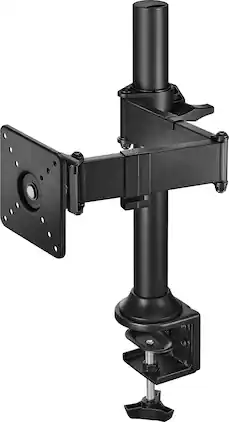
The Insignia Desktop Mount for Monitors up to 35” Wide mounts to the edge of your desk and features a cable management system to keep your space free of cords. Adjust your display’s tilt (+/- 45°), swivel (+/- 90°) or height (extending up to 16 in. or 40.64 cm) to find the perfect positioning. The display easily rotates a full 360° to share your screen with a colleague. Constructed of SPCC (Steel Plate Cold Commercial) and aluminum, the desktop mount can hold monitors up to 35 in. (88.9 cm) and 26 lbs. (11.79 kg). Upgrade your desktop setup with a mount that has it all.

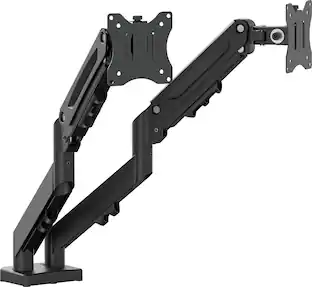
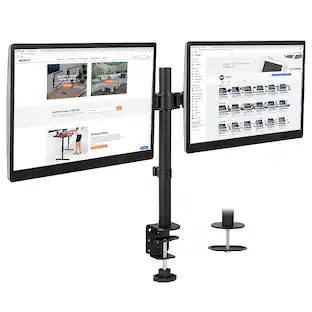
Improve your workspace with a mount that tilts (+/- 45°), swivels (+/- 90°), and raises your computer monitors. The Insignia Dual-Screen Desktop Mount for Monitors up to 32” Wide mounts to the edge of your desk with a cable management system that keeps your space cord-free. Upgrade your desktop setup with the ideal mount for your monitors.
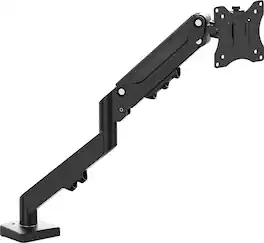
The JTSA107 is a gas spring Monitor Mount. Designed to hold screens as large as 32 inches and weighing up to 8 kg/17.6 lbs., this mount gives you total control over your setup. The advanced gas spring arm allows you to effortlessly adjust your monitor to any height, while a full range of motion—including 1800 swivel, a -450 to +900 tilt, and 3600 rotation—ensures your screen is always at the perfect angle.
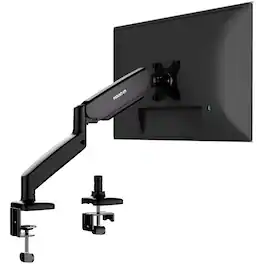
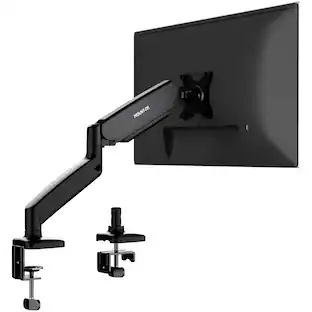
Upgrade your workspace with this Mount-It! Single Monitor Desk Mount featuring a smooth gas spring arm for effortless height adjustment and full motion control. Designed for 13″–32″ screens up to 17.6 lbs, it offers tilt, swivel, and 180° rotation for ideal ergonomic positioning. Includes both clamp and grommet installation options and built-in cable management to keep your desk neat and efficient.
| Pros for Insignia™ - Desktop Mount for Monitors up to 35” Wide - Black | |||
|---|---|---|---|
| Build Quality, Stability, Cable Management, Assembly, Mounting Performance | Build Quality, Stability, Cable Management, Space Efficiency, Ergonomics | Ease of Setup | There were no pros for this product— |
| Cons for Insignia™ - Desktop Mount for Monitors up to 35” Wide - Black | |||
| Size, Weight | There were no cons for this product— | There were no cons for this product— | There were no cons for this product— |
Specs
How far does the clamp open? Max thickness of desktop
Answered by InsigniaCustomerSupportHello Bob, thank you for your question. The clamp on the Insignia™ Desktop Mount for Monitors up to 35” Wide (Model NS‑SMMT2B5) fits tabletops between 0.39 and 3.15 inches (10–80 mm) thick. This is the maximum desk thickness it can support. Vennila | Insignia
can you take the clamp off if you dont want to use it
Answered by InsigniaCustomerSupportDear Customer, thank you for your question. The Insignia™ Desktop Mount for Monitors up to 35" Wide (Model NS‑SMMT2B5) does allow you to remove the desk clamp if you prefer not to use it. The clamp is designed to be detachable so you can switch to the included grommet‑mount option, which lets you secure the stand through a hole in your desk instead of clamping it to the edge. Rafay | Insignia Products
What is the maximum weight this monitor mount can support?
This monitor mount can support up to 26 lbs.
This question and answer was generated by AI based on customer and product data.How much can I adjust the height of the monitor with this mount?
You can raise your monitor from 5.91 to 14.96 inches with an extension up to 16 inches.
This question and answer was generated by AI based on customer and product data.What is the maximum monitor size supported by this mount in portrait mode?
This mount supports monitors up to 28 inches in portrait mode.
This question and answer was generated by AI based on customer and product data.

Customers often buy these together
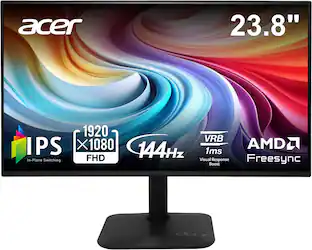 Top Deal$79.99The price was $119.99
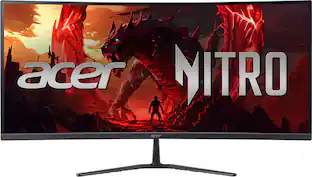 Top Deal$269.99The price was $349.99
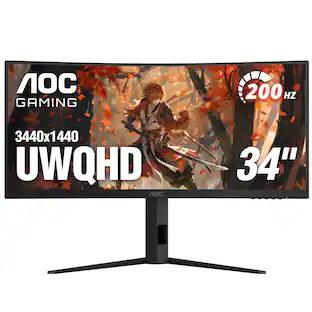 Top Deal$269.99The price was $349.99
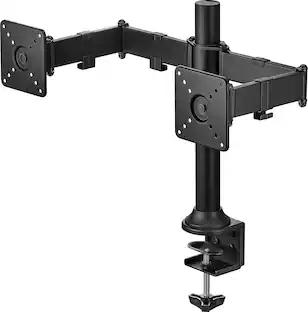

More to consider
Explore tech essentials Sponsored
 $139.99The price was $179.99
Discover related products


Keep exploring
 $28.99The price was $119.99