j5create - USB-C 4-Port Hub - Champagne Metallic
Reviews coming soon
About this product
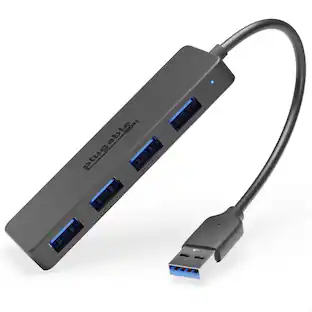
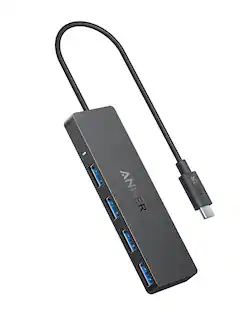
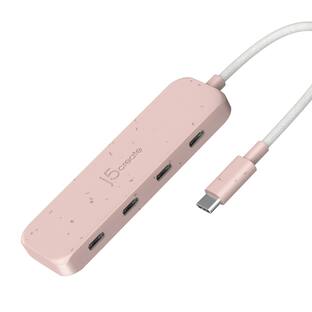
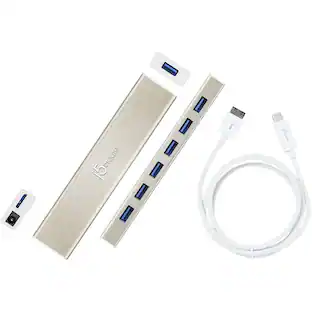
This USB-C 4-port hub expands your laptop connectivity by adding four USB Type-A ports through a single USB-C or Thunderbolt 3 port. By converting your laptop’s USB-C port into four USB Type-A ports, you can continue to use all of your existing USB devices such as your mouse, keyboard and flash drive.
USB 3.0 x 4 Port
SuperSpeed USB 3.1 Gen 1 provides a transfer rate up to 5 Gbps, which is 10x faster than USB 2.0.
USB-C Compatible
Designed to work with computers equipped with the newest USB-C port.
Plug-and-Play
Simply plug the USB-C 4-Port Hub into the device and you're ready to go.
Thin and Sleek Design
Aluminum gold housing with a compact design makes it perfect for travel.
- Number of USB Port(s)4
Reviews
This product doesn't have any reviews yet.
Compare similar products
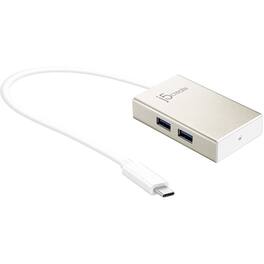
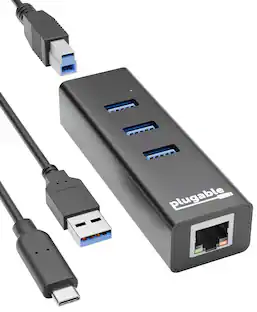
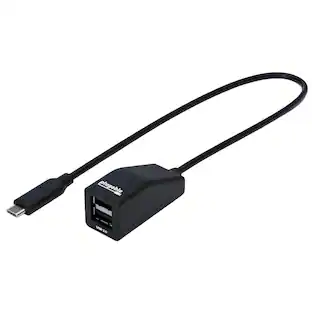
This USB-C 4-port hub expands your laptop connectivity by adding four USB Type-A ports through a single USB-C or Thunderbolt 3 port. By converting your laptop’s USB-C port into four USB Type-A ports, you can continue to use all of your existing USB devices such as your mouse, keyboard and flash drive.
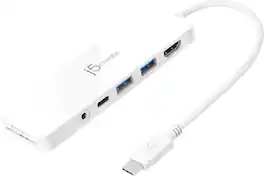
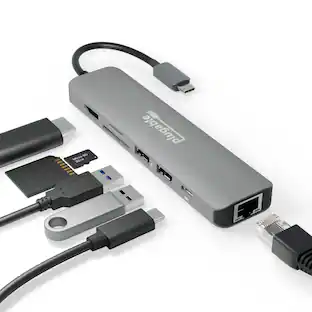
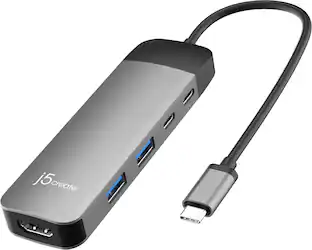
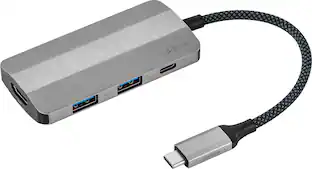
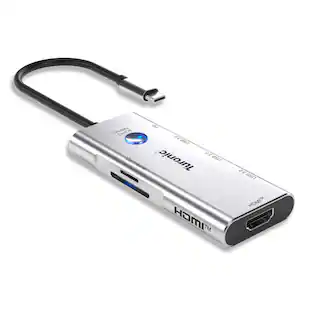
Our USB-C Multi-Port Hub with Power Delivery provides extra connectivity for your computer. This pocket-sized multi-adapter with 2 USB 3.1 Type-A ports allow you to connect an external keyboard, mouse, or USB flash drive. With high-speed transmission up to 5 Gbps, data transfer is quick and easy. The HDMI port allows you to mirror or extend your screen and directly output 4K UHD @ 30 Hz or Full HD 1080p video to an HDTV, monitor, or projector. Equipped with a USB-C Power Delivery 3.0 charging port. It offers charging up to 60W when connected to a USB-C power adapter. The hub also provides direct access to your SD & microSD memory cards. The audio/mic combo jack allows you to connect your headphone set or speakers.
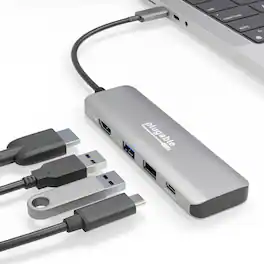
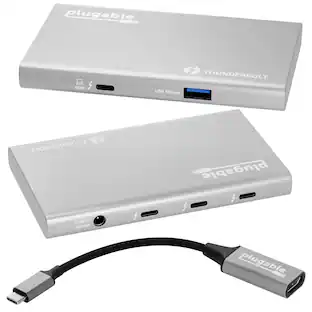
The Plugable 4 in 1 USB-C hub includes a versatile USB-C combo port that can be used for either up to 100W Power Delivery input or 10 Gbps USB-C data, depending on what device is connected. Here’s another area where the USB C adapter excels, extending your display. This USB C to HDMI adapter lets you experience a crisp, clear picture, up to 4K 60Hz. It also offers deeper and more vibrant colors thanks to HDR support. This USB Type-C Digital AV Multiport Adapter is more than an HDMI hub. The convenience continues with a 10Gbps USB port, and a USB 2.0 port so you always have a spot for your legacy peripherals. And on the surface of this portable USBC adapter, a sturdy aluminum case facilitates heat dissipation. 100W Charging - Connect your laptop’s USB-C charger to supply up to 100W pass-through charging. If you don’t need power, use the port for data devices (10Gbps). 4K 60Hz HDR - Extend your screen in stunning 4K 60Hz with HDR support. Compatibility - Works with Windows 10 and newer, macOS 11+, and ChromeOS.

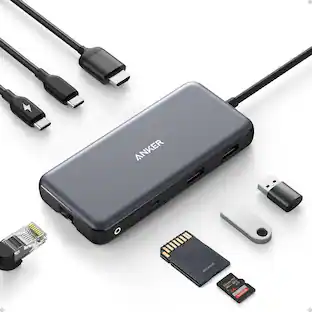
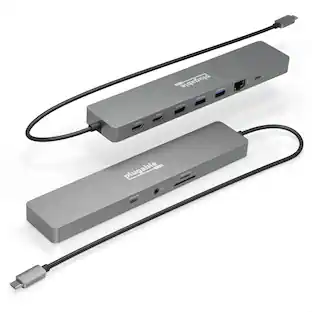
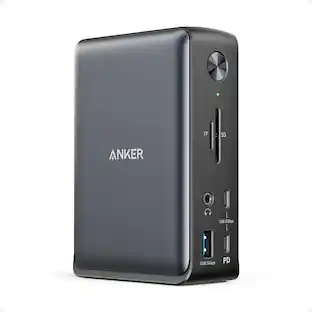
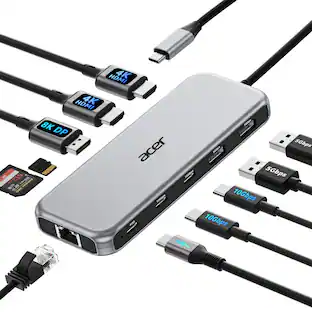
This compact multi-port dock is ideal for office application, featuring everything from the essential two HDMI outputs, USB ports, Gigabit Ethernet, SD/microSD card reader, Audio Jack and an upgraded Power Delivery 3.1 specification. It comes with a mount for saving-space vertical placement and gives you the ability to connect your MacBook or other USB-C compatible laptops to a 4K monitor or TV. With USB Power Delivery 3.1 it’ll take you to a new flexible power application, you'll be able to charge your laptop and power your peripherals with a single USB-C power adapter even if your laptop only has one USB-C port. The top of the dock functions as a wireless charging pad that supports up to 15W fast charging. Access a wired network through the Gigabit Ethernet port for a fast and stable network connection. It is also equipped with a cable storage compartment which ensures an easy connection regardless of your USB-C port’s location. Power Adapter to support Wireless Charging Sold Separately.
| Pros for j5create - USB-C 4-Port Hub - Champagne Metallic | |||
|---|---|---|---|
| There were no pros for this product— | Overall Performance, Ease of use, Ports, Connectivity, USB-C | There were no pros for this product— | Ease of use, Overall Performance, Ports, Wireless Charging, HDMI |
| Cons for j5create - USB-C 4-Port Hub - Champagne Metallic | |||
| There were no cons for this product— | Heat, Audio Quality | There were no cons for this product— | Compatibility, Noise Level, Power Supply, Price |
Specs
Customers often buy these together
Monitor and Video Cables






More to consider
 $17.95The price was $21.45
Explore tech essentials Sponsored


Discover related products
 $12.99The price was $13.99
 $30.99The price was $32.99
 $24.99The price was $27.99
 $18.51The price was $22.89









Keep exploring
 $142.69The price was $144.49