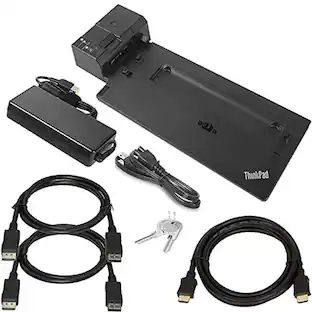
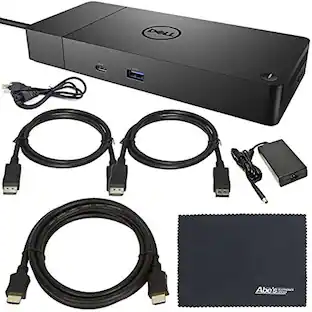
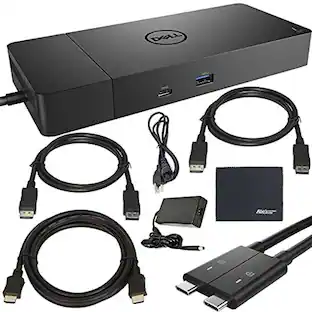
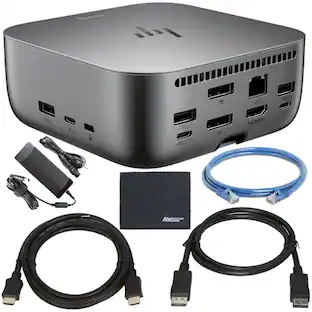
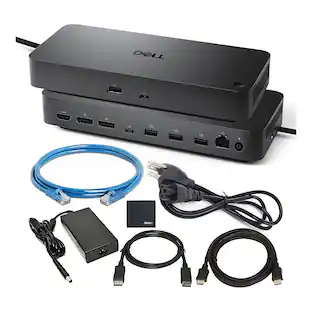
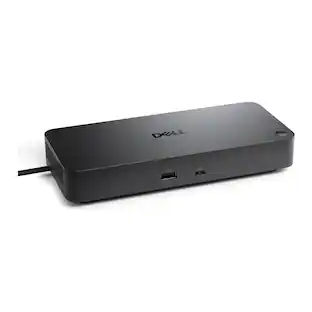
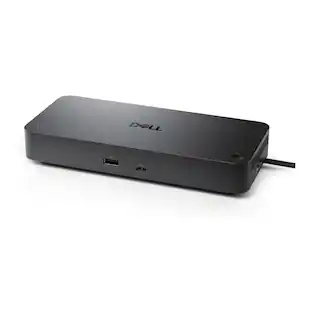
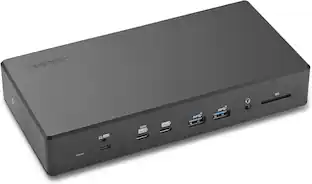
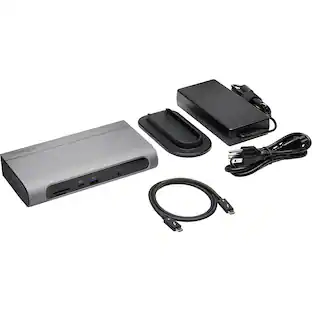
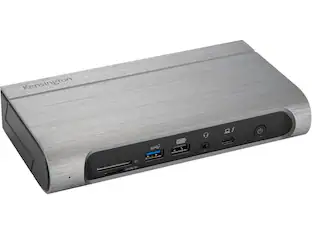
Kensington - SD4855P Docking Station - for Notebook, Monitor - 100 W - USB Type C - 4K - 6 x USB Ports - 5 x USB Type-A
Reviews coming soon
About this product
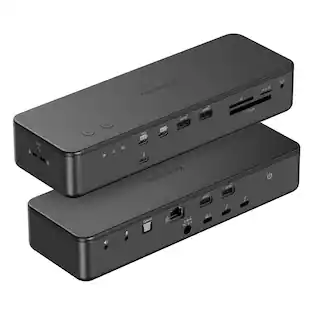
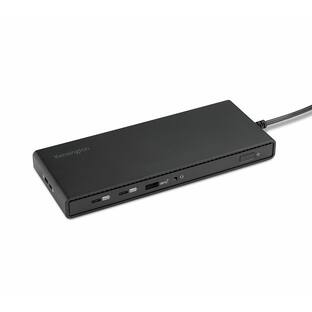
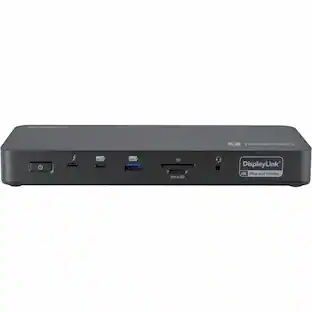
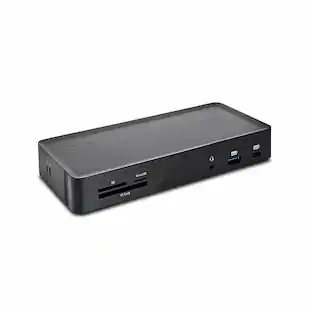
Kensington SD4855P Docking Station - for Notebook, Monitor - 100 W - USB Type C - 4K - 6 x USB Ports - 5 x USB Type-A Ports - USB Type-A - USB Type-C - Network (RJ-45) - HDMI - 2 x DisplayPorts - DisplayPort - Wired - Gigabit Ethernet
Features
Designed for Surface
Kensington worked directly with Microsoft to provide professional-level connectivity that looks as good as it functions, so you can work like a pro. Connect with confidence for a seamless dock and charge experience.
Driverless, USB-C Connectivity with 10Gbps Data Transfer ...
No driver installation required to access 10Gbps Data Transfer Speed and up to 100W Power Delivery (PD 3.0). The best docking station for all Windows OS laptops with a USB-C port supporting DisplayPort Alt Mode and Power Delivery.
Numerous Video Ports
With two DisplayPort++ ports and one HDMI port, the user can select the right connections and resolutions for their needs - an optional USB-C Alt Mode can be used in place of one DP++ port. Resolutions supported vary by the device connected (see manual or specifications table for more information).
Dynamic Video Support
Supports a minimum resolution of Single 4K @ 30Hz, Dual 1080p @ 60Hz, and Triple 1600x900 @ 60Hz when connected to a DP1.2/HBR2 device and a maximum resolution of Single 4K @ 60Hz, Dual 4K @ 60Hz, and Triple 4K at 60Hz when connected to a DP1.4 HBR3 device. A dynamic 4K switch allows you to toggle between modes, prioritizing resolution over USB, Ethernet, and SD Card speeds. See manual or specifications table for more information.
Universal Windows Compatibility
A windows dock that connects seamlessly to any laptop running Windows 7 and above.
Specifications
- Maximum Number of Displays Supported3Number of DisplayPort Outputs (Total)2Passthrough PowerYes
Reviews
This product doesn't have any reviews yet.
Compare similar products
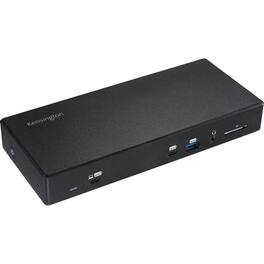
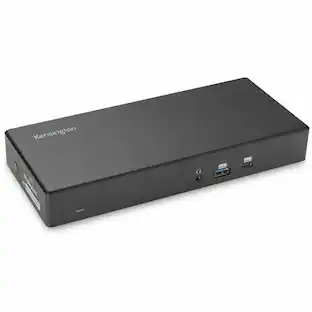
Kensington SD4855P Docking Station - for Notebook, Monitor - 100 W - USB Type C - 4K - 6 x USB Ports - 5 x USB Type-A Ports - USB Type-A - USB Type-C - Network (RJ-45) - HDMI - 2 x DisplayPorts - DisplayPort - Wired - Gigabit Ethernet

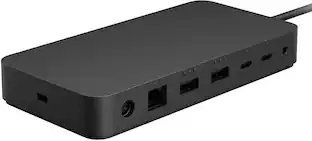
All the connections you need. Instantly turn your Surface into a desktop PC with the next-gen ports in new Surface Dock 2. Simply plug in the Surface Connect cable to charge your device and access external monitors, a keyboard, mouse, and more.

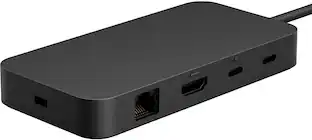
Optimize your workspace with Surface USB4 Dock, the essential dock for productivity and connectivity. Connect and power your device and accessories with 65W power delivery, ensuring peak performance throughout the workday. Surface USB4 Dock offers fast data transfer of up to 40 Gbps in a compact powerhouse. Surface USB4 Dock is the perfect blend of speed, power, and versatility.

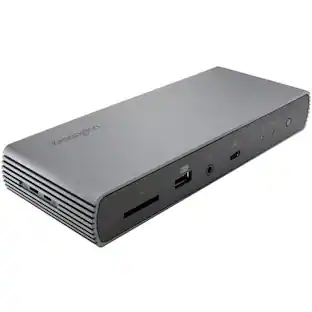
Surface Thunderbolt 4 Dock delivers ultra-high speed data transfer and ports to connect to two 4k monitors at 60 hertz to focus on your most important tasks. With power passthrough at 96 watts for quick charging, simplify your life with the versatility of 8 connections for your favorite accessories.
| Pros for Kensington - SD4855P Docking Station - for Notebook, Monitor - 100 W - USB Type C - 4K - 6 x USB Ports - 5 x USB Type-A | |||
|---|---|---|---|
| There were no pros for this product— | There were no pros for this product— | Connectivity, Overall Performance | Overall Performance, Connectivity, Compatibility, Ease of use, USB-C |
| Cons for Kensington - SD4855P Docking Station - for Notebook, Monitor - 100 W - USB Type C - 4K - 6 x USB Ports - 5 x USB Type-A | |||
| There were no cons for this product— | There were no cons for this product— | There were no cons for this product— | Ports |
Specs
Be the first to ask a question.
We’ll try to get your question answered within 24 hours by a Best Buy customer or brand representative.
Customers often buy these together
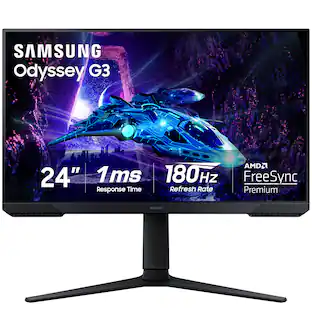
Samsung - Odyssey G30D 24" LED FHD AMD FreeSync Premium 180Hz 1ms Gaming Monitor (DisplayPort, HDMI)
$119.99The price was $199.99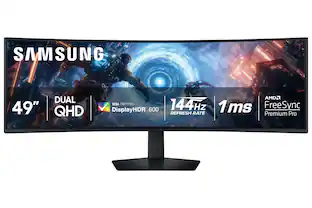 Techtober Deal$649.99The price was $999.99
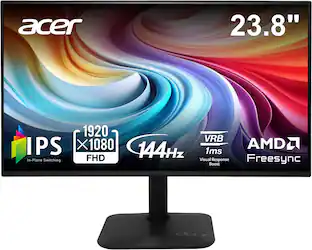 Techtober Deal$79.99The price was $119.99





More to consider
 $269.99The price was $299.99
 $269.99The price was $319.99
Explore tech essentials Sponsored
 Techtober Deal$89.99The price was $109.99