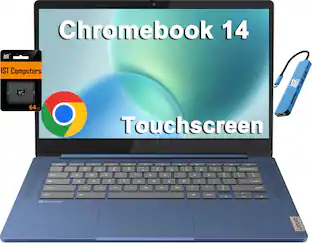
Lenovo - 83LL000HUS 14" Touchscreen Chromebook - Intel Core 5 220U, 16 GB, 256 GB SSD, Wi-Fi 6E - Gray
Reviews coming soon
About this product
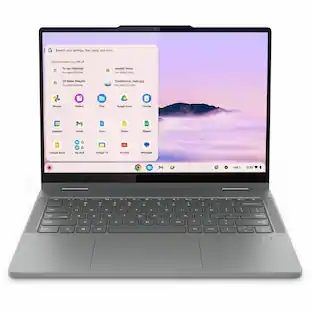
Lenovo 83LL000HUS 14" Touchscreen Convertible Chromebook - Intel Core 5 220U (1.40 GHz) - 16 GB - 256 GB SSD - Intel Graphics - ChromeOS - Webcam - Wi-Fi 6E
14" Touchscreen 2-in-1 Chromebook
14IRU10 83LL000HUS 14" Touchscreen Convertible 2 in 1 Chromebook
WUXGA
60 Hz
Intel Core 5 220U
16 GB
- Screen Size14.0 inchesScreen Resolution1366 x 768 (HD)Touch ScreenYesProcessor ModelIntel 5th Generation Core i5Storage TypeSSDTotal Storage Capacity256.0 gigabytes
Reviews
This product doesn't have any reviews yet.

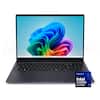

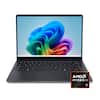


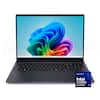
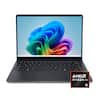
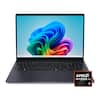
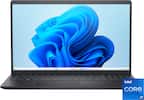
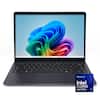
Compare similar products
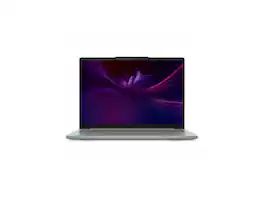
Lenovo 83LL000HUS 14" Touchscreen Convertible Chromebook - Intel Core 5 220U (1.40 GHz) - 16 GB - 256 GB SSD - Intel Graphics - ChromeOS - Webcam - Wi-Fi 6E
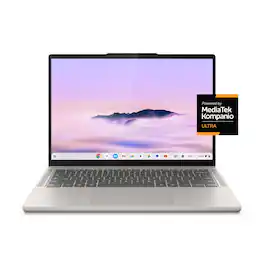
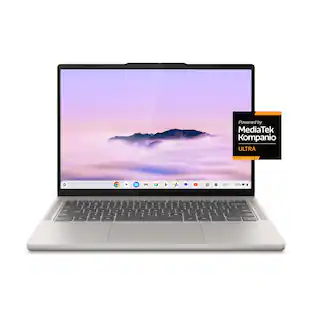
Big AI power. Simple to use. The MediaTek Kompanio Ultra’s 50 TOPS NPU boosts productivity and creativity with Smart Grouping, on-device image generation in the Gallery app, and more. The OLED display delivers crisp, vibrant visuals-perfect for photo editing and streaming-while quad Dolby Atmos speakers bring immersive audio. Thin, light, and built for self-starters, it lasts up to 17 hours.
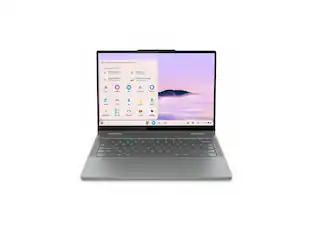
Lenovo Chrome 2in1 14IRU10 14.0" Touch Screen Intel Core 5 120U 8GB Memory 256 GB SSD Chrome OS 83LL000LUS
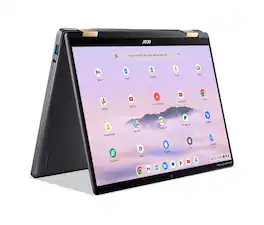
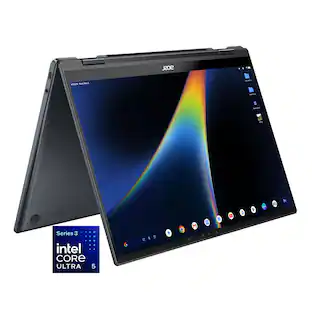
Google AI on Chromebook Plus will help users connect with AI-powered audio and video enhancements, create whatever you can imagine, with the power of generative AI and collaborate with AI to stay organized and be more productive than ever. Empower your productivity with the 2-in-1 Acer Chromebook Plus Spin 714 thanks to its Intel Core Ultra 5 processor and spacious 14.0” WUXGA touch display. An impressive QHD Webcam, fast wireless connectivity and long-lasting battery life let you transition smoothly between work, home, and personal projects —all day long. And with up to double the speed, memory and storage – plus popular apps – you have the power to do more.
| Pros for Lenovo - 83LL000HUS 14" Touchscreen Chromebook - Intel Core 5 220U, 16 GB, 256 GB SSD, Wi-Fi 6E - Gray | |||
|---|---|---|---|
| There were no pros for this product— | Battery Life, Processor Speed, Portability, Build Quality, OLED Quality | There were no pros for this product— | Processor Speed, Battery Life, Portability, Overall Performance, Touch Screen |
| Cons for Lenovo - 83LL000HUS 14" Touchscreen Chromebook - Intel Core 5 220U, 16 GB, 256 GB SSD, Wi-Fi 6E - Gray | |||
| There were no cons for this product— | Performance, Port Count | There were no cons for this product— | Weight |
Specs
Be the first to ask a question.
We’ll try to get your question answered within 24 hours by a Best Buy customer or brand representative.
Customers often buy these together



![The text on the image is a list of keys on a keyboard, grouped by their corresponding functions. Here is the corrected and grouped list:
1. Esc: * 1 2 * 3
2. Navigation:
a. Up arrow: +
b. Down arrow: -
c. Left arrow: [
d. Right arrow: ]
e. Home: I
f. End: O
g. Page Up: P
h. Page Down: N
i. Home: I
j. End: O
3. Numeric keys:
a. 1: 1
b. 2: 2
c. 3: 3
d. 4: 4
e. 5: 5
f. 6: 6
g. 7: 7
h. 8: 8
i. 9: 9
j. 0: 0
4. Function keys:
a. F1: F1
b. F2: F2
c. F3: F3
d. F4: F4
e. F5: F5
f. F6: F6
g. F7: F7
h. F8: F8
i. F9: F9
j. F10: F10
k. F11: F11
l. F12: F12
5. Modifier keys:
a. Shift: Shift
b. Ctrl: Ctrl
c. Option: option
d. Alt: alt
e. Command: cmd
f. Windows key: Windows key
This list is organized by the primary function of each key, with navigation keys grouped together, numeric keys grouped together, and function keys grouped together.](https://pisces.bbystatic.com/image2/BestBuy_US/images/products/f9e64973-a017-4542-8380-47a50bec4083.jpg;maxHeight=232;maxWidth=233?format=webp)
More to consider
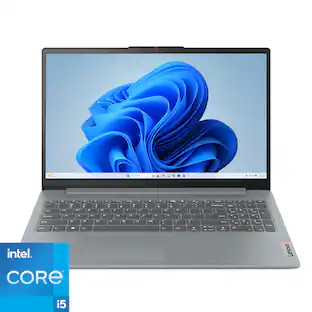 $628.00The price was $899.99
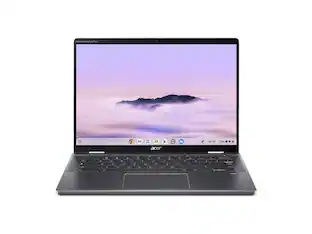 $1,403.99The price was $1,463.64
 $3,499.00The price was $4,099.00
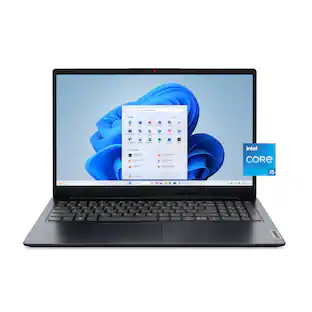 $519.99The price was $549.00

Explore tech essentials Sponsored
 $1,419.99The price was $1,779.99
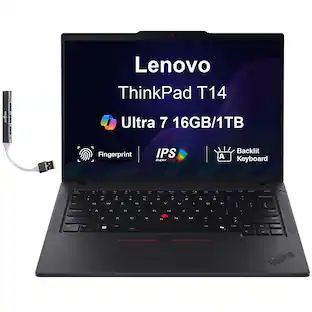
Keep exploring
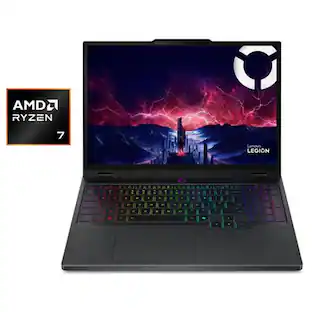 $1,599.99The price was $1,799.99
 $1,099.99The price was $1,399.99
 $589.99The price was $949.99
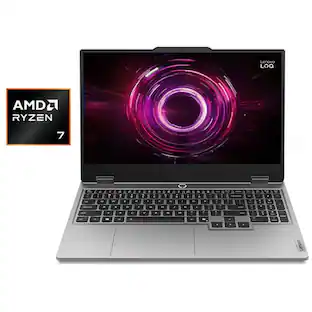 $1,299.99The price was $1,399.99
 $1,111.15The price was $1,299.99
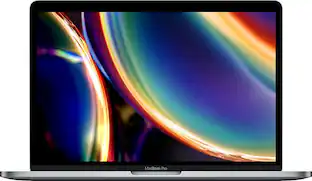 $919.99The price was $1,799.99