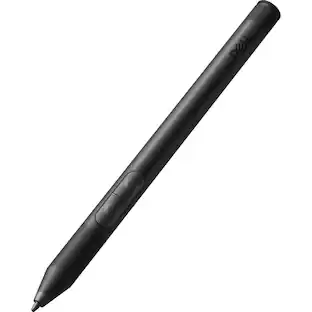
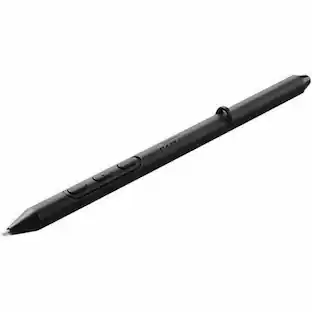
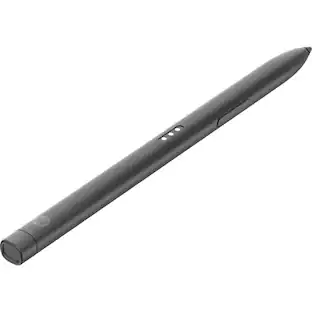
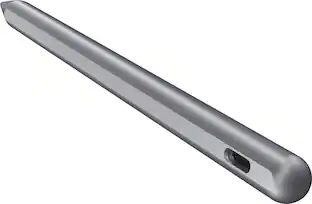
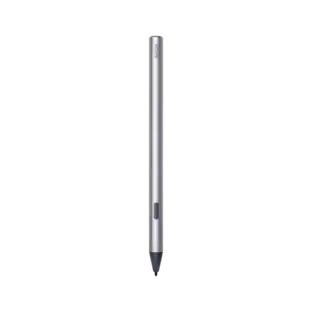
Lenovo - Tab Pen Plus - Gray
Customers are saying
Customers are impressed with the overall performance and long-lasting battery life of this product. Users frequently highlight how easy it is to use and appreciate the seamless connectivity with their tablets. Additionally, many find the device to be perfectly weighted and highly precise, making it a reliable tool for daily tasks.
Features
Draw like a pencil
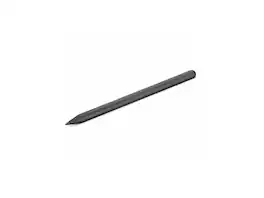
Sketch like you’re using a pencil with the Lenovo Tab Pen Plus' new tilt functionality that allows you to hold the pen at an angle. Plus with Finger Tip technology, you can create fine strokers easily and accurately
More time to create
With improved latency and shorter pairing time, the Lenovo Tab Pen Plus is faster than ever to set up and feels more lifelike when you do.
Feels like real
With 4,096 levels of pressure enjoy a more natural pen-like feel – thanks to the new elastomer grip.
Specifications
- Model CompatibilityLenovo Tab P12, Lenovo Tab M11, Lenovo Idea Tab, Lenovo Idea Tab Plus, Lenovo Idea Tab Pro, Lenovo Tab K11 LTE, Lenovo Tab Plus
Reviews
This product doesn't have any reviews yet.

Compare similar products

The Lenovo Tab Pen Plus offers 4,096 pressure levels, palm rejection, and tilt detection for precise and intuitive sketching or note-taking.
The Lenovo Tab Pen Plus offers 4,096 pressure levels, palm rejection, and tilt detection for precise and intuitive sketching or note-taking.

The Lenovo Digital Pen 2 is a testament to innovation and user-centric design. With an enhanced grip, elastomer pen tip for precision, extended battery life, and quick-access buttons, it provides an elevated creative experience. Whether you're a professional artist, a student, or simply someone who values seamless functionality, this pen is designed to transform your digital interactions into natural and fluid expressions. Unleash your creativity, sign documents with finesse, and sketch your imagination into reality with the Lenovo Digital Pen 2.
| Pros for Lenovo - Tab Pen Plus - Gray | |||
|---|---|---|---|
| Overall Performance, Battery Life, Ease of Use, Connectivity, Precision | Overall Performance, Battery Life, Ease of Use, Connectivity, Precision | Overall Performance, Ease of Use, Battery Life, Connectivity, Weight | There were no pros for this product— |
| Cons for Lenovo - Tab Pen Plus - Gray | |||
| There were no cons for this product— | There were no cons for this product— | Compatibility | There were no cons for this product— |
Specs
Questions & Answers
Can i ues this pen for lenovo idea tab plus?
Answered by Lenovo Product ExpertHey Anand, You can use this Tab Pen Plus with the Lenovo Idea Tab Plus. Please feel free to reach out to us with any other questions!

Find more like this
 $62.24The price was $82.99










More to consider
 $46.99The price was $68.03
 $29.99The price was $39.99
Explore tech essentials Sponsored

Discover related products
 $12.99The price was $13.99
 $31.99The price was $32.99













Keep exploring
- $62.24The price was $82.99
 $89.00The price was $125.51
 $89.99The price was $98.95
 $31.99The price was $41.99