Momento - OBD8 USB-C to OBD-II Port Installation Adapter - Black
About this product
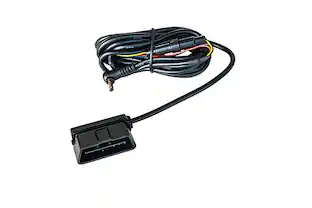
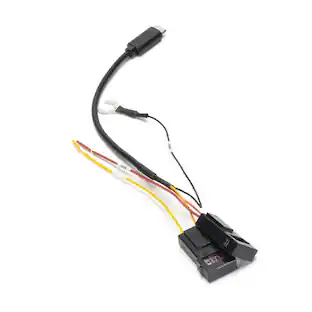
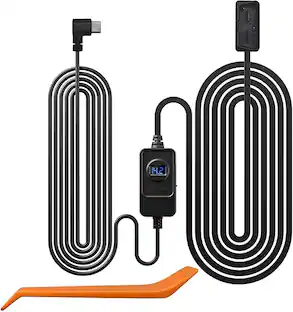
Save time installing the new M8 series Momento dash cameras with the streamlined OBD-II to USB-C adapter for your system. This cable will supply power to your dash cam, even while in parking mode, and removes the need to splice wires for installation.
Provides Power to Dash Cam
Supplies power to the dash cam whether the car is on or off
Simplifies Installation
Eliminates the need to splice wires, creating an easier and seamless installation for Momento M8 dash cams
Parking Mode
In OBD mode, the dashcam switches between driving and parking modes based on G-sensor activity. If no activity is detected for three minutes, it enters parking mode. You can select the parking mode (Eco On (Radar), Eco Off (Camera Motion), Timelapse, or Off) by connecting to the dashcam via the Momento Dashcam Viewer app.The dashcam reverts to driving mode three seconds after detecting G-sensor activity.
- BrandMomentoModel NumberMD-HRN-OBD-8000Product NameOBD8 USB-C to OBD-II Port Installation AdapterColorBlackProduct CompatibilityCameraProduct TypeHarness
Reviews
Rating 3 out of 5 stars with 2 reviews
Customer Images
The vast majority of our reviews come from verified purchases. Reviews from customers may include My Best Buy members, employees, and Tech Insider Network members (as tagged). Select reviewers may receive discounted products, promotional considerations or entries into drawings for honest, helpful reviews.

Compare similar products

Save time installing the new M8 series Momento dash cameras with the streamlined OBD-II to USB-C adapter for your system. This cable will supply power to your dash cam, even while in parking mode, and removes the need to splice wires for installation.
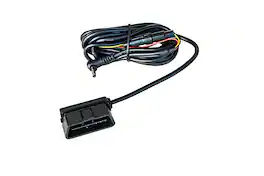
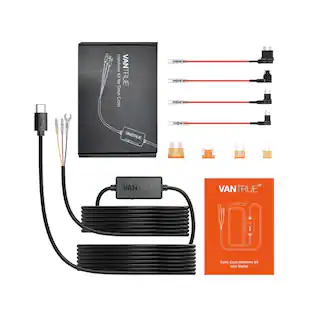
Professional installation without hardwiring – The OBD-II power cable has been designed to simplify installation and ensure seamless integration for enabling the built-in parking surveillance modes in your Thinkware Dash Cam. As no physical Hardwiring is necessary, this method should allow for a simple installation, plugging directly into your OBD-II diagnostic port.
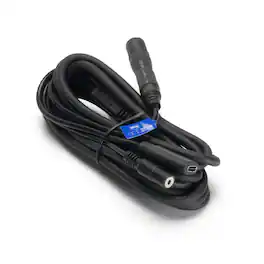
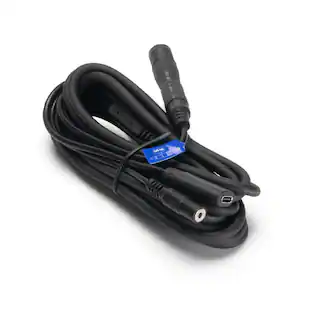
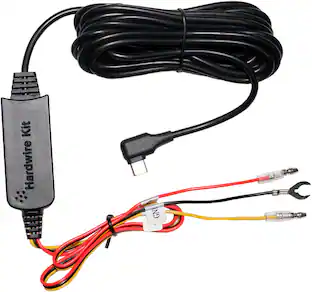
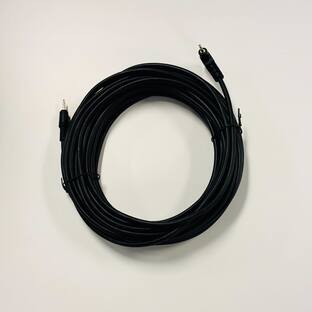
M8 main cable USB-C to Y cable, 8ft
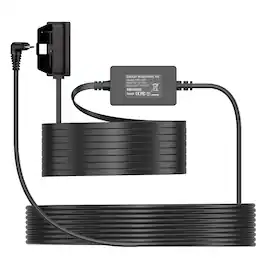
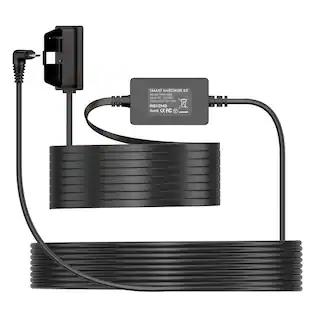
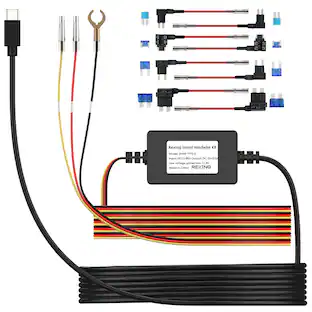
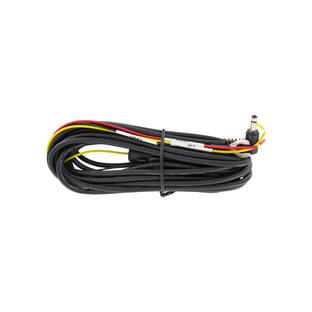
Upgrade your Rexing dash cam setup with our Smart OBD Hardwire Kit – engineered for hassle-free installation and seamless 24/7 protection. This kit connects directly to your vehicle’s OBD-II port, eliminating the need for fuse tap or complex wiring.Enjoy advanced features like constant power supply for parking mode, ACC signal detection for smarter recording triggers, and low-voltage protection to safeguard your battery. With a sleek, compact design and 10.5ft Type C cable, it’s perfect for a clean, professional install in any vehicle.
| Pros for Momento - OBD8 USB-C to OBD-II Port Installation Adapter - Black | |||
|---|---|---|---|
| There were no pros for this product— | Installation Ease, Overall Performance | There were no pros for this product— | There were no pros for this product— |
| Cons for Momento - OBD8 USB-C to OBD-II Port Installation Adapter - Black | |||
| There were no cons for this product— | Compatibility | There were no cons for this product— | There were no cons for this product— |
Specs
More to consider
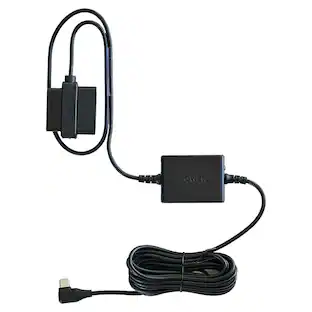 $34.99The price was $39.99
Enjoy your ride Sponsored
 $249.99The price was $259.99
Discover related products
 $54.99The price was $59.99