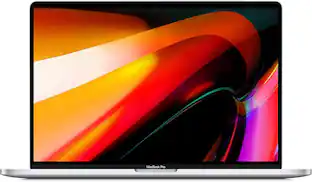
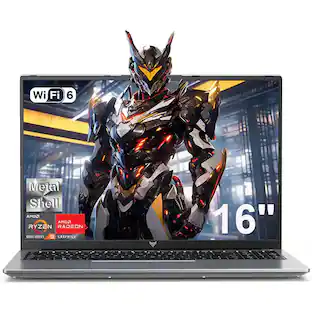
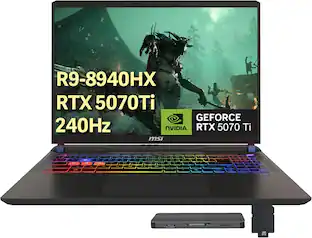
MSI - Upgraded - Vector 16" QHD 240Hz Gaming Laptop,AMD Ryzen 9 8940HX,RTX 5070Ti,16GB RAM,1TB SSD+1TB Docking Station,Win11 Pro - Gray
About this product
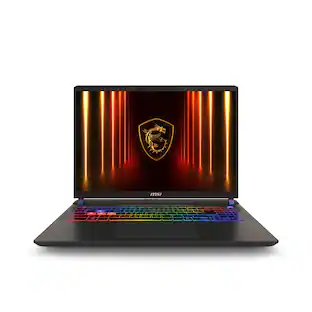
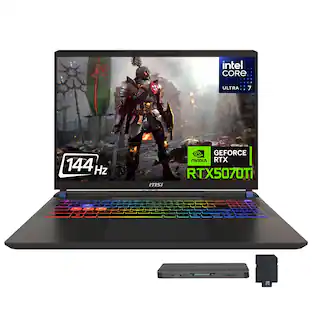
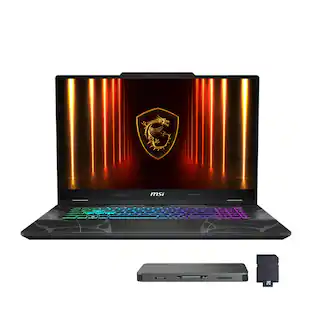
At PC Heaven, we offer computers with professionally customized and upgraded configurations designed to maximize performance. To complete these enhancements, our certified technicians carefully open the manufacturer’s sealed packaging for inspection, testing, and precise installation according to the advertised specifications. All systems and components are brand new. Warranty service is handled directly by PC Heaven, not the manufacturer. The gray MSI Vector 16" QHD 240Hz gaming laptop is equipped with an AMD Ryzen 9 8940HX processor and NVIDIA GeForce RTX 5070Ti with 12GB GDDR7, features a backlit keyboard, supports Wi-Fi 6E, Copilot and Windows 11, combining powerful multi-core computing power, an extreme high-refresh-rate screen and stable high-speed connectivity, suitable for large-scale AAA games and professional creative scenarios。
System Memory (RAM)
16GBHighlights
Professional Upgrade
This computer has been professionally upgraded with brand-new components to enhance system functionality, then carefully resealed.
240Hz Refresh Rate
Immerse yourself in the game with reduced screen tearing, heightened clarity, and an enhanced competitive advantage that brings your gaming performance to the next level.
AMD Ryzen 9 8940HX Processor
Conquer intensive multitasking, advanced content creation, and high-end applications with lightning-fast responsiveness and exceptional efficiency, empowering you to push boundaries and achieve more without compromise.
NVIDIA GeForce RTX 5070 Ti 12GB GDDR7
Experience exceptional graphics performance with the RTX 5070 Ti, powered by ultra-fast GDDR7 memory for superior speed and responsiveness.
1 Year Seller Warranty
1 Year warranty from PC Heaven – Warranty is managed directly through the seller instead of the manufacturer.
- Screen Size16 inchesScreen Resolution2560 x 1440 (QHD)Touch ScreenNoProcessor ModelAMD Ryzen 9 8000 SeriesStorage TypeSSD
Reviews
Rating 3.5 out of 5 stars with 2 reviews
Customer Images
The vast majority of our reviews come from verified purchases. Reviews from customers may include My Best Buy members, employees, and Tech Insider Network members (as tagged). Select reviewers may receive discounted products, promotional considerations or entries into drawings for honest, helpful reviews.

Compare similar products
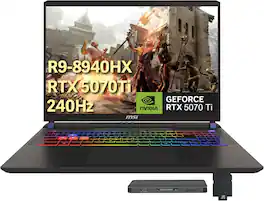
At PC Heaven, we offer computers with professionally customized and upgraded configurations designed to maximize performance. To complete these enhancements, our certified technicians carefully open the manufacturer’s sealed packaging for inspection, testing, and precise installation according to the advertised specifications. All systems and components are brand new. Warranty service is handled directly by PC Heaven, not the manufacturer. The gray MSI Vector 16" QHD 240Hz gaming laptop is equipped with an AMD Ryzen 9 8940HX processor and NVIDIA GeForce RTX 5070Ti with 12GB GDDR7, features a backlit keyboard, supports Wi-Fi 6E, Copilot and Windows 11, combining powerful multi-core computing power, an extreme high-refresh-rate screen and stable high-speed connectivity, suitable for large-scale AAA games and professional creative scenarios。
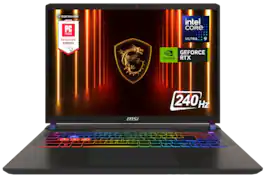
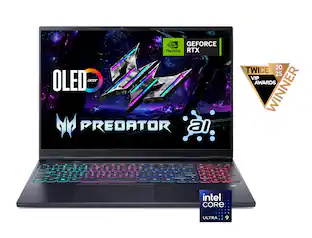
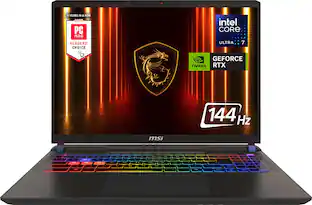
Indulged in performance with the Vector 16 HX AI A2XWIG-400US, gives users the tools to freely innovate as they choose to. The Vector 16 HX stands as the ultimate choice for STEM enthusiasts, tailored to optimize their endeavors.
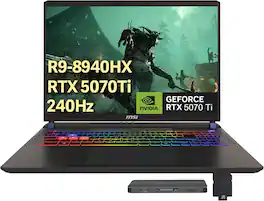
At PC Heaven, we offer computers with professionally customized and upgraded configurations designed to maximize performance. To complete these enhancements, our certified technicians carefully open the manufacturer’s sealed packaging for inspection, testing, and precise installation according to the advertised specifications. All systems and components are brand new. Warranty service is handled directly by PC Heaven, not the manufacturer. Upgraded - Seal is opened for upgrade only.Introducing the MSI Vector 16" gaming laptop,It features 240Hz QHD+ display, powered by an AMD Ryzen 9 8940HX processor and the latest NVIDIA GeForce RTX 5070 Ti graphics for unparalleled smoothness and detail. The immersive experience is enhanced by a 24-zone RGB backlit keyboard. Equipped Windows 11, it includes Microsoft Copilot for AI-powered assistance.

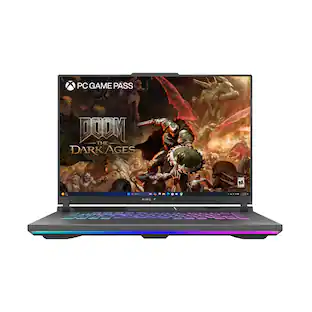
Unlock a next-level gaming experience with the ROG Strix G16. Featuring a 165Hz display with Pantone-validated color accuracy, it delivers stunning visuals. Powered by AMD Ryzen 9 8940 HX Mobile Processor and NVIDIA GeForce RTX 5070 Ti GPU, enjoy seamless gaming and creative performance. With 16GB LPDDR5 RAM, a 1TB PCIe 4.0 SSD, and advanced ROG Intelligent Cooling, stay at the top of your game. The esports-ready keyboard, Dolby Vision, and customizable RGB Aura Light Bar elevate every moment. Plus, enjoy easy upgrades and 3 months of PC Game Pass for the ultimate gaming experience.
| Pros for MSI - Upgraded - Vector 16" QHD 240Hz Gaming Laptop,AMD Ryzen 9 8940HX,RTX 5070Ti,16GB RAM,1TB SSD+1TB Docking Station,Win11 Pro - Gray | |||
|---|---|---|---|
| There were no pros for this product— | Overall Performance, Processor Speed, Cooling System, Battery Life | There were no pros for this product— | Overall Performance, Cooling System, Processor Speed, Portability, Design |
| Cons for MSI - Upgraded - Vector 16" QHD 240Hz Gaming Laptop,AMD Ryzen 9 8940HX,RTX 5070Ti,16GB RAM,1TB SSD+1TB Docking Station,Win11 Pro - Gray | |||
| There were no cons for this product— | RAM, Noise Level | There were no cons for this product— | RAM, Screen Quality, Fan Noise, Battery Life, Port Count |
Specs
Be the first to ask a question.
We’ll try to get your question answered within 24 hours by a Best Buy customer or brand representative.
Customers often buy these together








More to consider
 $2,379.00The price was $3,399.00
 $2,239.00The price was $2,299.99
 $2,099.99The price was $2,199.99
 $1,686.00The price was $1,798.00
 $2,319.00The price was $2,450.00
 $2,129.00The price was $3,049.00
 $2,129.00The price was $3,049.00
 $2,186.00The price was $2,259.00
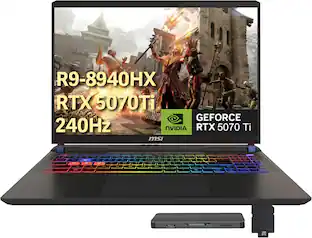 $2,599.00The price was $3,429.00
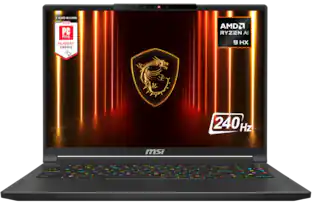 $2,699.99The price was $2,899.99
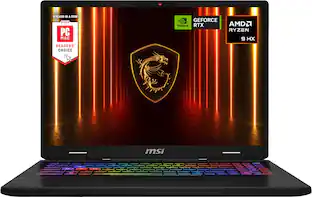
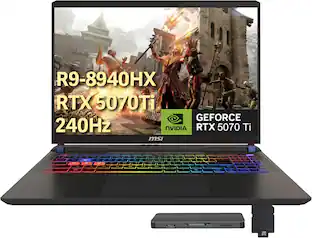
Explore tech essentials Sponsored
 Top Deal$1,174.99The price was $1,924.99
 Top Deal$949.99The price was $1,474.99
 $3,374.99The price was $4,399.99
 Clearance$3,378.99The price was $3,974.99
Keep exploring
 $289.00The price was $519.00
 $1,119.00The price was $1,179.00
 $1,599.99The price was $1,799.99
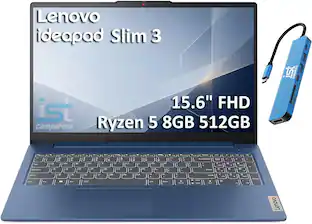 $599.99The price was $899.99
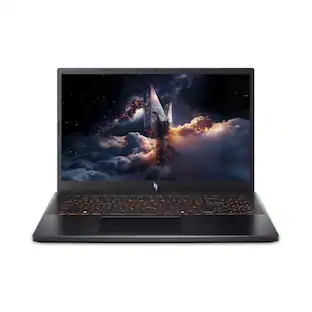 $1,089.99The price was $1,099.99