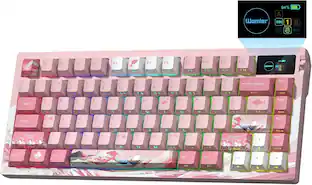
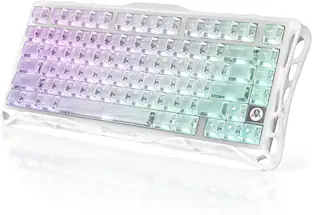
ASUS - ROG Falcata 75% Wireless Magnetic Hall Effect RGB Ergonomic Gaming Keyboard with Hot-Swappable ROG HFX V2 Switches - Black
Customers are saying
Customers are delighted by the ROG Falcata 75% Wireless Keyboard's superb build quality and interesting ergonomic design. Users also appreciate the linear switch performance and versatile connectivity options. The keyboard's RGB lighting is a welcome addition for those with other ASUS components, and the battery life is excellent.
Versatile Split-Keyboard Design
Suits different gaming setups, allowing players to use the left keyboard module, freeing up space for their mousing hand
Hot-swappable ROG HFX V2 Magnetic Switch
Refined keystrokes with customizable 0.1–3.5mm actuation and 0.01mm-step precise tuning
New ROG Hall Sensor
Exceptional precision, accurate input detection, reduces electrical noise and interference, and increases magnetic flux limits for superior performance
Intuitive Control
Instantly adjust actuation point, Rapid Trigger sensitivity, volume, media, and keyboard lighting with the multi-function wheel and button
Superb Connectivity
ROG SpeedNova 8K wireless technology, wired USB, and Bluetooth connectivity supports up to five devices simultaneously; wired and wireless modes offer up to 8K polling rate
Enhanced Typing Experiences
Integrated four-layer dampening absorbs pinging noises and offers a more cushioned typing feel
Rapid Trigger Toggle
Convenient switch for the fastest typing response and key repeat
Detachable Silicone Wrist Rests
Two pads perfectly complement the keyboard's unique tilt-incline angles for unparalleled comfort
- Lighting TypeRGBForm Factor75%Keyboard TechnologyMagnetic hall effectKey Switch BehaviorLinearConnection TypeWireless, Wired
Reviews
Rating 4.4 out of 5 stars with 88 reviews
- Build Quality (23)
- Ergonomics (22)
- Switch Performance (12)
- Connectivity (8)
- RGB Lighting (6)
Customer Images
The vast majority of our reviews come from verified purchases. Reviews from customers may include My Best Buy members, employees, and Tech Insider Network members (as tagged). Select reviewers may receive discounted products, promotional considerations or entries into drawings for honest, helpful reviews.

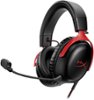
- HyperX - Cloud III S Wireless Gaming Headset for PC, PS5, PS4, Nintendo Switch, Mac, and Mobile - Red/Black$129.99The price was $179.99

Compare similar products

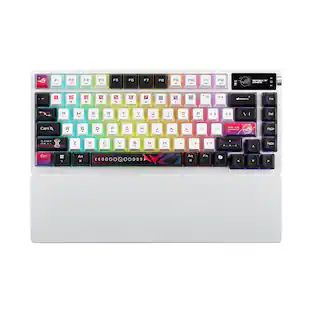
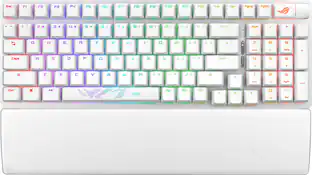
ROG Falcata 75% split gaming keyboard with hot-swappable ROG HFX V2 Magnetic Switches and ROG Hall Sensor; featuring Rapid Trigger toggle, intuitive control and multi-function wheel, tri-mode connectivity with ROG SpeedNova 8K wireless technology, Zone Mode, four-layer dampening and detachable silicone wrist rests.
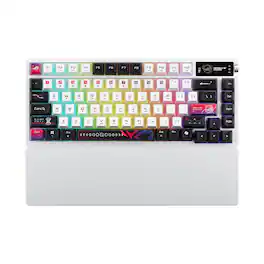
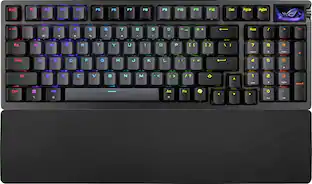
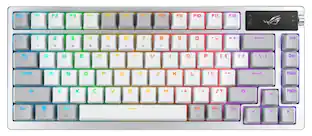
ROG Azoth X is a 75% wireless gaming keyboard with DIY-level customization and premium features keyboard. It features a metal top cover, south-facing PCB, silicone gasket mount, FR4 positioning plate, and five-layer dampening for a smooth, cushioned keystroke feel. Hot-swappable, pre-lubed ROG NX switches V2 ensure consistent, responsive typing, while three-sided translucent keycaps enhance aesthetics.
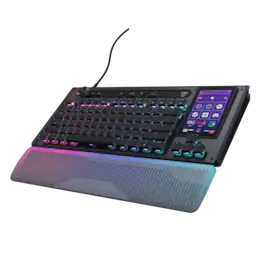
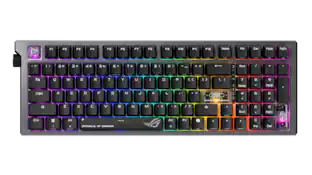
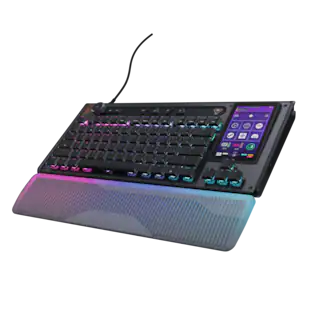
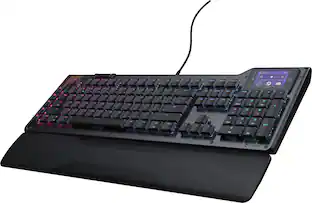
The Turtle Beach Command Series KB7 isn’t just another keyboard. It’s your command center. At the core of the KB7 is an ultra-responsive 4.3” Command Touch Display that lets you switch profiles, trigger macros, monitor system stats, and manage key functions instantly. Adjust audio, launch apps, and control system or stream functions directly from the display, all while staying locked in. Titan low-profile Hall-Effect switches rated for 100 million clicks deliver fast, precise input with adjustable actuation. Built to last, KB5’s premium double‑shot PBT keycaps maintain a clean matte finish for a superior tactile feel. Additional textured WASD keys add enhanced grip and control. A slim aluminum‑reinforced chassis and a detachable wrist rest ensure lasting comfort and durability. True 8K polling, an integrated Action Bar, and per‑key RGB lighting elevate the experience even further. Dual modular rails expand functionality with Command Series accessories like the Command Series KP7 keypad, making the KB7 the centerpiece of the Command Series ecosystem.
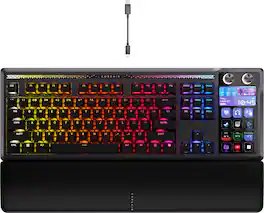
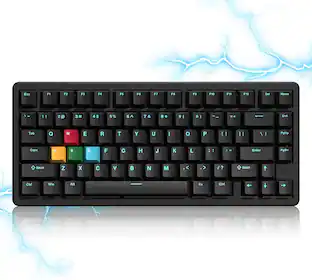
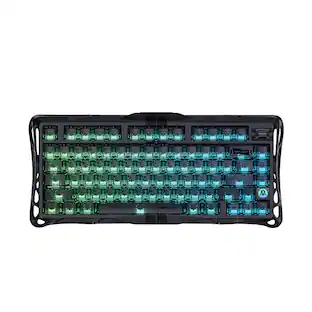
GALLEON 100 SD fuses iconic Stream Deck technology into a high-performance mechanical keyboard, giving you precise, real-time command of your entire gaming setup all from one device. Customizable shortcut keys and dials help you react faster without breaking focus, whether you're executing complex in-game combos or controlling apps like Discord and Spotify. Keep tabs on everything from hardware stats to your favorite Twitch channels on a fullcolor 5" LCD screen. The keyboard also delivers serious gaming performance with lightning-fast 8,000Hz hyperpolling, FlashTap SOCD, and smooth MLX Pulse switches. It’s more than just a keyboard—it’s a new era of input.
| Pros for ASUS - ROG Falcata 75% Wireless Magnetic Hall Effect RGB Ergonomic Gaming Keyboard with Hot-Swappable ROG HFX V2 Switches - Black | |||
|---|---|---|---|
| Build Quality, Switch Performance, Connectivity, RGB Lighting, Ergonomics | Build Quality, Switch Performance, Connectivity, RGB Lighting, Battery Life | There were no pros for this product— | Build Quality, Key Feel, Stream Deck Integration, Customization, Noise Level |
| Cons for ASUS - ROG Falcata 75% Wireless Magnetic Hall Effect RGB Ergonomic Gaming Keyboard with Hot-Swappable ROG HFX V2 Switches - Black | |||
| There were no cons for this product— | Wrist Rest Comfort | There were no cons for this product— | Software |
Specs
Does the keyboard supports MacOS?
Answered by ASUS AnswersThe ASUS ROG Falcata keyboard is officially supported on Windows 11. While basic functions like typing may work on macOS via USB or Bluetooth, advanced features such as RGB customization and software controls require Armoury Crate, which is only available on Windows.
What kind of key switch does this keyboard use?
This keyboard uses ROG HFX V2 key switches.
This question and answer was generated by AI based on customer and product data.Is there a palm rest included with this keyboard?
Yes, this keyboard comes with a palm rest.
This question and answer was generated by AI based on customer and product data.What material are the keycaps made of?
The keycaps are made of PBT material.
This question and answer was generated by AI based on customer and product data.Does this keyboard have multimedia keys?
Yes, this keyboard has multimedia keys.
This question and answer was generated by AI based on customer and product data.

Customers often buy these together
Mice
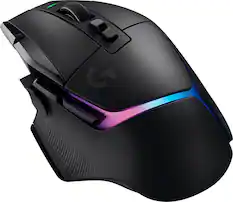
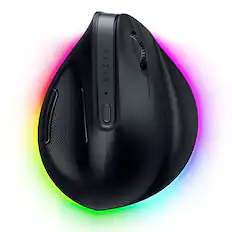
Logitech - G502 X PLUS LIGHTSPEED Wireless Optical Gaming Mouse with HERO 25K Sensor - Wireless - Black
$127.99The price was $159.99
Mouse Pads

CORSAIR - MM350 PRO Premium Spill-Proof Cloth Gaming Mouse Pad – Extended XL - Black
Top Deal$29.99The price was $39.99
PC Gaming Headsets
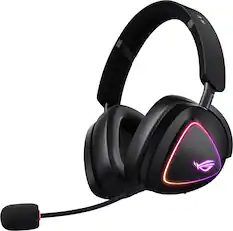
ASUS - ROG Delta II Wireless RGB Gaming Headset for PC/Mac, Xbox, PS5, PS4 and Switch - Black
$185.99The price was $229.99
More to consider
 $188.99The price was $269.99
 $149.99The price was $179.99
 $308.99The price was $359.99
 $115.99The price was $139.99
 $126.99The price was $156.00


Explore tech essentials Sponsored
 $164.99The price was $199.99
 Top Deal$179.99The price was $229.99
 $149.99The price was $229.99

Discover related products
 $789.99The price was $1,299.99




Keep exploring
 $199.95The price was $209.95
 $195.99The price was $283.49