Optoma - HD27 1080p DLP Projector - White
- Key Specs
- Product Weight: 5.3 pounds (The out of box weight of the item.)
- Contrast Ratio: 25,000:1 (Measured difference between a displayed image's brightest whites and darkest blacks. The larger the first number, the more detail and color that can be displayed.)
- Projector Use: Home Theater
- Smart Capable: true (Smart, or smart-capable devices are able to connect directly to your home network in order to stream content from the Internet, run Internet-based apps, or connect to other smart devices.)
- General
- Brand: Optoma
- Model Number: HD27
- Product Name: HD27 1080p DLP Projector
- Color: White
- Dimensions
- Product Height: 3.8 inches (The out of box height of the item. Height is measured as the vertical distance from the bottom of the item to the top as it would be primarily used or placed.)
- Product Width: 11.7 inches (The out of box width of the item. Width is measured as the horizontal distance from one side of the item to the other as it would be primarily used or placed.)
- Product Depth: 9.1 inches (The out of box depth of the item. Depth is measured as the distance from the front of the item to the back as it would be primarily used or placed.)
- Product Weight: 5.3 pounds (The out of box weight of the item.)
- Display
- Resolution (Native): 1920 x 1080 (Native resolution of a screen refers to its single, fixed resolution. Sometimes screens must scale an image up or down in order to fit the native resolution. This can cause a loss of resolution or detail.)
- Contrast Ratio: 25,000:1 (Measured difference between a displayed image's brightest whites and darkest blacks. The larger the first number, the more detail and color that can be displayed.)
- Aspect Ratio: 16:9 (The measurement of the width of a screen compared to the height of a screen, expressed as a ratio.)
- Throw Ratio Range: 1.48 - 1.62:1 (This measurement indicates what size of projected image can be produced from a certain distance. The smaller the ratio, the closer the projector can be to the screen while still producing a large image.)
- Digital Keystone Correction: true ("Keystone effect" refers to the distortion of an image when it is projected on an angled surface or when the projector is positioned too high or too low from the center of the display. Projectors with a digital keystone correction feature are able to scale the image as needed before it is projected, resulting in the correct image orientation no matter where it is displayed.)
- 3D Technology: true
- Viewing
- Minimum Projector Distance: 3.3 feet (Minimum distance that the projector can be placed from the screen to produce a display with acceptable visual performance.)
- Maximum Projector Distance: 33 feet (Maximum distance that the projector can be placed from the screen to produce a display with acceptable visual performance.)
- Minimum Viewable Screen Size: 28 inches
- Maximum Viewable Screen Size: 305 inches
- Features
- Projector Use: Home Theater
- Smart Capable: true (Smart, or smart-capable devices are able to connect directly to your home network in order to stream content from the Internet, run Internet-based apps, or connect to other smart devices.)
- Remote Control Included: true
- Exposure Control
- Focus Adjustment: Manual (The method used to focus the device in order to view or display a sharper image.)
- Minimum Aperture: 2.5 (The smallest opening of a lens, typically expressed in f-numbers. The larger the number, the smaller the aperture and the less light that can enter the lens. A smaller aperture creates a larger depth of field, which keeps both foreground and background in focus.)
- Maximum Aperture: 2.67 (The limit to how wide a lens can be open, typically expressed in f-numbers. The smaller the number, the larger the aperture and the more light that can enter the lens. A larger aperture creates a shallower depth of field, helpful for keeping subjects in focus and blurring background details.)
- Audio
- Sound Mode: Mono
- Integrated Speaker(s): true
- Speaker(s) Included: true
- Watts Per Channel: 10 watts
- Other
- UPC: 796435812492
Create your very own home theater with this Optoma home cinema pro projector. The portable design makes it easy to set up this device in virtually any room, and the integrated speaker delivers big sound to your favorite films and sporting events. Featuring versatile connectivity, this Optoma home cinema pro projector works with computers, gaming consoles and streaming content devices.
- Portable design: Weighs 5.25 lbs. for easy transport to meetings, presentations and more.
- DLP image technology: Offers crisp visuals.
- Rec.709 cinematic color: Offers bright, vibrant image quality.
- ±40° vertical keystone correction: For distortion-free images.
- 3200 lumens of brightness: Offer a highly visible display with clear on-screen images.
- 1080p (1920 x 1080) native resolution: Creates a sharp, detailed high-definition picture.
- Dual HDMI inputs: Make it easy to connect to high-definition sources.
- 28" - 305" viewable screen size: Allows everyone in the room to enjoy a clear view.
- 3.3' - 33' projector distance: Allows flexible placement.
- 1.48 - 1.62:1 throw ratio range: Reproduces wide images in their correct proportions.
- Supports a variety of signals: Including 480p, 720p, 1080i, 1080p, 480i, 576i and 576p for a wide range of compatibility options.
- Manual zoom: Offers setting versatility.
- 195W lamp: Delivers up to 6,000 hours of lamp life in ECO mode and up to 5,000 hours of lamp life in normal mode for extended use.
- 26dB fan noise: Ensures quiet operation.
- Built-in 10W speaker: Provides crisp sound.
- Remote: Enables operation from a distance.
Whats Included
- AC power cord
- Battery
- CD user manual
- Optoma HD27 1080p DLP Projector
- Owner's manual
- Remote control
- Warranty card
Product Manuals
Q: Can the projector work for 230 Volt
A: I have not tried it but the manual says its compatible for 110V or 230V
Q: Can you connect speakers via Bluetooth?
A: I have connected my Optoma 27 projector sound via a Bluetooth transmitter dongle (Aluratek ~ $30.00 at. Best Buy) to a Bluetooth speaker. Charge the transmitter for a couple of hours on your lap top. Plug it into the AUX on the back of the projector. Turn on your Bluetooth receiver sound system (mine is an LG wireless sound bar from Best Buy). Turn on the Bluetooth dongle transmitter at the projector and you should get sound from your Bluetooth speakers. (Good quality) I also tried a Bluetooth connection to my older LG surround sound system by plugging in a Bluetooth receiver to the sound system. It works but the sound quality is really bad because you lose resolution by transmitting through several connections. Note: You connect a laptop to the projector via HDMI 1 port. You must select the Optoma speaker on your laptop sound to send sound to the projector; then the dongle transmits to the sound bar. And remember Bluetooth only transmits 12 to 50' depending on your transmitter; the Aleurstek is good for 15'.
Q: How far back do you need to be for a 110 inch diagonal projection?
A: 12.5. feet back. this is the measurement from your 110" screen back to the front of the lens of the projector. At least according to projector centrals calculator. Here is a screen shot attached.
Q: Does it supports 5.1 surround system ?
A: yes it does. normally the common application would be -- one would run their source content via an HDMI cable to a receiver for surround sound, and out of the receiver to the projector for the video signal. that is how I have my system set up, and I mute the speaker built into the HD27 projector. this particular model from Optoma does not have a Optical port as other have stated, there probably are other models that do include that option, but the way to get audio out of this projector is via a 3.5mm audio jack (think headphone jack) and that would only be stereo not surround sound. Hope that helps.
Q: does thisprojetor optoma 27 hd come with a remote control?
A: undefined
Q: How do I connect my optima projector to my reciever
A: undefined
Q: I’m trying to connect a DVD player to my optima projector? I have volume but can’t get picture
A: undefined
Q: Can I hook this up to my MACBOOK AIR and project power points on WHITE WALLs with no screen?
A: The answer for your Mac book Air is yes you can you just need the appropriate adapter. Ideally we recommend a screen to project onto but you may use a white wall as well. With the wall you are using a smooth wall is recommended for the best image. Yet Select texture is acceptable.
People also viewed
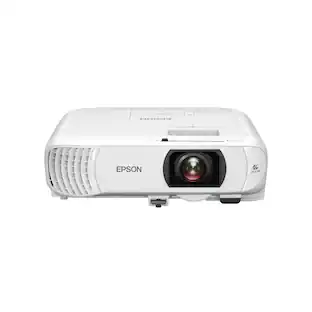 $749.99The price was $799.99
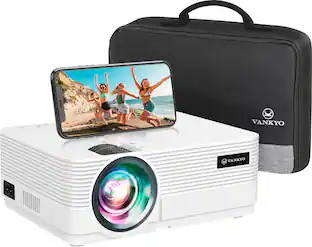 $129.99The price was $169.99
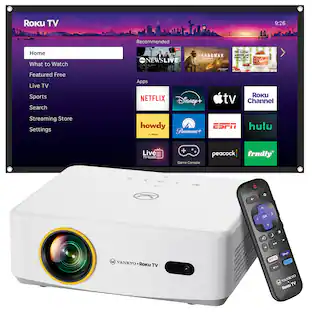 $189.99The price was $229.99
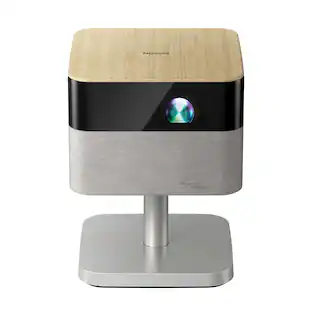 Black Friday in July Deal$899.99The price was $999.99
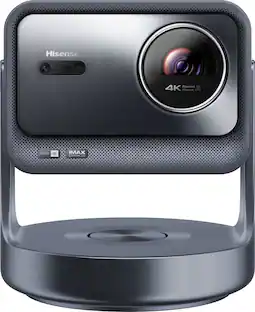 Black Friday in July Deal$2,299.99The price was $2,499.99
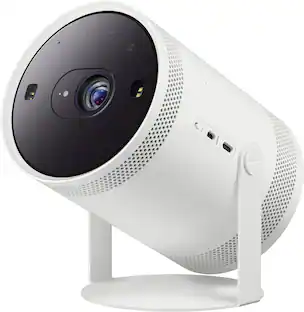 $699.00The price was $799.99
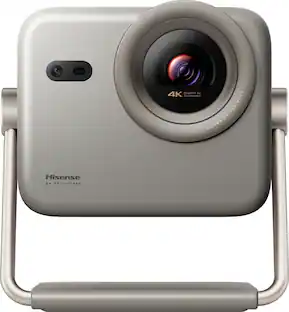 Black Friday in July Deal$1,099.99The price was $1,299.99
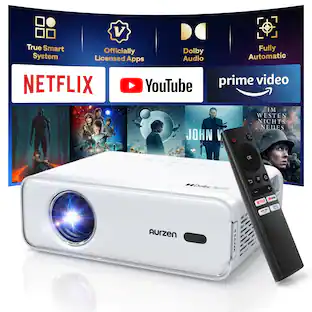 Black Friday in July Deal$99.99The price was $119.99
 $135.99The price was $149.99
 Black Friday in July Deal$277.19The price was $389.99

Today's top picks
 Black Friday in July Deal$749.99The price was $1,199.99
 Black Friday in July Deal$199.99The price was $399.99
 Black Friday in July Deal$69.99The price was $129.99
 $249.99The price was $399.99
 Black Friday in July Deal$199.99The price was $249.99
 Black Friday in July Deal$199.00The price was $419.00
 Black Friday in July Deal$399.99The price was $899.99