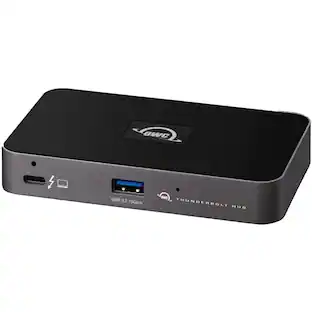
OWC - 11-Port Thunderbolt Dock, 96W Charging, Single 8K Display or Dual 5K Displays, 3 x Thunderbolt, 4 x USB, GbE, SD
About this product
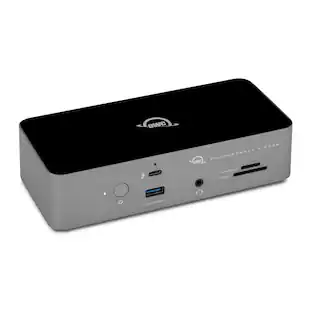
Three Thunderbolt ports and four USB ports empower you to connect to past, present and future devices. Up to two 4K/5K* displays or a 6K/8K display, high-performance storage including NVMe SSDs, A/V mixers, phones, tablets, even desktop accessories like a keyboard or mouse. With the OWC Thunderbolt Dock, an entire world of USB and Thunderbolt accessories is ready for you to connect and expand your capabilities. The latest Thunderbolt interface uses a universal USB-C connector to transfer data, output video, and charge devices through the same cable. The OWC Thunderbolt Dock’s Thunderbolt ports use that same USB-C connector to create a multi-connectivity solution for millions of existing and future Thunderbolt and USB-C computers and devices. Plus, the ports are fully USB4 future compatible. Massively expand the Thunderbolt functionality of your M1 Mac, any 'Intel' Mac with Thunderbolt 3, or any Thunderbolt 4 PC . You can also use the OWC Thunderbolt Dock with non-Thunderbolt USB-C machines like Chromebooks and iPads too. Gain convenient access to portable gear, headphones, and SD cards. Add your favorite Thunderbolt and USB devices, Gigabit Ethernet, and an SD card reader to your workflow... all while keeping your space free of cable clutter.
Features
WHAT YOU NEED TO KNOW
Power Delivery: Thunderbolt 4 host port provides up to 96W of power to the host computer; Thunderbolt 4 device ports (for external drives and other devices) provide 15W of power; USB port provides up to 1.5A of power for bus-powered drives and device charging. **Power delivery may not fully support high-demand or under heavy load or when multiple peripherals are connected simultaneously
Dual-Display Support: Up to one 8K display @ 60Hz, two 4K displays @ 60Hz, one 4K display @ 120Hz, one 4K display @ 60Hz, or two 5K displays @ 60Hz; Display Support by Port: Thunderbolt 4: Up to 8K @ 60Hz or 4K @ 120Hz via a native Thunderbolt 4 display or other display that supports USB-C connections and DisplayPort 1.4; NOTE : Actual display support varies by computer specifications
Device Ports: (1) Host Port - Thunderbolt 4 up to 40 Gb/s (5000 MB/s); (3) Thunderbolt 4 Ports;(3) USB 3.2 Gen 2 Type-A Ports up to 10Gb/s (1250MB/s) - USB 2.0/3.0 backwards compatible; (1) USB 2.0 Port; (1) Gigabit Ethernet (GbE) RJ-45 Port; (1) 3.5mm Stereo Audio Input/Output Combo Port; (1) Secure Digital (SD) SD 4.0 UHS-II
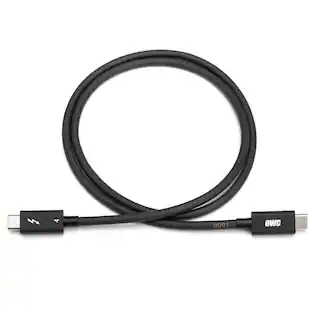
Host Port Supportt: Thunderbolt or USB (USB-C or USB-A) port; Works with Thunderbolt 4, Thunderbolt 3, USB4, and USB host computers and mobile devices; Thunderbolt/Thunderbolt 2 Mac models are supported via USB-A host connection; Thunderbolt/Thunderbolt 2 host connection is not supported; For best results, use the included certified Thunderbolt 4 cable and connect to a Thunderbolt 3 or 4 host
Compatible With: Mac's with an available Thunderbolt 3 or later port running macOS 11.1 Big Sur or later, Windows PC with an available Thunderbolt 4 port and non-Thunderbolt USB-C machines like Chromebooks and iPads, USB-C equipped MacBook, iPad, Chromebook, Android device; 2 Year OWC Limited Warranty
Specifications
- Maximum Number of Displays Supported2Maximum Supported Resolution8K (4320p)Number of DisplayPort Outputs (Total)0Number of Thunderbolt Ports (Total)4Passthrough PowerYes
Reviews
This product doesn't have any reviews yet.
Compare similar products
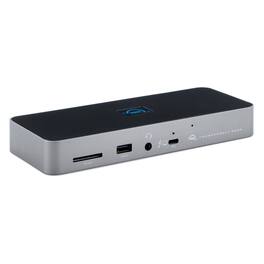
Three Thunderbolt ports and four USB ports empower you to connect to past, present and future devices. Up to two 4K/5K* displays or a 6K/8K display, high-performance storage including NVMe SSDs, A/V mixers, phones, tablets, even desktop accessories like a keyboard or mouse. With the OWC Thunderbolt Dock, an entire world of USB and Thunderbolt accessories is ready for you to connect and expand your capabilities. The latest Thunderbolt interface uses a universal USB-C connector to transfer data, output video, and charge devices through the same cable. The OWC Thunderbolt Dock’s Thunderbolt ports use that same USB-C connector to create a multi-connectivity solution for millions of existing and future Thunderbolt and USB-C computers and devices. Plus, the ports are fully USB4 future compatible. Massively expand the Thunderbolt functionality of your M1 Mac, any 'Intel' Mac with Thunderbolt 3, or any Thunderbolt 4 PC . You can also use the OWC Thunderbolt Dock with non-Thunderbolt USB-C machines like Chromebooks and iPads too. Gain convenient access to portable gear, headphones, and SD cards. Add your favorite Thunderbolt and USB devices, Gigabit Ethernet, and an SD card reader to your workflow... all while keeping your space free of cable clutter.
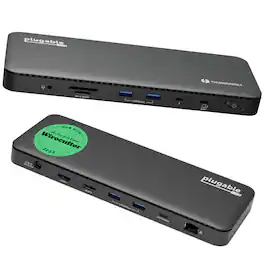
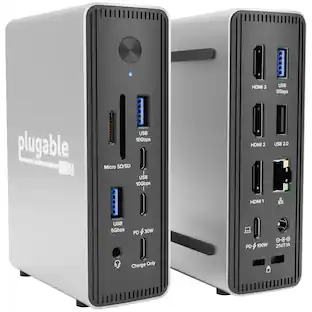
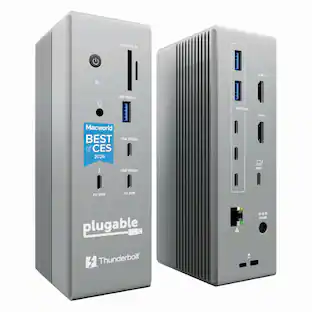
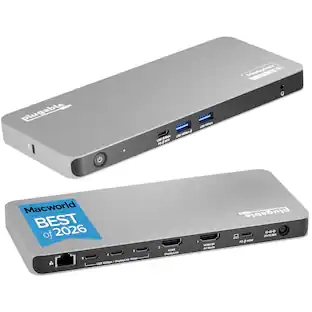
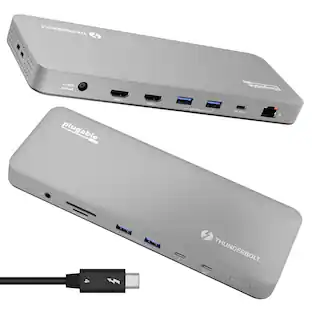
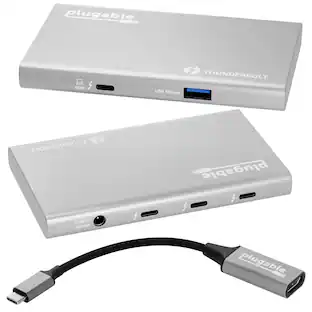
A “do-it-all” dock, the Thunderbolt Certified TBT4-UD5 Plugable Docking Station was awarded The Best Thunderbolt Docking Station by Wirecutter in 2025. It stands out as a versatile and powerful hub for modern workspaces. Its robust design includes an array of 13 ports, catering to a wide range of connectivity needs. Starting with the 40Gbps Thunderbolt 4 host port, this TB4 dock offers plenty of bandwidth to support two HDMI ports, each capable of driving dual 4K 60Hz displays. A downstream 40Gbps Thunderbolt 4 port is also included to provide high-speed connectivity for advanced Thunderbolt-based applications, such as fast storage devices. In addition to its display options, this Thunderbolt USB4 dock boasts a USB-C port with a 10Gbps transfer rate, ideal for quick file transfers and efficient data management. There are also 4x USB 3.0 ports (2x 10Gbps, 2x 5Gbps), perfect for connecting a variety of peripherals like keyboards, mice, and external drives. Throw in SD and Micro SD slots, a combo audio jack, Gigabit Ethernet, and a slot for a K lock, and this setup ensures that users can create a powerful and integrated workstation. Speaking of power, the TBT4-UD5 docking station Thunderbolt 4 packs it in with up to 100W Power Delivery (96W certified) — more than enough for most power-hungry laptops. Especially useful in business and education environments, the Plugable TBT4-UD5 Docking Station delivers exceptional functionality and convenience.
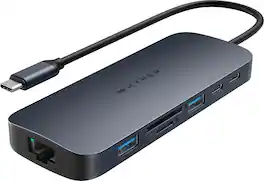
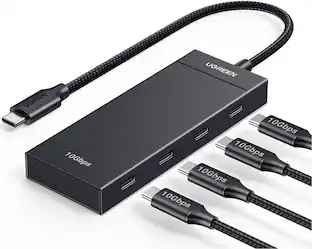
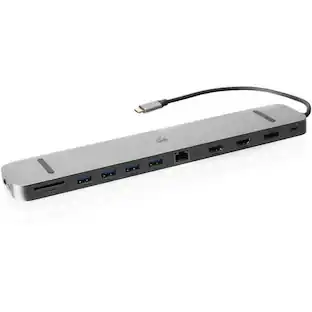
Introducing the HyperDrive Next 10 Port USB-C Hub - the ultimate connectivity solution for creators, editors, photographers, and more. With extended 4K60Hz monitor support for Mac, PC, and Chromebook, 10 ultra-fast ports, and lightning-fast data transfers, unleash your creative potential anywhere. Experience 2X faster file transfers using the 10Gbps USB ports and 3X faster photo and video transfers with microSD and SD 4.0. Benefit from 40% more power with a PD 3.1 140W power pass-through port, ensuring efficient charging. Make a sustainable choice with EcoSmart technology.
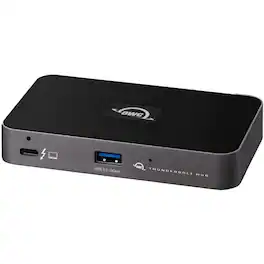
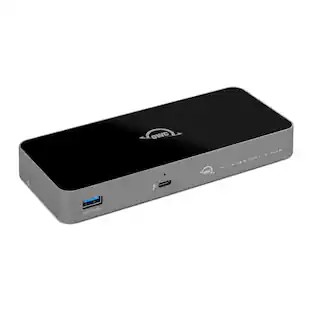
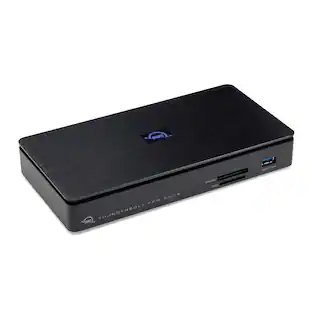
OWC Thunderbolt Hub Docking Station, Grey/Black. Made for your unique workflow needs. The OWC Thunderbolt Hub was intended for a specific workflow; Yours. Connect more storage, displays, and accessories. Creat independent daisy chains. And do it all while charging your notebook. With the OWC Thunderbolt Hub, you can massively increase your productivity and connectivity while enjoying the same performance of your Thunderbolt and USB-C devices as if you had plugged them directly into your machine. In short, you get everything you want without compromise or unnecessary features. Multiply the port potential of you Mac, PC, Chromebook, and tablet to create a connectivity platform that meets and exceeds your unique workflow needs now and beyond... Up to two 4k monitors. Portable SSD storage. Large desktop RAID storage capacity. Thunderbolt 1/2/3/4 or USB-C dock for more port options. SD or CFexpress card reader. 10Gb/s Ethernet adapter. Video display (HDMI, mDP, VGA) adapter. Digital audio interface.
| Pros for OWC - 11-Port Thunderbolt Dock, 96W Charging, Single 8K Display or Dual 5K Displays, 3 x Thunderbolt, 4 x USB, GbE, SD | |||
|---|---|---|---|
| There were no pros for this product— | There were no pros for this product— | Overall Performance, Port Quantity, Connectivity, Ease of use, USB-C | There were no pros for this product— |
| Cons for OWC - 11-Port Thunderbolt Dock, 96W Charging, Single 8K Display or Dual 5K Displays, 3 x Thunderbolt, 4 x USB, GbE, SD | |||
| There were no cons for this product— | There were no cons for this product— | Heat Dissipation | There were no cons for this product— |
Specs
Be the first to ask a question.
We’ll try to get your question answered within 24 hours by a Best Buy customer or brand representative.
Customers often buy these together
 $249.99The price was $329.99
 $67.06The price was $79.99
 $309.99The price was $364.99
 $49.99The price was $59.99




More to consider
 $271.05The price was $276.23
 $269.99The price was $299.99

Explore tech essentials Sponsored
 $111.00The price was $119.99
 Techtober Deal$22.49The price was $24.99


Keep exploring
 Techtober Deal$37.99The price was $45.99
 Techtober Deal$49.99The price was $59.99
 $219.89The price was $249.99