FREE shipping to
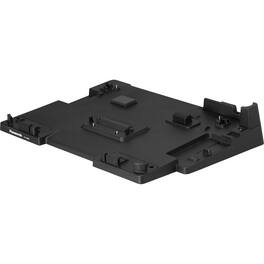
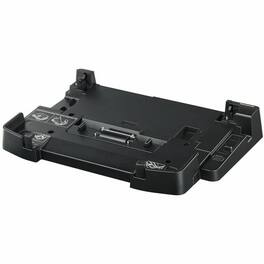
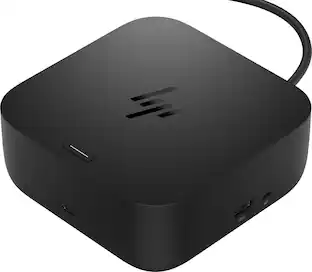
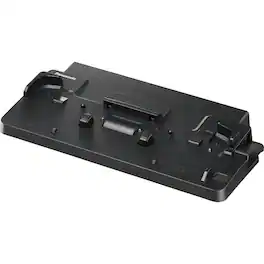
Panasonic Docking Station - for Notebook - 3 x USB Type-A Ports - USB Type-A - USB Type-C - 2 x HDMI Ports - HDMI - Docking
This product doesn't have any reviews yet.

Panasonic Docking Station - for Notebook - 3 x USB Type-A Ports - USB Type-A - USB Type-C - 2 x HDMI Ports - HDMI - Docking

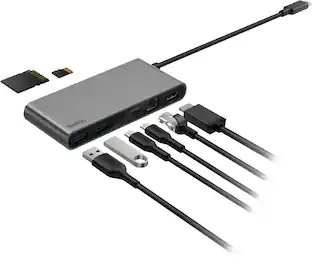
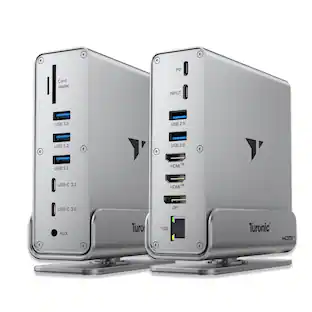
This triple display docking station turns your Mac or Windows laptop into a full workstation with a DisplayPort output, two HDMI outputs, and a VGA output, with resolution support up to 4K (3840 x 2160) on two displays and 1080p on the other one. You can also use your laptop screen for four displays in total, making it easy to access multiple applications at once. With 100W Power Delivery, three USB 3.0 ports, and a USB-C port, this docking station is perfect for your MacBook, Dell XPS, or other USB-C laptop requiring additional ports. This USB 3.0 docking station is also equipped with a RJ45 Gigabit Ethernet port, memory card reader/writer, and combo audio jack for maximum productivity. The elevated design assists with heat dissipation and, with its double-sided cable storage compartment, ensures an easy connection regardless of your USB-C port’s location. All 13 ports are combined into one slim docking station, so you’ll have all the connections you need to stay productive!

Step into the future of connectivity with the UGREEN USB-C 3.2 Hub. Designed for a world of USB-C devices, this hub instantly transforms a single USB-C port into four high-speed 10Gbps data ports. Connect modern peripherals like external SSDs, flash drives, and audio interfaces at blistering speeds—transfer a 20GB file in just 16 seconds. Its compact, lightweight design is perfect for your travel bag, and with universal plug-and-play compatibility for MacBooks, iPads, iPhones, and more, it’s the simple, powerful solution to expand your workflow.

If you’re like many busy people, you have a dozen things going on at once, and working on the computer is no different. You likely need your computer’s USB ports to connect a keyboard or mouse, transfer files and charge devices – it’s no surprise that there aren’t enough ports for everything. This hub helps optimize your workspace by providing four extra USB ports to connect accessories – simply plug it into your computer’s USB-C port. Transfer speeds up to 5 Gbps move files quickly and efficiently. Its compact size makes it perfect for slipping into a purse or backpack. You really can do it all with the Insignia 4-Port USB-C Hub.
| Pros for Panasonic - Docking Station - for Notebook - 3 x USB Type-A Ports - USB Type-A - USB Type-C - 2 x HDMI Ports - HDMI | |||
|---|---|---|---|
| There were no pros for this product— | Ease of use, USB-C, Overall Performance, Connectivity, Ports | There were no pros for this product— | Overall Performance, USB-C, Ease of use, Connectivity, Size |
| Cons for Panasonic - Docking Station - for Notebook - 3 x USB Type-A Ports - USB Type-A - USB Type-C - 2 x HDMI Ports - HDMI | |||
| There were no cons for this product— | Compatibility, Power Supply | There were no cons for this product— | Cord Length, Power |