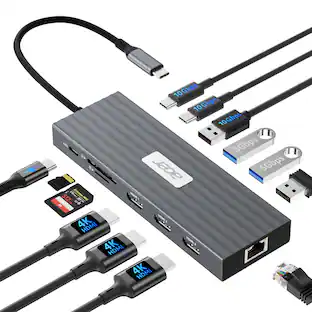
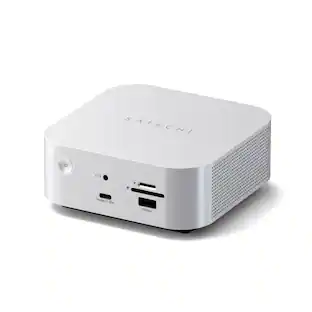
Plugable - USB C Mini Cube Docking Station,Thunderbolt/Specific USB-C Systems,Dock for Travel/Hybrid Work,Driverless - Black
About this product
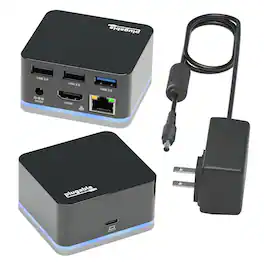
The Plugable smallest dock can drive an external HDMI display while having access to three USB ports and a wired Ethernet connection -- all through a single high-speed USB-C connection. Performance Meet Plugable's smallest USB-C docking station yet. The UD-CUBE. With this small laptop dock extend the connectivity and usability of your USB-C system with the mobile UD-CUBE that fits in the palm of your hand. Compatibility The portable docking station UD-CUBE is compatible with USB-C and Thunderbolt 3 equipped Windows, Mac and Chromebook systems that support Alt Mode video and acts as a port replicator stations multiple devices. Please see the System Requirements below for more details about exceptions. The UD-CUBE is not for charging your host system. Please see Power and Charging below for more details. System Requirements While most USB-C systems support at least a single display output over USB-C via Alt Mode (which converts through the HDMI port on the dock), not all USB-C ports are created equal. Please refer to your system manual to ensure that your USB-C port supports Alternate Mode (Alt Mode) video Power and Charging The docing station UD-CUBE does not provide Power Delivery over USB-C, i.e., it will not charge your host system. Your system may report that the system is charging or you may see a charging icon, but you must keep your original power adapter attached in order to charge your computer. In the Box Plugable UD-CUBE Mini Dock, USB 3.1 Type-C to Type-C Cable, Power Adapter (20W 5V/4A, UL60950-1), Quick Start Guide
Features
Connectivity
Enables compatible USB-C, USB4, or Thunderbolt equipped Mac, Windows and Chromebook systems to connect to a single 4K HDMI monitor, 2 USB 2.0 devices, 1 USB 3.0 device and wired gigabit Ethernet.
Compact Design
Small-scale cube form factor saves valuable desk space at any workstation. Sleek design makes this light-weight dock (130g) perfectly suited for travel, quick setup at conferences, hybrid work or simple connectivity in the meeting room. No power adapter required and can be powered over host connection.
USB-C Compatibility
Works with just about any laptop, tablet, or phone with a USB-C, USB4, or Thunderbolt port that supports video. Compatible with macOS 11+, Windows 10 and newer, and ChromeOS systems with Thunderbolt, USB4, or a full-featured USB-C port.
Performance
Performance – Plug in and get pixel‑perfect visuals powered straight from your laptop GPU, with no driver or software download required
Lifetime Support
This mini dock has been designed with reliability at its core and was built to meet the deployment demands of IT departments and the ease of use necessary for home offices. Includes lifetime support from our North American team of connectivity experts
Specifications
- Maximum Number of Displays Supported1Maximum Supported Resolution4K (2160p)Number of DisplayPort Outputs (Total)0Passthrough PowerYes
Reviews
Rating 5 out of 5 stars with 1 review
The vast majority of our reviews come from verified purchases. Reviews from customers may include My Best Buy members, employees, and Tech Insider Network members (as tagged). Select reviewers may receive discounted products, promotional considerations or entries into drawings for honest, helpful reviews.


Compare similar products
The Plugable smallest dock can drive an external HDMI display while having access to three USB ports and a wired Ethernet connection -- all through a single high-speed USB-C connection. Performance Meet Plugable's smallest USB-C docking station yet. The UD-CUBE. With this small laptop dock extend the connectivity and usability of your USB-C system with the mobile UD-CUBE that fits in the palm of your hand. Compatibility The portable docking station UD-CUBE is compatible with USB-C and Thunderbolt 3 equipped Windows, Mac and Chromebook systems that support Alt Mode video and acts as a port replicator stations multiple devices. Please see the System Requirements below for more details about exceptions. The UD-CUBE is not for charging your host system. Please see Power and Charging below for more details. System Requirements While most USB-C systems support at least a single display output over USB-C via Alt Mode (which converts through the HDMI port on the dock), not all USB-C ports are created equal. Please refer to your system manual to ensure that your USB-C port supports Alternate Mode (Alt Mode) video Power and Charging The docing station UD-CUBE does not provide Power Delivery over USB-C, i.e., it will not charge your host system. Your system may report that the system is charging or you may see a charging icon, but you must keep your original power adapter attached in order to charge your computer. In the Box Plugable UD-CUBE Mini Dock, USB 3.1 Type-C to Type-C Cable, Power Adapter (20W 5V/4A, UL60950-1), Quick Start Guide
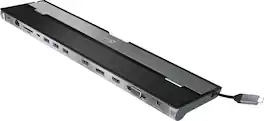
This triple display docking station turns your Mac or Windows laptop into a full workstation with a DisplayPort output, two HDMI outputs, and a VGA output, with resolution support up to 4K (3840 x 2160) on two displays and 1080p on the other one. You can also use your laptop screen for four displays in total, making it easy to access multiple applications at once. With 100W Power Delivery, three USB 3.0 ports, and a USB-C port, this docking station is perfect for your MacBook, Dell XPS, or other USB-C laptop requiring additional ports. This USB 3.0 docking station is also equipped with a RJ45 Gigabit Ethernet port, memory card reader/writer, and combo audio jack for maximum productivity. The elevated design assists with heat dissipation and, with its double-sided cable storage compartment, ensures an easy connection regardless of your USB-C port’s location. All 13 ports are combined into one slim docking station, so you’ll have all the connections you need to stay productive!

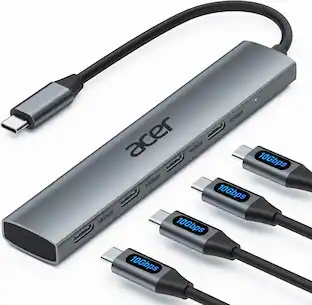
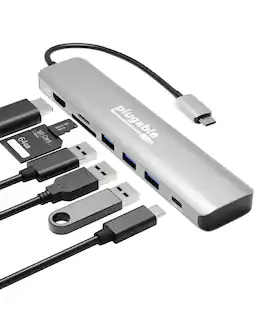
This hub provides extra connectivity for your computer; featuring 4K144 HDMI™, six USB™ data ports, and PD pass through charging. Connect to three USB™ devices, choose either Type-C or Type-A for added flexibility. The multi-adapter’s small size makes it easy to carry and helps save desk space. The HDMI™ port allows you to connect to a 4K monitor or TV. Equipped with USB™ 3.2 Gen 1 support for transferring files. This hub is designed for ultimate convenience, allowing you to start using it right out of the package. With its plug-and-play functionality, there's no need for any driver installation, just plug it in and you're good to go.
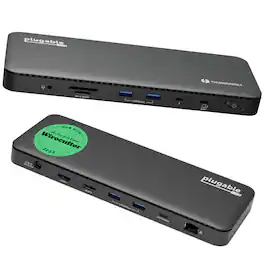
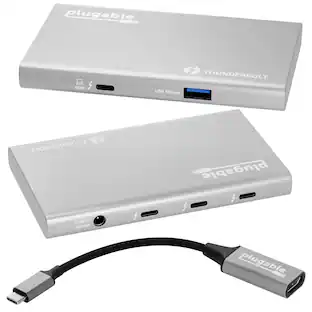
A “do-it-all” dock, the Thunderbolt Certified TBT4-UD5 Plugable Docking Station was awarded The Best Thunderbolt Docking Station by Wirecutter in 2025. It stands out as a versatile and powerful hub for modern workspaces. Its robust design includes an array of 13 ports, catering to a wide range of connectivity needs. Starting with the 40Gbps Thunderbolt 4 host port, this TB4 dock offers plenty of bandwidth to support two HDMI ports, each capable of driving dual 4K 60Hz displays. A downstream 40Gbps Thunderbolt 4 port is also included to provide high-speed connectivity for advanced Thunderbolt-based applications, such as fast storage devices. In addition to its display options, this Thunderbolt USB4 dock boasts a USB-C port with a 10Gbps transfer rate, ideal for quick file transfers and efficient data management. There are also 4x USB 3.0 ports (2x 10Gbps, 2x 5Gbps), perfect for connecting a variety of peripherals like keyboards, mice, and external drives. Throw in SD and Micro SD slots, a combo audio jack, Gigabit Ethernet, and a slot for a K lock, and this setup ensures that users can create a powerful and integrated workstation. Speaking of power, the TBT4-UD5 docking station Thunderbolt 4 packs it in with up to 100W Power Delivery (96W certified) — more than enough for most power-hungry laptops. Especially useful in business and education environments, the Plugable TBT4-UD5 Docking Station delivers exceptional functionality and convenience.
| Pros for Plugable - USB C Mini Cube Docking Station,Thunderbolt/Specific USB-C Systems,Dock for Travel/Hybrid Work,Driverless - Black | |||
|---|---|---|---|
| There were no pros for this product— | Overall Performance, Connectivity, Ease of use, USB-C, Ports | Overall Performance, Connectivity, Portability, Port Selection | There were no pros for this product— |
| Cons for Plugable - USB C Mini Cube Docking Station,Thunderbolt/Specific USB-C Systems,Dock for Travel/Hybrid Work,Driverless - Black | |||
| There were no cons for this product— | Compatibility, Power Supply | There were no cons for this product— | There were no cons for this product— |
Specs
Be the first to ask a question.
We’ll try to get your question answered within 24 hours by a Best Buy customer or brand representative.
Customers often buy these together
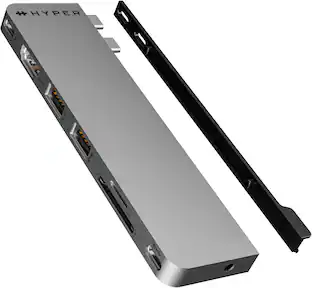
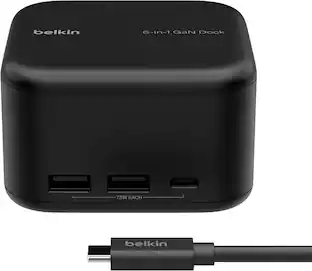
Hyper HyperDrive Next 8 Port USB-C Hub, 4K HDMI, USB4/Thunderbolt 4, 1 USB-C, 2 USB-A, microSD/SD, travel dock for MacBook/PC
Clearance$39.99The price was $79.99Cyber Acoustics Compact USB Speaker Bar with Integrated Monitor Mount (CA-2890)
$38.93The price was $58.79

More to consider
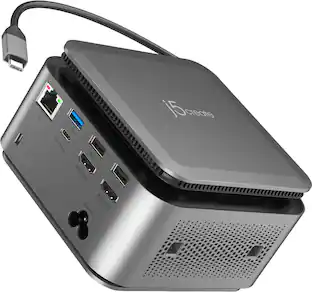
j5create Flexible Ports USB-C® 4K144 HDMI™ Hub - Slim 8 in 1 for Windows, macOS, Chrome OS
$49.99The price was $59.99Targus USB-C Universal Dual HD Docking Station with 80W PD Pass-Thru
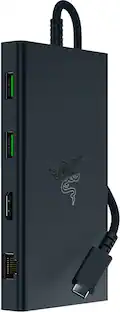
Clearance$34.99The price was $69.99Razer USB C Dock Station with 11 Ports for Windows 10 or later (PC with USB‑C); macOS 10.13 or later (Mac)
$79.99The price was $129.99




Explore tech essentials Sponsored

Discover related products
Acer USB C to HDMI Cable for Home Office 6.6FT (4K@60Hz), High-Speed Type C to HDMI 2.0 Braided Cord
$12.99The price was $13.99Epson EcoTank ET-2988 Wireless All-in-One Color Supertank Inkjet Printer
$149.99The price was $169.99











Keep exploring
Plugable USB 3.0 and USB-C Universal Laptop Docking Station for Windows, Mac, ChromeOS | Dual HDMI
$99.84The price was $119.99Acer USB C Hub, 10Gbps Type C Splitter with 4 USBC 3.2 Port, High Speed Type C Multiport Adapter
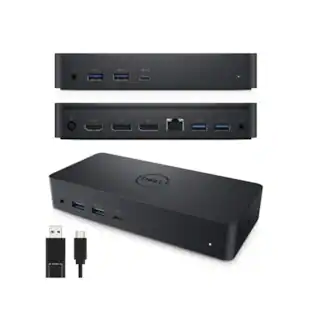
$19.99The price was $22.99Dell D6000 Universal Laptop Dock – USB-C & USB-A, 65W Power Delivery, 3 Monitors
$219.89The price was $249.99Anker Prime Docking Station (DL7400), 14-Port Triple Display with DisplayLink, 140W Max USB-C Port
$259.99The price was $299.99