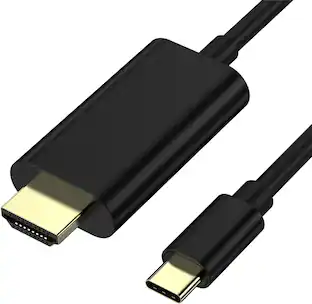
Plugable - USB C to HDMI Cable 6ft / 1.8m, HDMI 2.0, USB4 / Thunderbolt Adapter for 4K Monitor up to 4K 60Hz - Black
About this product
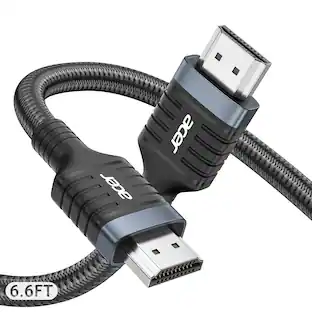
Plugable's USB Type C to HDMI cable (USBC-HDMI-CABLE) allows you to connect an HDMI display to your laptop, tablet, or desktop which supports USB-C "DisplayPort Alternate Mode" (Alt Mode) video output functionality. Performance USB-C DisplayPort Alt Mode technology utilizes a direct pipeline to the graphics processor in your system, and your connected monitor will function and perform as a natively attached display Support for resultions up to 3840x2160@60Hz (4K) on HDMI compatible displays Compatible Systems Plug and Play installation on any Windows, Mac, or Linux host which supports DisplayPort Alternate Mode (Alt Mode) video output functionality, USB4, Thunderbolt 3, and Thunderbolt 4. 3840x2160@60Hz resolutions require the host system to support this resolution and the display must be HDMI 2.0 capable. HDMI to USB Type C adapter cable has been fully tested for functionality on modern Mac systems with Thunderbolt, Microsoft Surface tablets, HP Spectre x360, Chromebooks, Dell XPS, Thunderbolt to HDMI on laptops with Thunderbolt 3, Thunderbolt 4, or USB4 ports, and other systems which support DisplayPort Alternate Mode over USB-C. Can be used as a USB-C to HDMI cable to connect apple laptop to a monitor. When this USB to HDMI cable is connected to a Thunderbolt 4 or USB4 port, it works as a Thunderbolt 4 to HDMI cable or USB4 to HDMI cable. This cable also works as a usb c monitor extender, dual screen adapter, or a dual hdmi adapter for mac. Please note that this cable doesn't work as a HDMI splitter. In the Bag Plugable USB-C to HDMI 2.0 cable (6ft/1.8m)
Features
At a Glance
HDMI 2.0 Plug and Play 4K USBC to HDMI adapter cable (USBC-HDMI-CABLE) with this 6ft/1.8m supports HDMI 4K 60Hz, HDR, and HDCP. Compatible with USB4, Thunderbolt, or USB-C DP 1.2 and 1.4 for high-res gaming, home theater & professional use. This USB-C to HDMI cable ensures seamless connectivity.
Resolutions
Cable utilizes USB-C and HDMI 2.0 bandwidth for HDR support and resolutions up to 3840x2160 @ 60Hz (4K). Also supports HDMI 1.4 displays and common resolutions below 4K such as 3840x1440, 2560x1440, 2560x1080, 1920x1080 (1080p) and more
Ready to Go
Extend your viewing with crisp resolutions up to 4K and clear audio with this single cable - perfect for video, gaming, and working. No drivers to download, just plug and play.
Works With
This USB C HDMI adapter cable is Plug and Play compatible with Windows, macOS, and ChromeOS systems with USB-C, USB4, or Thunderbolt. Works with iPhone 15 and above, Samsung phone, iPad Pro, MacBook Pro/Air, Dell XPS, Microsoft Surface family, and other systems.
2-Year Coverage, Lifetime Support
Every Plugable product, including this USB C to HDMI cable, is covered against defects for 2 years and comes with lifetime support. If you ever have questions, contact our North American-based team - even before purchase
Specifications
- Connector Type (End 1)HDMI Type AGender (End 1)MaleConnector Type (End 2)USB-CGender (End 2)MaleMaximum Data Transfer Rate5000 megabits per secondJacket MaterialRubber
Reviews
This product doesn't have any reviews yet.
Compare similar products
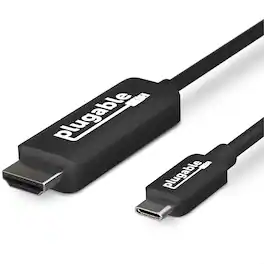
Plugable's USB Type C to HDMI cable (USBC-HDMI-CABLE) allows you to connect an HDMI display to your laptop, tablet, or desktop which supports USB-C "DisplayPort Alternate Mode" (Alt Mode) video output functionality. Performance USB-C DisplayPort Alt Mode technology utilizes a direct pipeline to the graphics processor in your system, and your connected monitor will function and perform as a natively attached display Support for resultions up to 3840x2160@60Hz (4K) on HDMI compatible displays Compatible Systems Plug and Play installation on any Windows, Mac, or Linux host which supports DisplayPort Alternate Mode (Alt Mode) video output functionality, USB4, Thunderbolt 3, and Thunderbolt 4. 3840x2160@60Hz resolutions require the host system to support this resolution and the display must be HDMI 2.0 capable. HDMI to USB Type C adapter cable has been fully tested for functionality on modern Mac systems with Thunderbolt, Microsoft Surface tablets, HP Spectre x360, Chromebooks, Dell XPS, Thunderbolt to HDMI on laptops with Thunderbolt 3, Thunderbolt 4, or USB4 ports, and other systems which support DisplayPort Alternate Mode over USB-C. Can be used as a USB-C to HDMI cable to connect apple laptop to a monitor. When this USB to HDMI cable is connected to a Thunderbolt 4 or USB4 port, it works as a Thunderbolt 4 to HDMI cable or USB4 to HDMI cable. This cable also works as a usb c monitor extender, dual screen adapter, or a dual hdmi adapter for mac. Please note that this cable doesn't work as a HDMI splitter. In the Bag Plugable USB-C to HDMI 2.0 cable (6ft/1.8m)
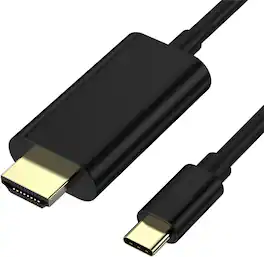
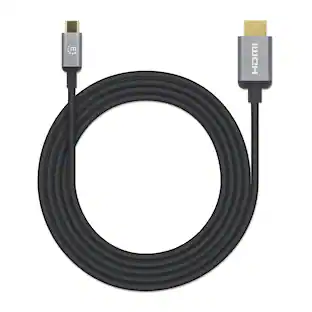
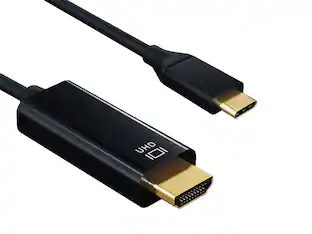
Connect your USB C device directly to an HDMI display with this USB C to HDMI Cable designed for reliable performance at home in the office or in professional settings Supporting up to 4K Ultra HD resolution the cable delivers sharp detailed video and smooth audio for monitors TVs and projectors Compatible with Thunderbolt 3 and Thunderbolt 4 this cable works with USB C devices that support video output allowing you to mirror or extend your screen with ease The plug and play design requires no adapters drivers or software ensuring fast and simple setup With a 6 foot length it provides flexible placement for desks home offices conference rooms and entertainment setups
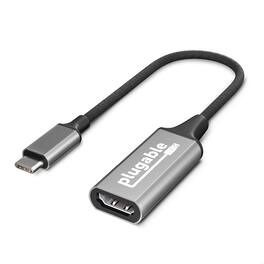
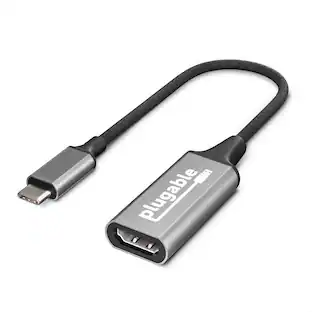
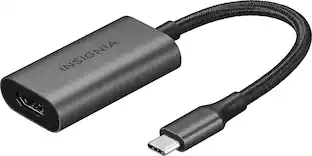
Plugable's USB to HDMI adapter (USBC-HDMI) allows you to connect an HDMI display to your laptop, tablet, or desktop which supports USB-C "DisplayPort Alternate Mode" (Alt Mode) video output functionality. This USBC HDMI adapter is designed for seamless video output and compatibility. Performance USB-C DisplayPort Alt Mode technology utilizes a direct pipeline to the graphics processor in your system, and your connected monitor will function and perform as a natively attached display Support for resolutions up to 3840x2160@60Hz (4K) on HDMI compatible displays Compatible Systems Plug and Play installation on any Windows, Mac, or Linux host which supports DisplayPort Alternate Mode (Alt Mode) video output functionality, USB4, Thunderbolt 3, and Thunderbolt 4. 3840x2160@60Hz resolutions require the host system to support this resolution and the display must be HDMI 2.0 capable. HDMI to USB Type C adapter has been fully tested for functionality on modern Mac systems with Thunderbolt, Microsoft Surface tablets, HP Spectre x360, Chromebooks, Dell XPS, Thunderbolt to HDMI on laptops with Thunderbolt 3, Thunderbolt 4, or USB4 ports, and other systems which support DisplayPort Alternate Mode over USB-C. Can be used as a USBC to HDMI cable to connect apple laptop to a monitor. When this adapter is connected to a Thunderbolt 4 or USB4 port, it works as a Thunderbolt 4 to HDMI adapter, Thunderbolt 3 to HDMI adapter, or USB4 to HDMI adapter. This adapter also works as a usb c monitor extender, usb-c to hdmi converter, dual screen adapter, or a macbook pro hdmi adapter. Please note that this cable doesn't work as a HDMI splitter. In the Bag Plugable USB-C to HDMI 2.0 adapter (Length 7.75 inch / 19.7 cm) Measurements: HxWxD 1 x2x4 cm

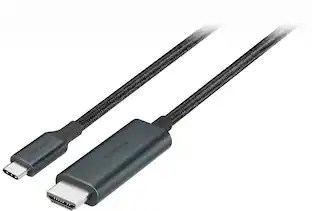
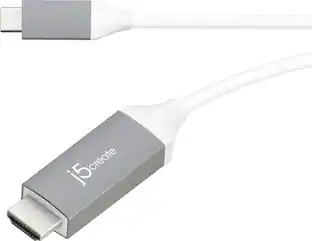
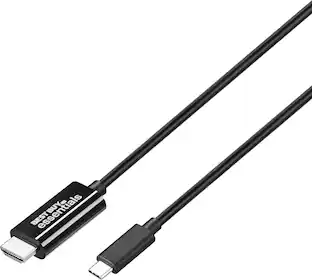
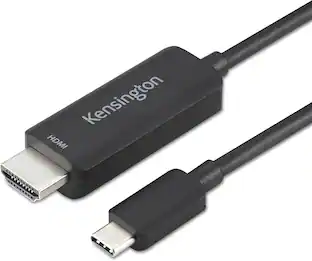
Put your display on the big screen with the USB-C to 4K HDMI Cable. This cable gives you the ability to connect your USB-C equipped desktop or laptop to an external monitor, HDTV, projector, or other display device with an HDMI input. This plug-and-play cable is capable of transmitting video signals up to 4K @ 60 Hz.
| Pros for Plugable - USB C to HDMI Cable 6ft / 1.8m, HDMI 2.0, USB4 / Thunderbolt Adapter for 4K Monitor up to 4K 60Hz - Black | |||
|---|---|---|---|
| There were no pros for this product— | There were no pros for this product— | There were no pros for this product— | Quality, Compatibility, Ease of use, HDMI, Cable Length |
| Cons for Plugable - USB C to HDMI Cable 6ft / 1.8m, HDMI 2.0, USB4 / Thunderbolt Adapter for 4K Monitor up to 4K 60Hz - Black | |||
| There were no cons for this product— | There were no cons for this product— | There were no cons for this product— | Connectivity, Battery Life, Charging, Lag, Resolution |
Specs
Be the first to ask a question.
We’ll try to get your question answered within 24 hours by a Best Buy customer or brand representative.
Customers often buy these together
 $19.99The price was $22.99
 $42.99The price was $63.82
 $42.78The price was $62.44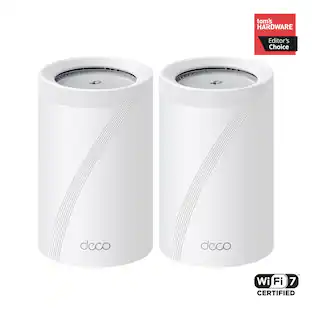
TP-Link - Deco 7 Pro BE11000 Tri-Band Wi-Fi 7 Whole Home Mesh Router System - Deco BE65 Pro (2-pack)
Techtober Deal$349.99The price was $509.99 Techtober Deal$94.99The price was $133.40



More to consider
 $19.99The price was $29.99
 $19.99The price was $24.95
 Techtober Deal$10.99The price was $13.99
Explore tech essentials Sponsored
 Techtober Deal$44.99The price was $49.99

Discover related products











Keep exploring
 $10.99The price was $12.99
- Techtober Deal$10.99The price was $13.99