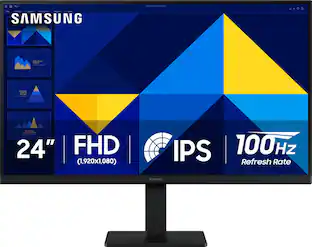
Samsung - Odyssey G30D 24" LED FHD AMD FreeSync Premium 180Hz 1ms Gaming Monitor (DisplayPort, HDMI) - Black
Customers are saying
Customers are enthusiastic about the monitor's overall performance, particularly for gaming, and appreciate the smooth 180 Hz refresh rate. Users also value the versatile adjustability of the stand and find the screen size to be well-suited for their needs. While the display is highly regarded, some users noted that the integrated speakers are missing and that the color accuracy and viewing angles do not quite reach the level of premium panels. Additionally, a few customers mentioned that the stand occupies a significant amount of desk space and expressed a desire to disable the standby light.
Screen Size
24"Highlights
Features
180Hz Refresh Rate & 1ms Response Time (MPRT)
Speed through scenes. 180Hz refresh rate eliminates lag for exhilarating gameplay with ultrasmooth action. 1ms response time (MPRT) provides frames with minimal blur, allowing you to jump on enemies right when you see them. ¹
AMD FreeSync
Superfluid entertainment experience. AMD Radeon FreeSync keeps your monitor and graphics card refresh rate in sync to reduce image tearing. Watch movies and play games without interruptions. Even the fastest scenes look seamless and smooth
Black Equalizer
Black Equalizer allows you to adjust dark areas in games, letting you spot your enemies in even the darkest hiding nooks.
Virtual Aim Point
Line up more accurate shots with Virtual Aim Point. Crosshairs on the screen give you a new level of accuracy in any game, when precision can mean the difference between life and death.
Eye Saver Mode & Less Screen Flickering
Play for even longer. Eye Saver Mode minimizes blue light to help keep your eyes relaxed and comfortable when gaming for extended periods. The Odyssey G3 also reduces irritating and frustrating screen flicker, so you can focus longer with less distraction and eye strain.
3-Sided Borderless Design
Your legacy has no boundaries. The 3-sided borderless design unveils maximum space for bigger, bolder gameplay. Line up two displays precisely in a dual-monitor setup, making it impossible for enemies to slip through the cracks.
Ergonomic Stand
Reach the height of winning. Swivel, tilt, pivot and adjust your monitor height until all enemies are in perfect view. Your display can be moved freely so you can find total gaming comfort.
Specifications
- Refresh Rate180HzMaximum Resolution1920 x 1080Response Time1 millisecondsPanel TypeVASynchronization TechnologyFreeSync (AMD Adaptive Sync)
Reviews
Rating 4.8 out of 5 stars with 561 reviews
- Overall Performance (268)
- Refresh Rate (63)
- Adjustability (18)
- Size (13)
- Speakers (8)
- Color Accuracy (6)
- Stand Design (3)
- Standby Light (3)
- Viewing Angle (3)
Customer Images
The vast majority of our reviews come from verified purchases. Reviews from customers may include My Best Buy members, employees, and Tech Insider Network members (as tagged). Select reviewers may receive discounted products, promotional considerations or entries into drawings for honest, helpful reviews.

Compare similar products
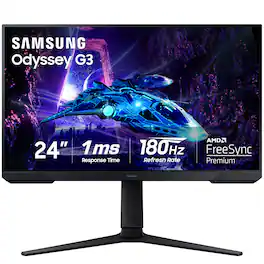
Samsung's Odyssey G30D Gaming Monitor features 180Hz refresh rate and 1ms response time (MPRT) which enables faster, exhilarating gameplay with ultra-smooth action and minimal blur. AMD Radeon FreeSync keeps the monitor and graphics card refresh rate in sync, reducing image tearing for seamless, smooth scenes. Black Equalizer allows you to adjust dark areas in games, letting you spot your enemies in even the darkest hiding nooks. Eye Saver Mode minimizes blue light and reduces irritating screen flicker for more comfortable gaming, and the 3-sided borderless design provides maximum space for bigger, bolder gameplay, enabling a precise dual-monitor setup. Features an ergonomic stand to adjust your monitor height for optimal comfort when playing for extended periods of time.
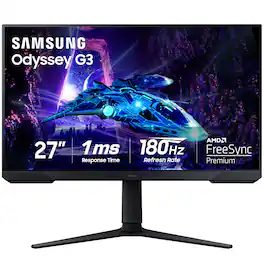
Samsung's Odyssey G30D Gaming Monitor features 180Hz refresh rate and 1ms response time (MPRT) which enables faster, exhilarating gameplay with ultra-smooth action and minimal blur. AMD Radeon FreeSync keeps the monitor and graphics card refresh rate in sync, reducing image tearing for seamless, smooth scenes. Black Equalizer allows you to adjust dark areas in games, letting you spot your enemies in even the darkest hiding nooks. Eye Saver Mode minimizes blue light and reduces irritating screen flicker for more comfortable gaming, and the 3-sided borderless design provides maximum space for bigger, bolder gameplay, enabling a precise dual-monitor setup. Features an ergonomic stand to adjust your monitor height for optimal comfort when playing for extended periods of time.
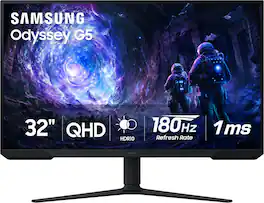
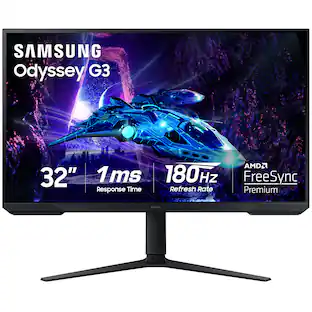
Samsung’s 32” Odyssey G5 G51F Gaming Monitor boasts incredibly detailed, pin-sharp images with QHD resolution (2560x1440). HDR10 provides brighter highlights, improved contrast and color accuracy, making every scene feel more vivid and realistic. 180Hz Refresh Rate and near-instant 1ms Response Time (MPRT) captures all your moves with reduced lag for ultra-smooth gameplay. AMD FreeSync Premium Pro reduces choppiness, screen lag, and image tears. Black Equalizer allows you to adjust dark areas in games, so you can locate opponents hiding in the deepest shadows. Virtual Aim Point allows you to hit your marks with next-level accuracy, giving you the optimal aim with crosshairs on the screen. Auto Source Switch+ instantly switches to a new source signal when connected devices are turned on, without having to use multiple inputs. Ergonomic stand makes it simple to tilt and adjust the monitor for total gaming comfort.

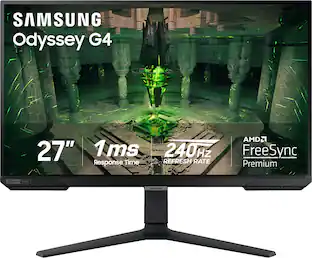
When it comes to gaming performance, the slightest disadvantage can be the difference between winning and losing a match. With a 240Hz refresh rate, lightning fast 1ms (GTG) response time and full adaptive G-Sync compatibility and FreeSync Premium support, you can be sure that the Odyssey G4 won’t let you down on the battlefield.
| Pros for Samsung - Odyssey G30D 24" LED FHD AMD FreeSync Premium 180Hz 1ms Gaming Monitor (DisplayPort, HDMI) - Black | |||
|---|---|---|---|
| Overall Performance, Refresh Rate, Size, Adjustability | Overall Performance, Refresh Rate, Size, Design | Overall Performance, Screen Size, Refresh Rate, Resolution | Overall Performance, Refresh Rate, Screen Size, Resolution, Price |
| Cons for Samsung - Odyssey G30D 24" LED FHD AMD FreeSync Premium 180Hz 1ms Gaming Monitor (DisplayPort, HDMI) - Black | |||
| Speakers, Color Accuracy, Stand Design, Standby Light, Viewing Angle | There were no cons for this product— | Speakers, Connectivity, HDR Performance, Black Levels | Speakers, Ghosting, Lag, Stand, Dead Pixel |
Specs
Customers often buy these together
Computer Keyboards

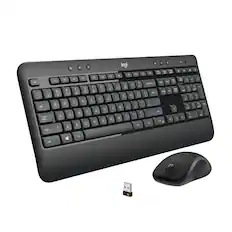
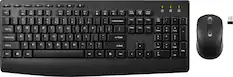
Logitech - MK270 Full-size Wireless Membrane Keyboard and Mouse Bundle for PC - Black
$26.99The price was $29.99
![ESC F1 F2 F3 F4 F5 F6 F7 FB F9 F10 F11 F12 DEL PRTSC P6 UP PD ON ... 1 A - 1! 2 3# 4$ 5% 6^ 7& 8* 9( 0 ) = + NUM / - TAB Q W E R T Y U I O P [ ] \ | HOME B + 9 PB UP + CAPS A S D F G H J K L : : 1 ENTER 4 5 6 SHIFT Z X C V B N M ? SHIFT 1 END S + 3 PG ON ENT CTRL ALT ALT FN O INS DEL](https://pisces.bbystatic.com/image2/BestBuy_US/images/products/a921344c-ee7b-4281-ba27-e7c65f14d628.jpg;maxHeight=232;maxWidth=233?format=webp)
![esc 1 ! 2 @ 3 # 4 $ 5 % 6 ^ 7 & 8 * 9 ( 0 ) - = + tab Q W E R T Y U I O P [ { ] } | caps A S D F G H J K L ; : " enter shift Z X C V B N M , < > ? shift ctrl alt fn ctrl](https://pisces.bbystatic.com/image2/BestBuy_US/images/products/f4530ec5-6fbf-4ff0-a67d-1967e6381b1c.jpg;maxHeight=232;maxWidth=233?format=webp)
Monitor Stands
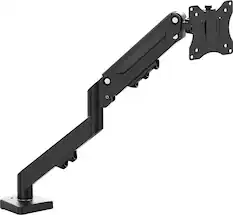
j5create - Ergonomic Monitor Desk Mount for Most 17” -32” Monitors - Black
$59.99The price was $69.99
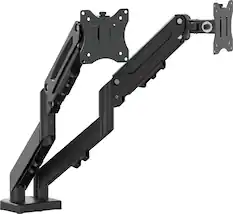
j5create - Ergonomic Dual Monitor Desk Mount for Most 17” -32” Monitors - Black
$94.99The price was $130.77
More recommended items
 Monitor and Video Cables
 Computer Speakers
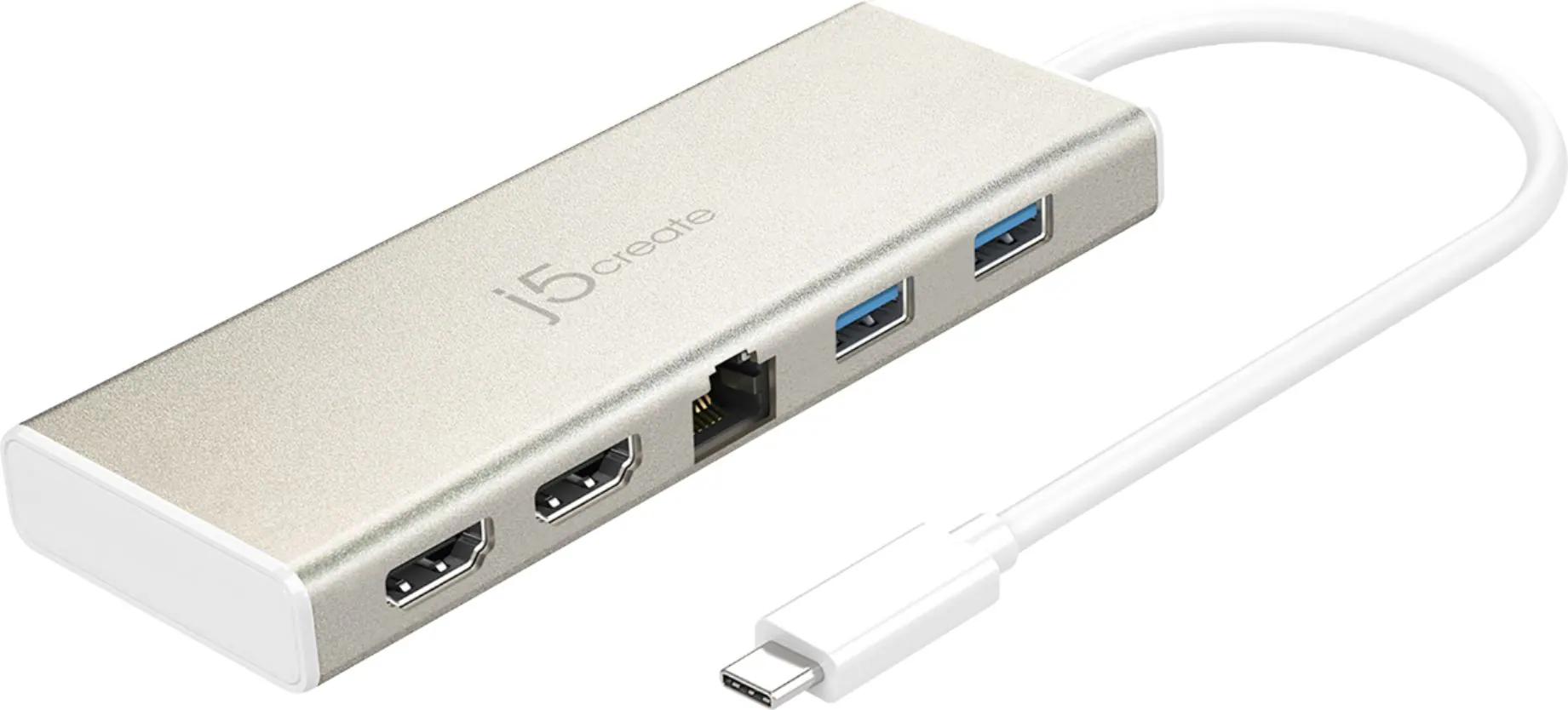 Laptop Docking Stations
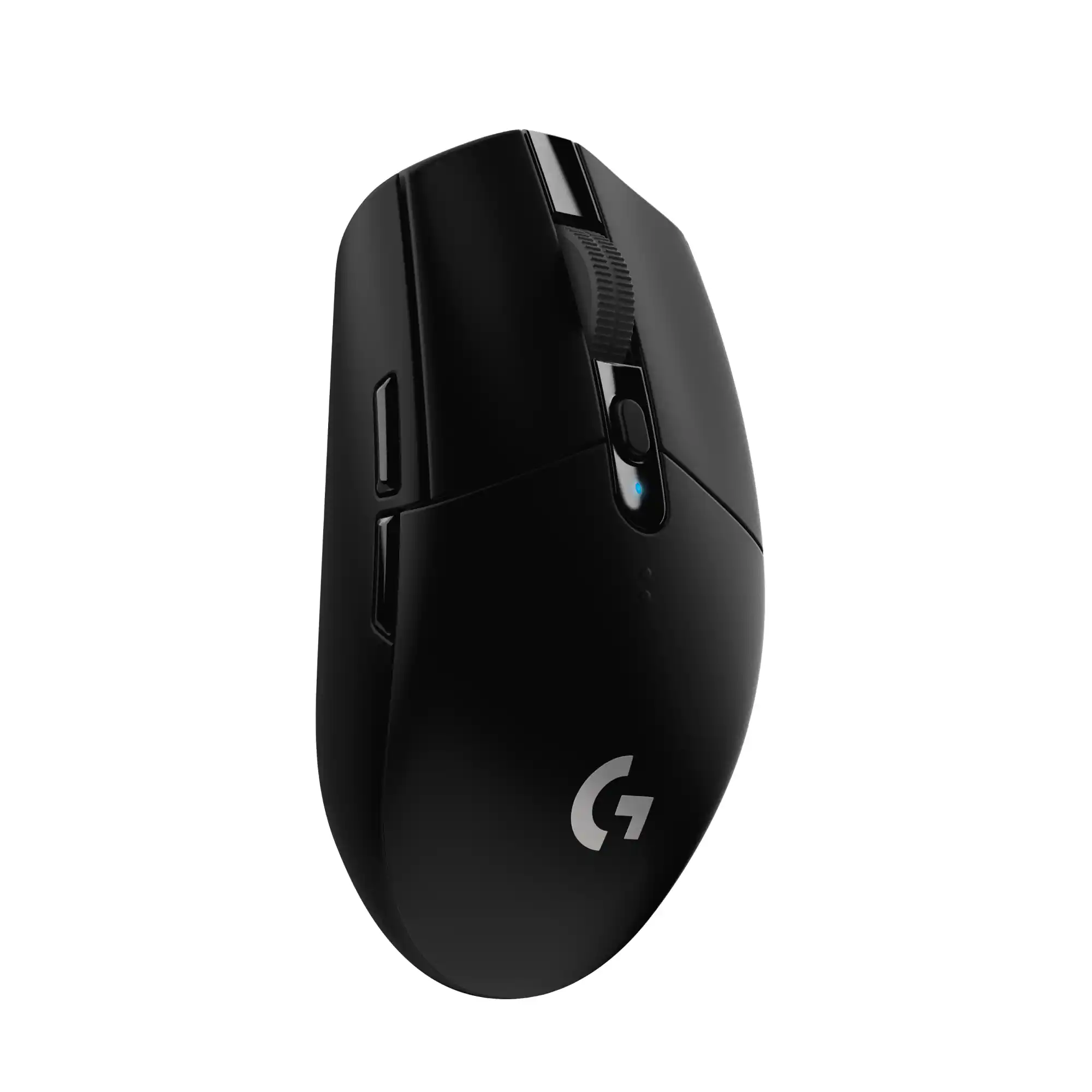 Mice
Mice Web Cameras
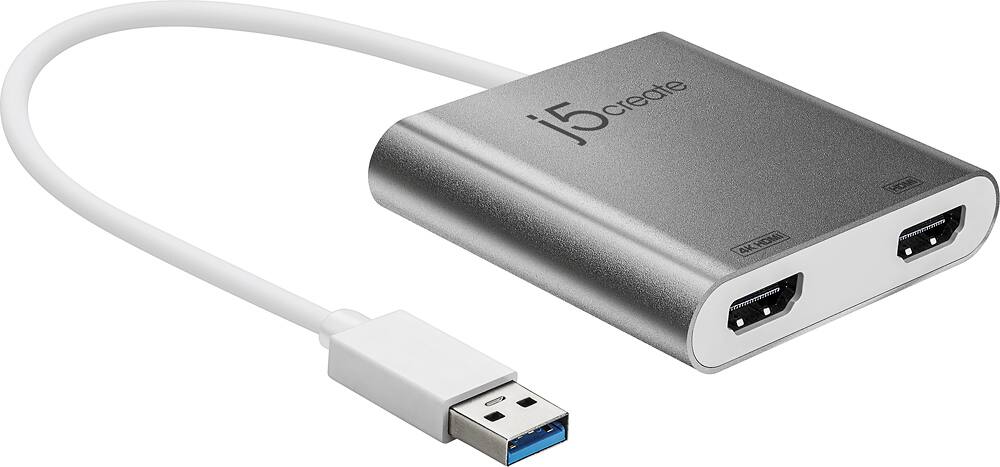 Cables and Adapters
 Mouse Pads
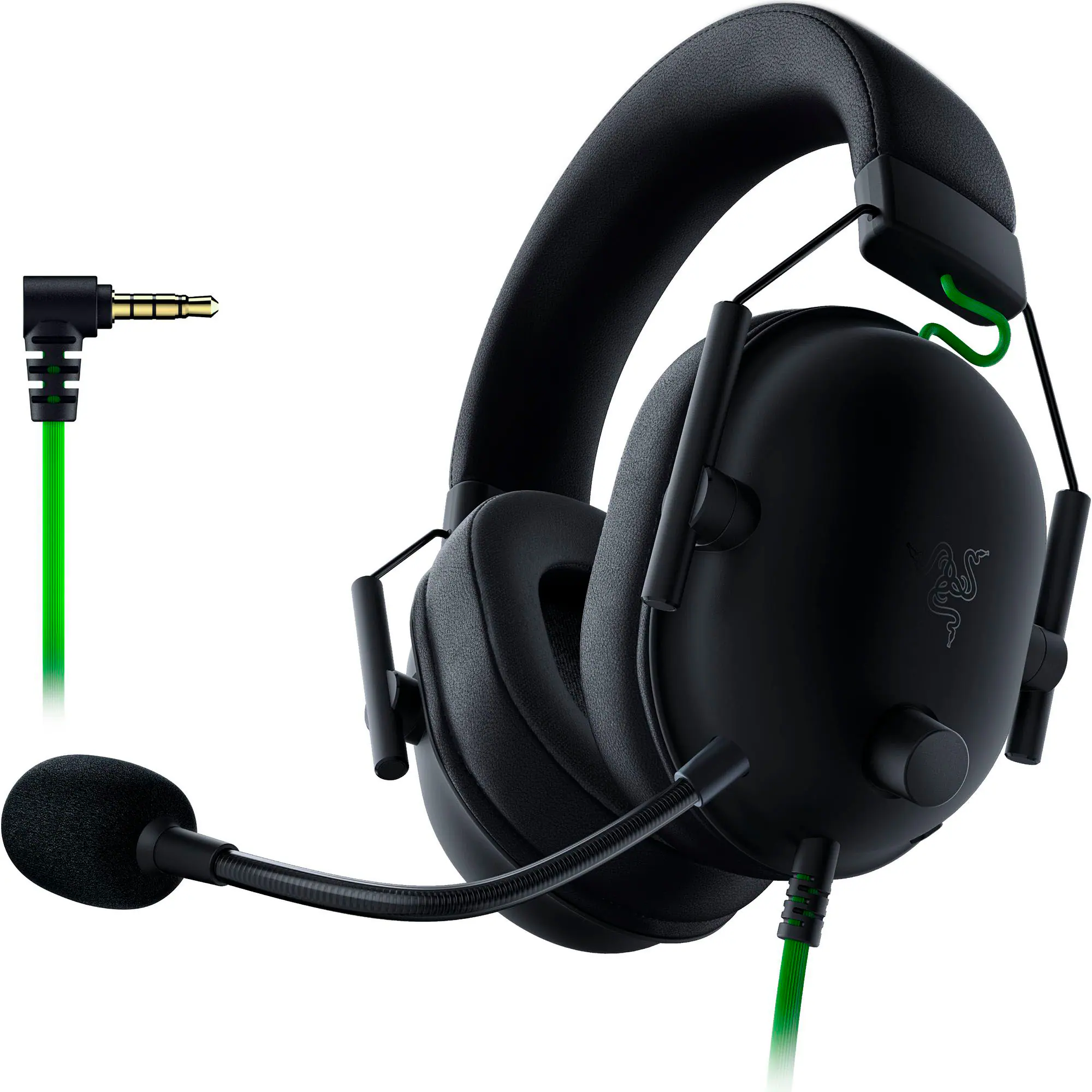 PC Gaming Headsets
More to consider
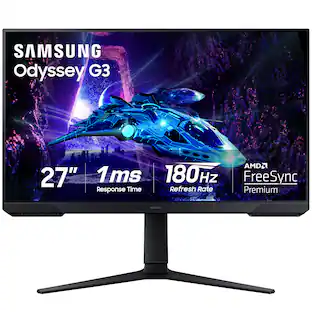
Samsung - Odyssey G30D 27" LED FHD AMD FreeSync Premium 180Hz 1ms Gaming Monitor (DisplayPort, HDMI)
$154.99The price was $229.99 Top Deal$199.99The price was $329.99
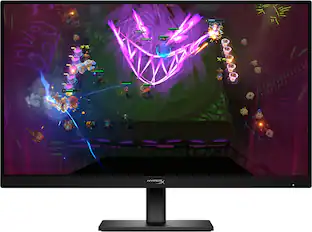 $129.99The price was $199.99
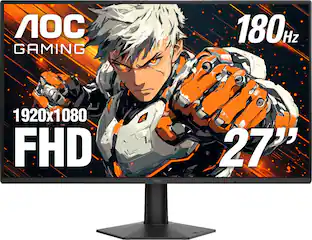 $109.99The price was $179.99
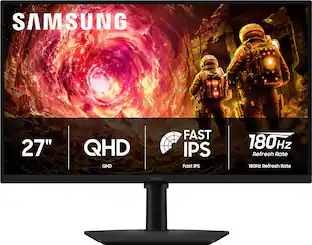 Top Deal$169.99The price was $279.99
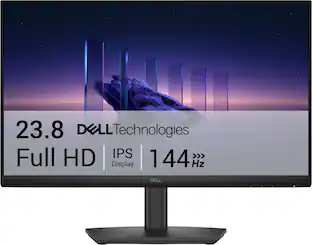 Top Deal$89.99The price was $119.99
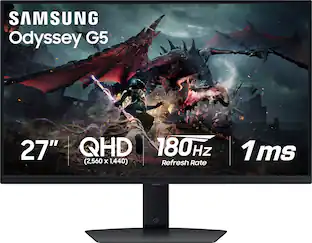 Clearance$209.99The price was $349.99
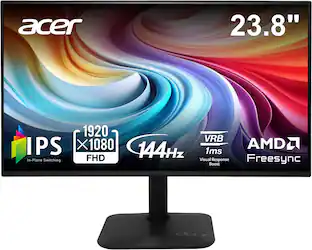 Top Deal$79.99The price was $119.99
 Top Deal$94.99The price was $149.99
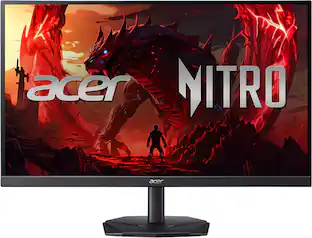 Top Deal$149.99The price was $199.99
 $107.99The price was $159.00
Explore tech essentials Sponsored

Discover related products
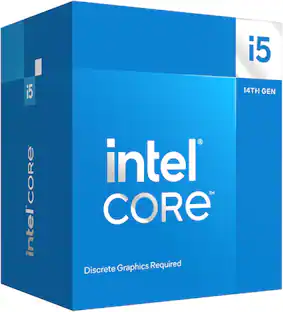 $187.99The price was $196.06




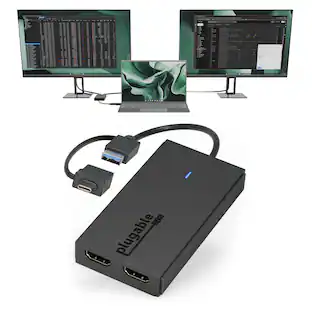




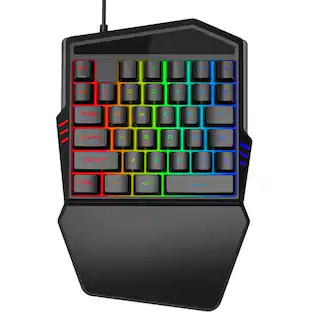


Keep exploring
 $189.99The price was $299.99
 $479.99The price was $549.99