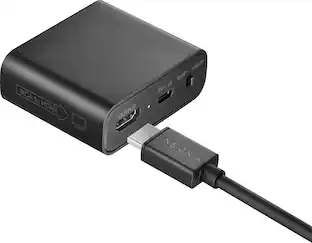
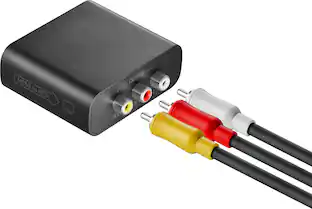
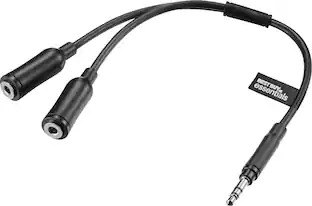
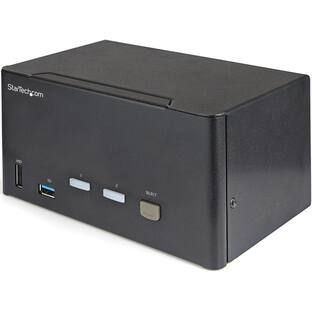
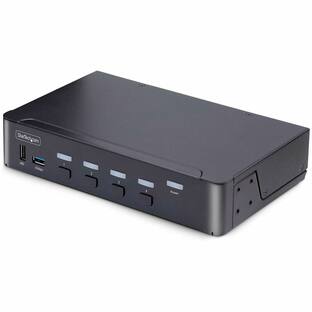
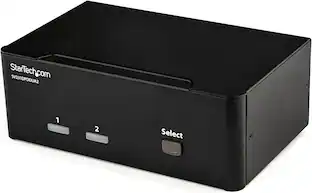
Startech - 2 Port USB KVM Kit with Cables and Audio Switching - Black
Reviews coming soon
About this product
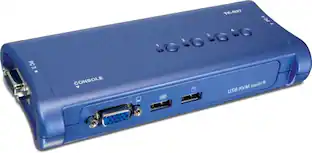
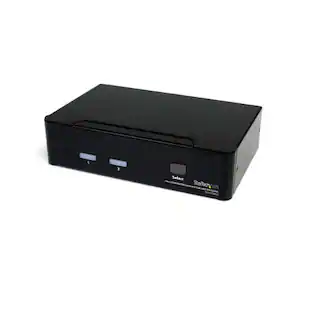
The 2 Port USB KVM Kit with Cables and Audio Switching allows you to control two USB-enabled computers using a single keyboard, mouse, and VGA monitor. It supports video resolutions up to 2048 x 1536 at 60Hz and includes audio support for a complete switching solution. The compact design saves desk space, and the USB-powered operation eliminates the need for an external power supply.
Features
Control Two Computers
Manage two USB-enabled computers using a single keyboard, mouse, and VGA monitor.
High Video Resolution
Supports video resolutions up to 2048 x 1536 at 60Hz for clear visuals.
Audio Switching
Includes audio support for a complete switching solution.
Compact Design
Features a small footprint, approximately the size of a deck of playing cards, saving desk space.
USB-Powered Operation
Draws power from connected computers, eliminating the need for an external power supply.
Specifications
- BrandStartechModel NumberSV211KUSBProduct Name2 Port USB KVM Kit with Cables and Audio SwitchingColorBlackSelector Switch Box TypeKVM SwitchInput(s)2 x VGA
Reviews
This product doesn't have any reviews yet.

Compare similar products
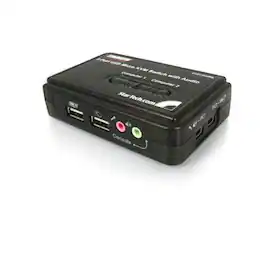
The 2 Port USB KVM Kit with Cables and Audio Switching allows you to control two USB-enabled computers using a single keyboard, mouse, and VGA monitor. It supports video resolutions up to 2048 x 1536 at 60Hz and includes audio support for a complete switching solution. The compact design saves desk space, and the USB-powered operation eliminates the need for an external power supply.

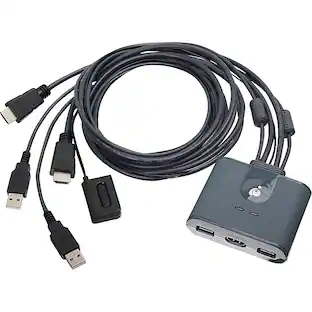
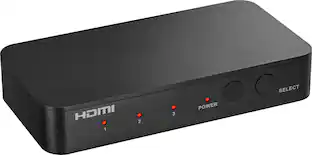
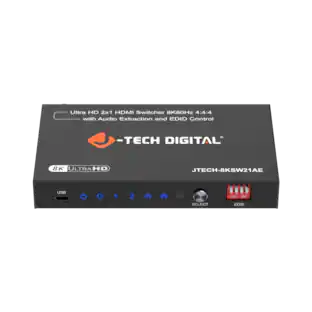
The 2-Port Full HD KVM Switch is plug-and-play. And all the cables you need are included. The KVM shows which computer you are using with a light on the unit (either PC1 or PC2). Toggling between two HDMI computers is as easy as clicking the remote port selector button allowing the user to multitask with two computers. Place the 6 ft remote port cable behind your computer set-up so the selector button can be placed on your desk for easy reach.
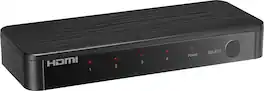
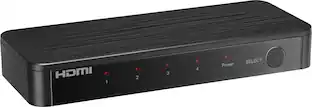
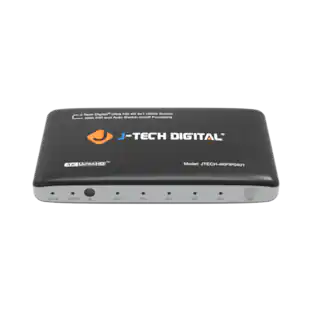
Future-proof your home theater setup with the Rocketfish 4-Input Ultra HD HDMI Switch. Designed to connect four media devices to a single display, effortlessly switching between them with the press of a button on the included remote. The switch supports 8K at 60Hz and is compatible with both HDR10 and Dolby Vision HDR for superior on-screen visuals.
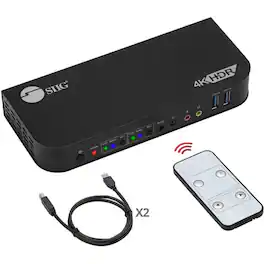
The 2x1 DisplayPort 4K KVM USB 3.0 Switch with Remote Control allows seamless control of two DisplayPort 1.4 computers using a single keyboard and mouse. It supports high-resolution outputs up to 8K@30Hz via DisplayPort 1.4 and 4K@60Hz via HDMI. The switch offers multiple USB ports, including 2 USB 3.2 Gen 1 Type-A ports and 2 USB 2.0 Type-A ports, enabling connection of various peripherals. Additionally, it features 3.5mm jacks for microphone input and stereo audio output. Users can switch between computers using front panel buttons, keyboard hotkeys, or the included IR remote control, providing flexibility and ease of use.
| Pros for Startech - 2 Port USB KVM Kit with Cables and Audio Switching - Black | |||
|---|---|---|---|
| There were no pros for this product— | Ease of use, Performance | Overall Performance, Ease of Use, Audio Quality, Connectivity, Resolution | There were no pros for this product— |
| Cons for Startech - 2 Port USB KVM Kit with Cables and Audio Switching - Black | |||
| There were no cons for this product— | There were no cons for this product— | Remote Size | There were no cons for this product— |
Specs
Be the first to ask a question.
We’ll try to get your question answered within 24 hours by a Best Buy customer or brand representative.
Customers often buy these together
 Top Deal$99.99The price was $139.99


More to consider



Elevate your entertainment Sponsored
 $149.00The price was $268.50