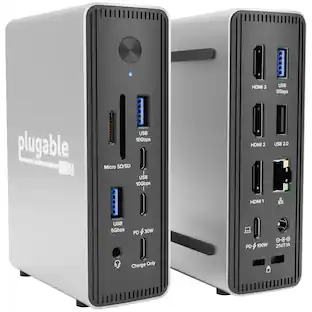
StarTech.com - Black & Space Gray DK30C2DPEP Dual 4K Universal Laptop Docking Station - USB-C / USB 3.0 - 100W PD
About this product
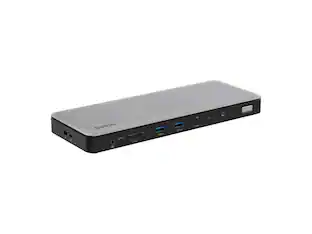
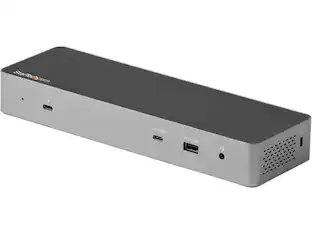
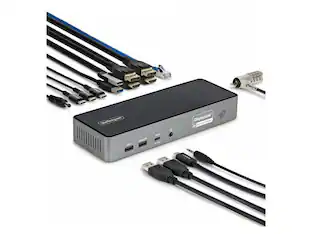
StarTech.com Black & Space Gray DK30C2DPEP Dual 4K Universal Laptop Docking Station - USB-C / USB 3.0 - 100W PD
Features
USB 3.0 Female Port with Fast-Charge
1 x USB 3.0 A (Fast-Charge, 9 pin, SuperSpeed) Female
Black & Space Gray
2 x DisplayPort (20 pin) Female
2 x HDMI (19 pin) Female
1 x USB Type-C (Fast-Charge, 24 pin) USB 3.0 Female
Specifications
- Maximum Number of Displays Supported2Number of DisplayPort Outputs (Total)0
Reviews
This product doesn't have any reviews yet.






Compare similar products
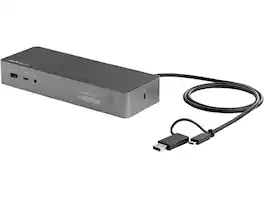
StarTech.com Black & Space Gray DK30C2DPEP Dual 4K Universal Laptop Docking Station - USB-C / USB 3.0 - 100W PD
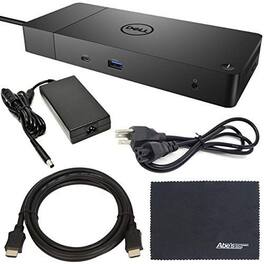
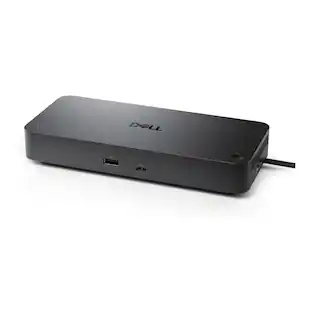
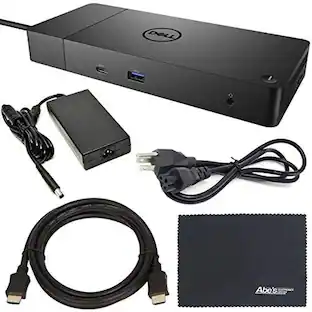
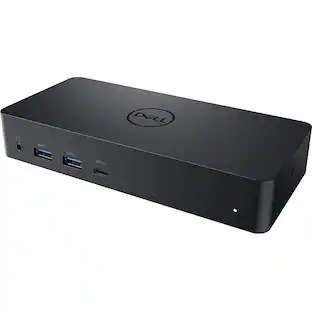
Dell WD19 130W docking station (model 5H8CR) delivers a single-cable USB-C connection for data, video and power. It supports up to 90W Power Delivery to compatible laptops while the dock accepts 130W input, includes passthrough charging, one HDMI port and two DisplayPort outputs for multi-monitor setups, and ships with an AOM Starter Bundle to simplify setup. Designed for reliable desktop connectivity and expanded workspace productivity.

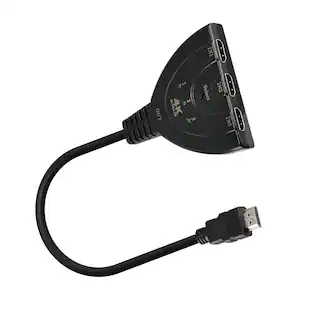
HDMI Switch 4K, 3 Port HDMI Switch Splitter 4Kx2K with Pigtail HDMI Cable, Gold Plated Connector, 4K Ultra HD 3D support, 3 Input 1 Output HDMI Switcher for HDTV, PS3, Xbox One etc. Powered from Connected Devices. No power adapter is necessary to make this switch work, as long as the connected devices supply sufficient power. HDMI cables have the capability to deliver power from connected sources. HDMI Supported Features devices Up to 1080p, HDCP 1.0/1.1, 12-bit Deep Color, 3D, and uncompressed/compressed audio formats are some of the newer HDMI features supported on this switch.Gold-Plated Connector. The 24K gold-plated connector on the 21.5in / 54cm cable resists corrosion and reduces tarnish.
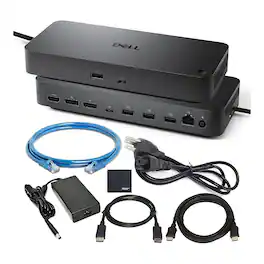
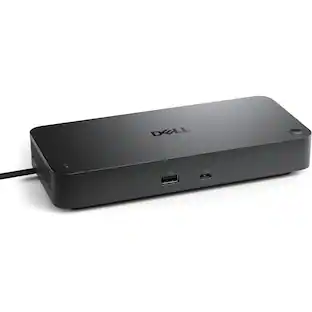
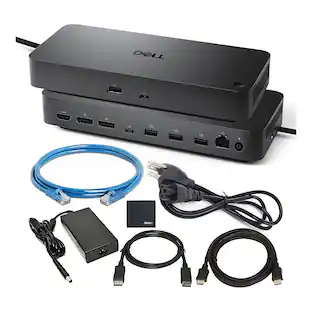
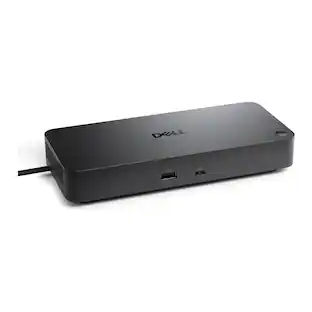
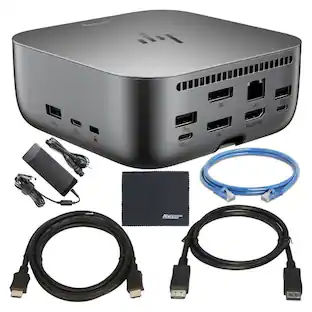
Dell Pro Smart Dock WD25 bundle with six USB ports and up to 100W power delivery, designed to expand connectivity and charge compatible laptops. Supports up to four WQHD displays at 60Hz via HDMI and DisplayPort 1.4, and includes DisplayPort cable, HDMI cable, Ethernet cable, and cleaning cloth. Features passthrough power for laptop charging and a mix of USB ports for peripherals and accessories, suitable for home office and professional setups.
Specs
Be the first to ask a question.
We’ll try to get your question answered within 24 hours by a Best Buy customer or brand representative.
Customers often buy these together
CORSAIR GALLEON 100 SD Stream Deck-Integrated Mechanical Gaming Keyboard
$299.99The price was $349.99Anker Prime 14-Port with 160W Max Output Docking Station, 10Gbps Fast Data Transfer, Real-Time Smart
$127.99The price was $161.99



More to consider
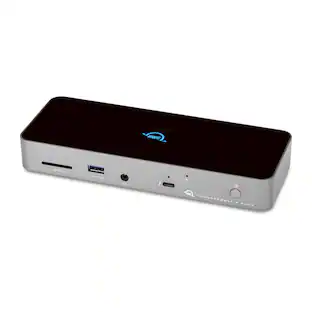
CODi Centro1200 Dual 4K Universal USB-C Docking Station with DisplayLink, 100W PD, HDMI & DisplayPort
$246.04The price was $247.68
Explore tech essentials Sponsored





Keep exploring
Dockztorm 11-in-1 Steam Deck Dock with 4K@120Hz HDMI, 140W PD Charging, Compatible with Steam Deck, ROG Ally, Legion Go, MSI Claw
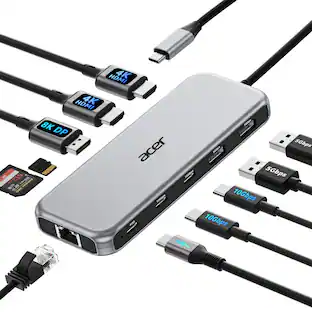
Holiday Deal$49.99The price was $85.99Acer USB C Docking Station With 2 HDMI, 9-IN-1 Docking Hub with USB A&C 3.0, SD/Micro SD, 100W Charging
$42.99The price was $47.99Plugable USB 3.0 and USB-C Universal Laptop Docking Station for Windows, Mac, ChromeOS | Dual HDMI
$99.84The price was $143.99