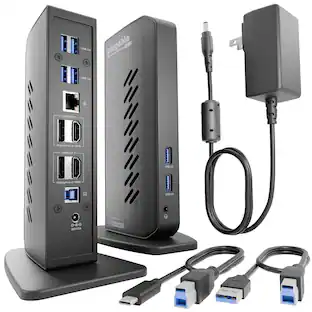
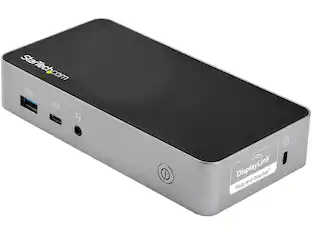
StarTech.com - DK30A2DHU USB-C/USB-A Dock, Dual 4K 60Hz HDMI/DP, 6x USB-A, GbE, Win/Mac
About this product
StarTech.com DK30A2DHU USB-C USB-A Dock - Hybrid Universal USB 3.0 Docking Station for USB-C or USB-A Laptop - Dual Monitor 4K 60Hz HDMI/DisplayPort - 6x USB-A, GbE - USB 3.1/3.2 Gen 1 - Windows/Mac (DK30A2DHU)
Features
Universal USB 3.0 Docking Station
Universal USB 3.0 docking station works w/USB-C and USB-A laptops/computers using the 3.3ft USB-A or USB-C host cables
6 Downstream USB-A Ports
Hybrid USB-C USB-A dock w/same functionality as DK30A2DH plus option of vertical setup with incl stand
Hybrid Dock Compatibility
6-port USB Type-A hub (5Gbps USB 3.1/3.2 Gen 1)/Gigabit Ethernet/headset audio jack
Gigabit Ethernet and Audio
Dual monitor 4K 60Hz video: dual DisplayPort or dual HDMI or DP + HDMI
DisplayLink Certified
DisplayLink certified for max performance
Specifications
- Maximum Number of Displays Supported2Number of DisplayPort Outputs (Total)1Passthrough PowerNo
Reviews
This product doesn't have any reviews yet.






Compare similar products
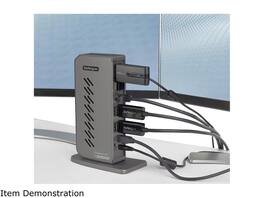
StarTech.com DK30A2DHU USB-C USB-A Dock - Hybrid Universal USB 3.0 Docking Station for USB-C or USB-A Laptop - Dual Monitor 4K 60Hz HDMI/DisplayPort - 6x USB-A, GbE - USB 3.1/3.2 Gen 1 - Windows/Mac (DK30A2DHU)
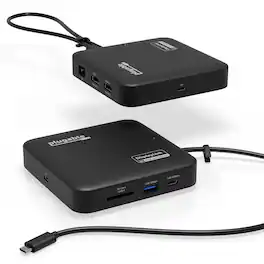
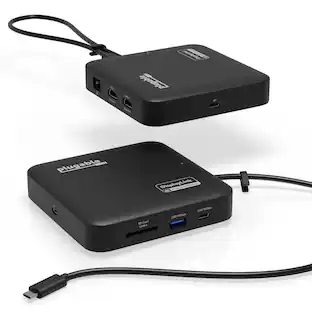
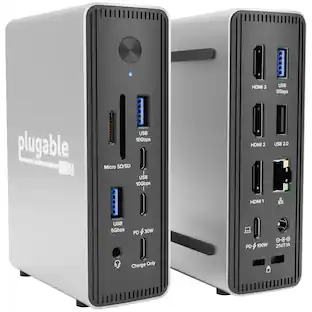
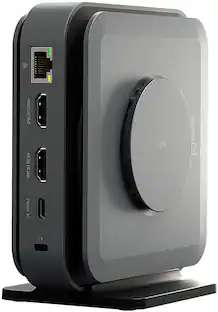
Don’t let the size fool you. The Plugable USB-C Dual HDMI Docking Station (USBC-6950PDZ) may look like a compact USB-C travel hub, but it delivers the full functionality of a desktop docking station. With dual HDMI ports, Gigabit Ethernet, USB-A and USB-C ports, an SD card slot, and support for up to 82W pass-through charging, this small yet powerful dock expands your laptop’s capabilities whether you’re at home, in the office, or on the go. One of its most impressive features is the ability to support two extended 4K 60Hz HDMI displays, even on laptops that don’t natively support dual video output. Thanks to advanced DisplayLink technology, this displaylink hub handles video processing internally for smooth and reliable performance. Whether you use Windows or macOS, this displaylink docking station solution enables a seamless dual monitor setup, making it a great choice for MacBook Air, Mac Mini, and iMac users who need a dependable dual-monitor docking station. DisplayLink driver installation is required for full functionality. On Windows systems, the driver installs automatically through Windows Update if driver updates are enabled. If your computer is managed by your organization, check with your system administrator, as corporate policies may restrict automatic installation or require administrator approval. On macOS, users must manually download and install the DisplayLink Manager application (administrator rights required). This ensures the displaylink adapter works properly with Apple Silicon systems, including M1, M2, M3, M4 and M5 MacBooks. Power delivery is straightforward and flexible. The dock does not include its own power supply but is designed to work with your existing USB-C laptop charger. It accepts up to 100W of input power, providing up to 82W to the connected laptop while reserving 18W for dock operation. Your laptop must support USB-C Power Delivery (PD) for charging to function, and charging speeds may vary slightly compared to a direct connection. The USBC-6950PDZ is compatible with Windows 10 and later, macOS 11 and later, and laptops equipped with USB-C, USB4, or Thunderbolt 3 or 4 ports. It fully supports Apple Silicon MacBooks once the DisplayLink driver is installed. This dock does not support playback of HDCP-protected content, so streaming services such as Netflix, Hulu, and Disney+ may be blocked or fail to display on external monitors. Compact yet durable, the USBC-6950PDZ is built for hybrid work, travel, and mobile productivity. The dock measures 1 x 4.7 x 4.7 inches, and the attached USB-C cable is 1.64 feet long—offering a portable design that’s easy to pack and connect anywhere. This docking station provides an ideal balance of portability, connectivity, and performance, helping you stay powered, connected, and productive wherever work takes you.
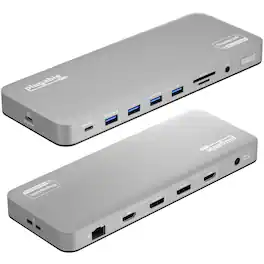
The Plugable UD-6950PDH is a USB-C docking station designed for Mac users and business customers who need a more capable, organized workspace with multiple displays, reliable connectivity, and simplified cable management. Whether used in a traditional office, home office, or hybrid work environment, this MacBook dock helps create a more productive desk setup through a single connection. For professionals looking for a MacBook docking station dual monitor solution, the UD-6950PDH helps overcome the native display limitations of some Macs. M1, M2, M3, M4, and M5 MacBooks typically support only one external monitor natively. Built for MacBook Neo, MacBook Air, and MacBook Pro, this DisplayLink docking station enables 2 independent 4K 60Hz external displays in extended mode, not mirroring, so each screen can show different content. You can also use your MacBook display with 2 external monitors for a true 3-screen productivity setup ideal for spreadsheets, presentations, documents, and other everyday business applications. Beyond display expansion, the UD-6950PDH supports a cleaner and more standardized workstation. With 14 ports and up to 100W charging, this USB-C docking station adds display connectivity, power, Ethernet, card readers, audio, and USB ports for common office accessories, helping reduce desk clutter and replace multiple adapters. Setup is straightforward, but driver installation is required. To enable display functionality on Mac, install the free DisplayLink Manager application. Setup note for Mac: macOS may request a one-time permission so the software can generate video to connected monitors. The application does not record or store screen content. Important: HDCP-protected content from services like Netflix and Disney+ may appear as a black screen on external monitors when the dock is connected. The UD-6950PDH is best suited for office productivity and hybrid work, not streaming, high-refresh gaming, or graphics-intensive workflows.
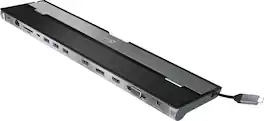
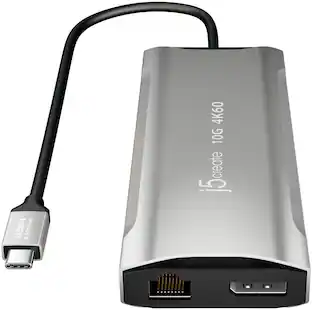
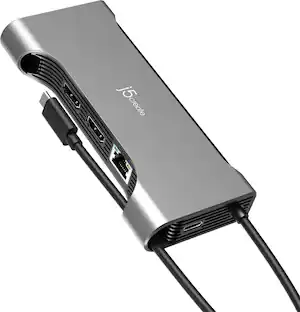
This triple display docking station turns your Mac or Windows laptop into a full workstation with a DisplayPort output, two HDMI outputs, and a VGA output, with resolution support up to 4K (3840 x 2160) on two displays and 1080p on the other one. You can also use your laptop screen for four displays in total, making it easy to access multiple applications at once. With 100W Power Delivery, three USB 3.0 ports, and a USB-C port, this docking station is perfect for your MacBook, Dell XPS, or other USB-C laptop requiring additional ports. This USB 3.0 docking station is also equipped with a RJ45 Gigabit Ethernet port, memory card reader/writer, and combo audio jack for maximum productivity. The elevated design assists with heat dissipation and, with its double-sided cable storage compartment, ensures an easy connection regardless of your USB-C port’s location. All 13 ports are combined into one slim docking station, so you’ll have all the connections you need to stay productive!
| Pros for StarTech.com - DK30A2DHU USB-C/USB-A Dock, Dual 4K 60Hz HDMI/DP, 6x USB-A, GbE, Win/Mac | |||
|---|---|---|---|
| There were no pros for this product— | There were no pros for this product— | There were no pros for this product— | Ease of use, USB-C, Overall Performance, Ports, Connectivity |
| Cons for StarTech.com - DK30A2DHU USB-C/USB-A Dock, Dual 4K 60Hz HDMI/DP, 6x USB-A, GbE, Win/Mac | |||
| There were no cons for this product— | There were no cons for this product— | There were no cons for this product— | Compatibility, Power Supply |
Specs
Be the first to ask a question.
We’ll try to get your question answered within 24 hours by a Best Buy customer or brand representative.
Customers often buy these together
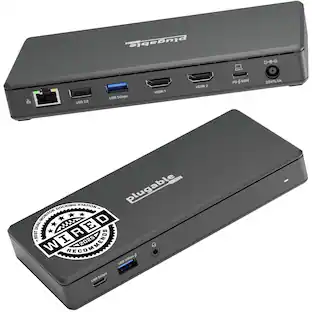
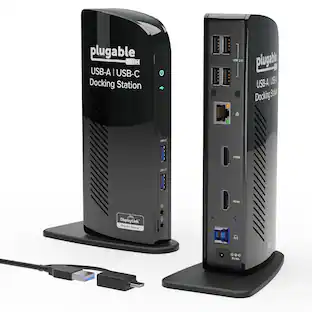
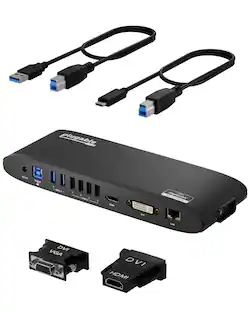
Plugable USB 3.0 and USB-C Universal Laptop Docking Station for Windows, Mac, ChromeOS | Dual HDMI
$99.84The price was $119.99






More to consider
Plugable USB 3.0 and USB-C Universal Laptop Docking Station for Windows, Mac, ChromeOS | Dual HDMI
$99.84The price was $119.99

Explore tech essentials Sponsored




Keep exploring
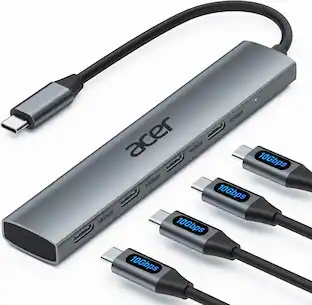
Acer USB C Hub, 10Gbps Type C Splitter with 4 USBC 3.2 Port, High Speed Type C Multiport Adapter
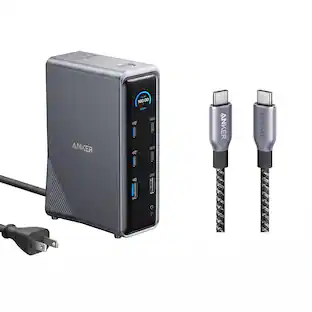
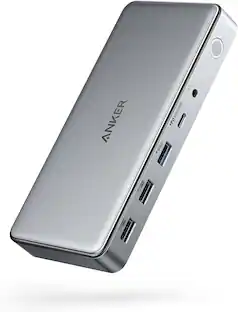
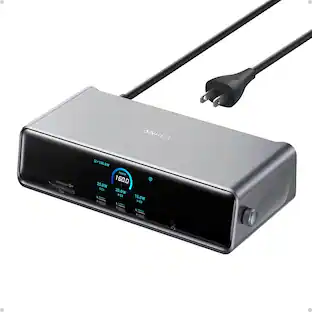
$19.99The price was $22.99Anker Prime Docking Station (14-Port, 160W Max Output) + Prime Thunderbolt 4 USB-C Cable (3.3 ft, 240W)
$192.48The price was $299.98Plugable USB 3.0 and USB-C Universal Laptop Docking Station for Windows, Mac, ChromeOS | Dual HDMI
$99.84The price was $119.99Acer USB C Docking Station With 2 HDMI, 9-IN-1 Docking Hub with USB A&C 3.0, SD/Micro SD, 100W Charging
$42.99The price was $47.99