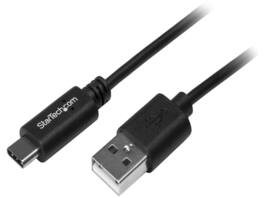
StarTech.com - StarTech USB2AC50CM 0.5m USB C to A Cable - M/M - USB 2.0 Charger
About this product
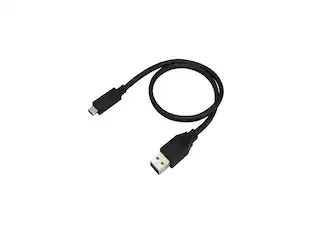
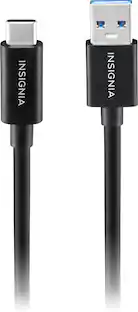
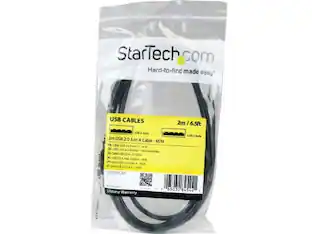
StarTech USB2AC50CM 0.5m USB C to USB A Cable - M/M - USB 2.0 - USB-C Charger Cable - USB 2.0 Type C to Type A Cable - USB A to C
Spare cable for travelers and commuters
Keep as a spare while traveling / Perfect cable for commuters and people on the move
Connect your USB Type-C devices to a computer with reduced clutter
Charge and sync your USB-C mobile digital devices
Charge your USB-C devices with a USB-A wall charger or car charger or power bank
Offers 0.5 meters in cable length for close-range connections
- Cable Length1.52 feetConnector Type (End 1)USB-CConnector Type (End 2)USB-A
Reviews
This product doesn't have any reviews yet.

Compare similar products
StarTech USB2AC50CM 0.5m USB C to USB A Cable - M/M - USB 2.0 - USB-C Charger Cable - USB 2.0 Type C to Type A Cable - USB A to C
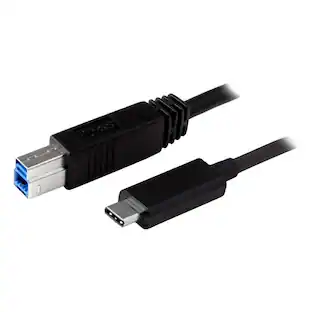
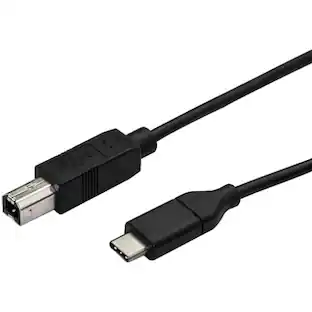
![Startech - USB-C to USB-B Cable - M/M - USB 3.1 [10Gbps] - USB Type-C to USB Type-B Cable (USB31CB1M)](https://pisces.bbystatic.com/image2/BestBuy_US/images/products/0e5db871-129a-476a-b39d-3ac1e8250177.jpg;maxHeight=422;maxWidth=264?format=webp)
The USB31CB1M is a 1-meter USB-C to USB-B cable designed for high-speed data transfer between USB-C devices and USB-B peripherals. It supports data transfer rates up to 10 Gbps, facilitating rapid file transfers. The cable features a reversible USB-C connector for easy insertion and is constructed with a durable PVC jacket and aluminum mylar foil shielding to ensure longevity and signal integrity. Additionally, it is compatible with Thunderbolt 3 ports, offering versatile connectivity options.
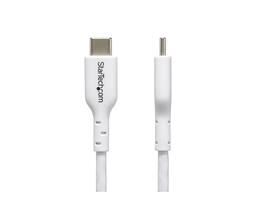
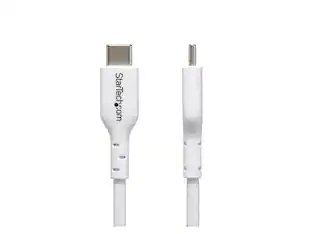
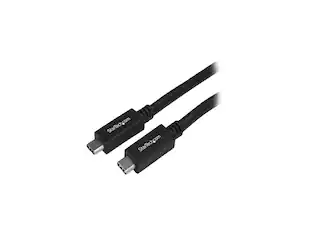
StarTech.com 3m White USB-C Charging Cable, USB C Cable, 60W 3A PD - USB-C cable - 24 pin USB-C to 24 pin USB-C - 10 ft - USB2CC3MWHE
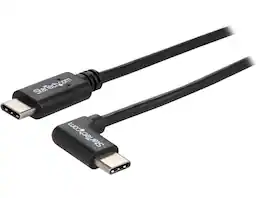
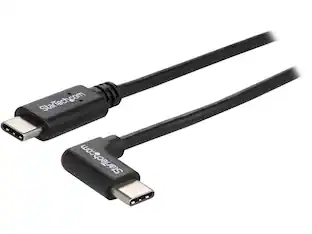
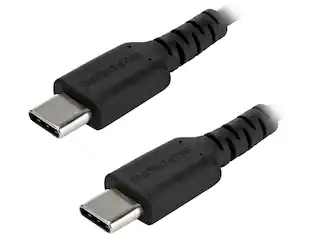
StarTech USB2CC1MR Right Angle USB-C Cable - 1m / 3 ft. - Reversible - M/M - USB Type C Cable - USB-C Charge Cable - USB C to USB C Cable
Specs
Be the first to ask a question.
We’ll try to get your question answered within 24 hours by a Best Buy customer or brand representative.
Customers often buy these together
More to consider
 Clearance$6.99The price was $12.99
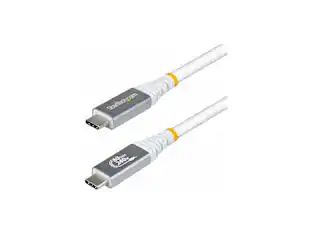
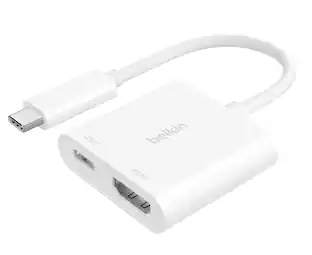
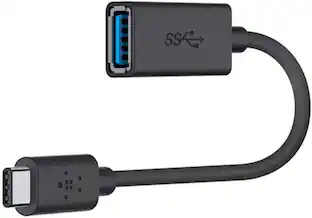
Explore tech essentials Sponsored
 Top Deal$29.99The price was $36.99
 Top Deal$12.49The price was $14.99
Keep exploring
 $12.99The price was $13.99