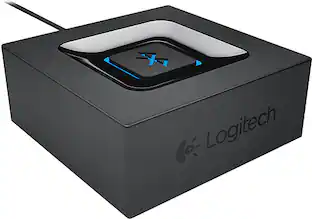
SVS - SoundPath Wireless Audio Adapter - Black
Customers are saying
Customers express satisfaction with the product's ease of use, noting that the instructions are simple to follow. Users also frequently praise the device for its reliable wireless connectivity and impressive sound quality. Additionally, the range provided by the product is reported to be quite good.
Compatible with most audio sources
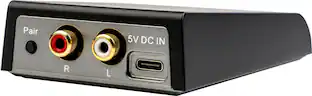
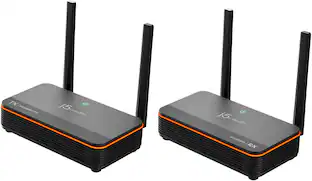
This SVS SOUNDPATH WIRELESS AUDIO Adapter adds wireless connectivity to your home audio system, including AV receivers, TVs and more.
Wireless audio adapter
Eliminates cable clutter and expands your sound system's placement options.
Full-range wireless connectivity
The rated frequency response for transmission is 6Hz to 22,000Hz +/-1dB, so this adapter unlocks wireless connectivity for a powered home theater surround sound speakers, amplifiers and more at CD quality with ultralow latency.
Easy and quick installation
Simply connect your transmitter to a compatible audio source with the included RCA cable, and connect the receiver with the provided RCA cable to a sound source.
Set of cables
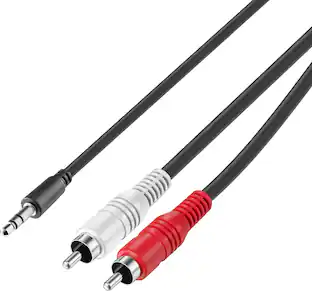
This SoundPath wireless audio adapter comes with all the necessary cables, such as two 17" 3.5mm stereo male to stereo male RCA cables and two 15" 3.5mm to mono male RCA cables.
- Connector Type (End 1)3.5mm stereo (mini-phone)Connector Type (End 2)RCA (phono)
Reviews
Rating 4.3 out of 5 stars with 57 reviews
- Connectivity (12)
- Ease of use (12)
- Sound Quality (12)
- Range (3)
Customer Images
The vast majority of our reviews come from verified purchases. Reviews from customers may include My Best Buy members, employees, and Tech Insider Network members (as tagged). Select reviewers may receive discounted products, promotional considerations or entries into drawings for honest, helpful reviews.
Compare similar products
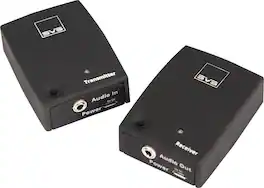
Give yourself more audio placement options with this SVS Sound wireless subwoofer adapter. Ultra-low latency and high frequency response rates let you stream CD-quality sound to a stereo zone of loudspeakers, subwoofers or surround sound systems. Use the RCA input of this SVS Sound wireless subwoofer adapter to quickly and easily connect to a TV, an AV receiver or another audio source.

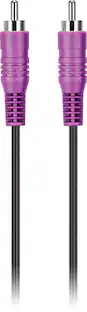
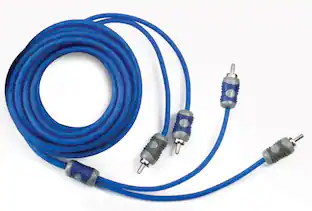
It’s just a cable—until you’re listening to your favorite tunes. The Best Buy essentials 15’ RCA Cable for Subwoofers connects self-powered subwoofers using an RCA connection. It’s designed to reduce signal loss and maintain low-frequency bass, so you’ll always be listening to high-quality audio. With a 15 ft. length, set up your devices how you want them, knowing you have flexible placement options and the reach you need. Our copper shield improves audio quality, while durable nickel-plated brass connectors and a flexible PVC cord prevent corrosion and grant durability. And it’s all backed by Best Buy, so you can trust it to transmit the high-quality sound you want.

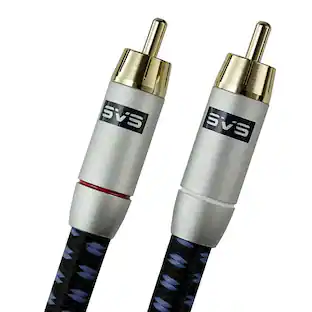
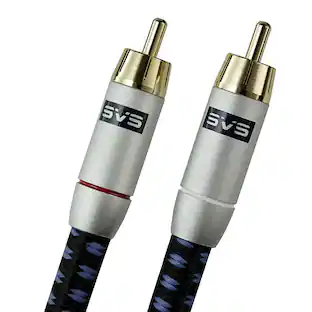
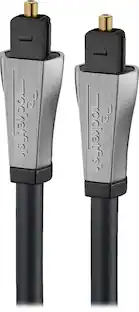
Maintain pristine signal transfer between subwoofers and audio components. Pure copper conductors with 24K gold plated brass connectors and five-layer dielectric insulation ensure your system always sounds its best. SoundPath cables exude quality craftsmanship and complement any high-end system.
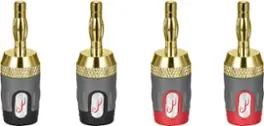
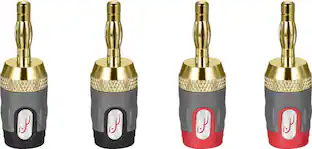
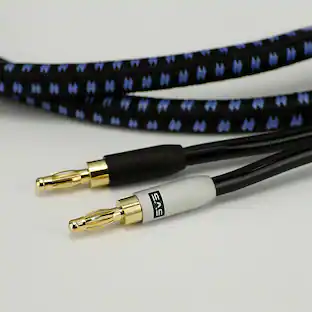
Make strong connections for 12-16 AWG speaker wire using this Rocketfish 24k Gold Plated Toolless Speaker Banana Plugs (4 Pack). These versatile plugs are 24K gold-plated to resist corrosion and maximize signal transfer. This Rocketfish 24k Gold Plated Toolless Speaker Banana Plugs (4 Pack) utilizes patented Centerpin technology, allowing quick and uncomplicated installation making wire stripping unnecessary in the majority of installations.
| Pros for SVS - SoundPath Wireless Audio Adapter - Black | |||
|---|---|---|---|
| Ease of use, Connectivity, Sound Quality, Range | Quality, Ease of use, Cable Length, Compatibility | Build Quality, Performance | Ease of use, Quality, Connection, Installation, Fit |
| Cons for SVS - SoundPath Wireless Audio Adapter - Black | |||
| There were no cons for this product— | Shielding, Signal Loss | There were no cons for this product— | Wire Gauge, Design, Instructions |
Specs
Customers often buy these together
More to consider
Elevate your entertainment Sponsored
Discover related products
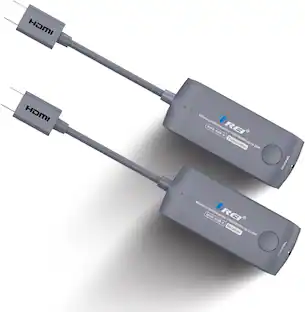 $99.00The price was $159.99

Keep exploring
 $12.99The price was $14.99