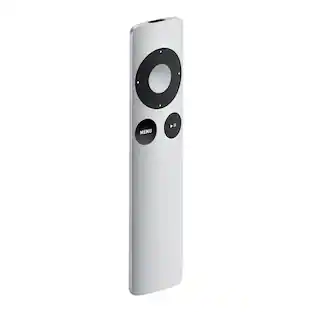
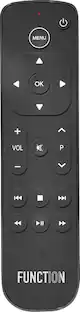
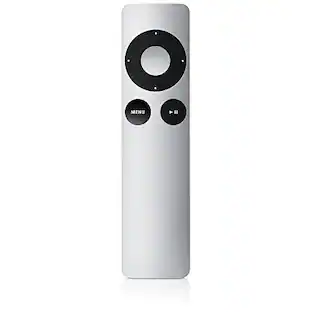
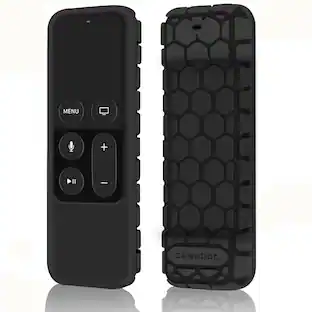
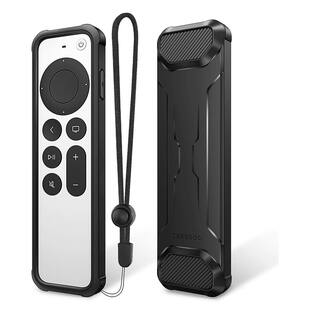
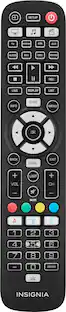
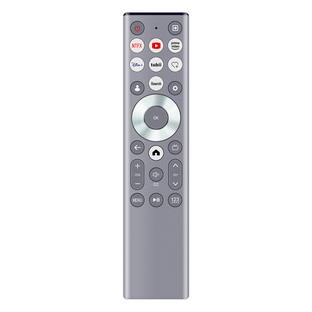
Xtreme - Universal Apple TV Remote Replacement for 1st-5th Generation, Controls TV & Apple TV, Large Buttons, Ergonomic - Silver
About this product
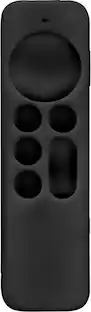
This Apple TV replacement remote provides universal control for your Apple TV® and television via infrared (IR) technology. Designed with large, easy-to-use buttons, this sleek and ergonomic remote offers full control of your media devices. It supports Apple TV 1st, 2nd, 3rd, 4th, and 5th generation models, including a1294, a1218, Ma711, A1378, MC572, A1427, MD199, A1625, MGy52, MLMC@, A1842, Mod22, Mp7p2, and more. You can also use it to control compatible TV brands like Samsung, LG, Sony, Vizio, Westinghouse, Insignia, and Toshiba. The power button turns your TV on and off, while the volume controls work seamlessly with your TV. Requires 2x AAA batteries (not included). Enjoy a simple and efficient way to manage all your entertainment systems in one place.
Features
Universal Compatibility
Works with Apple TV 1st-5th generation models (including A1294, A1218, A1378, A1427, A1625, A1842) and various TV brands like Samsung, LG, Sony, and Vizio.
Ergonomic Design
Features a sleek, contoured shape for comfortable handling, reducing fatigue during extended use, and a lightweight construction for easy grip.
Intuitive Control
Equipped with oversized buttons for effortless navigation and dedicated power, volume, and mute buttons for quick audio adjustments on most major TV brands.
Multi-Device Management
Capable of managing other devices such as sound systems and Blu-ray players, streamlining entertainment setups into a single remote.
IR Technology
Utilizes advanced Infrared (IR) technology for quick response and control of devices, requiring a clear line of sight to the TV sensor.
Specifications
- Remote Control TypeDedicatedRemote Control FeaturesErgonomic designNumber Of Devices Controlled1Voice Assistant Built-inNo
Reviews
This product doesn't have any reviews yet.
Compare similar products
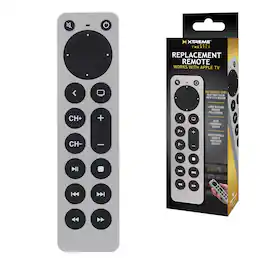
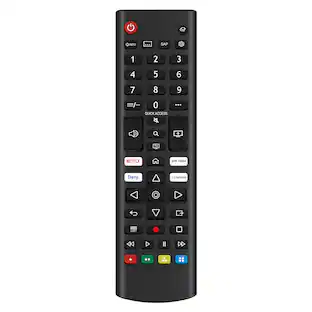
This Apple TV replacement remote provides universal control for your Apple TV® and television via infrared (IR) technology. Designed with large, easy-to-use buttons, this sleek and ergonomic remote offers full control of your media devices. It supports Apple TV 1st, 2nd, 3rd, 4th, and 5th generation models, including a1294, a1218, Ma711, A1378, MC572, A1427, MD199, A1625, MGy52, MLMC@, A1842, Mod22, Mp7p2, and more. You can also use it to control compatible TV brands like Samsung, LG, Sony, Vizio, Westinghouse, Insignia, and Toshiba. The power button turns your TV on and off, while the volume controls work seamlessly with your TV. Requires 2x AAA batteries (not included). Enjoy a simple and efficient way to manage all your entertainment systems in one place.

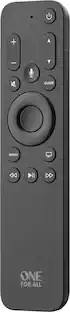
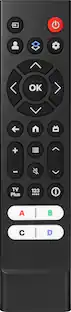
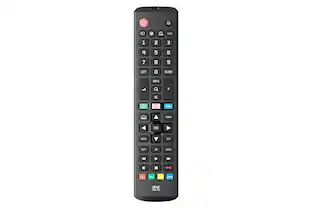
This One For All Apple TV Remote will elevate your viewing experience with intuitive control and effortless navigation. Control your Apple TV as well as Television and Audio devices, without the constraints of mode-switching. Enjoy the comfort of Siri Voice search, find and access all content across live TV and streaming apps easily with minimum effort. The remote also comes with backlit keys allowing you to easily find it in a low light environment, thanks to the built-in accelerometer which activates when motion is detected.
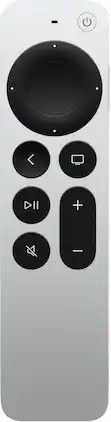
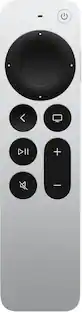
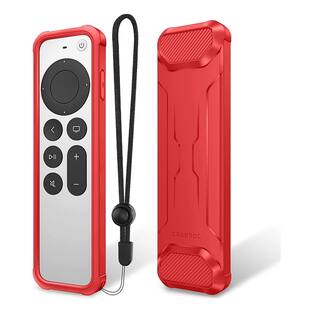
The Siri Remote (3rd generation) brings precise control to your Apple TV 4K.1 Its touch-enabled clickpad lets you select titles, swipe through playlists, and use a circular gesture on the outer ring to find just the scene you’re looking for. With Siri, you can find what you want to watch using your voice. And the latest design includes a USB-C port to quickly recharge.
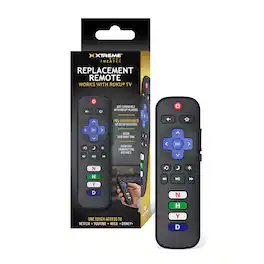
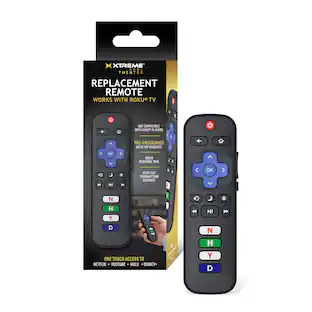
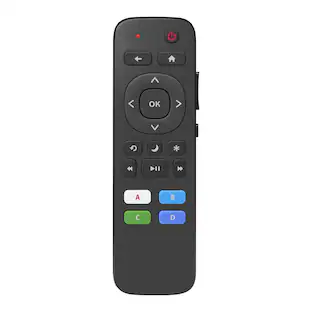
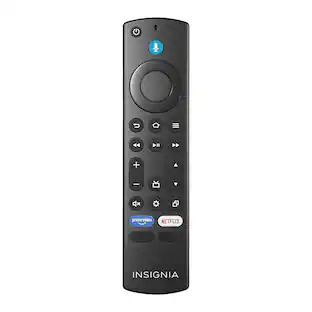
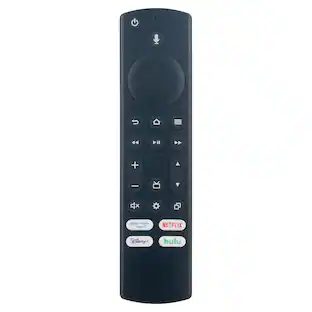
Upgrade your home entertainment experience with the Xtreme Roku TV Replacement Remote Control, designed for seamless compatibility with most Roku Smart TVs. This universal IR remote is pre-programmed for immediate use, eliminating the need for complicated setup—just insert batteries and start streaming. Featuring dedicated shortcut buttons for popular apps like Netflix, Hulu, YouTube, and Disney+, this remote gives you instant access to your favorite content with a single press. The intuitive button layout includes power, volume, mute, playback controls, and a simple navigation pad, making it easy for anyone to use. With a strong infrared signal and over 25 feet of transmitting distance, you can control your TV comfortably from across the room. Built for reliability and convenience, this Roku replacement remote is the perfect solution for lost, broken, or extra remotes in your home.
| Pros for Xtreme - Universal Apple TV Remote Replacement for 1st-5th Generation, Controls TV & Apple TV, Large Buttons, Ergonomic - Silver | |||
|---|---|---|---|
| There were no pros for this product— | Overall Performance, Ease of Use, Button Layout, Size, Backlight | Overall Performance, Ease of use, Design, Battery Life, Connectivity | There were no pros for this product— |
| Cons for Xtreme - Universal Apple TV Remote Replacement for 1st-5th Generation, Controls TV & Apple TV, Large Buttons, Ergonomic - Silver | |||
| There were no cons for this product— | Price, Battery Life, Compatibility | Price, Sensitivity, Touchpad | There were no cons for this product— |
Specs
Customers often buy these together
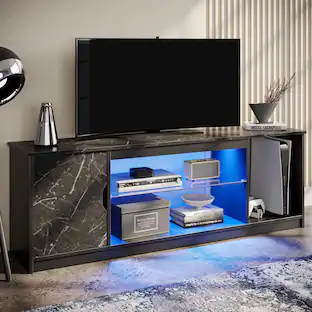
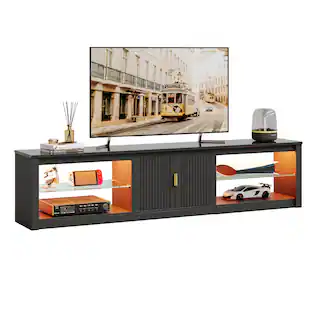
Bestier - Fits up to 65" TVs Gaming Entertainment Center with Adjustable Shelves for PS5 57"TV Stand
$115.99The price was $119.99 $51.33The price was $90.07
 $169.99The price was $174.99
 $125.00The price was $135.00