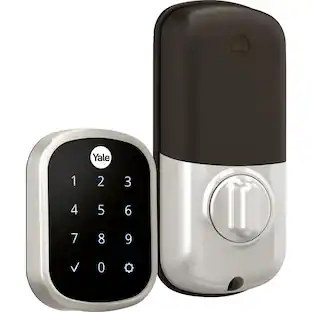
Yale - Assure Lock 2 - Smart Lock Keyless Bluetooth Deadbolt with APPLE HOME KEYS | Touchscreen Keypad Access - Oil-Rubbed Bronze
About this product
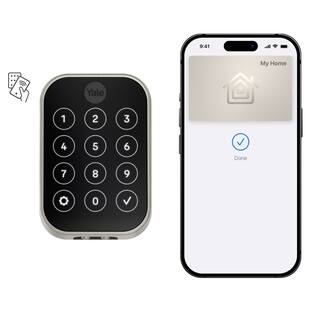
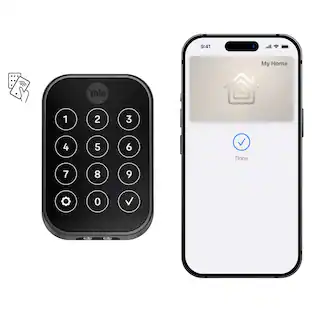
Tap. Unlock. You're Home. Yale Assure Lock 2 Plus makes key-free access easier and more secure than ever before. Using Apple home keys, a simple tap with your iPhone or Apple Watch is all it takes to lock or unlock your door- and for even faster access, add your Home Key to your Apple Wallet app with Express Mode enabled. Remotely let people in, lock up, send custom entry codes, and track who comes with real time notifications from anywhere through the Yale Access app. For added peace of mind, never worry about locking the door behind you with advanced Auto-Lock and advanced DoorSense technology. To use home keys, iPhone XS or later with iOS 15 or later and Apple Watch Series 4 or later with watchOS 8 or later are required.
Color
Oil-Rubbed BronzeHighlights
Tap and go with Home Keys
Add your Home Key to your Apple Wallet app and simply tap the lock with your iPhone or Apple Watch to unlock your door. To use home keys, iPhone XS or later with iOS 15 or later and Apple Watch Series 4 or later with watchOS 8 or later are required.
Designed for your home
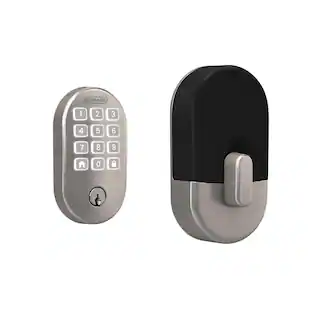
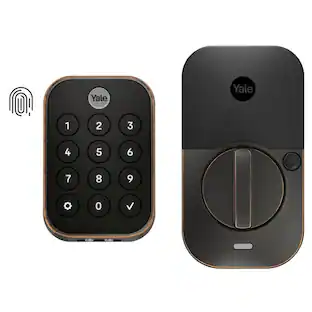
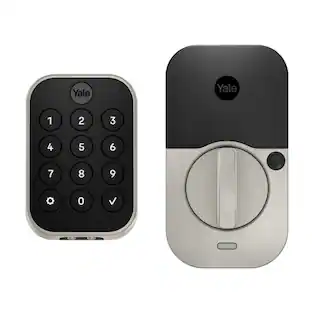
Compact, discreet and available in three finishes to match your door hardware.
Security you can trust
Enhanced app security features ensure only those that need access, have it.
ANSI/BHMA Grade 2 certified
Tested to the harshest of standards and backed by a lifetime warranty
Never get locked out
If the battery dies, you can always get in by charging the keypad with a 9V
Works with Apple Home
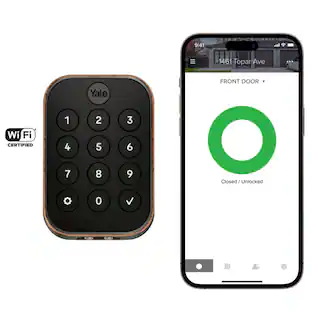
Control your Wi-Fi smart lock using voice commands with Siri, home automations, and more, when paired with Apple HomeKit. *Some features may require a HomeKit hub(not included)
No more hiding keys
Create unique codes for guests with the Yale Access app.
No battery, no problem
Use home keys on your iPhone for hours after your phone needs to be charged. To use home keys, iPhone XS or later with iOS 15 or later and Apple Watch Series 4 or later with watchOS 8 or later are required.
Don't worry, it's locked
Enable Auto-Lock so your door automatically locks once DoorSense detects the door is closed.
No locksmith needed
Replaces most standard deadbolts by using just a screwdriver.
Upgrade when you're ready
Add a Wi-Fi Smart Module (sold separately) to your smart lock whenever you’re ready for remote access.
Designed for your home
Compact, discreet and available in three finishes to match your door hardware.
Apple, the Apple logo and iTunes are trademarks of Apple Computer, Inc., registered in the U.S. and other countries. iPod is a trademark of Apple Computer, Inc.
Emergency unlock feature
If the battery dies, you can use a 9V battery to charge the keypad.
- Color FinishBronzeLock TypeDeadboltLock/Unlock MechanismElectronic guest keys, Keypad, NFC, TouchscreenPower SourceBattery-poweredInstallation TypeReplacement
Reviews
Rating 5 out of 5 stars with 3 reviews
The vast majority of our reviews come from verified purchases. Reviews from customers may include My Best Buy members, employees, and Tech Insider Network members (as tagged). Select reviewers may receive discounted products, promotional considerations or entries into drawings for honest, helpful reviews.

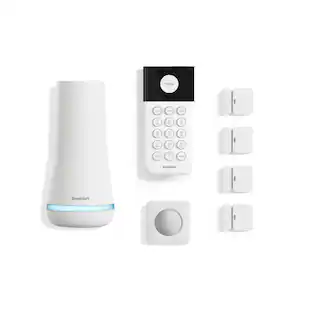
- SimpliSafe - 7pc Indoor Security System - WhiteTop Deal$129.99
- SimpliSafe - 8pc Outdoor Home Security System - White$99.99The price was $349.99
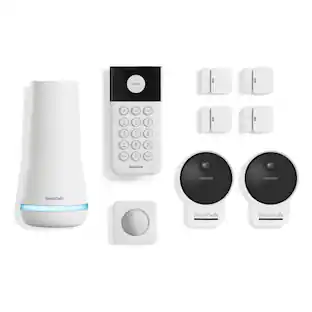
- SimpliSafe - 9pc Outdoor Home Security System - White$269.99The price was $449.99
Compare similar products
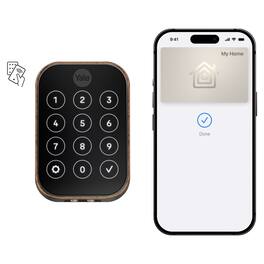
Tap. Unlock. You're Home. Yale Assure Lock 2 Plus makes key-free access easier and more secure than ever before. Using Apple home keys, a simple tap with your iPhone or Apple Watch is all it takes to lock or unlock your door- and for even faster access, add your Home Key to your Apple Wallet app with Express Mode enabled. Remotely let people in, lock up, send custom entry codes, and track who comes with real time notifications from anywhere through the Yale Access app. For added peace of mind, never worry about locking the door behind you with advanced Auto-Lock and advanced DoorSense technology. To use home keys, iPhone XS or later with iOS 15 or later and Apple Watch Series 4 or later with watchOS 8 or later are required.

Tap. Unlock. You're Home. Yale Assure Lock 2 Plus makes key-free access easier and more secure than ever before. Using Apple home keys, a simple tap with your iPhone or Apple Watch is all it takes to lock or unlock your door- and for even faster access, add your Home Key to your Apple Wallet app with Express Mode enabled. Remotely let people in, lock up, send custom entry codes, and track who comes with real time notifications from anywhere through the Yale Access app. For added peace of mind, never worry about locking the door behind you with advanced Auto-Lock and advanced DoorSense technology. To use home keys, iPhone XS or later with iOS 15 or later and Apple Watch Series 4 or later with watchOS 8 or later are required.

Tap. Unlock. You're Home. Yale Assure Lock 2 Plus makes key-free access easier and more secure than ever before. Using Apple home keys, a simple tap with your iPhone or Apple Watch is all it takes to lock or unlock your door- and for even faster access, add your Home Key to your Apple Wallet app with Express Mode enabled. Remotely let people in, lock up, send custom entry codes, and track who comes with real time notifications from anywhere through the Yale Access app. For added peace of mind, never worry about locking the door behind you with advanced Auto-Lock and advanced DoorSense technology. To use home keys, iPhone XS or later with iOS 15 or later and Apple Watch Series 4 or later with watchOS 8 or later are required.

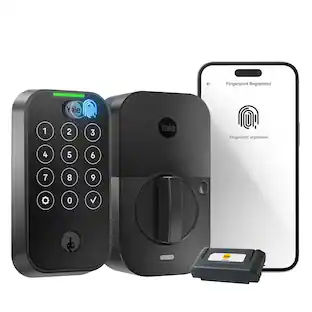
YALE ASSURE 2 TOUCH. A lock as unique as you. Make coming home more seamless with the Yale Assure Lock 2 Touch built-in Wi-Fi. Thanks to the new biometric keypad, a simple touch of your finger is all it takes. Explore multiple ways to access your home including hands-free Auto-Unlock, back-up key, or your phone or Apple Watch from anywhere
| Pros for Yale - Assure Lock 2 - Smart Lock Keyless Bluetooth Deadbolt with APPLE HOME KEYS | Touchscreen Keypad Access - Oil-Rubbed Bronze | |||
|---|---|---|---|
| There were no pros for this product— | There were no pros for this product— | There were no pros for this product— | Ease of use, Installation, Overall Performance, Design, Connectivity |
| Cons for Yale - Assure Lock 2 - Smart Lock Keyless Bluetooth Deadbolt with APPLE HOME KEYS | Touchscreen Keypad Access - Oil-Rubbed Bronze | |||
| There were no cons for this product— | There were no cons for this product— | There were no cons for this product— | Battery Life |
Specs
Customers often buy these together
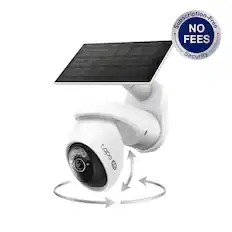
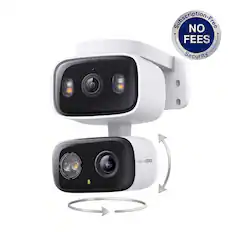
Security Camera
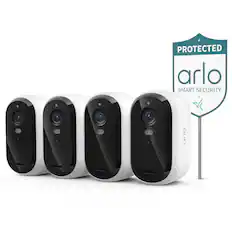
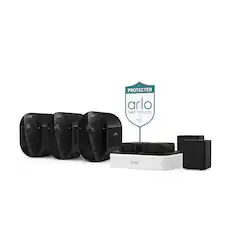
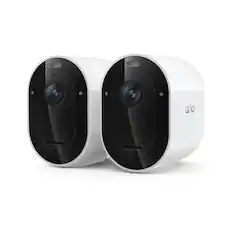
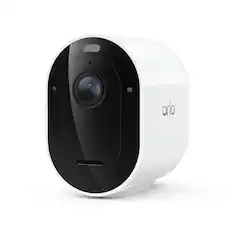
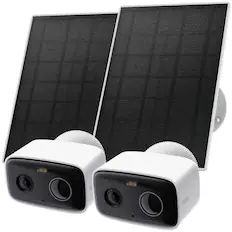
Arlo - Essential Outdoor Security Camera 2K (3rd Gen, 2025 Release) - Wireless, Rechargeable Camera with Yard Sign, 4-Cam - White
Top Deal$149.99The price was $199.99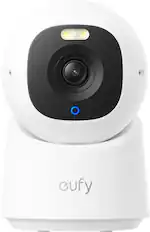
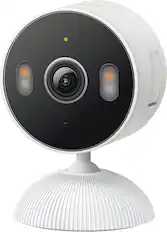
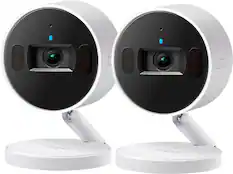
eufy - E30 Indoor Wired 4K PTZ Security Camera with Spotlight - White
$54.99The price was $69.99
Smart Doorbell

Arlo - Smart Wi-Fi Video Doorbell (2nd Generation) - Wired/Battery Operated with 2K Resolution - White
Top Deal$49.99The price was $79.99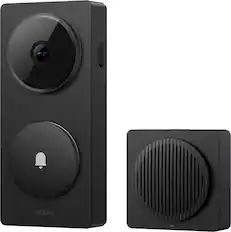
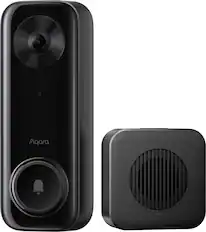
Aqara - Video Doorbell Camera - Wired/Battery Powered - Hub G410 Select - Black
$139.99The price was $149.99




More recommended items
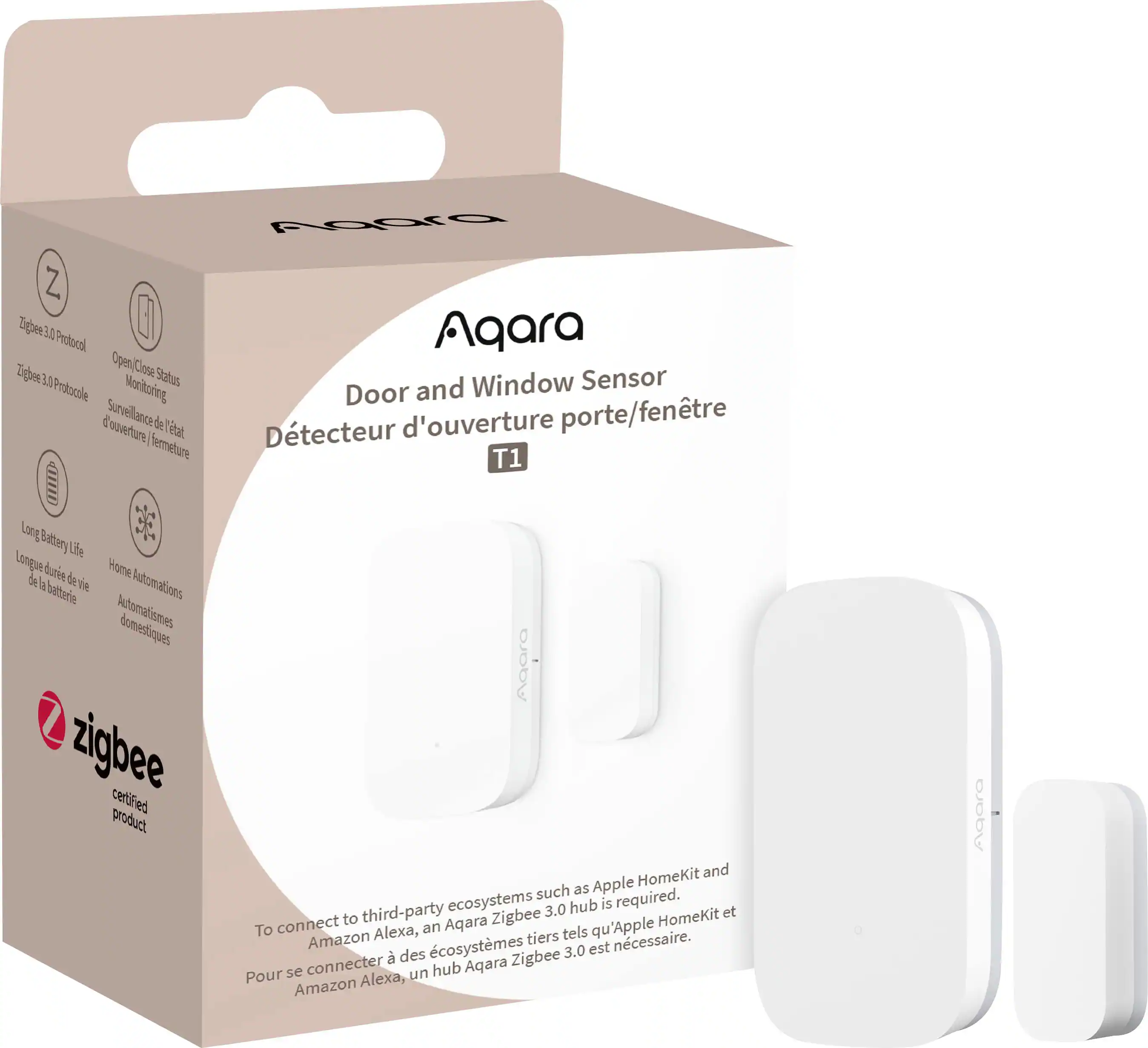 Sensors and Detectors
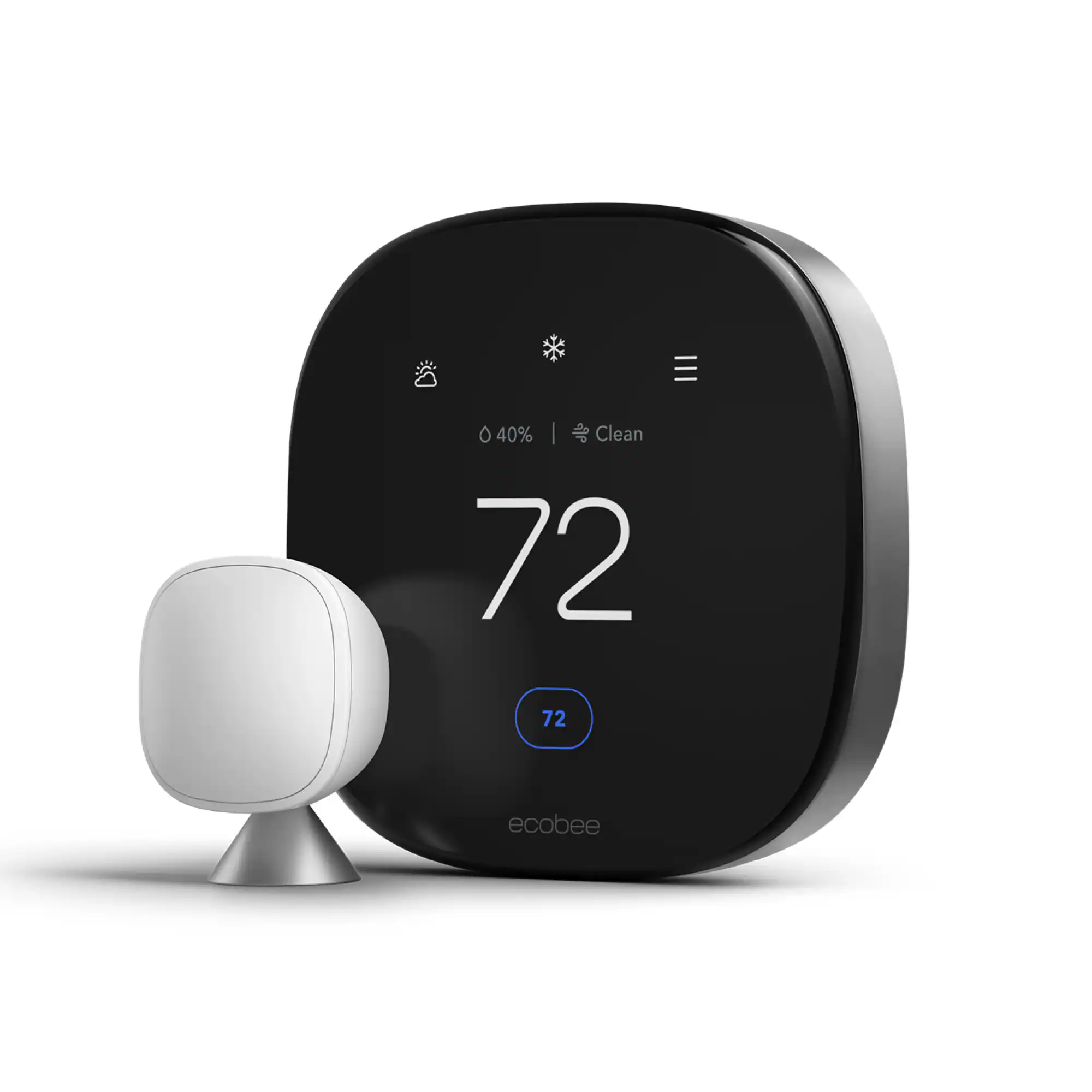 Smart Thermostat
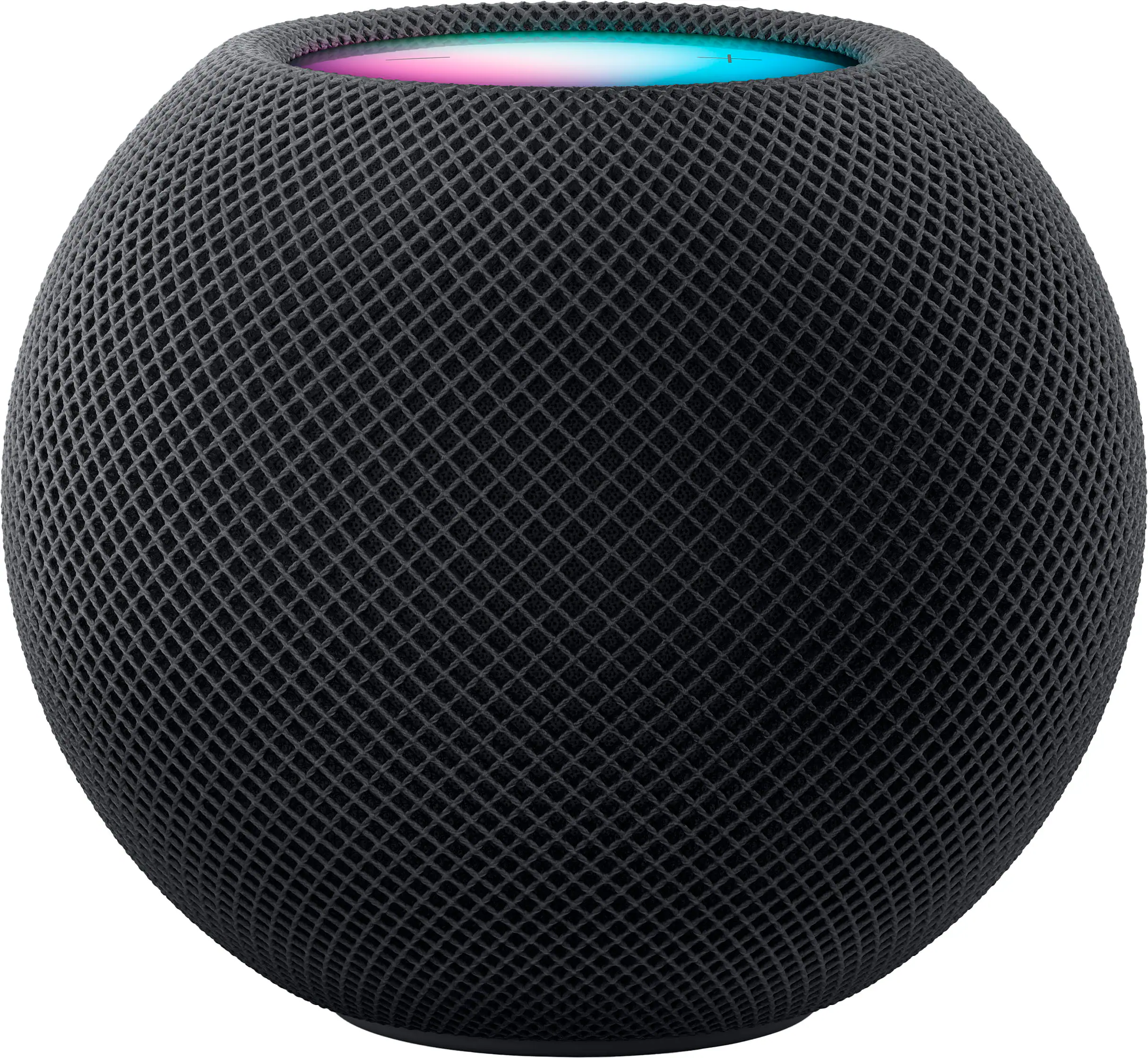 Smart Speakers and Displays
More to consider
 $169.99The price was $259.99
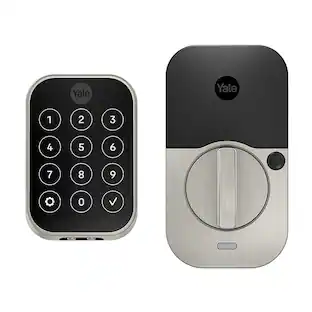 $232.99The price was $309.99
 $144.99The price was $209.99
 $279.99The price was $399.99
Control, Comfort, Convenience Sponsored
- $279.99The price was $399.99
 Top Deal$199.99The price was $299.99
Discover related products
 $139.99The price was $199.99
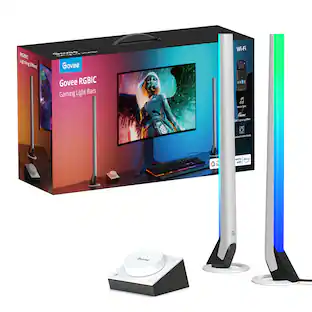 $59.99The price was $69.99
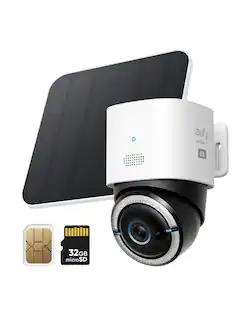
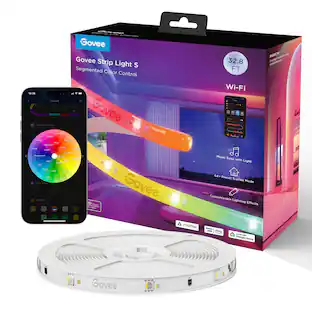

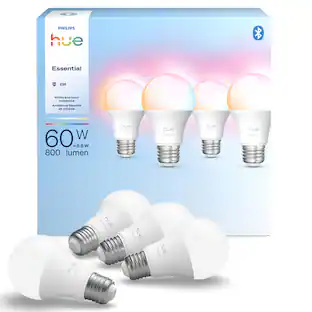

Keep exploring
 $105.25The price was $169.99