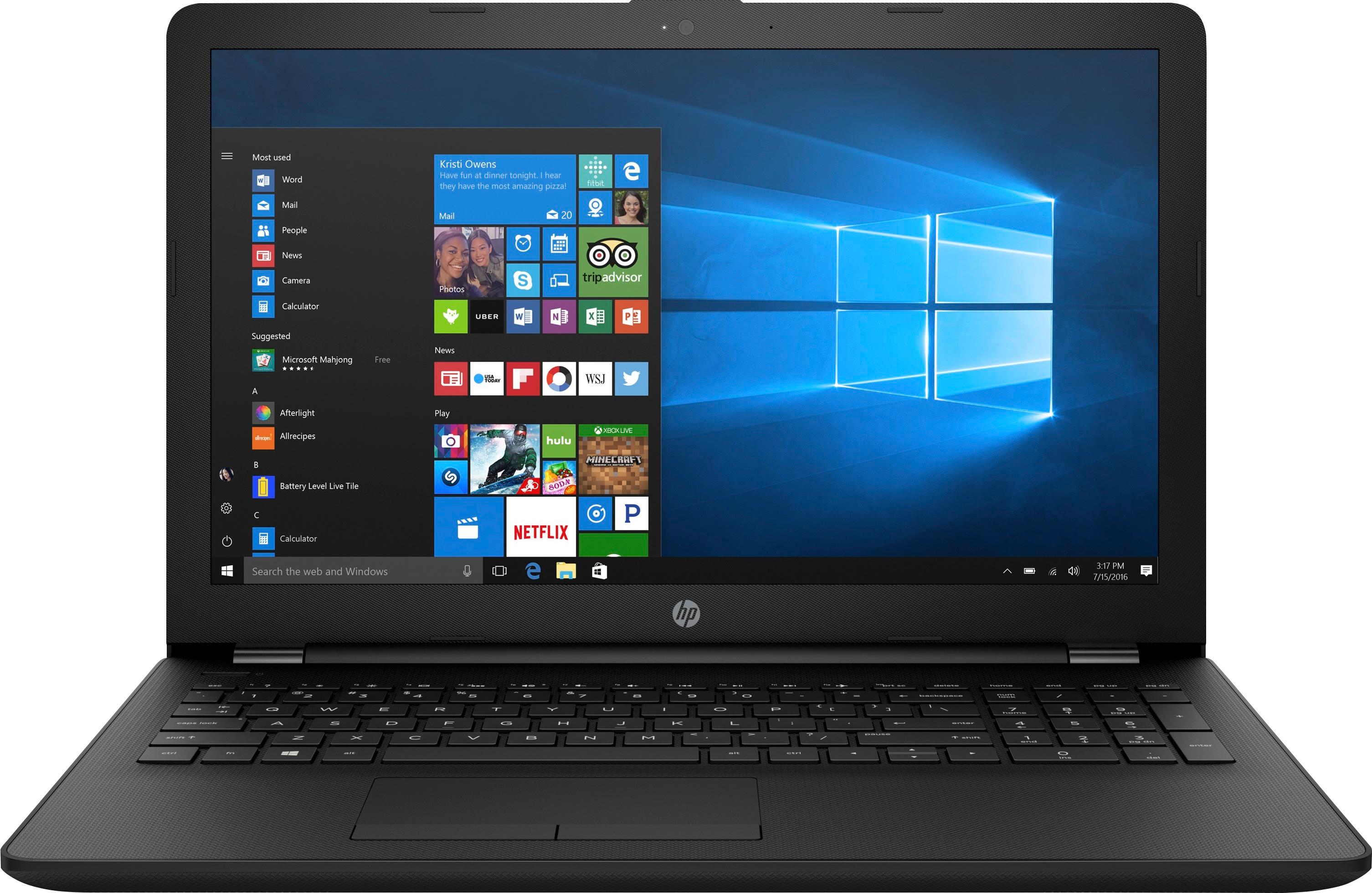
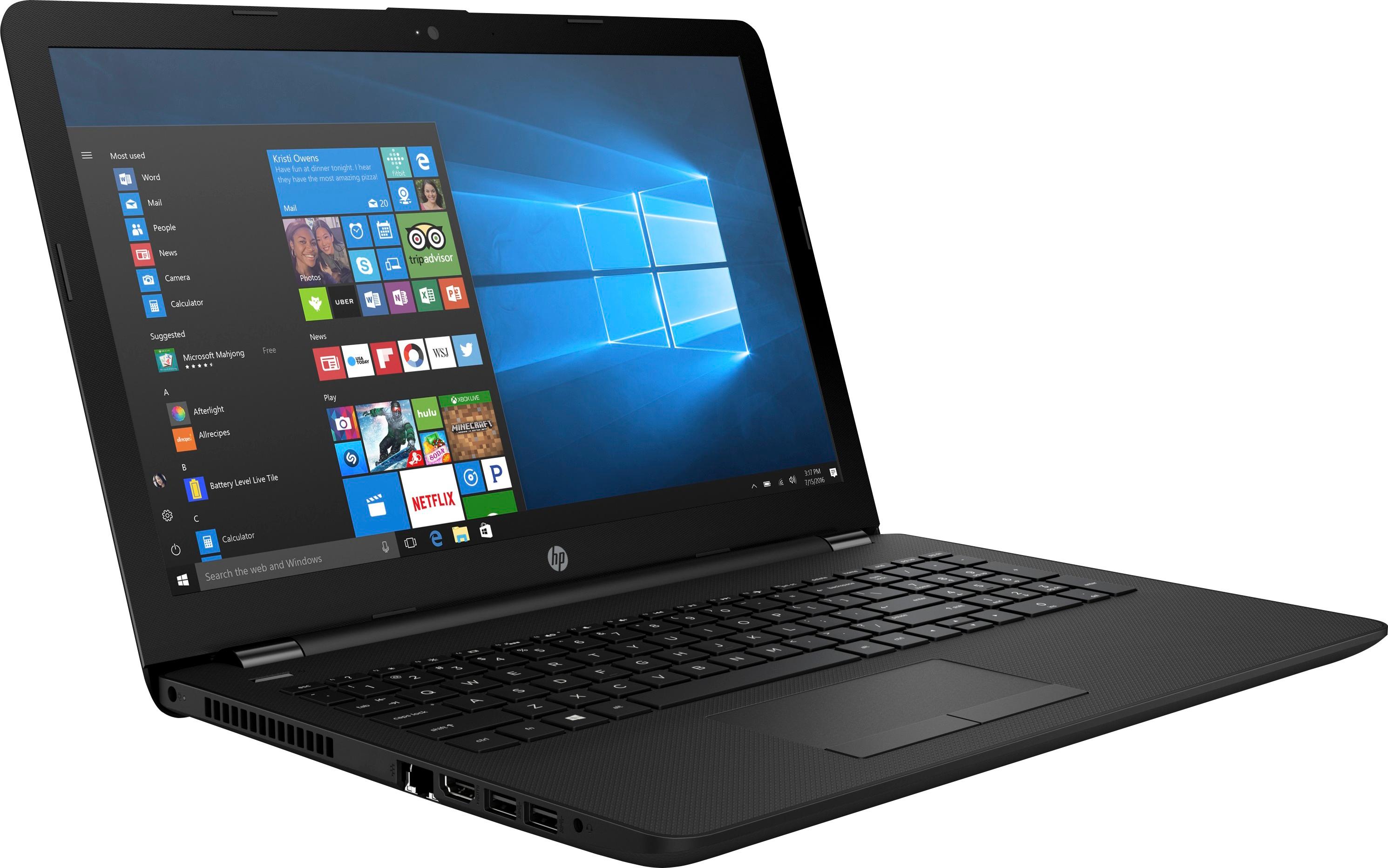
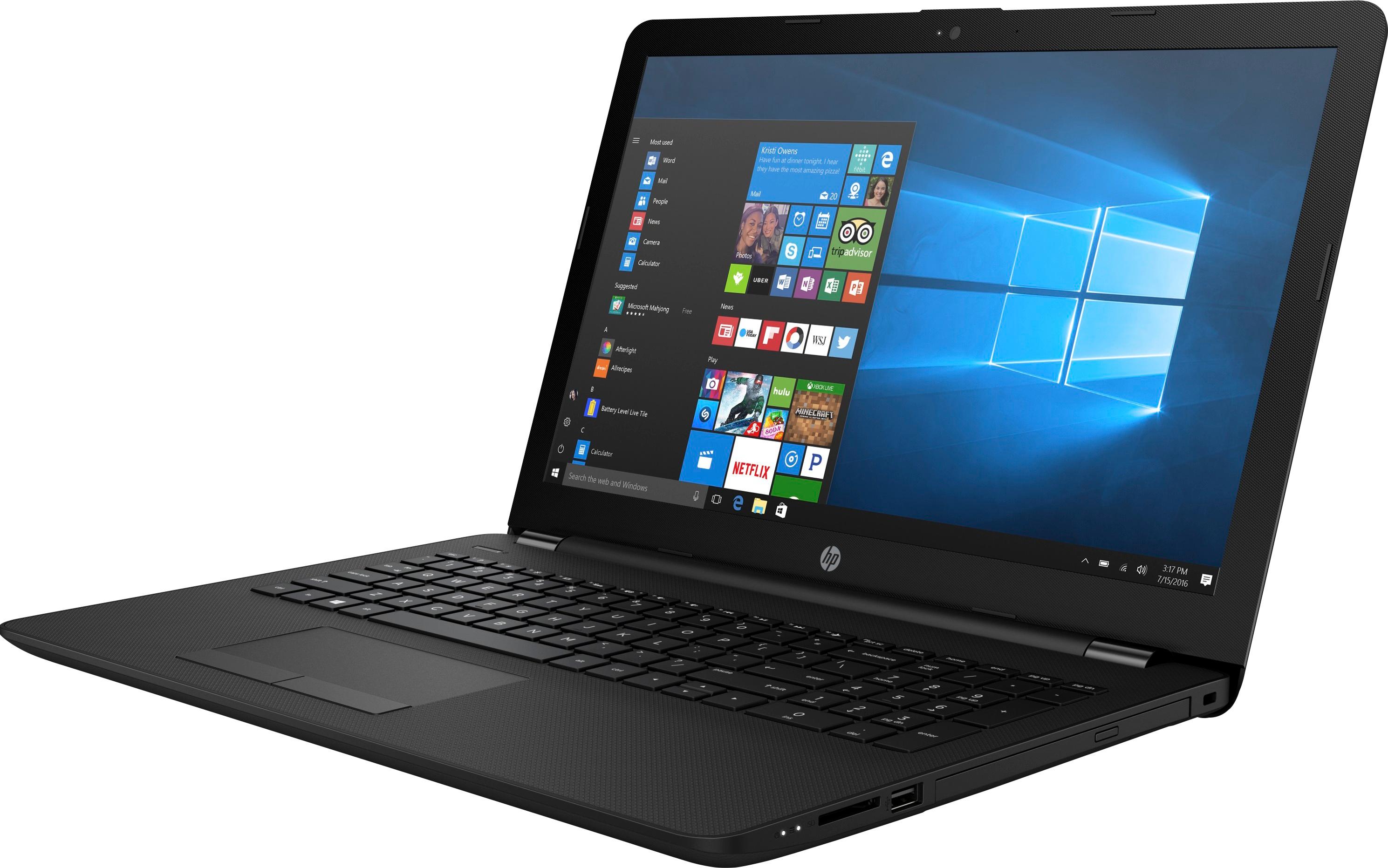
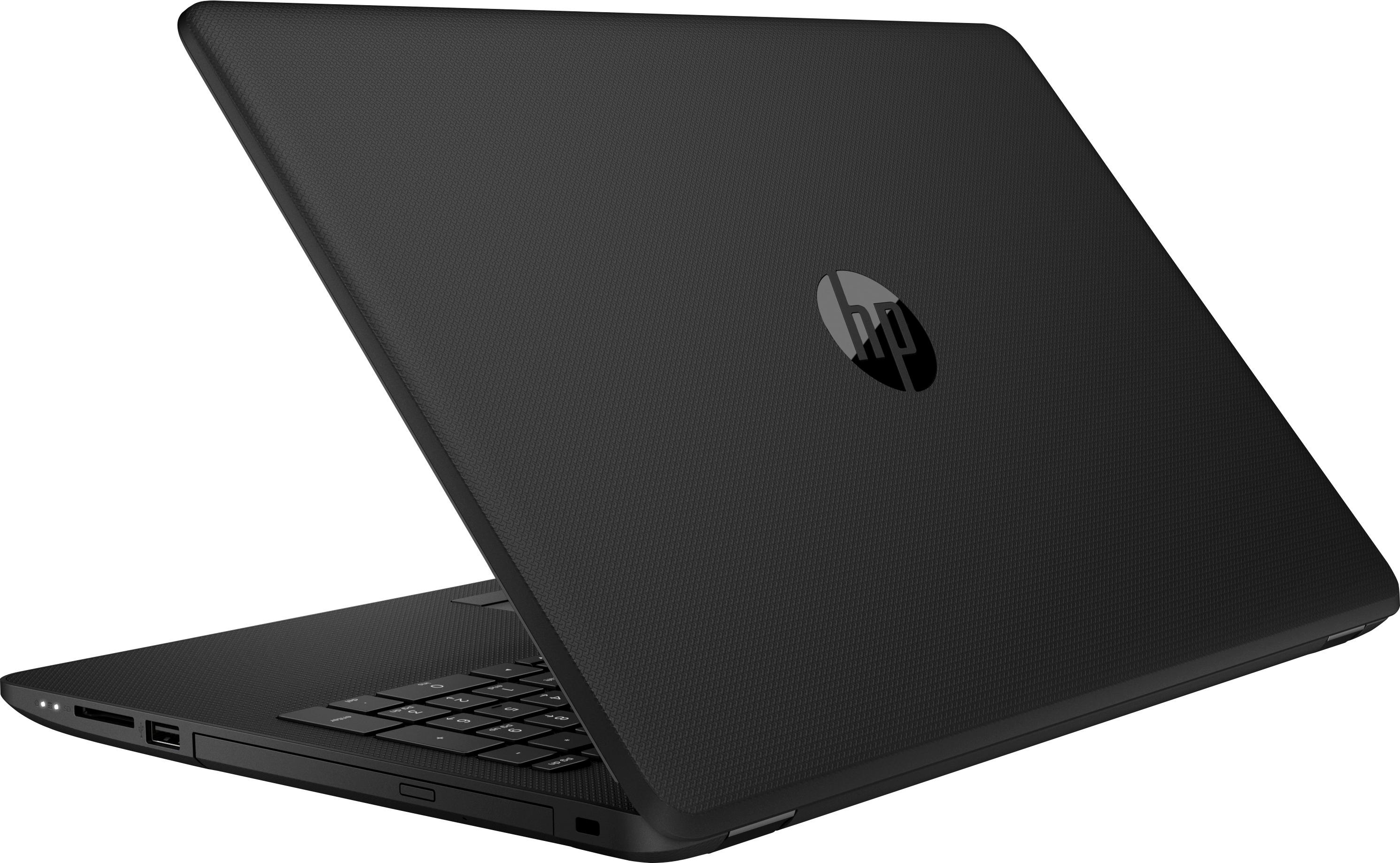
A:Answer Yes. You will need to remove all of the screws from underneath the laptop, including those that are under the rubber foot pads. Then you will need to slide out the CD/DVD burner. Finally, you will need to use a small "crow bar" to remove the bottom casing from the frame surrounding the keyboard. Obviously, care should be taken not to damage the casing.
If you have made it this far, then replacing the HDD with an SSD should be fairly easy/straightforward.
Then reverse the steps to reassemble the computer.
P.S. While you are at this, you may also want to consider adding another 8GB RAM chip.