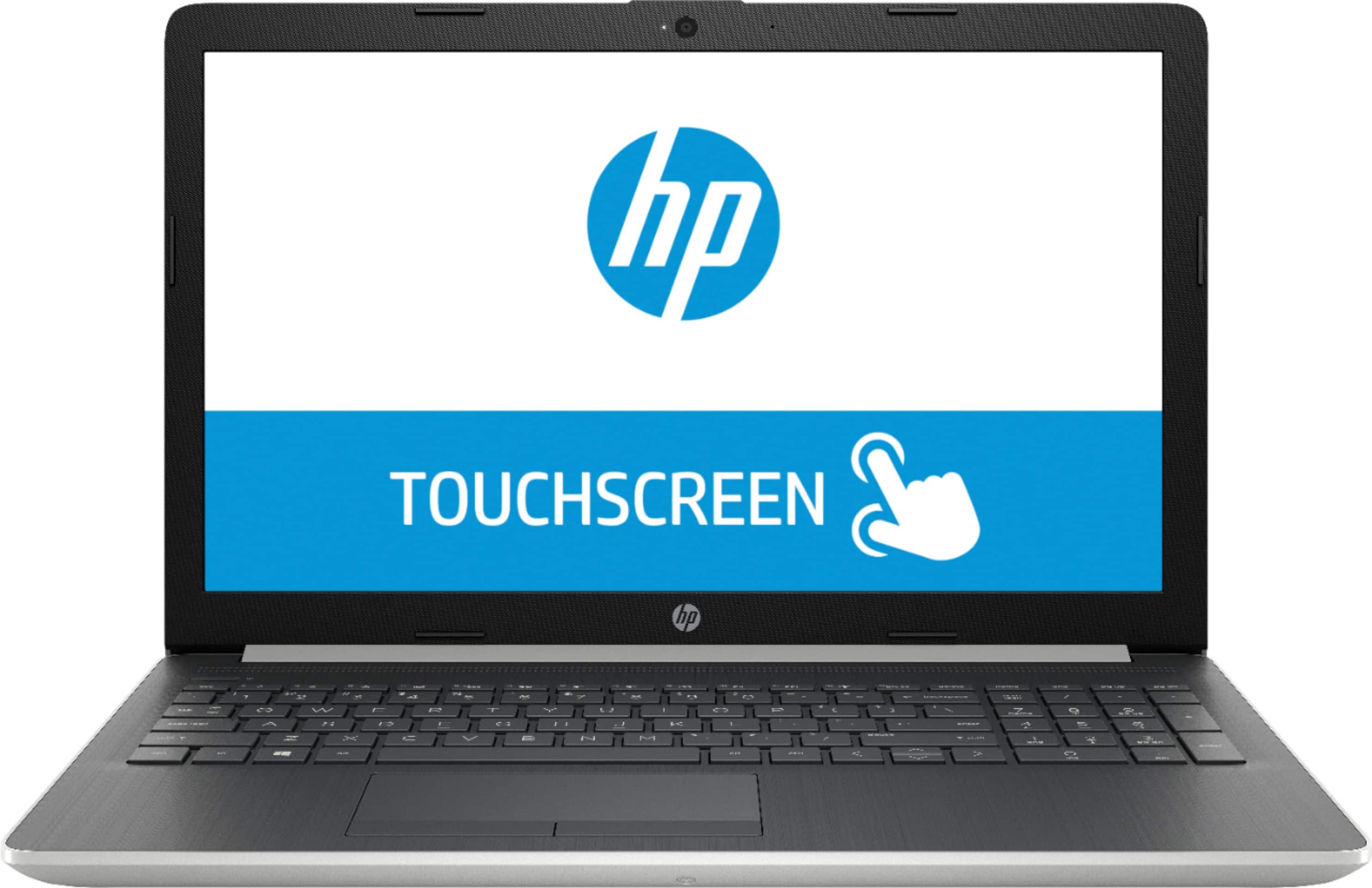
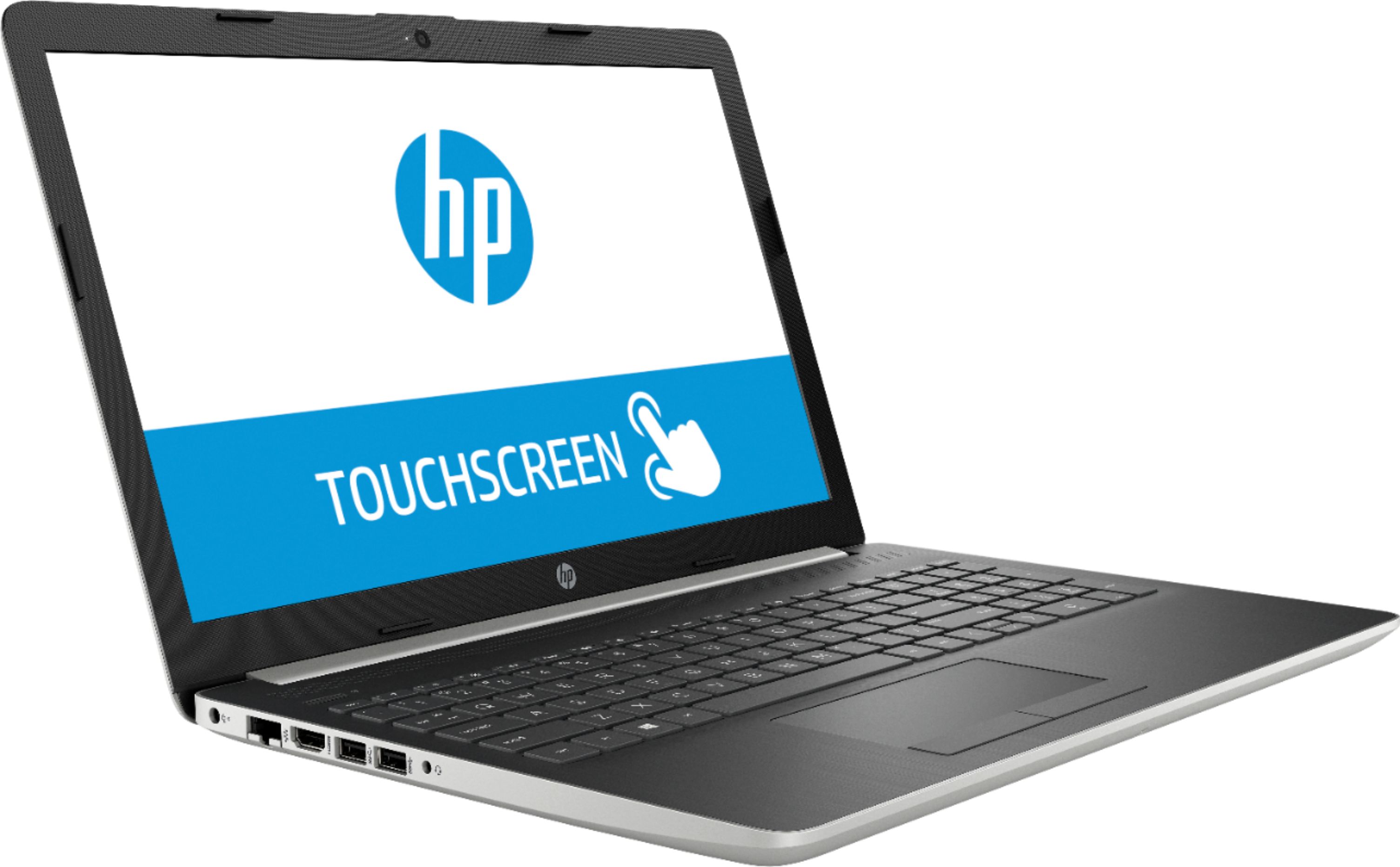
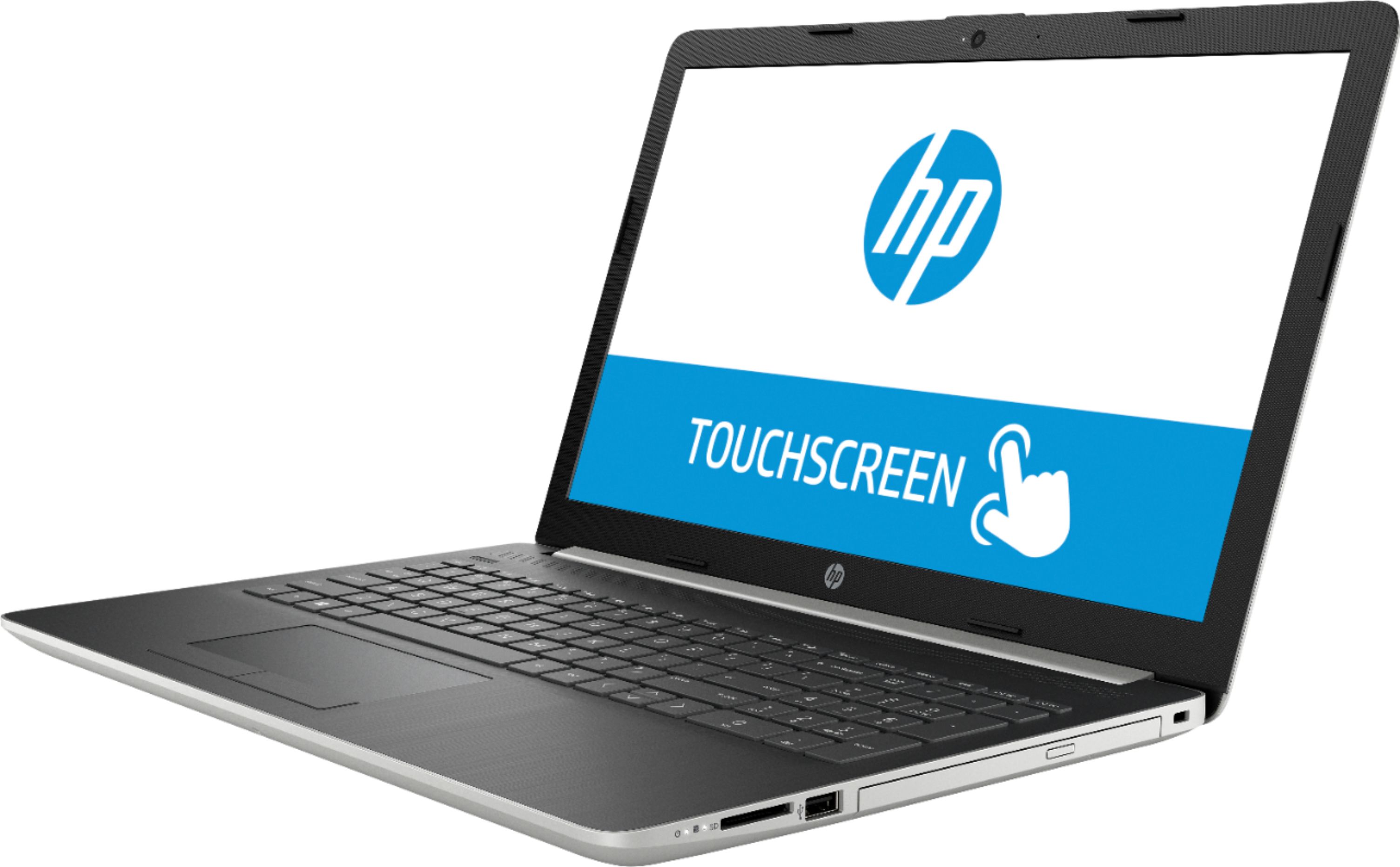
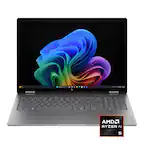
A:AnswerYes, you can use either the touch screen, mouse and keyboard or both together. The advantage of the touchscreen is that it is sometimes easier to simply reach out and tap to select or do something than use the mouse. This is becoming more and more commonplace as tablets and phones are causing developers to create programs with touch-friendliness in mind.
A:AnswerThis computer may be able to run those games but it does not have a gpu so you would have to run it on lower settings. For a far better experience I would recommend a model with a GPU or a higher end processor like an i7 or Ryzen 7
A:AnswerYou could play Roblox on this model. It is not a gaming PC but would handle that game quite easily. Other titles like Fortnite and such may not run as well.
A:AnswerIt would run that software well but how well depends on the quality of the images. Large, higher quality images would need more processing power.
A:AnswerWhen I checked the specs from HP it shows only a 1x1 for the network which would indicate it is not dual band. Because if it is dual band that should show as 2x2 I believe.
https://support.hp.com/us-en/document/c05997533
A:AnswerTypically you will have no issues running a program even if it requires more ghz, the computer would just slow down until the process it is working on it complete. You can add up to 16GB RAM.
A:AnswerHello, most any new Intel Chips can have their RAM expanded to 32 Gig but 16 Gig of ram is good enough for this laptop In my opinion. I hope this answers your question
A:AnswerThank you for reaching out. This computer, and most our computers nowadays, do not have docking stations. If you want the same abilities as a dock I would use a usb 3.0 port replicator or find a model with type C.