A:AnswerI think this is a BEST BUY brand, this link will lead you to the instruction manual just enter the model # https://www.insigniaproducts.com/support
A:AnswerNo. Some tvs have flash memory but not all. If it's a consistent problem I recommend purchasing an uninterruptible power supply. Then problem solved.
A:AnswerTry using the Roku app on your smart phone if you have one. You must be on the same wifi network as your tv, but I liked it. It gave me the number pad you were looking for.
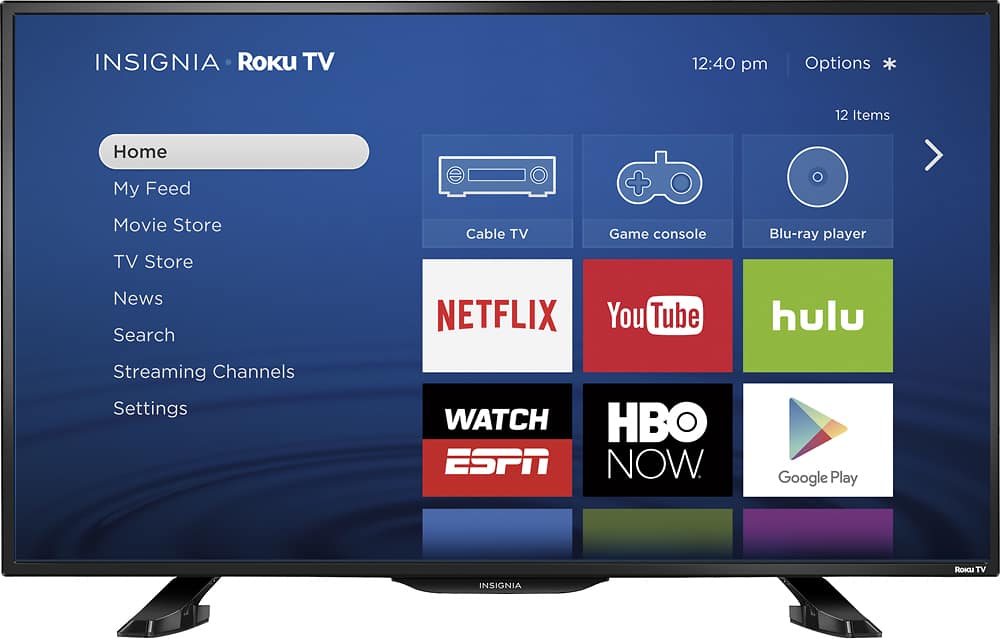
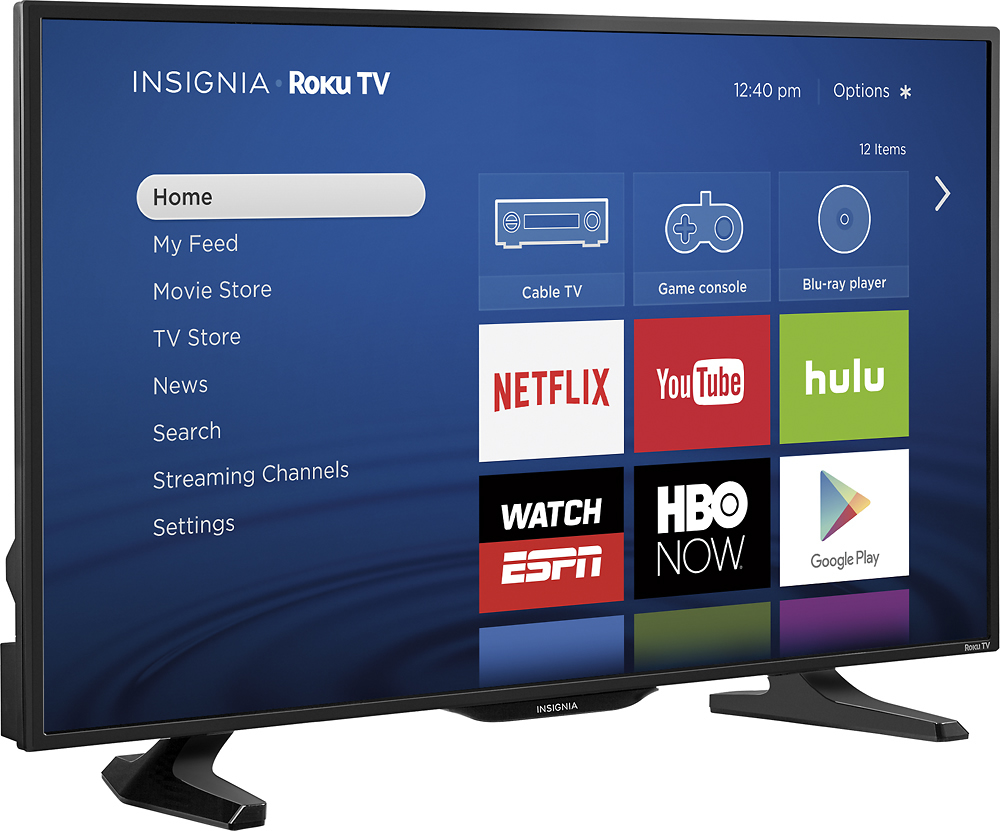
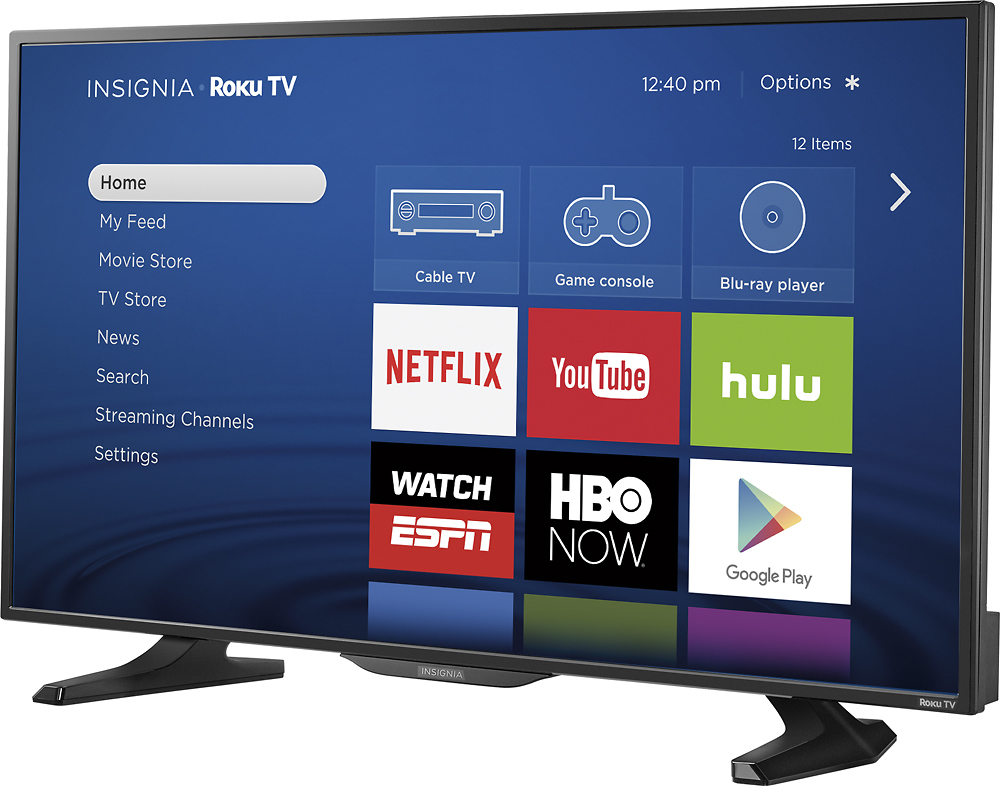
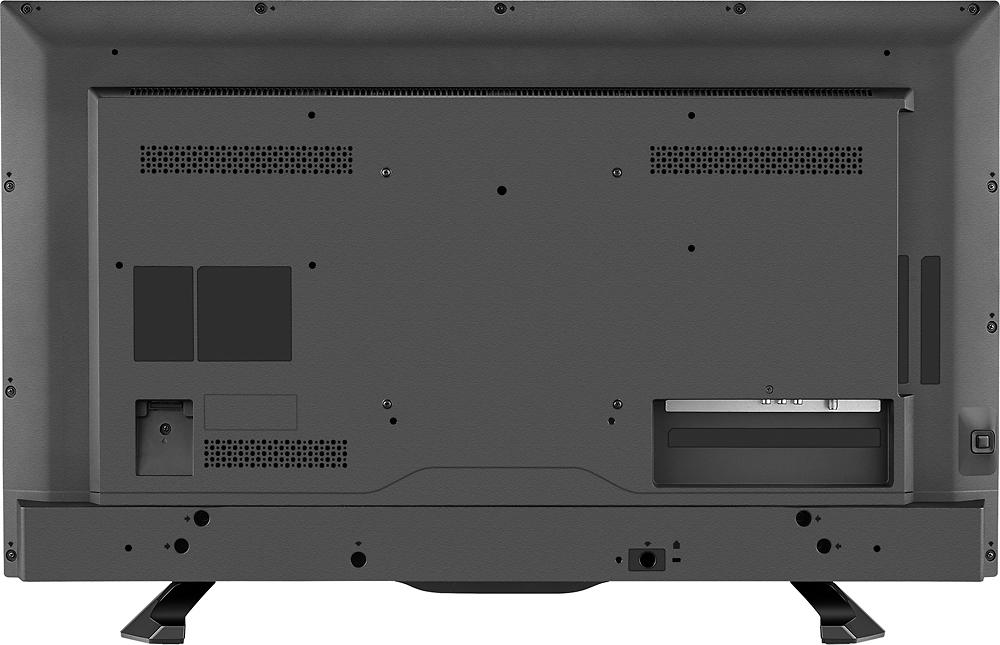
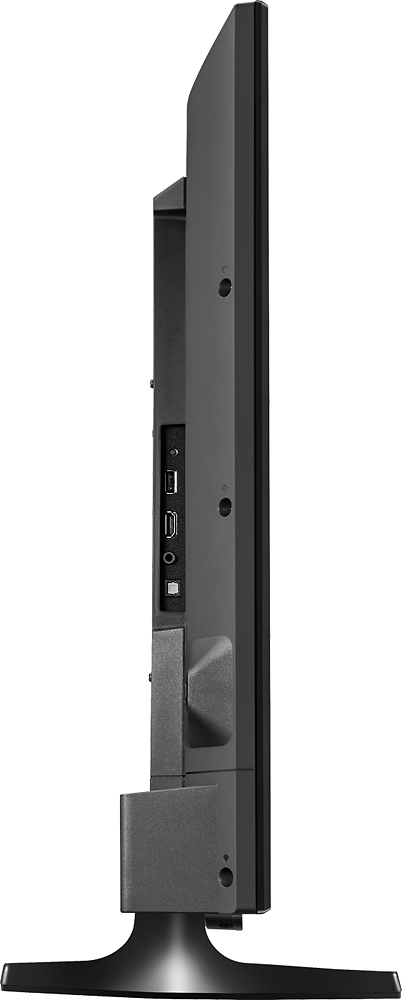
A:AnswerDimensions
Width 34.7 inches
Product Height With Stand 22.0 inches
Product Depth With Stand 9.1 inches
Product Height Without Stand 20.5 inches
Product Depth Without Stand 2.6 inches
A:AnswerDimensions
Width 34.7 inches
Product Height With Stand 22.0 inches
Product Depth With Stand 9.1 inches
Product Height Without Stand 20.5 inches
Product Depth Without Stand 2.6 inches
Product Weight With Stand 16.8 pounds
Product Weight Without Stand 15.9 pounds
A:AnswerI think this is comparable to the ROKU 3, but there is no voice search on the remote. You can download the remote app to a smart phone and use voice search with that.
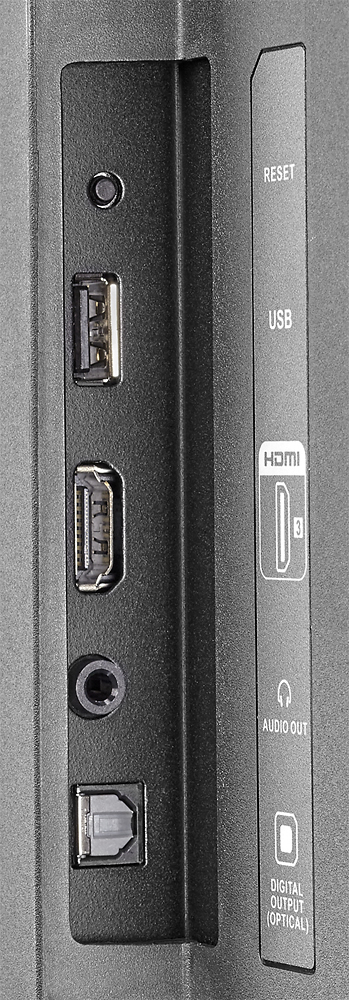
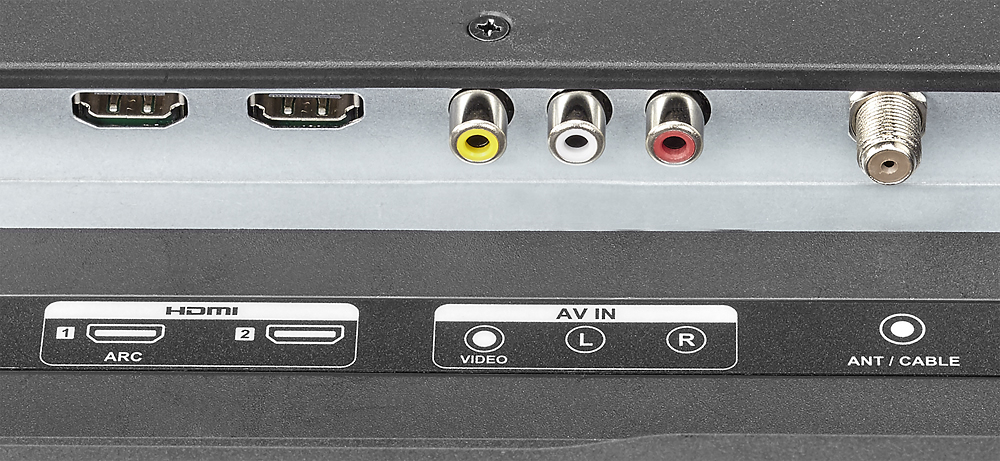
A:AnswerUse the TV button on the remote and it should take you to a drop down menu including HDMI 1, 2 or 3 depending on the number of HDMI outputs your TV has, choose the number for the one the HDMI cable is plugged into and you should be set.