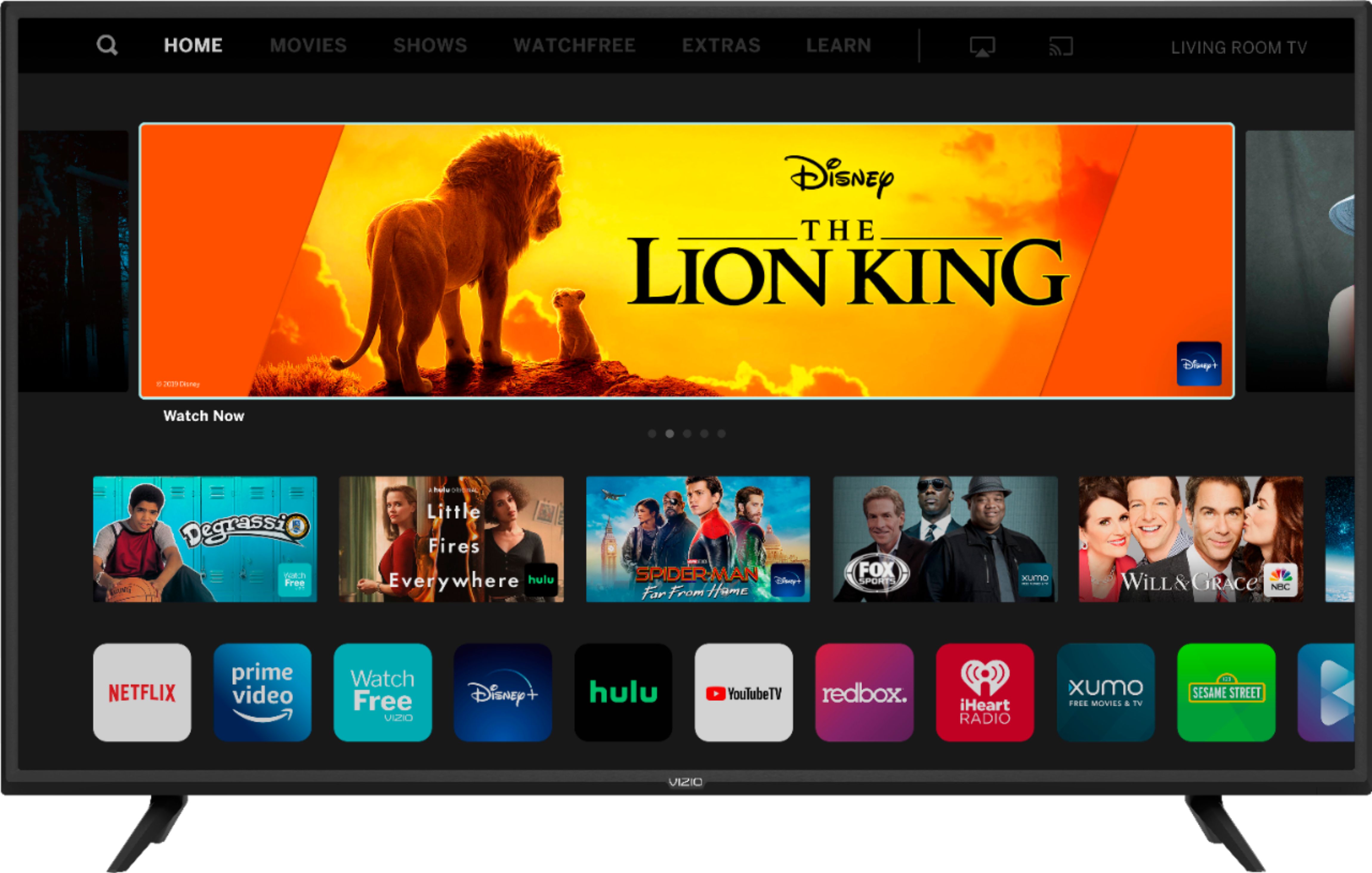
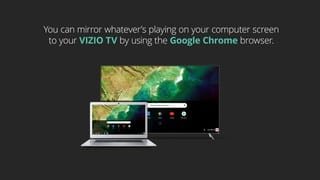
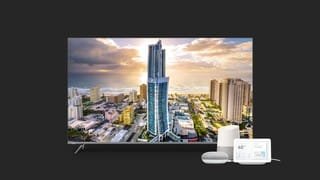
A:AnswerYou can view Disney+ on this VIZIO SmartCast TV by 'Casting' the content from the Disney+ app on a compatible device. You can also use the AirPlay feature of your VIZIO TV with an iOS device running iOS12.3 or later or a Mac device running 10.14.5 or later.
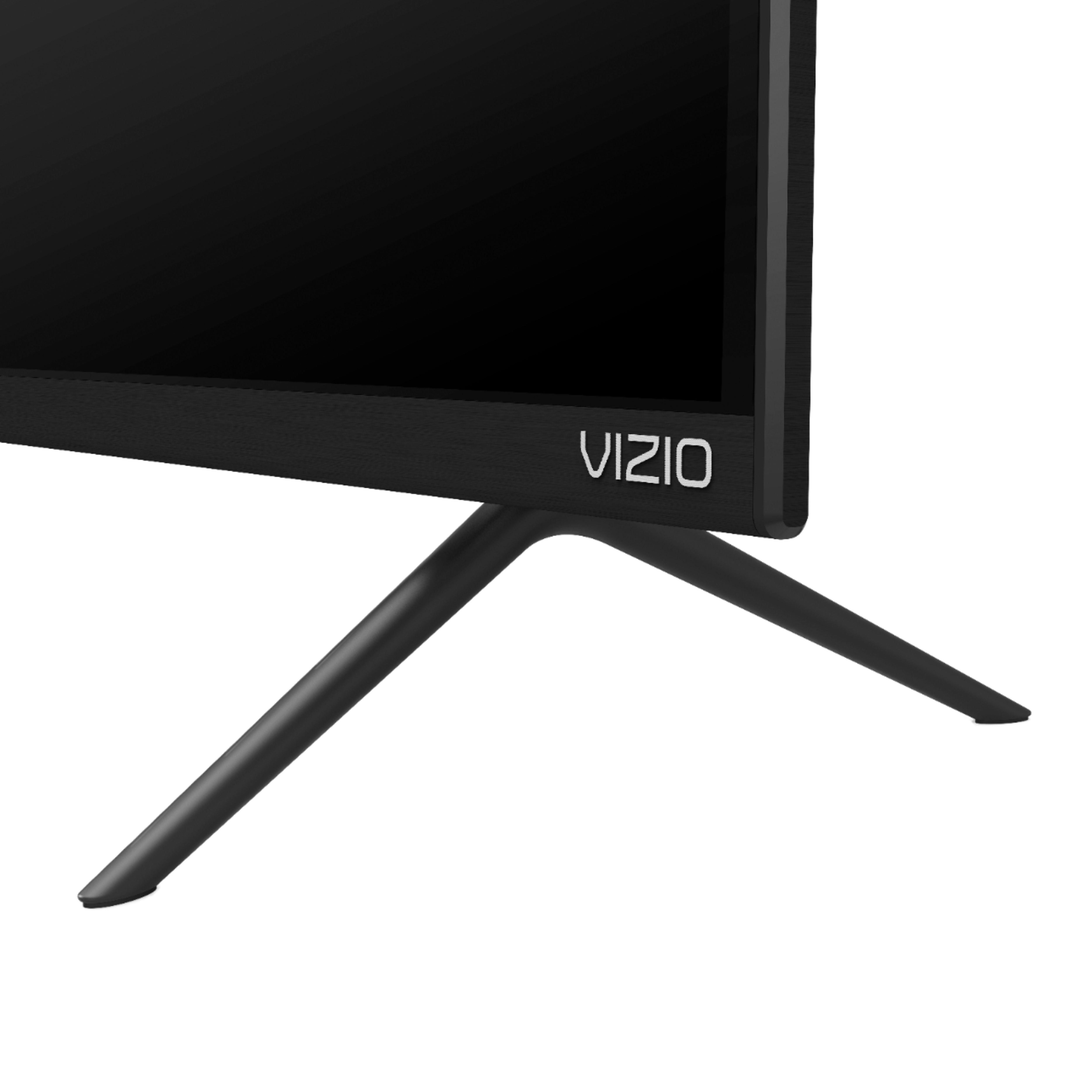
A:AnswerNo it does not, 2 legged base stand almost as wide as the TV. Not a lot of TV's over 60 inches with a center stand. Did purchase a new base for it. I was lucky it still fits in my Entertainment Unit. distance is 61 inches
A:AnswerI wasn’t fooled and the picture and general lack of motion blurring means that this tv can handle anything you could want to do, besides competitive PC gaming, just fine.
Now did you have a question?
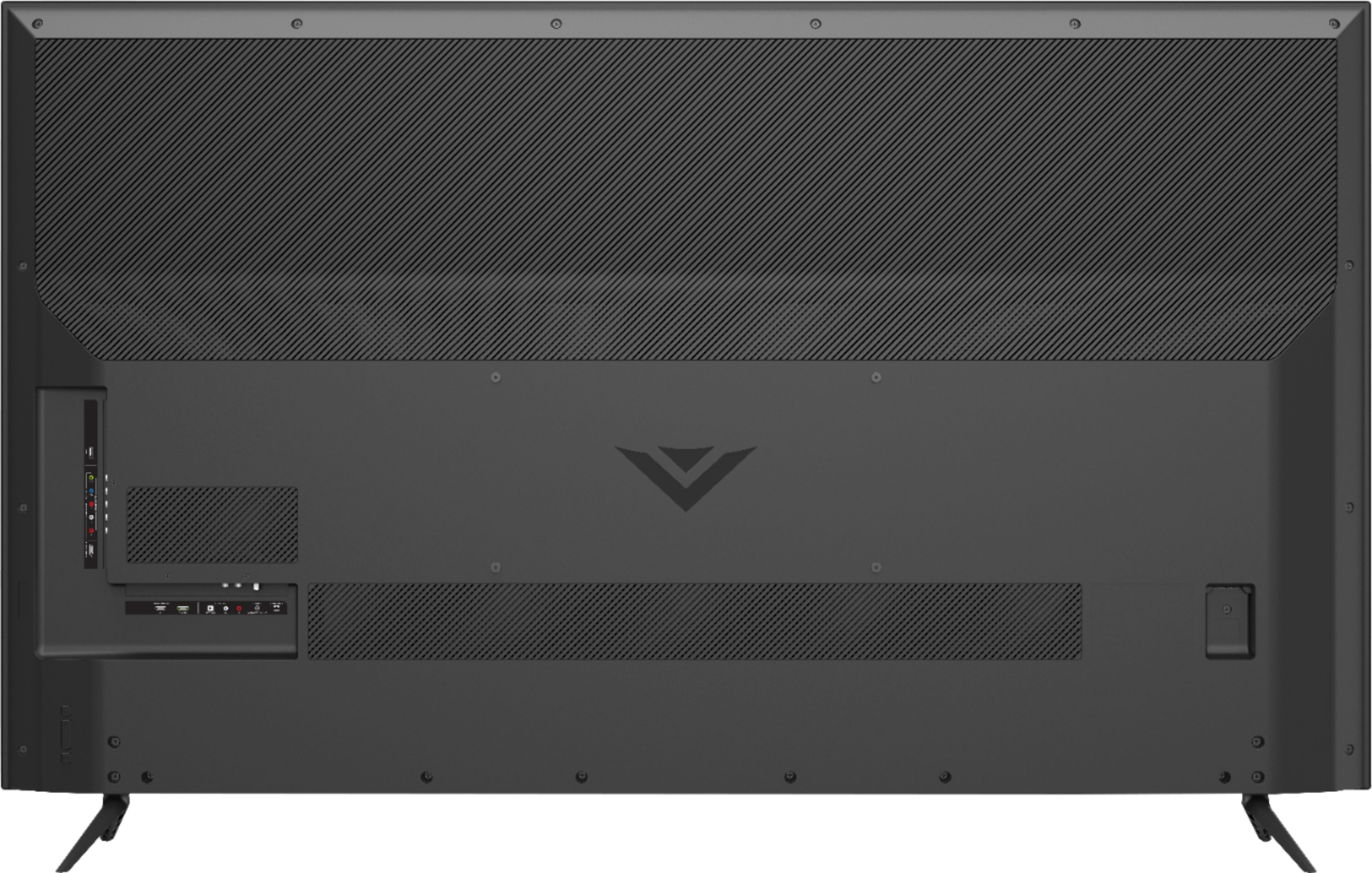
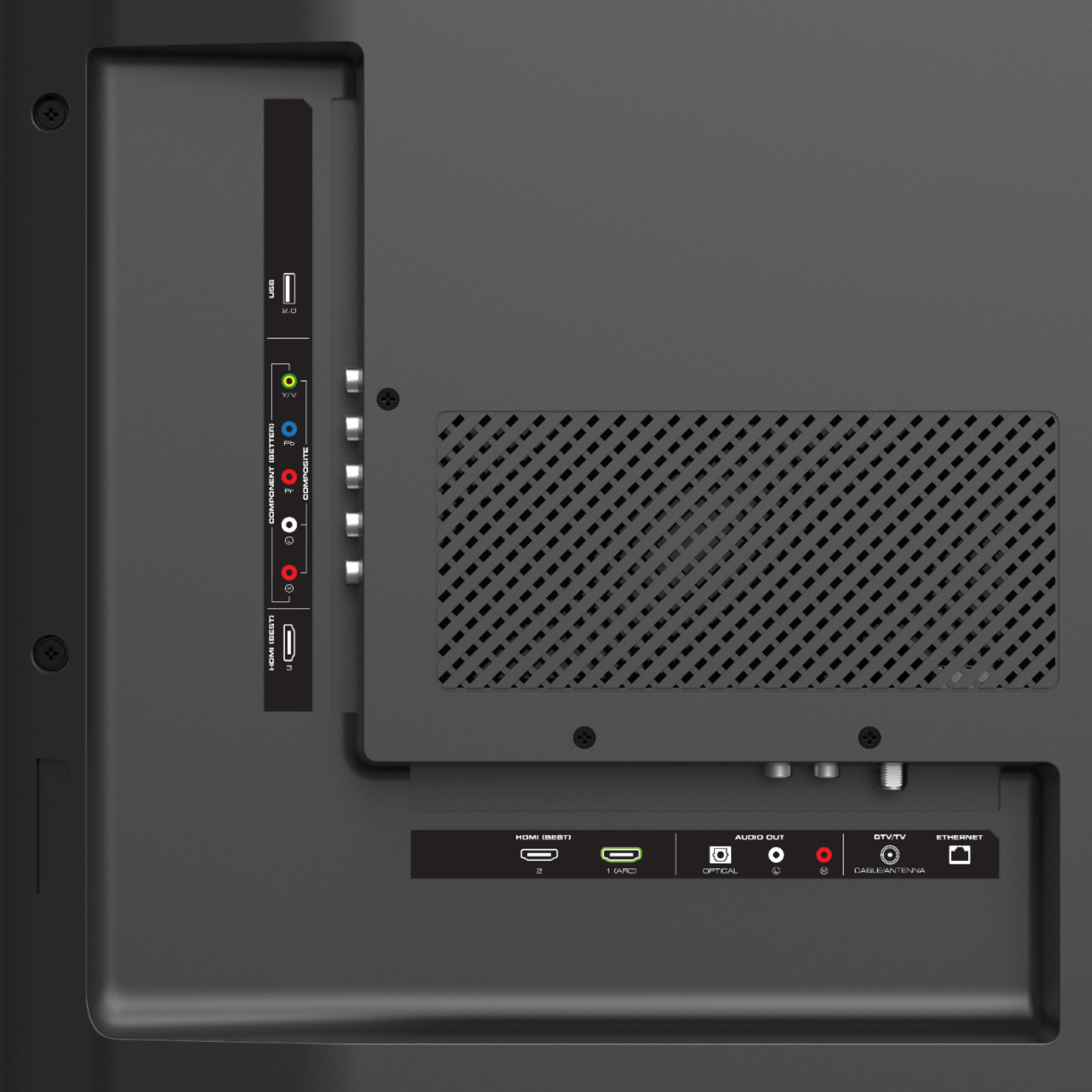
A:AnswerThis is the only tv I’ve owned that lets me cast my iPhone screen and music onto it. It also allows you to plug in a MacBook Pro with HDMI so I never miss a good football game.
A:AnswerYes it does and works well. Will display info, current show playing and time. But won't show program schedule of up coming programs. Sort of annoying. Otherwise 720p or 1080i feed most of time. Looks great!
A:AnswerThis television cannot add apps to the SmartCast home screen. We are continually evaluating new applications for addition to the SmartCast screen. In the meantime, you can cast any of the thousands of Chromecast enabled applications to the television from your mobile device.