A:AnswerTransferring data is relatively easy, with several methods available from using an external drive to a specialized transfer cable. The easiest methods involve copying your files to an external hard drive or USB flash drive, or using a cloud storage service
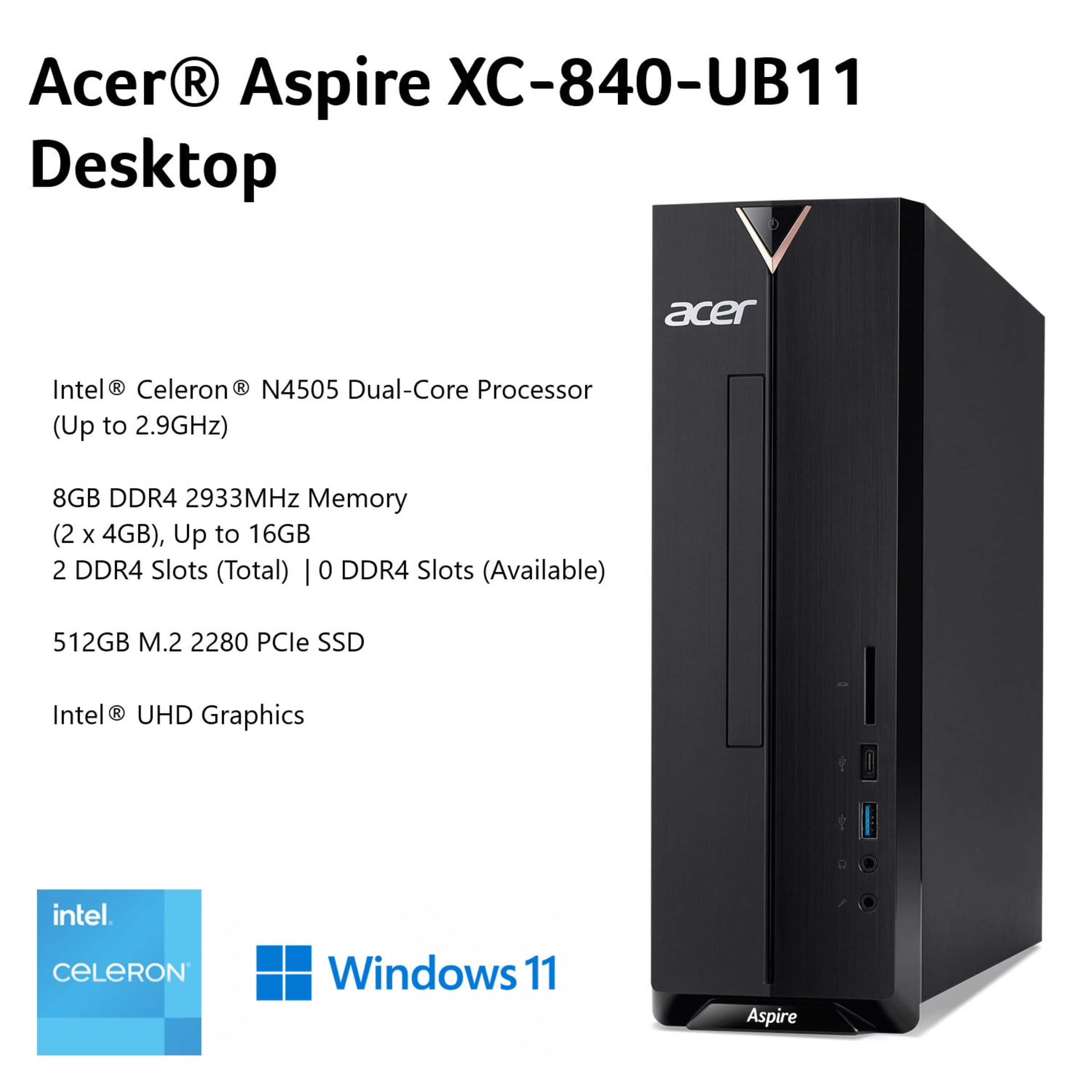
A:AnswerNo, the XC-840-UB11 is not a good gaming computer because it has a basic Intel Celeron processor and integrated graphics, making it suitable for light tasks like web browsing, not demanding modern games.
A:AnswerYes, you can add a second HDD or SSD to an Acer Aspire XC-840-UB11 by using its two available SATA 3.0 ports and M.2 slot for additional storage.
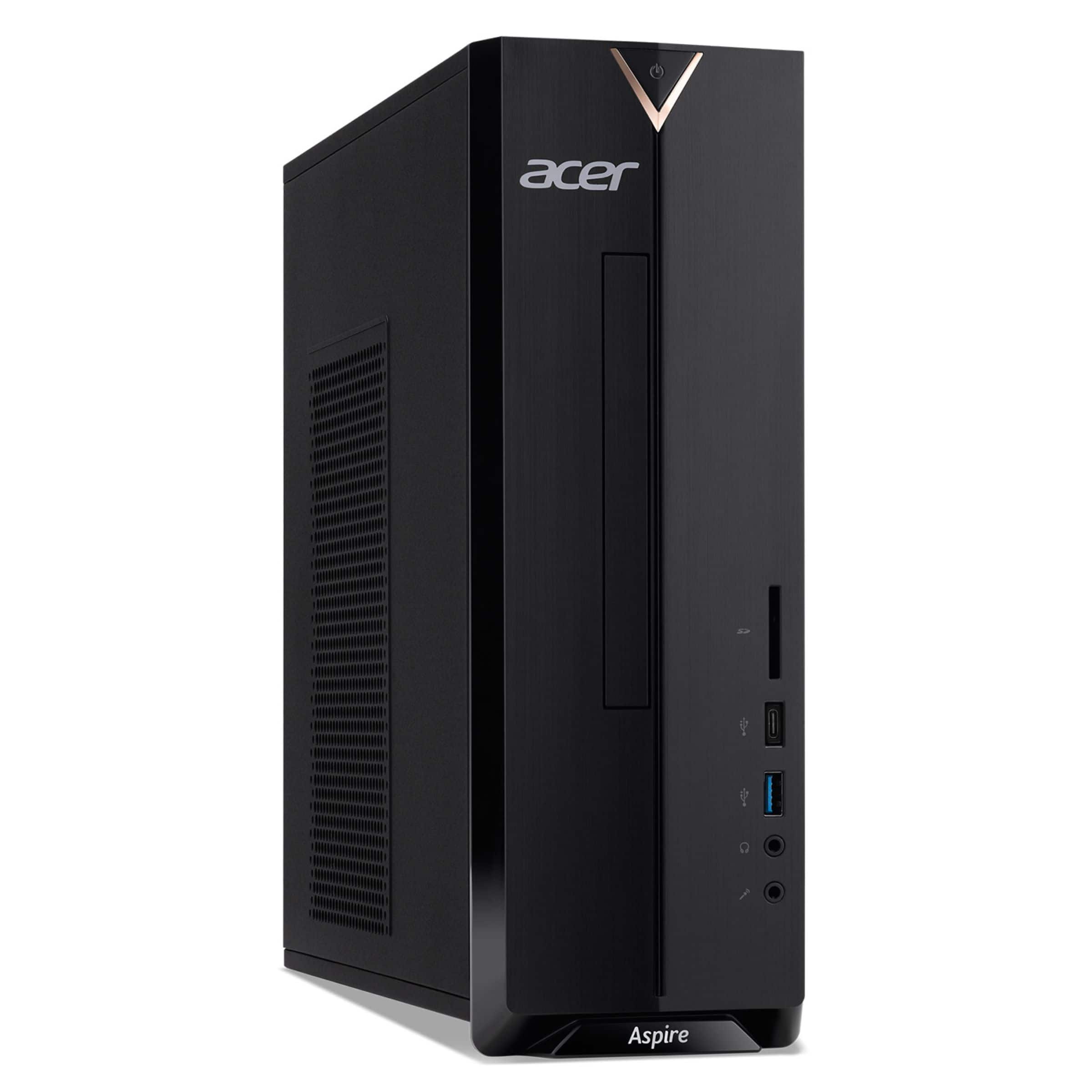
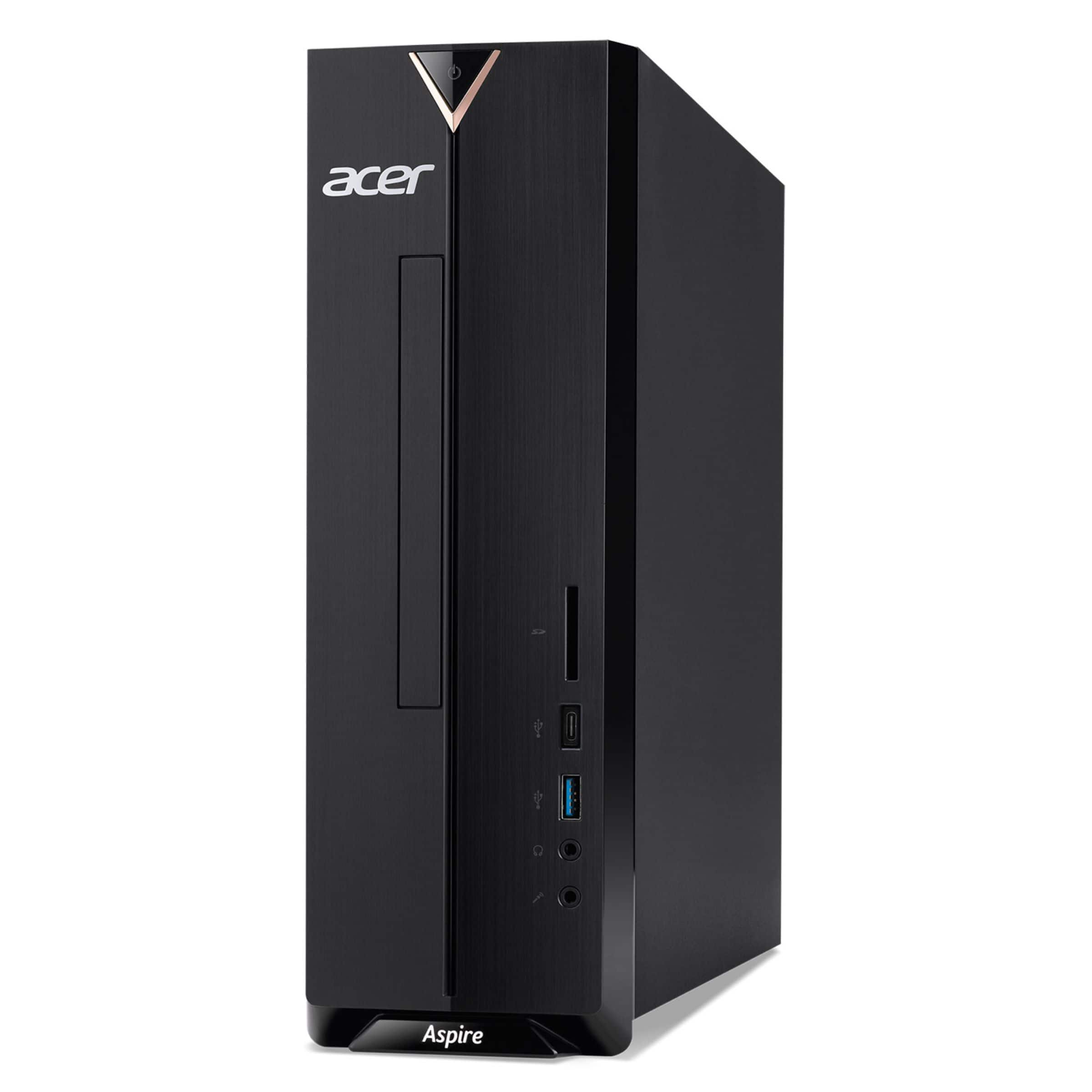
A:AnswerYou will need a 5.25" SATA slim optical drive for internal installation. The desktop does not come with a built-in optical drive, but it has the necessary bay and cable connections for you to add one. You will need a SATA (Serial ATA) data cable to connect the drive to an available SATA port on the computer's motherboard.
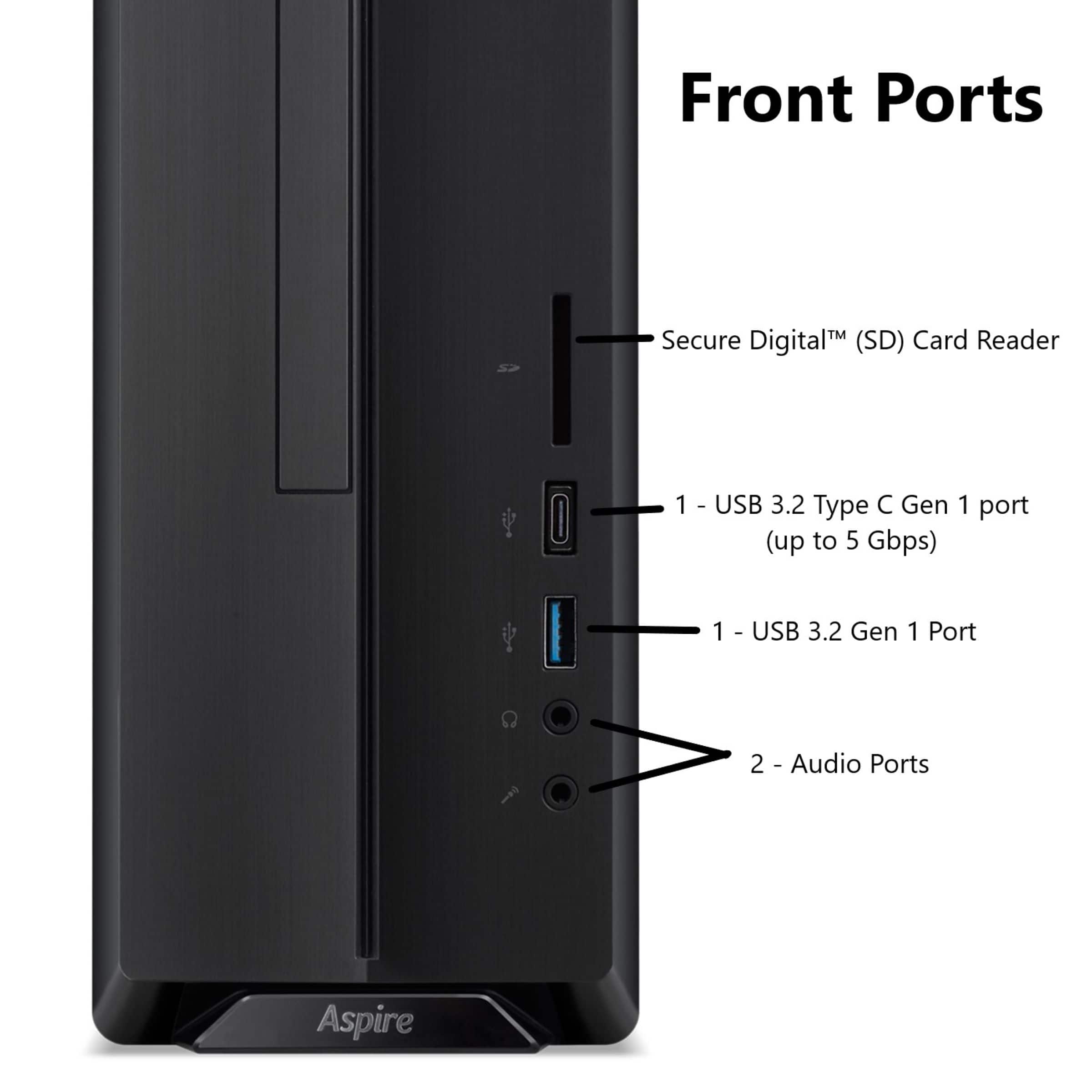
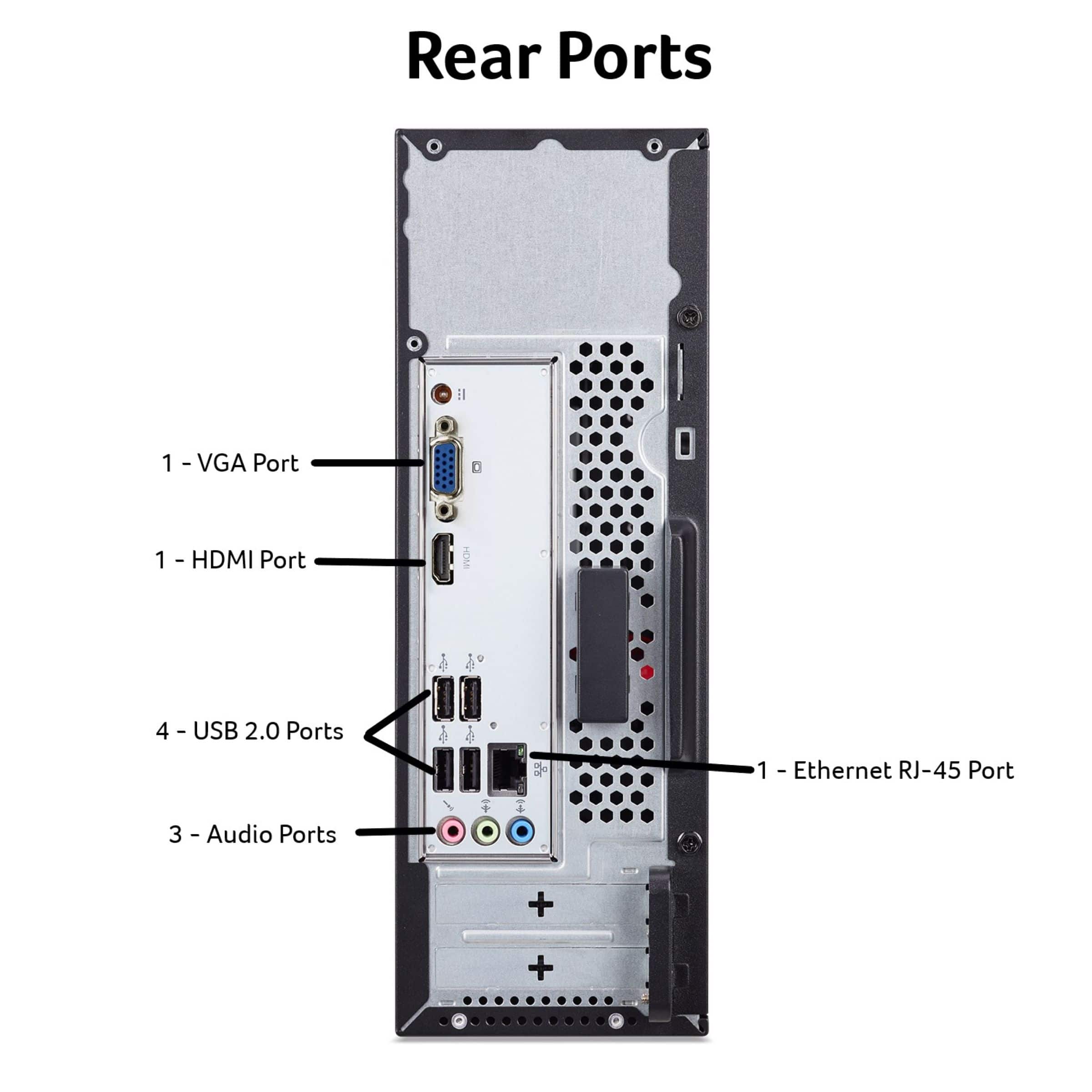
A:AnswerYes, it is possible to use a separate microphone and headphones at the same time to record a song. This PC has separate ports for microphone input and audio output, allowing for simultaneous use.
A:AnswerThis PC includes a trial version of Microsoft Office. If you want to continue using the full functionality of the software after the trial, you will need to activate it with a product key or subscription.
A:AnswerThe set up is pretty easy as you just follow the on screen prompts. If you should need help with this, please feel free to contact our support team at 866-695-2237; they are available to assist 24/7 for in-warranty products.