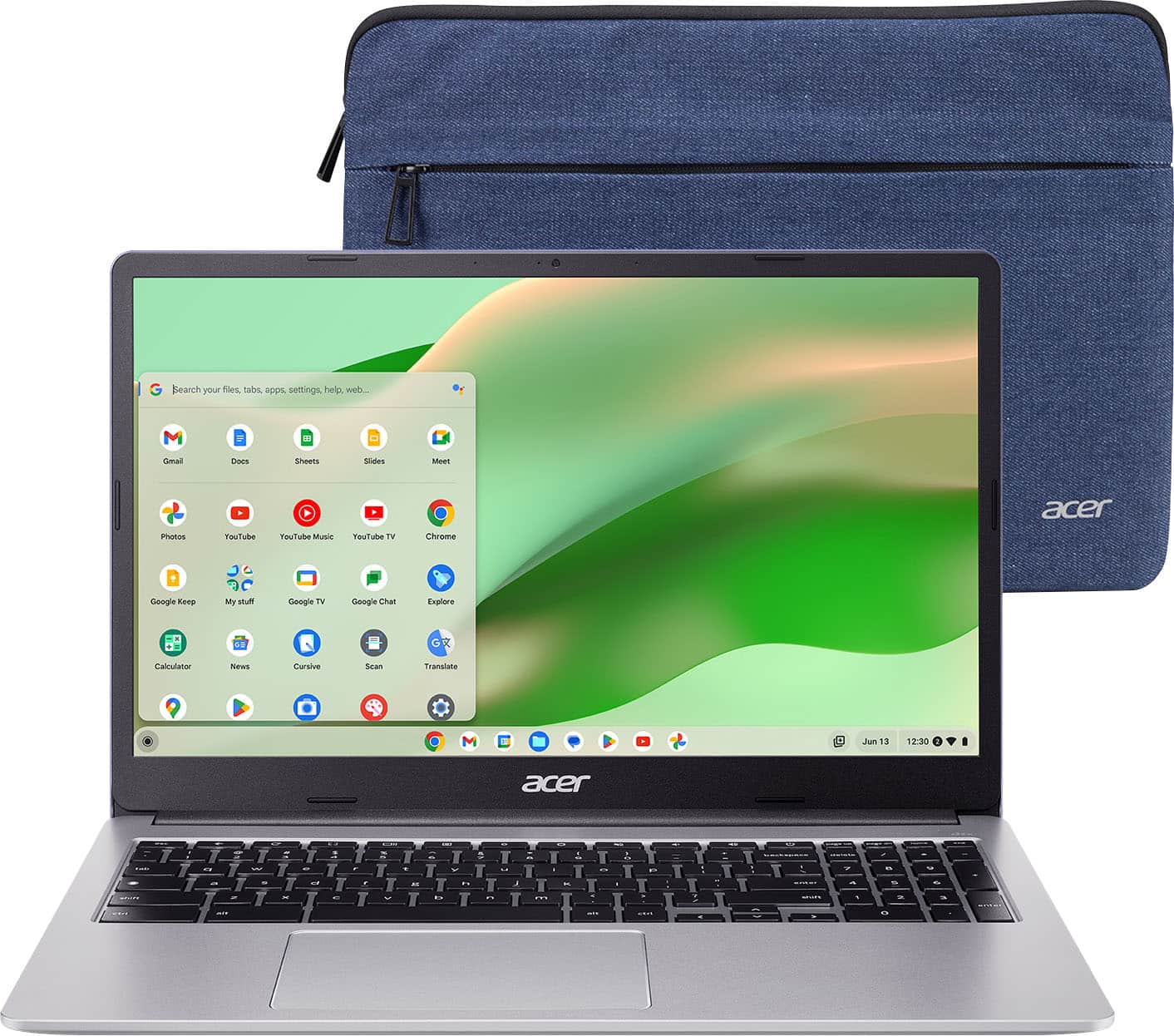
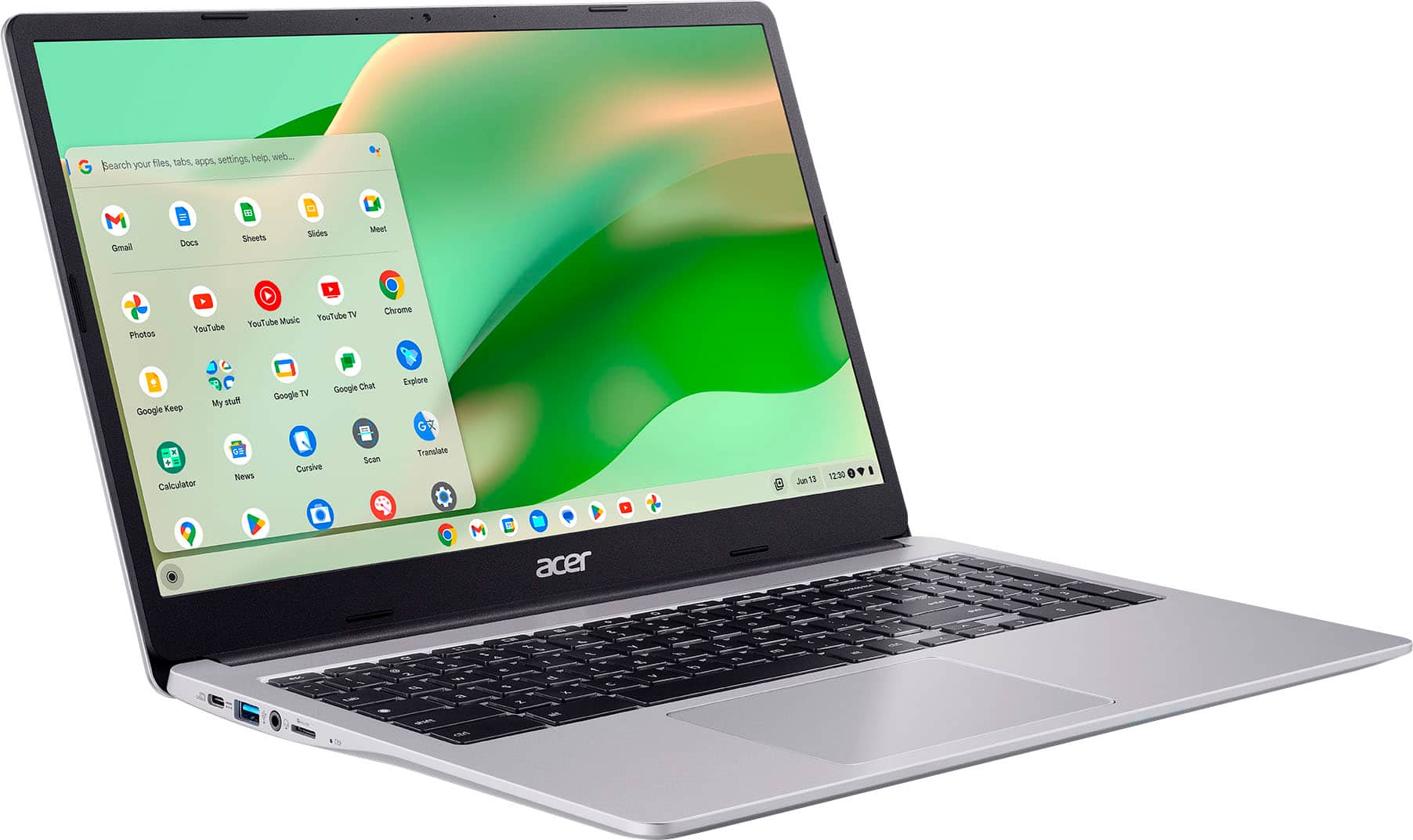
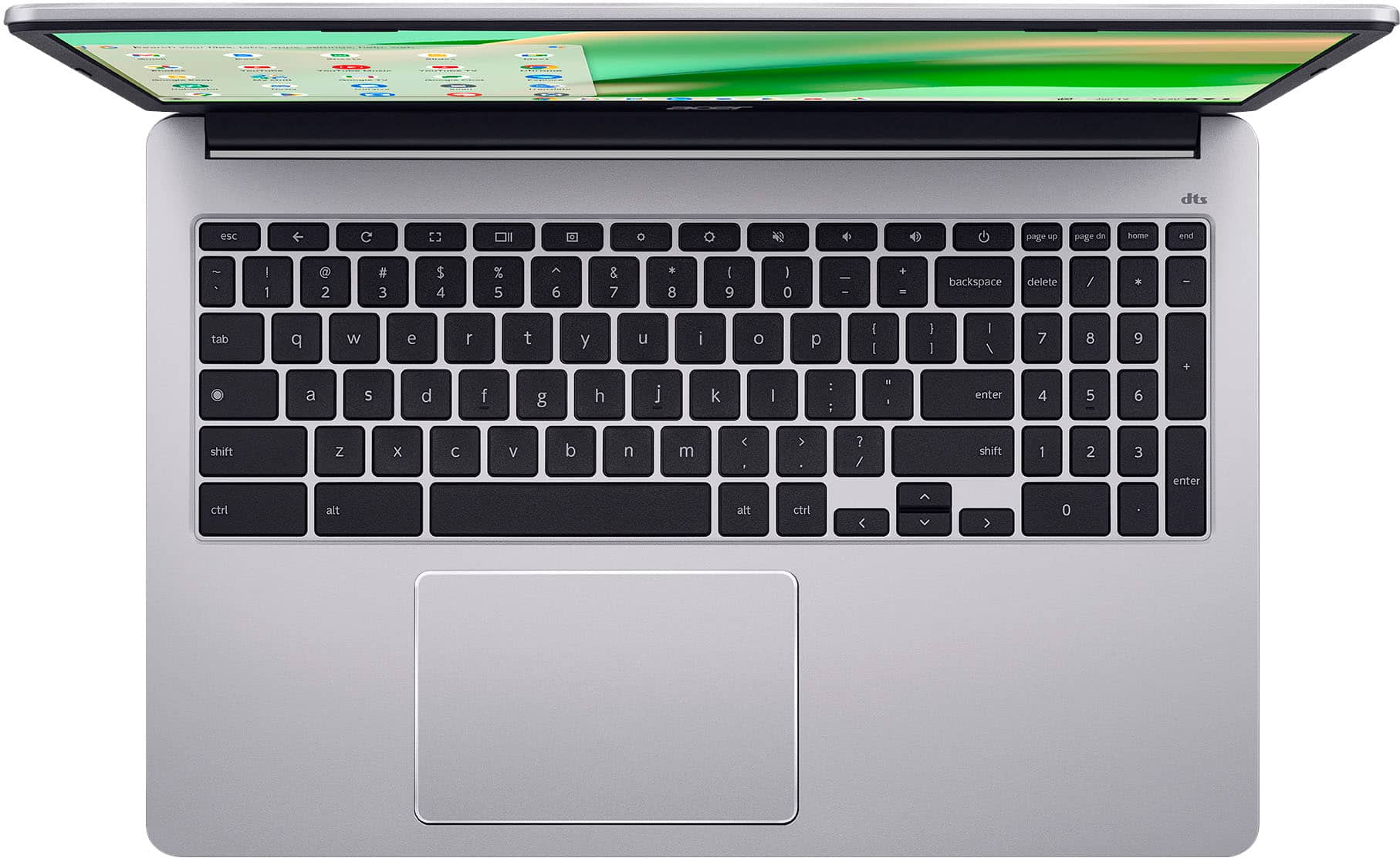
A:AnswerYes, you can download apps on the Acer Chromebook CB315-4H-C0BR. It has access to the Google Play Store, which allows you to download and install Android applications.
A:AnswerAccessories such as a wireless mouse and/or keyboard can be used with Chromebooks. Also USB devices such as thumb drives etc, can be used as well.
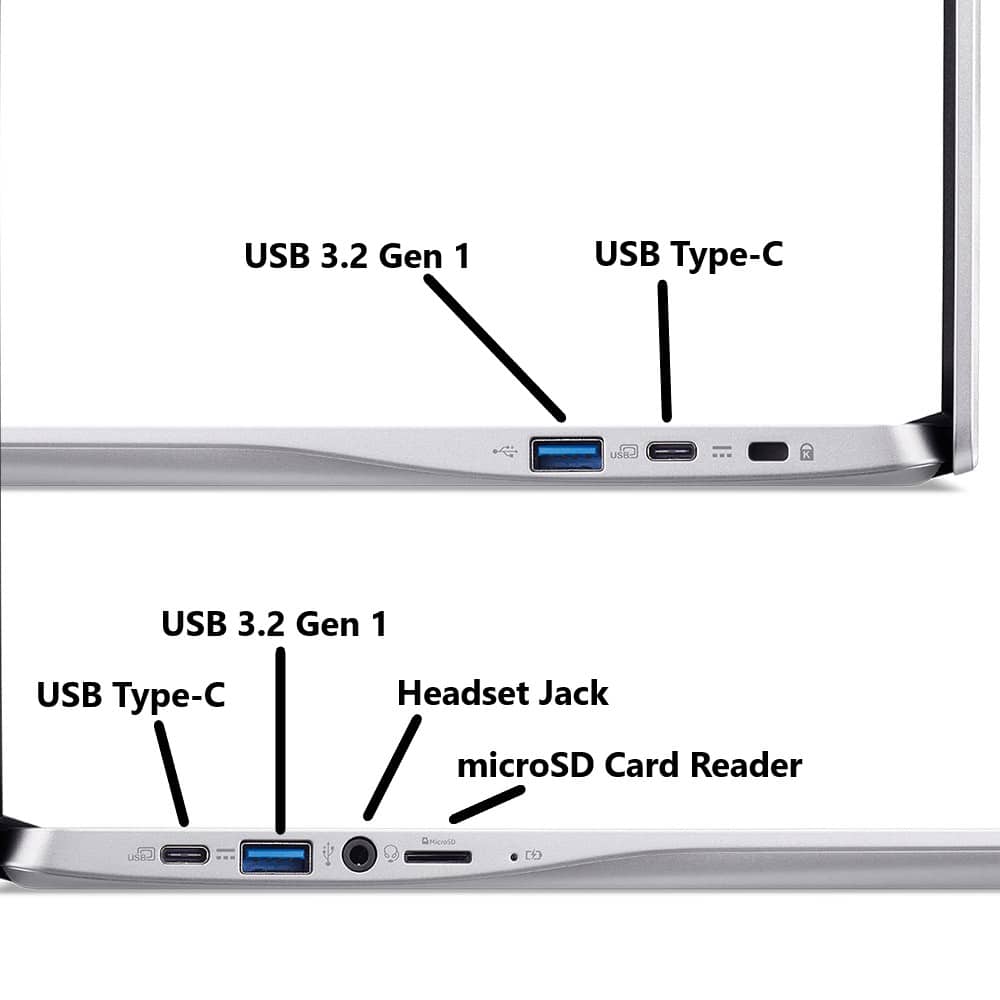
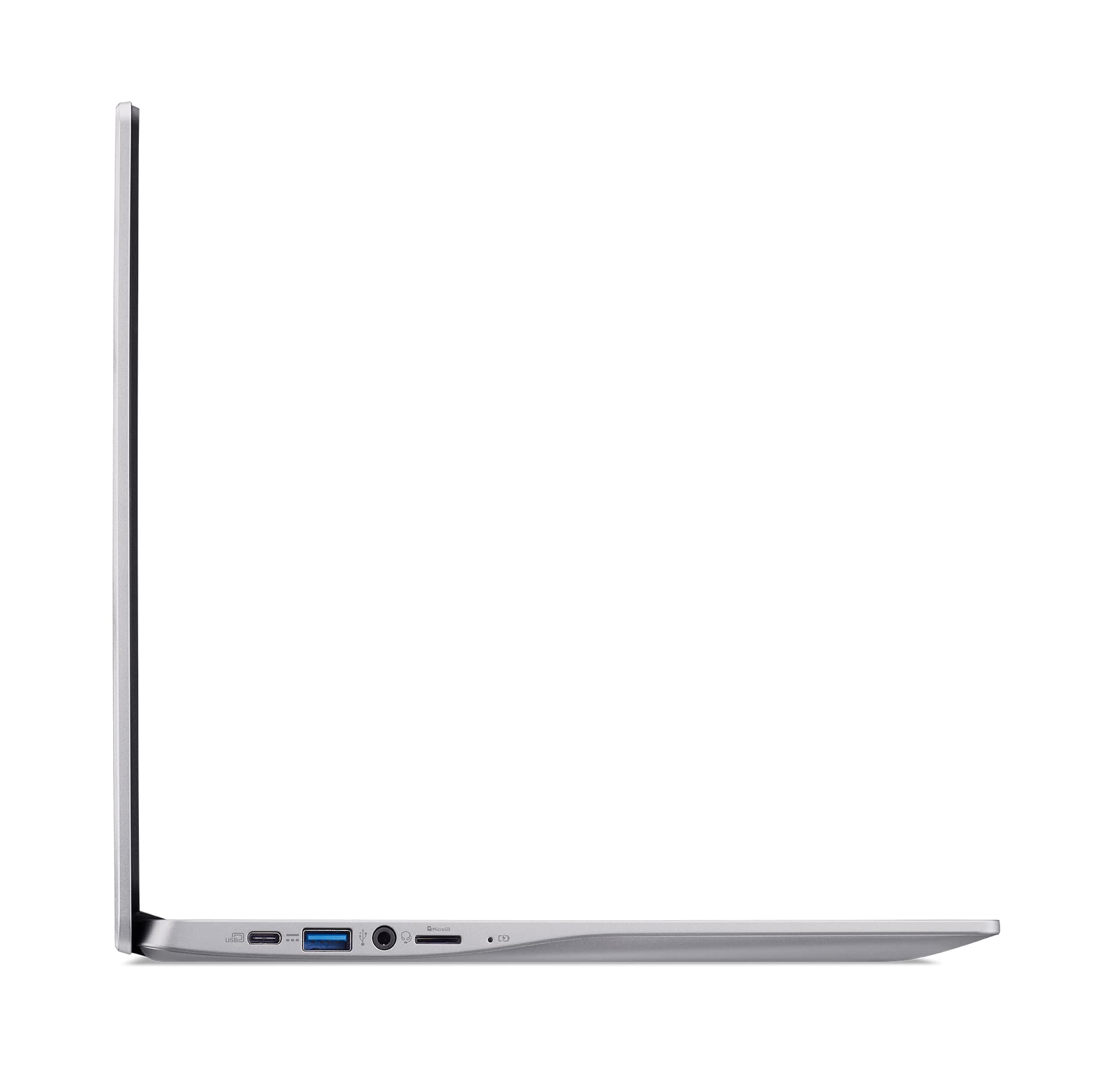
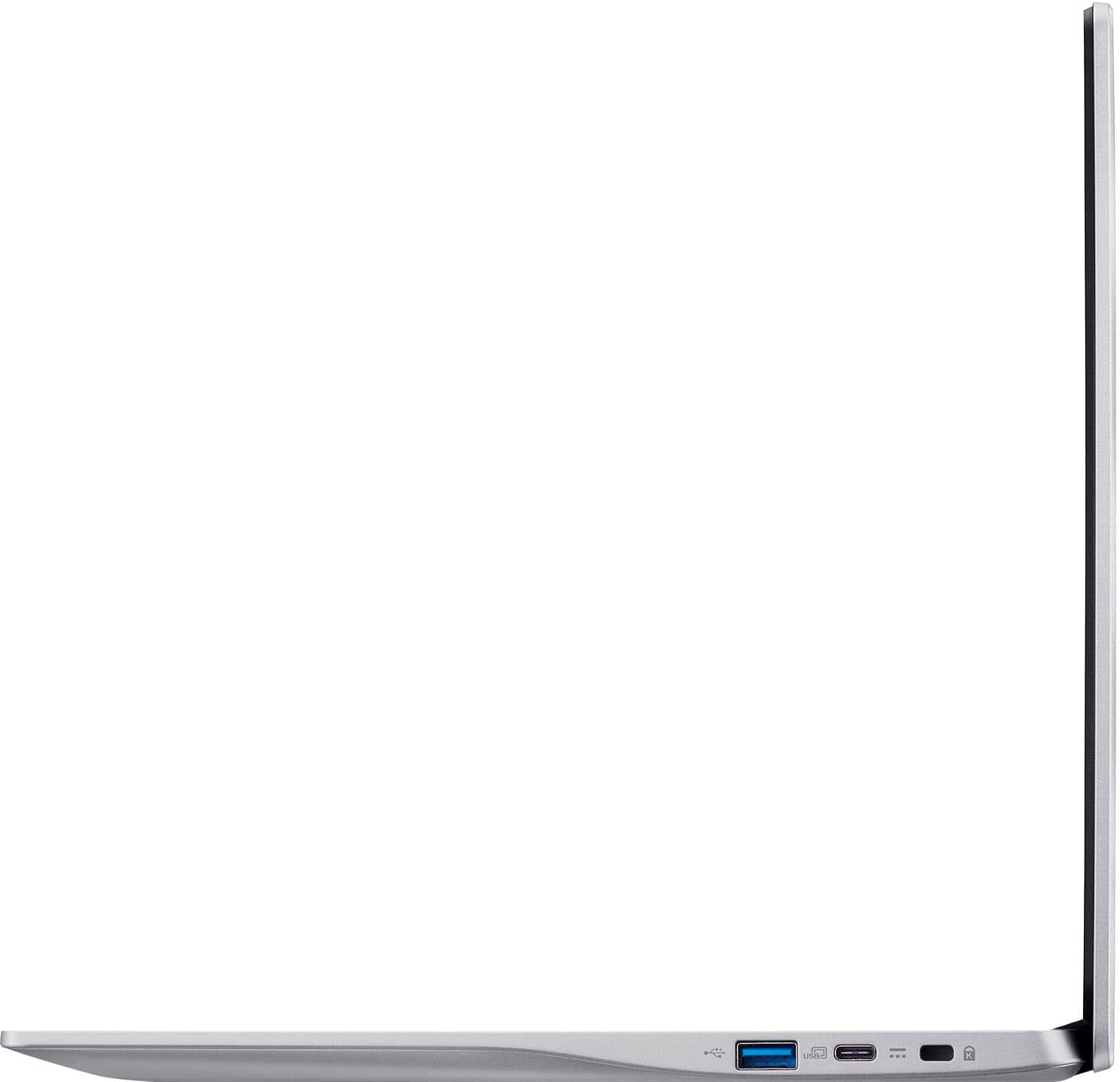
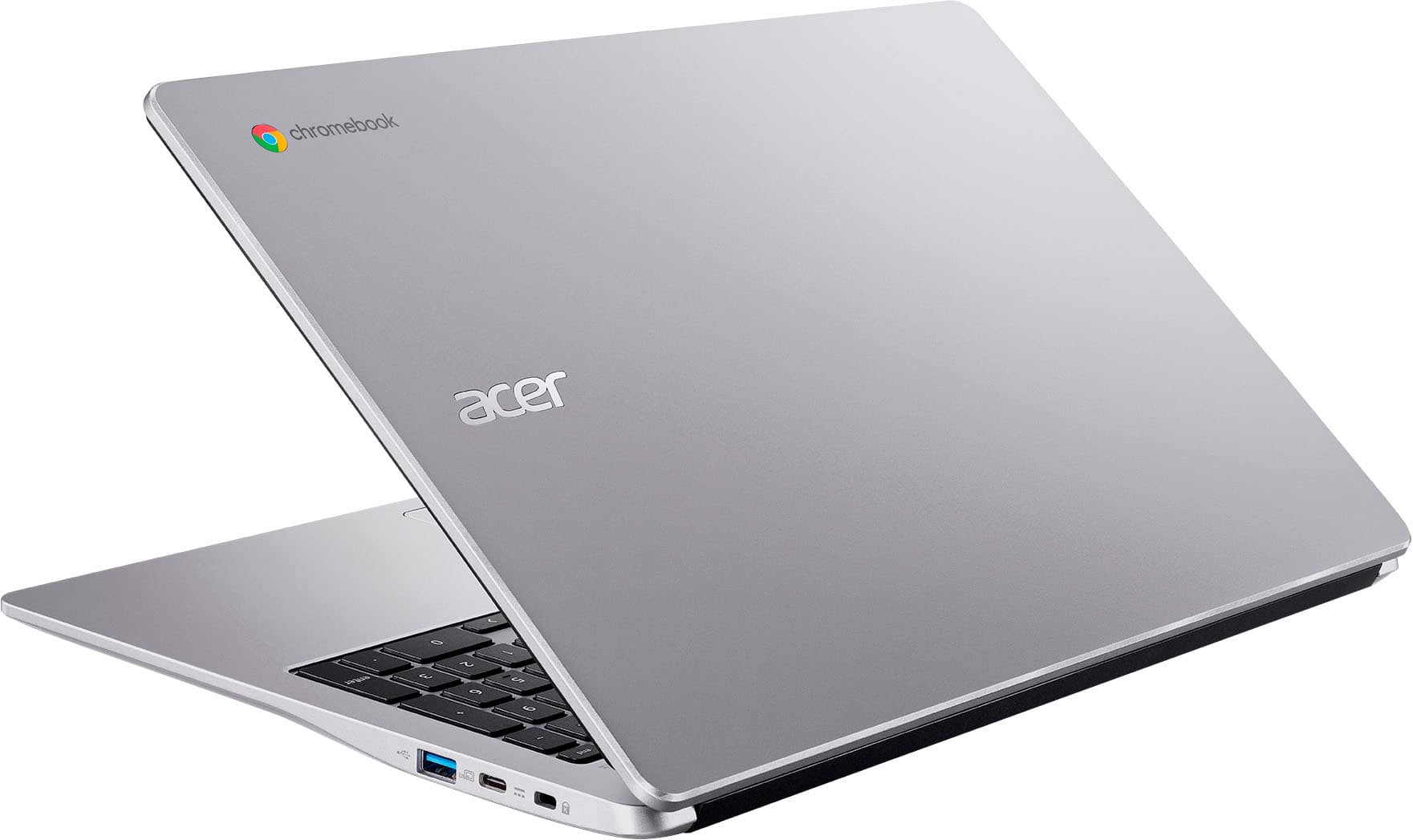
A:AnswerNo, the CB315-4H-C0BR does not have a dedicated HDMI port. It does, however, have two USB-C ports that support DisplayPort over USB-C, allowing you to connect an external monitor or TV using a USB-C to HDMI adapter or cable.
A:AnswerMemory and storage are not upgradeable on Chromebook devices. You can however use USB thumb drives, external hard drives to save your documents, or what most people use is Cloud storage.
A:AnswerThis Chromebook does not have an Ethernet connection but does connect to the internet via wifi. If you mean he does not have Internet service where he lives, this may not be a good choice as Chromebooks are designed to be used primarily while connected to the Internet, with most applications and documents living in the cloud.
A:AnswerYes, Acer provides a one year manufacturer's warranty against hardware defects from the date of purchase. You would need to clarify with Best Buy as to whether they offer anything with or beyond this warranty.
A:AnswerThis model first came out in May 2022. In order for us to determine when a particular Chromebook was manufactured, we would need the serial number of that Chromebook.