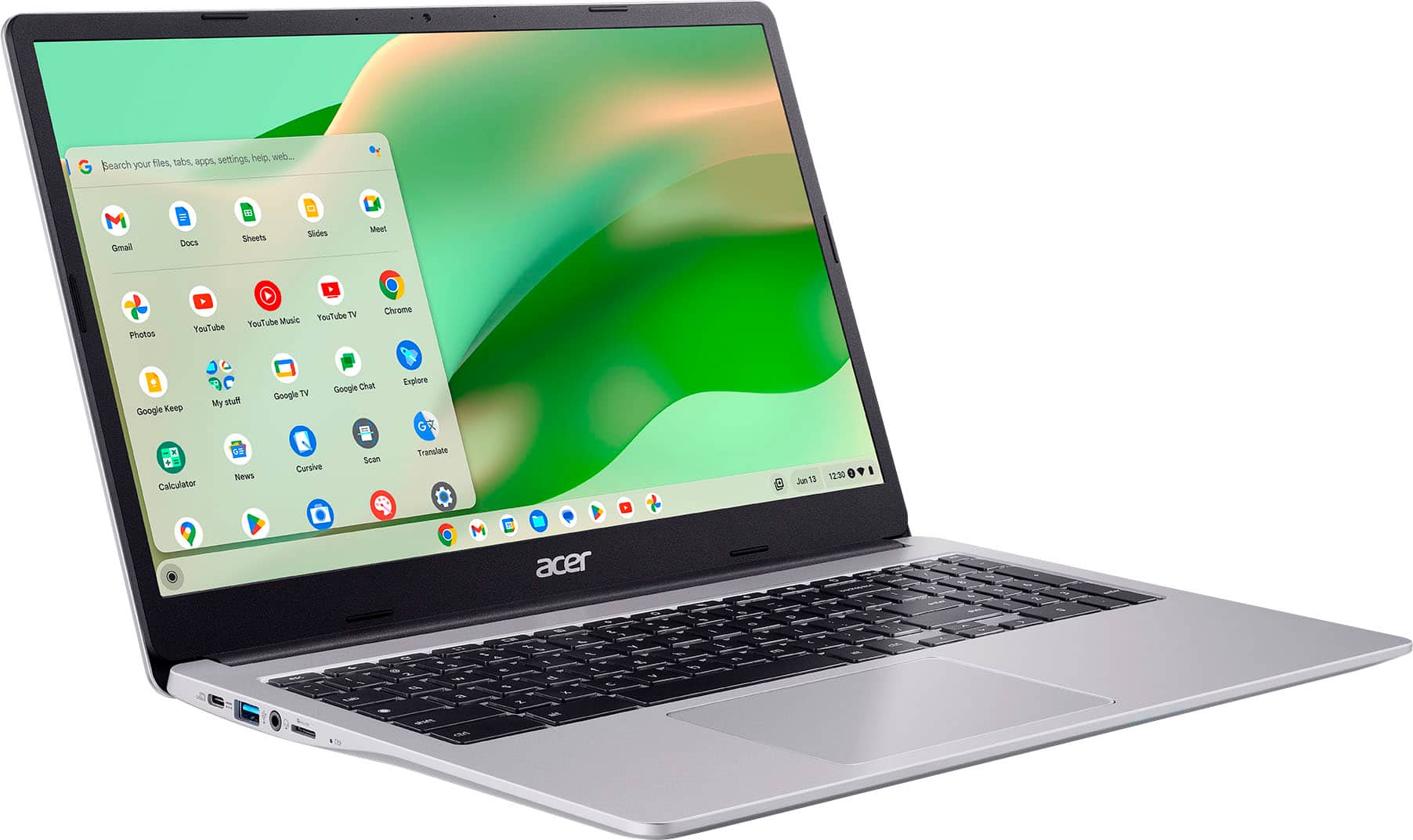
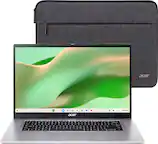
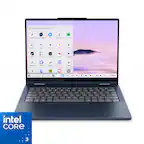
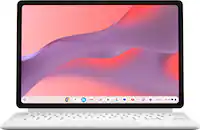
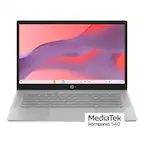
A:AnswerThis is a Chromebook that runs the Chrome operating system. Chromebooks are different from Windows laptop products in that they are designed to be used primarily while connected to the Internet, with most applications and documents living in the cloud. Because of this they don’t have much for on-board storage but they also are not expensive either. Chromebooks run off apps like an Android phone or tablet so you cannot download and install applications or .exe files. If you need to use third party software applications that must be installed on the computer, a Chromebook is likely not for you, where a Windows laptop would suit you better.
A:AnswerBased on your comments this is an offer made by Best Buy. We suggest you contact them directly to inquire about activating this protection plan as the purchase is for someone else.
A:AnswerNo, this is a Chromebook that runs the Chrome OS. Chromebooks are different from Windows laptop products in that they are designed to be used primarily while connected to the Internet, with most applications and documents living in the cloud. Because of this they don’t have much for on-board storage but they also are not expensive either. Chromebooks run off apps like an Android phone or tablet so you cannot download and install applications or .exe files. If you need to use third party software applications that must be installed on the computer, a Chromebook is likely not for you, where a Windows laptop would suit you better.
A:AnswerIf Bambu has an Android app available for their product then you can get the app from Google Play Store. We also suggest you check with Bambu to see what options they may offer for Chromebook users.
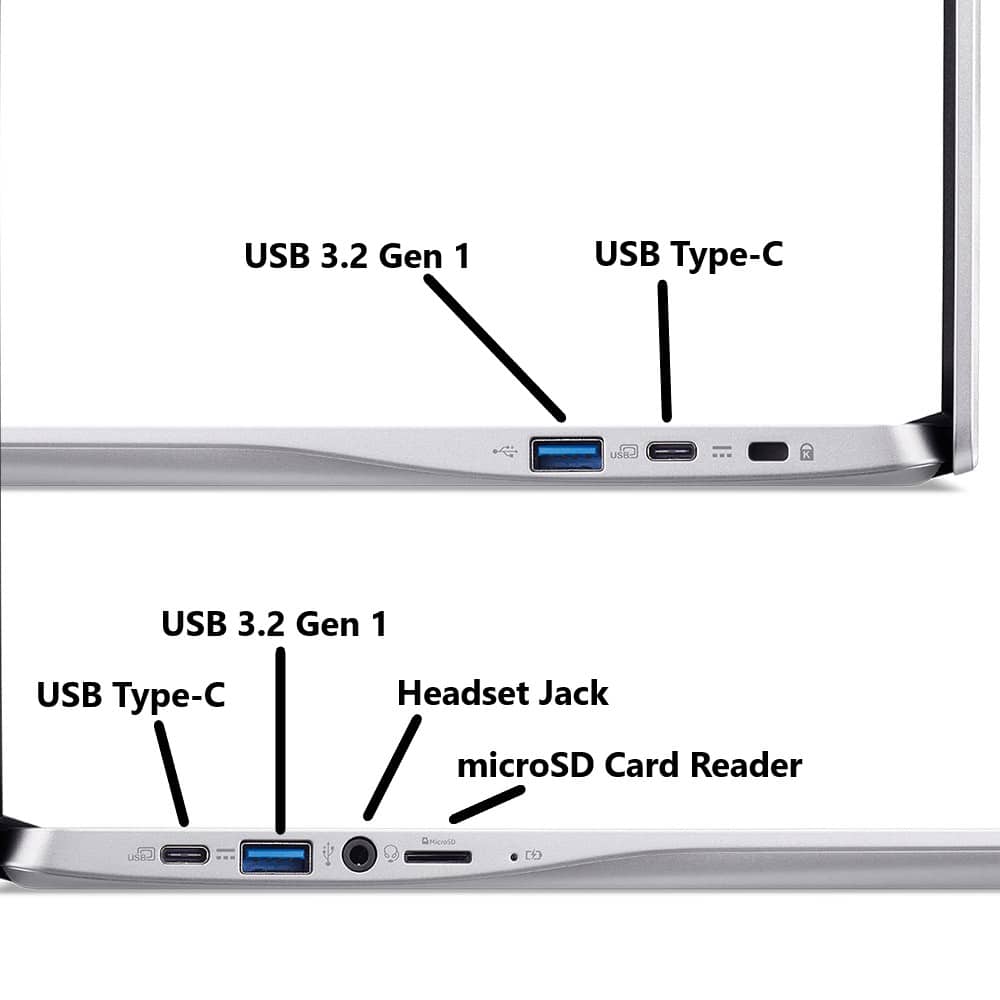
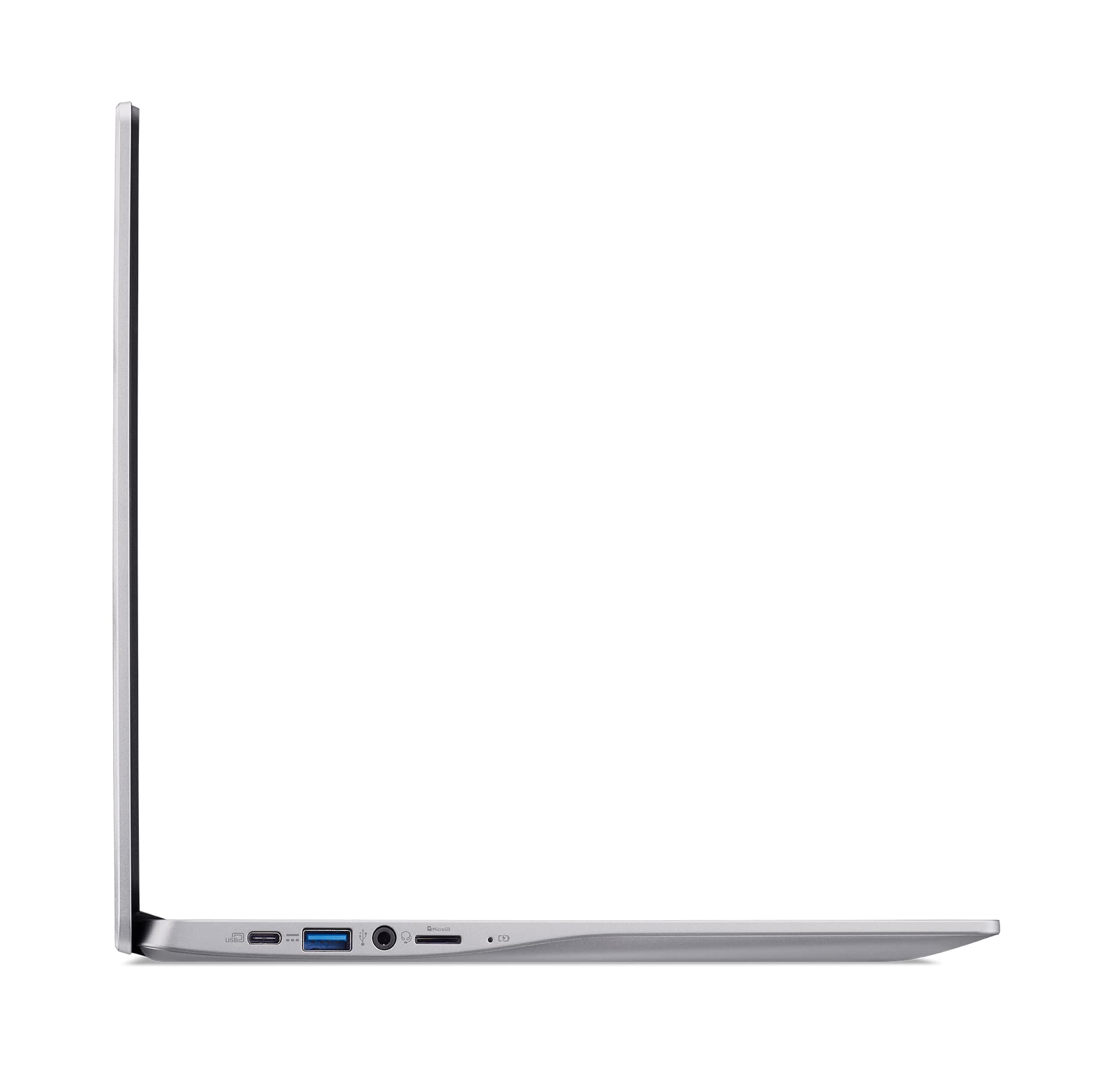
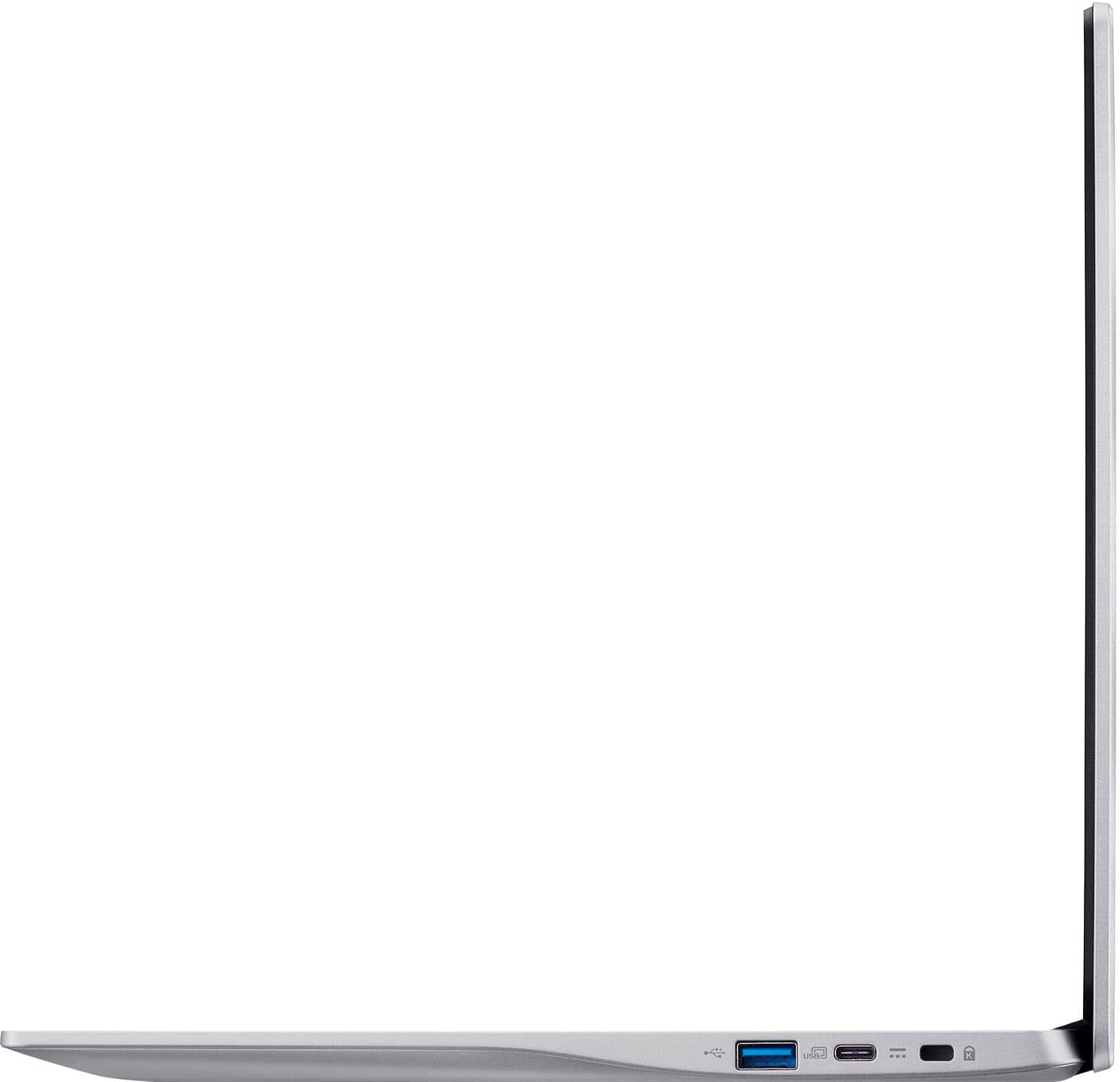
A:AnswerYes, these devices are designed to be used with Cloud storage, but you can connect a USB thumb drive or external hard drive to a Chromebook for more storage as well.
A:AnswerYes, you can do business work on a Chromebook, especially for tasks that are web-based, such as email, word processing, spreadsheets, and presentations through web apps and cloud services. However, the suitability depends on your specific needs, as Chromebooks may have limitations for software that requires desktop applications.
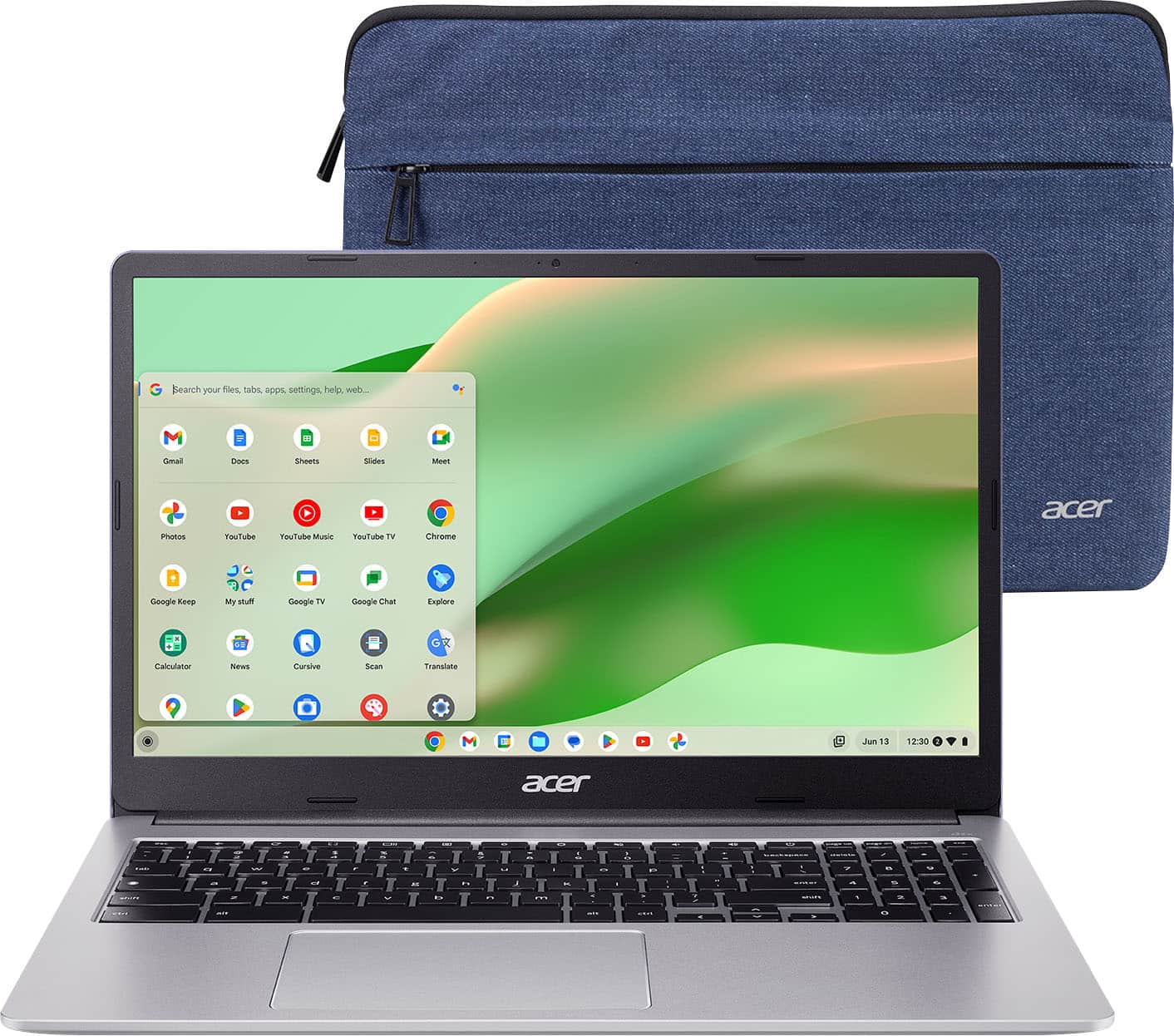
A:AnswerYes, Chromebooks are designed for internet use, which is how they primarily function by running apps and services through a web browser. And while they have built-in security features, an antivirus is not generally necessary for most users.
A:AnswerNo. Chromebooks run the Chrome operating system and are not compatible with the Windows operating system. You can use Microsoft Office on a Chromebook through the web browser or the progressive web apps (PWAs) for a more app-like experience, but you cannot install the desktop versions designed for Windows or macOS.
A:AnswerYes, Chromebooks have a guest mode, which allows temporary browsing without signing in to a Google Account. To use it, sign out of your account, click "Browse as Guest" on the login screen, and your session will be erased when you exit.