A:AnswerAsus products are supported by Asus not Acer, as this is a different company. We suggest you check with Asus as to whether your laptop supports the use of a stylus.
A:AnswerNeither. This product is a Chromebook that runs the ChromeOS; these are not compatible with Windows. Chromebooks are different from Windows laptop products in that they are designed to be used primarily while connected to the Internet, with most applications and documents living in the cloud. Because of this they don’t have much for on-board storage but they also are not expensive either. Chromebooks run off apps like an Android phone or tablet so you cannot download and install applications or .exe files. If you need to use third party software applications that must be installed on the computer, a Chromebook is likely not for you, where a Windows laptop would suit you better.
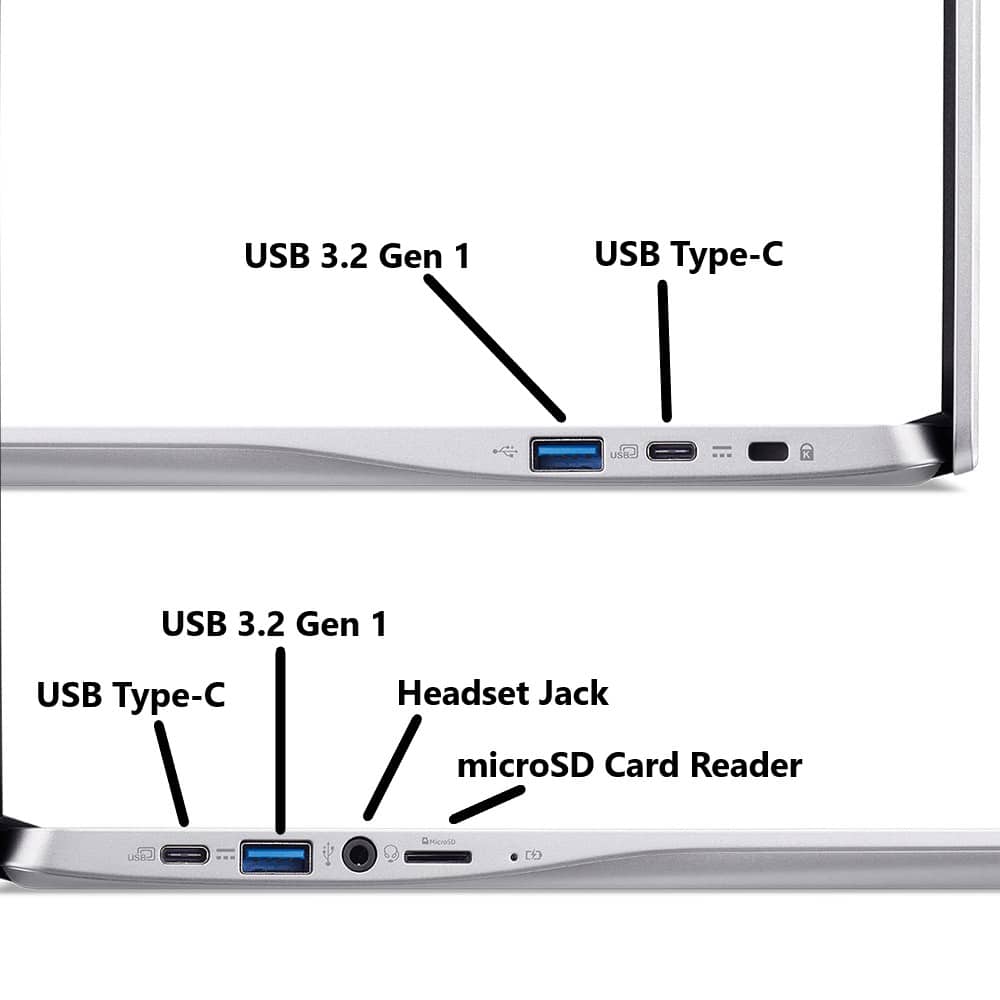
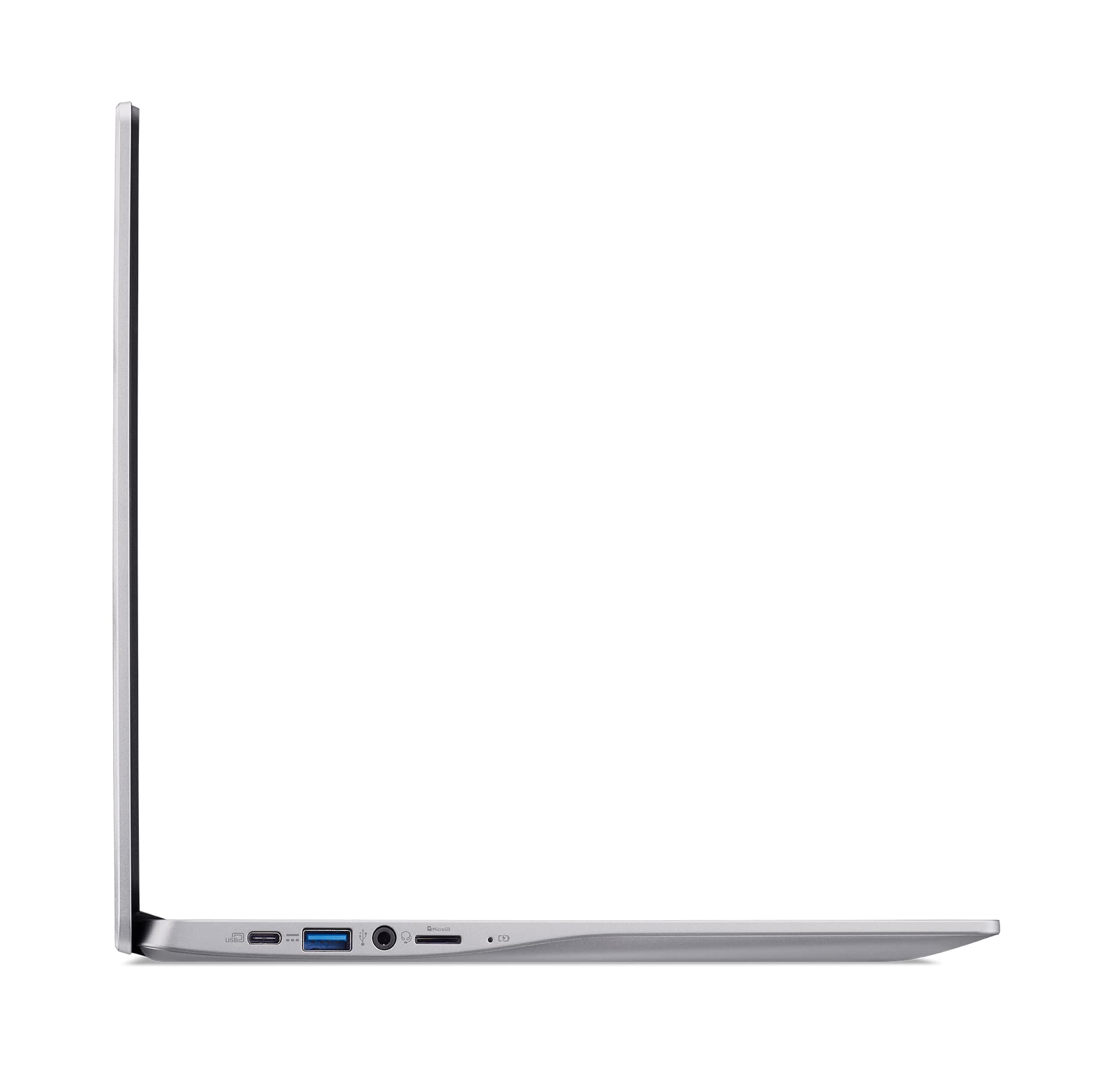
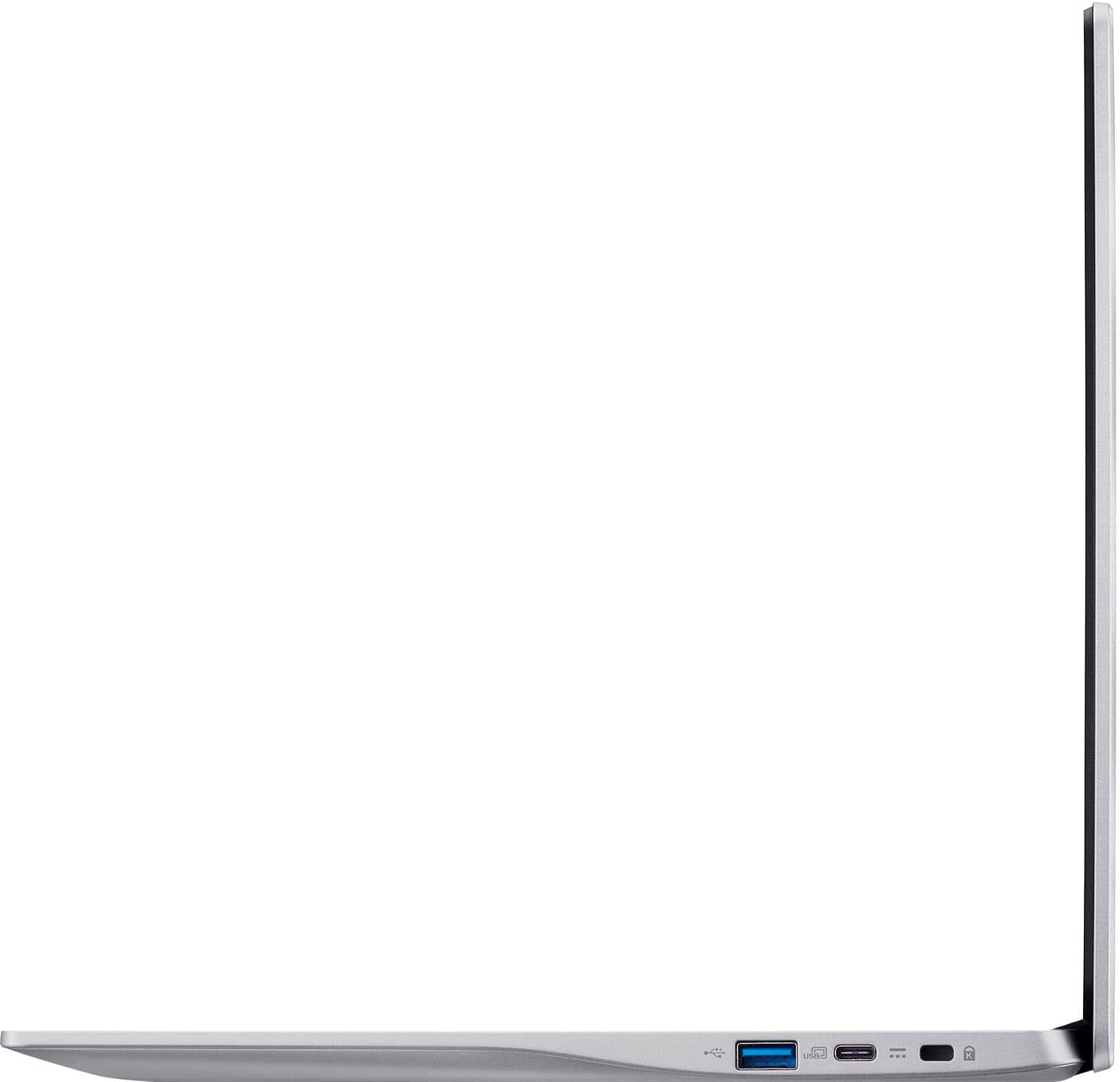
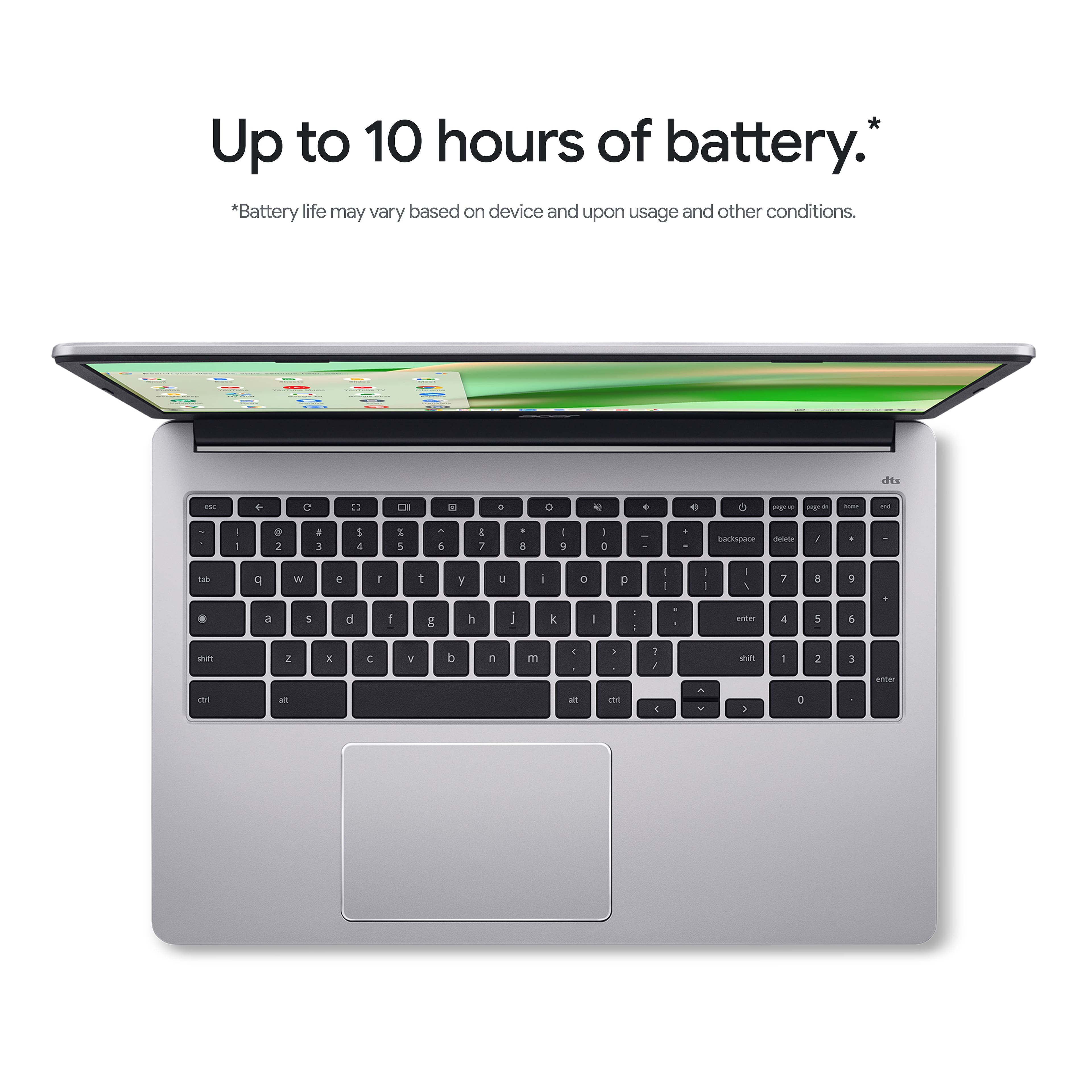
A:AnswerYes, you can connect an external monitor to the Acer Chromebook 315 (CB315-4H-C0BR), but since it lacks a dedicated HDMI port, you'll need a USB-C to HDMI adapter or hub (or a USB-C to DisplayPort/DVI/VGA adapter if your monitor uses those) to connect via its USB-C port.
A:AnswerYes, you can use PowerPoint on a CB315-4H-C0BR Chromebook by using either the free, web-based versions of Microsoft Office apps or by installing the Android apps from the Google Play Store.
A:AnswerYes, you can access Outlook emails on a Chromebook by using the web version through your browser or by installing it as a progressive web app. The traditional desktop versions of Outlook are not compatible with Chrome OS, but the web and PWA versions offer a similar experience,
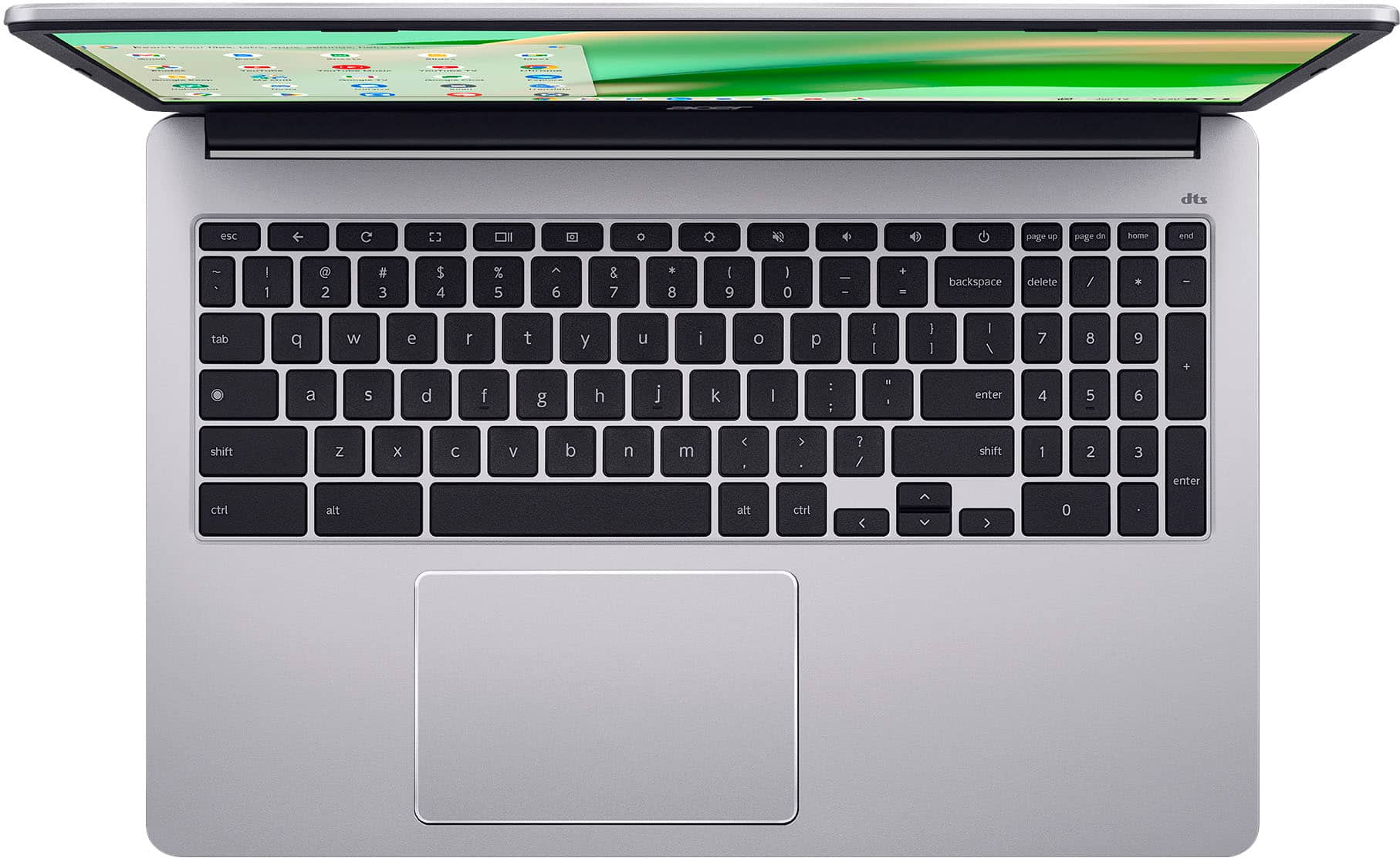
A:AnswerAn external mouse is not included with this Chromebook. It has a built in touchpad but you can certainly use a USB or wireless mouse if you want.
A:AnswerThis Chromebook has a 64GB eMMC drive for storage, not an M.2 SSD drive. An eMMC, or embedded MultiMediaCard, is a type of storage that combines flash memory and a controller into a single chip, often soldered directly onto a device's motherboard.
A:AnswerThis is a Chromebook that runs the Chrome operating system. Chromebooks are different from Windows laptop products in that they are designed to be used primarily while connected to the Internet, with most applications and documents living in the cloud. Because of this they don’t have much for on-board storage but they also are not expensive either. Chromebooks run off apps like an Android phone or tablet so you cannot download and install applications or .exe files. If you need to use third party software applications that must be installed on the computer, a Chromebook is likely not for you, where a Windows laptop would suit you better.
A:AnswerBased on your comments this is an offer made by Best Buy. We suggest you contact them directly to inquire about activating this protection plan as the purchase is for someone else.