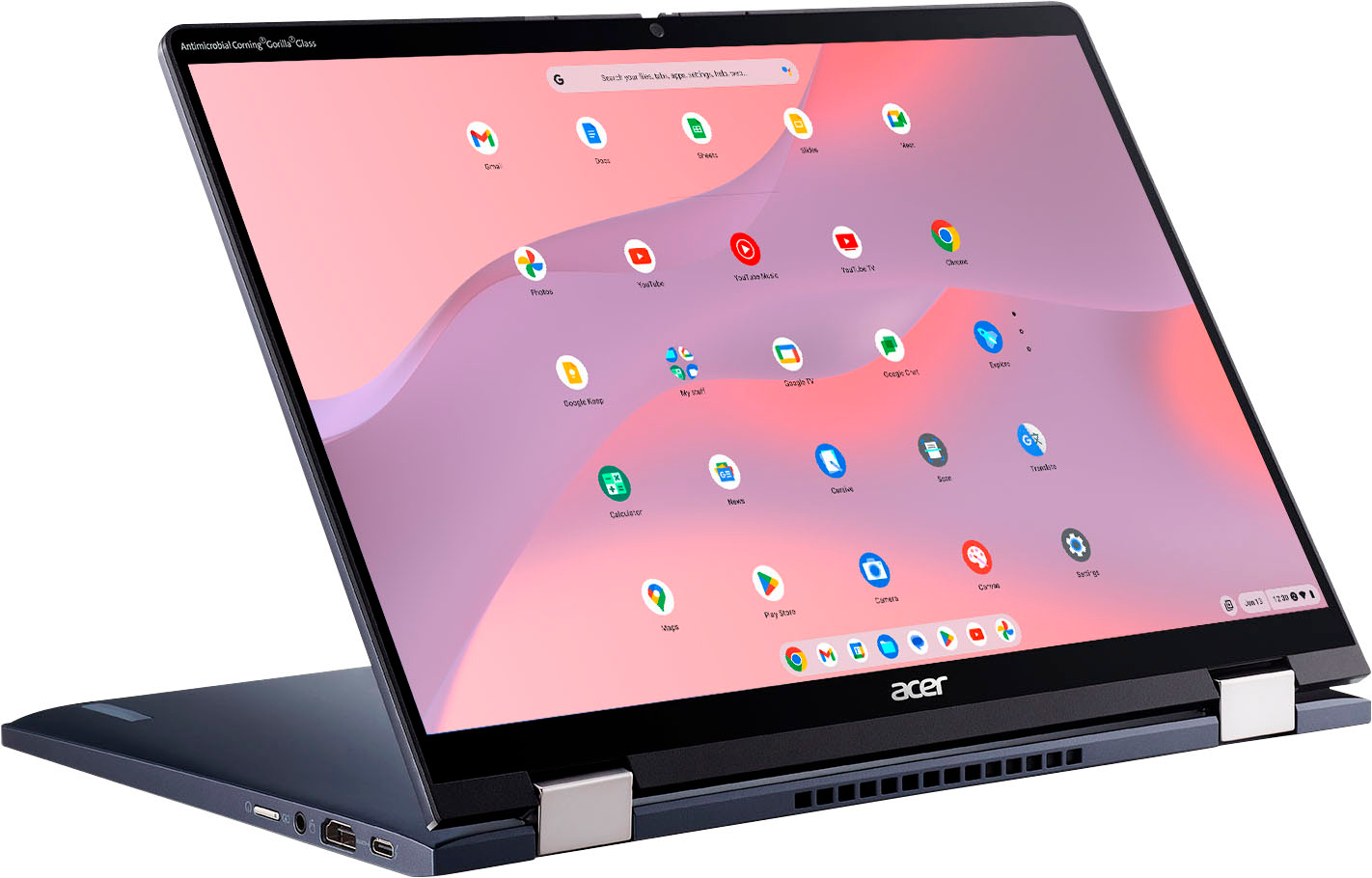
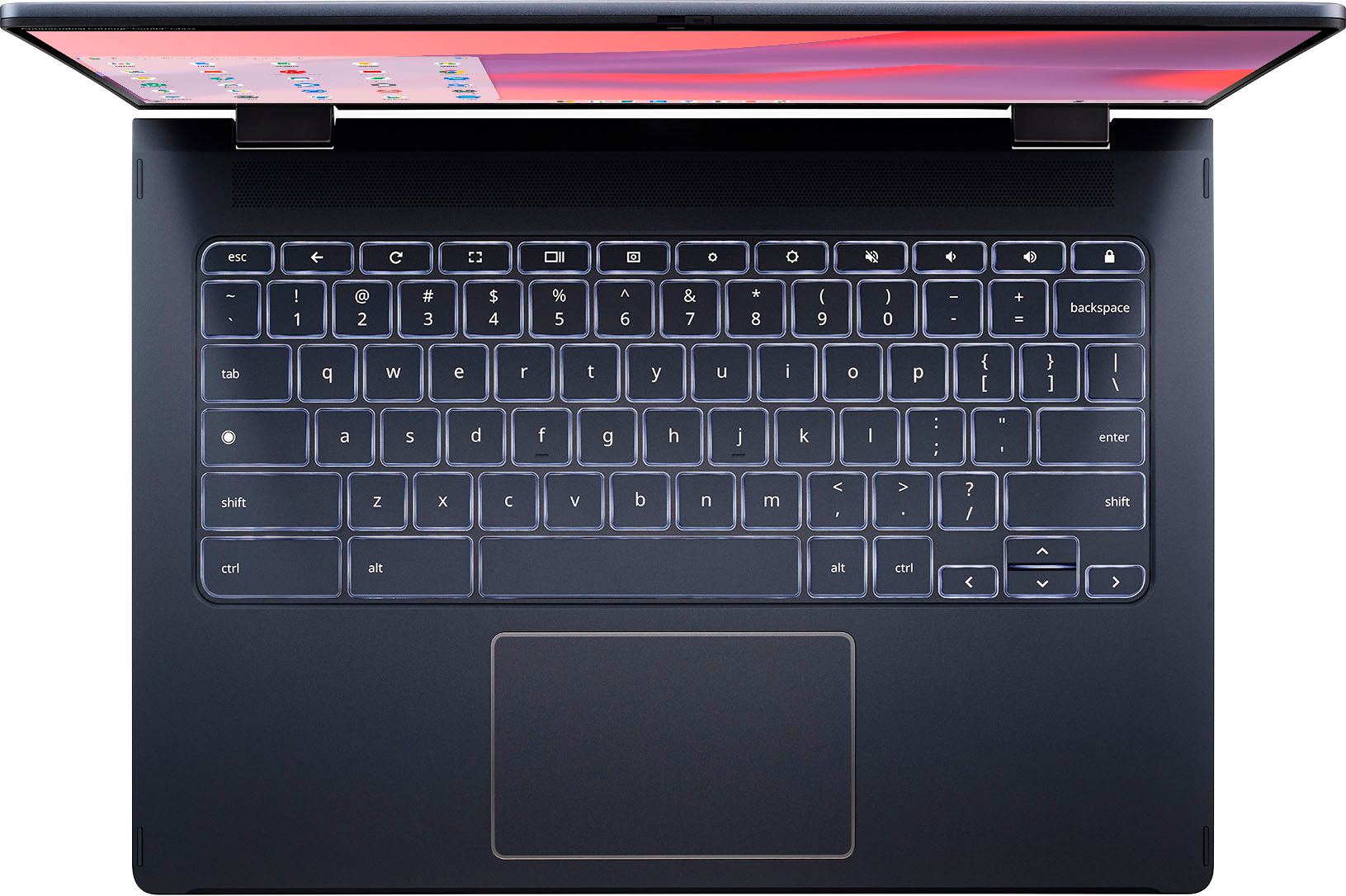
A:Answer Yes the SSD can be upgraded I replaced the stock 256gb SSD with a 1TB WD SN850X. It was a simple process once I figured it out. I replaced the stock SSD with the new SSD. Next I plugged the Chromebook in and powered it on in RECOVERY MODE by pressing ESCAPE, REFRESH, and the POWER ON switch. It immediately went into recovery mode and gave steps to re-install Chrome OS. I used a USB flash with the Chrome Recovery Utility loaded on it, plugged it in, and Chrome OS was put on the new SSD. Easy process once you know how to do it. Not sure if it matters, both both NVMe. M.2 SSD were Western Digital. The new SSD is generation 4 so twice as fast since it is a generation 4 SSD slot on the chromebook.