Main Content

Questions & Answers

Page Showing 1-3 of 3 questions
  • QuestionIs there an ethernet port or ability to connect a USB-C adapter for ethernet?

    Asked by Patty.

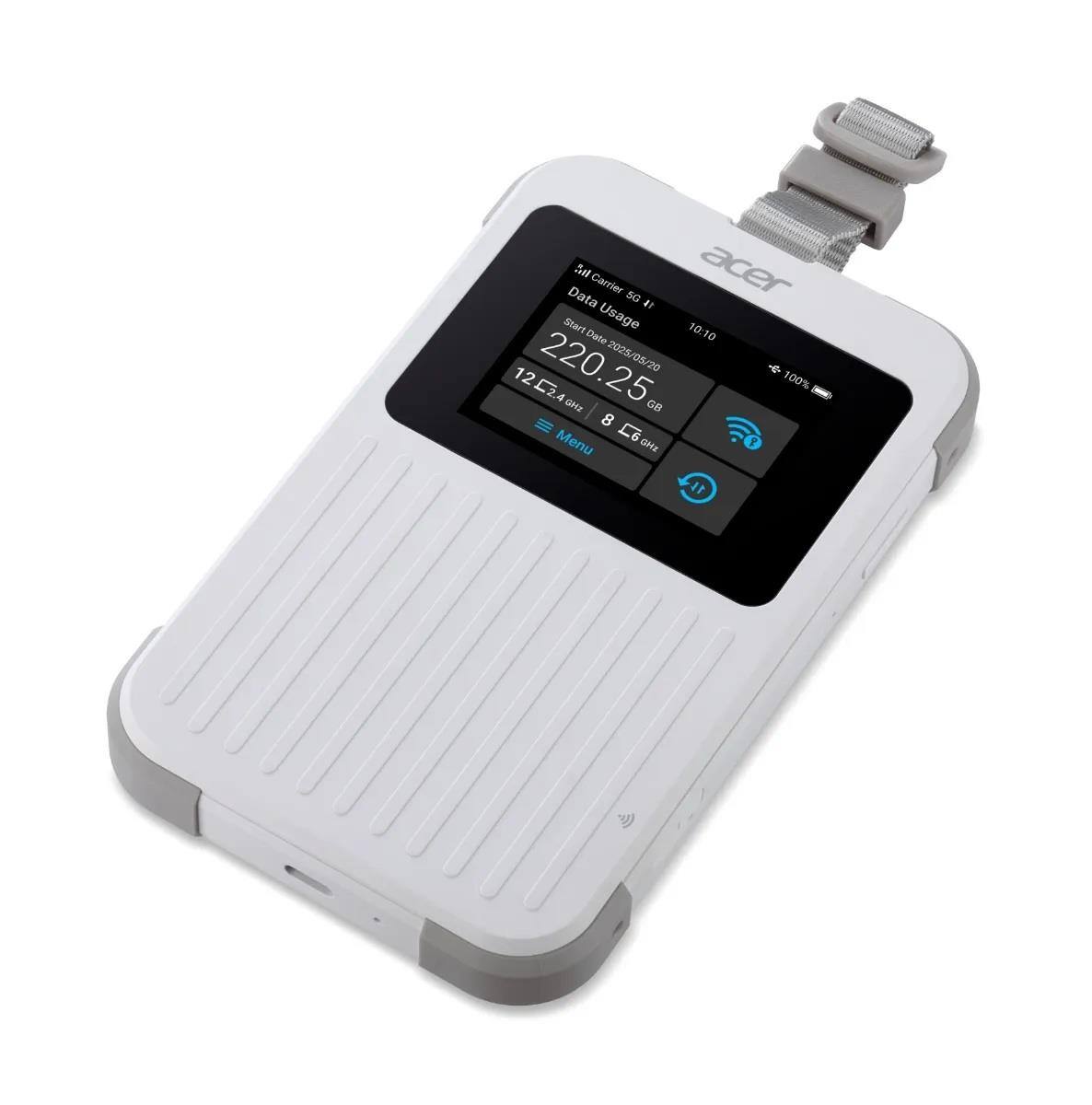
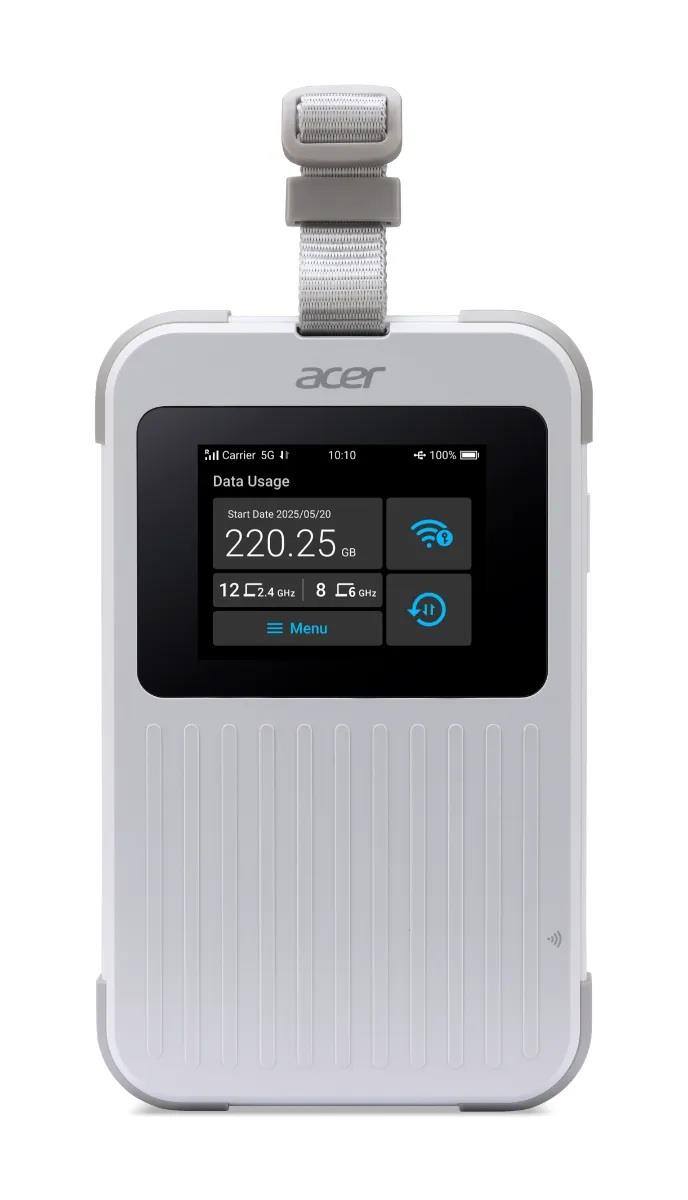
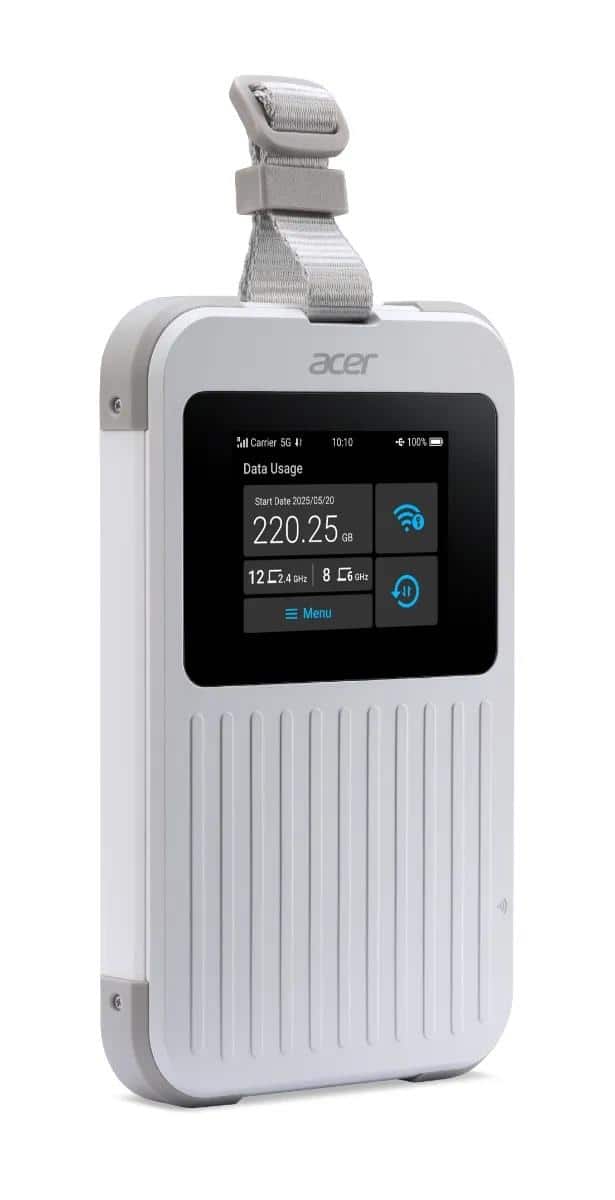
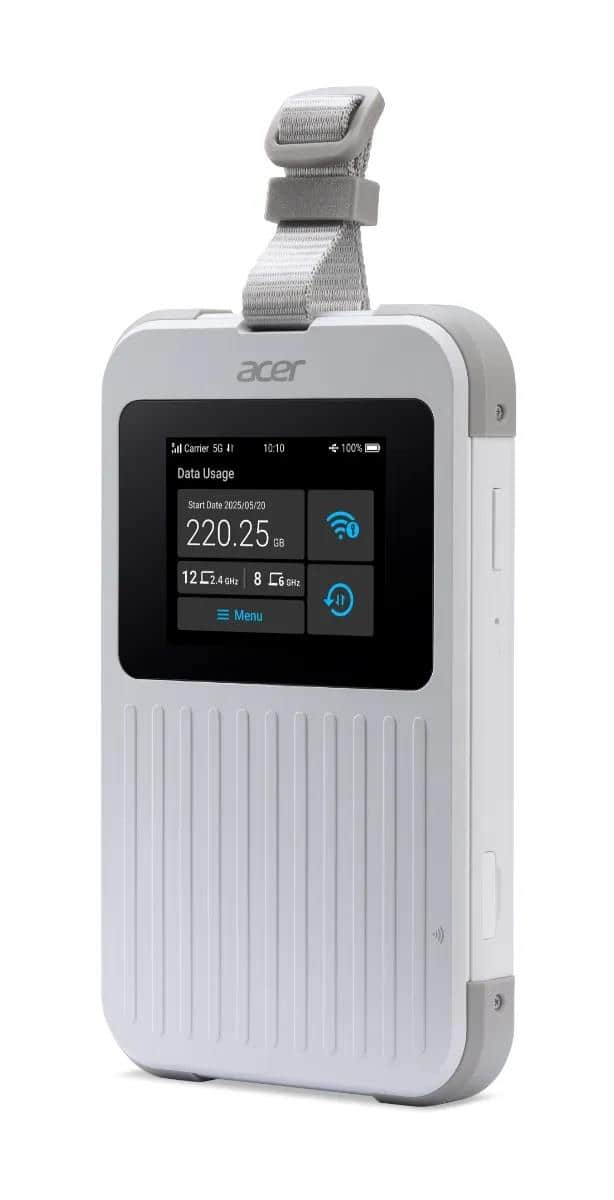
    • Answer The Acer Connect M6E 5G Mobile Hotspot does not have a built-in physical Ethernet port. But it does support USB Tethering via its USB-C port, which allows for connecting to devices or using a USB-C to Ethernet adapter for a wired connection, though some reports indicate the port may be limited to USB 2.0 speeds.

      Answered by TeamAcer

  • QuestionCan you use any SIM card that has a data plan?

    Asked by DigitalGoddess.

    • Answer Yes, you can use a physical Nano-SIM card, plus the Acer Connect M6E supports flexible options like eSIM and even virtual SIMs (vSIM) for global coverage, allowing you to use different mobile providers for data. Just make sure the SIM has a data plan and is compatible with the 5G/LTE bands used in your area for the best experience, as it needs a cellular connection to provide Wi-Fi.
      Answered by TeamAcer

  • QuestionHow does mobile hotspot work?

    Asked by Kory.

    • Answer The Acer Connect M6E works by using a cellular 5G connection (from a SIM/eSIM) and creating a fast, secure Wi-Fi 6E hotspot, allowing up to 20 devices (laptops, phones, tablets) to share that internet.

      Answered by TeamAcer