A:AnswerYou can use this configuration to connect two monitors, but please keep in mind that not all adapters will work. You might post your question on the Acer Community where there are many users that post questions and offer help and advice on Acer products. The link is: https://community.acer.com/
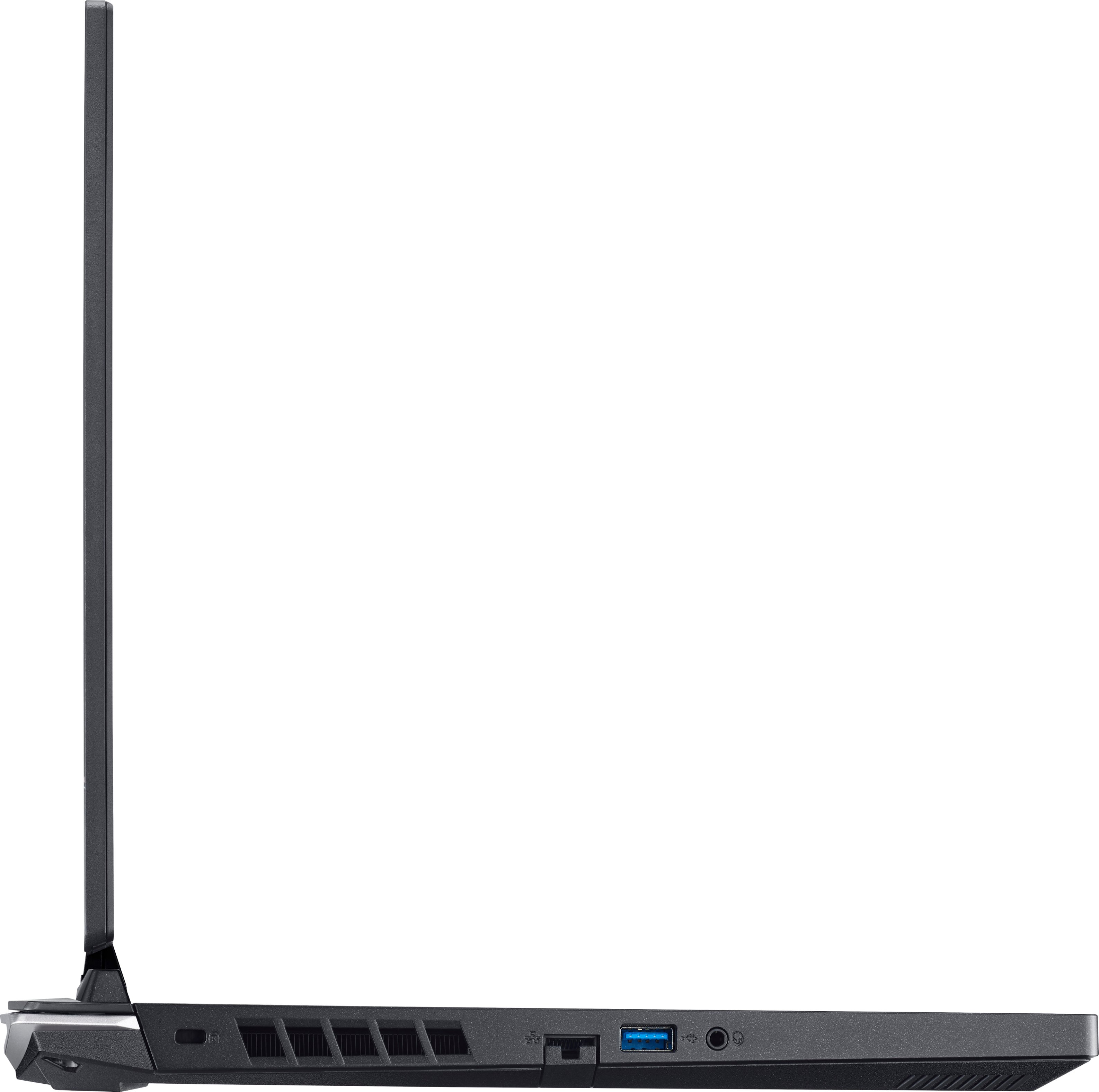
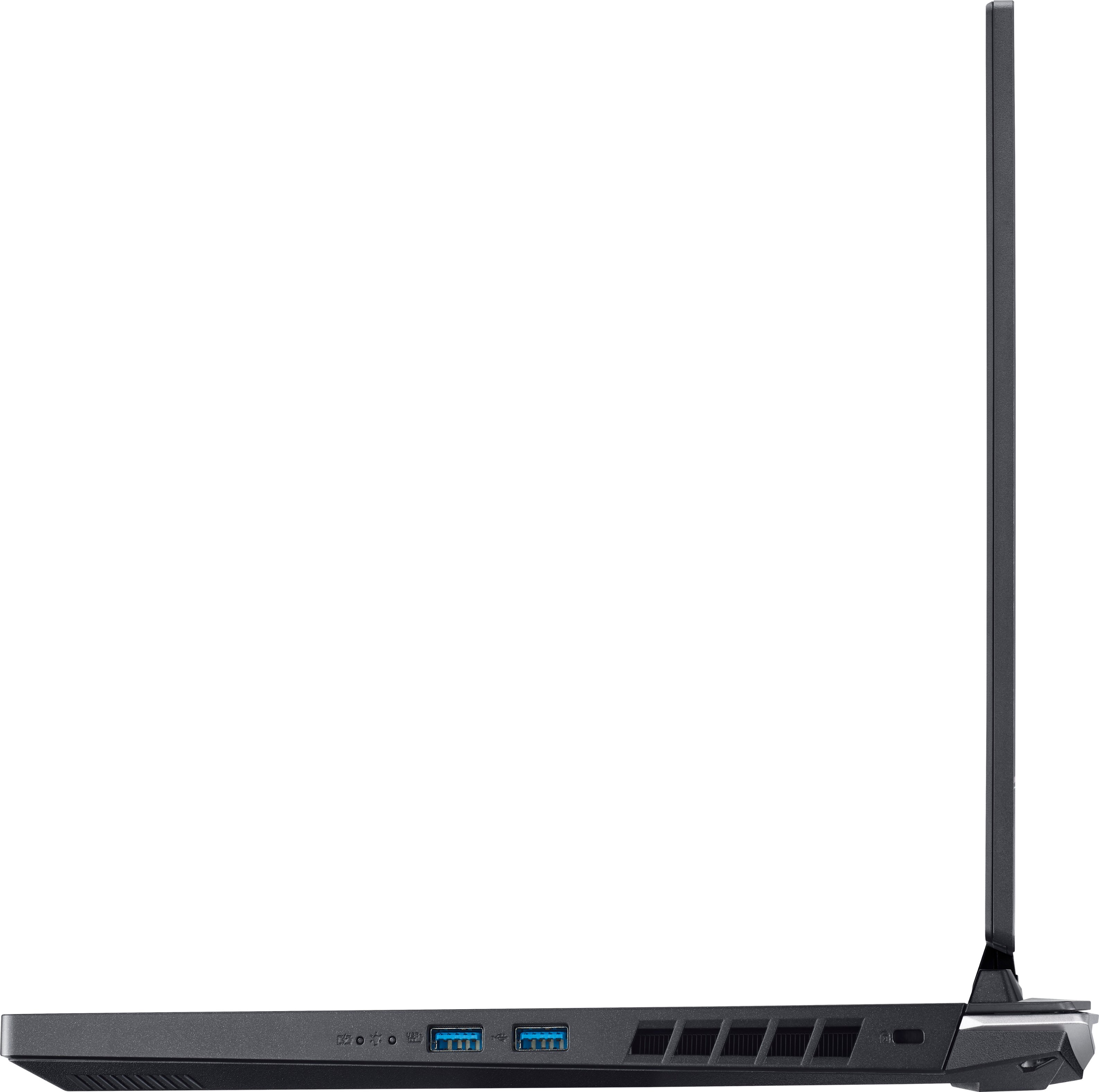
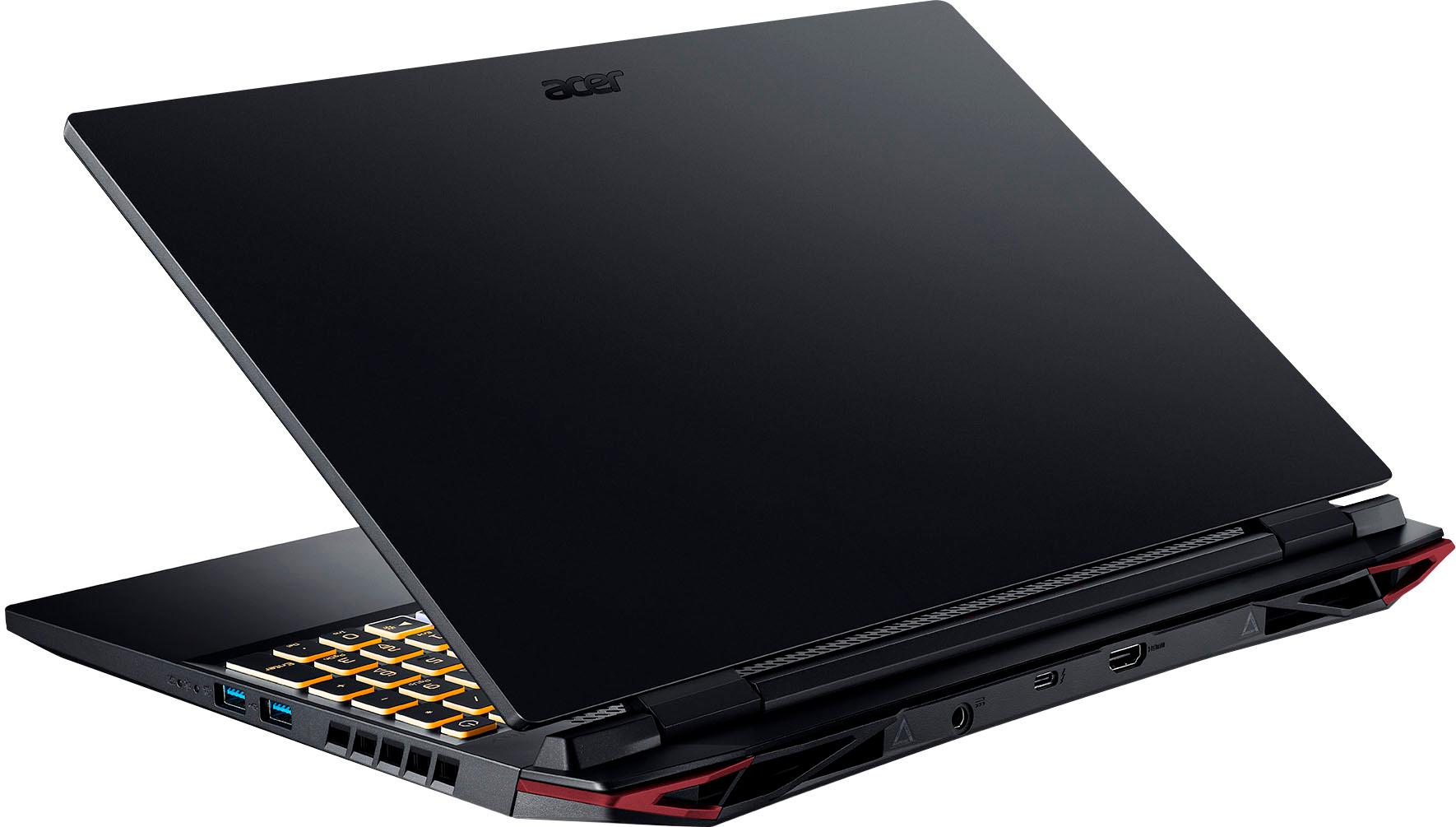
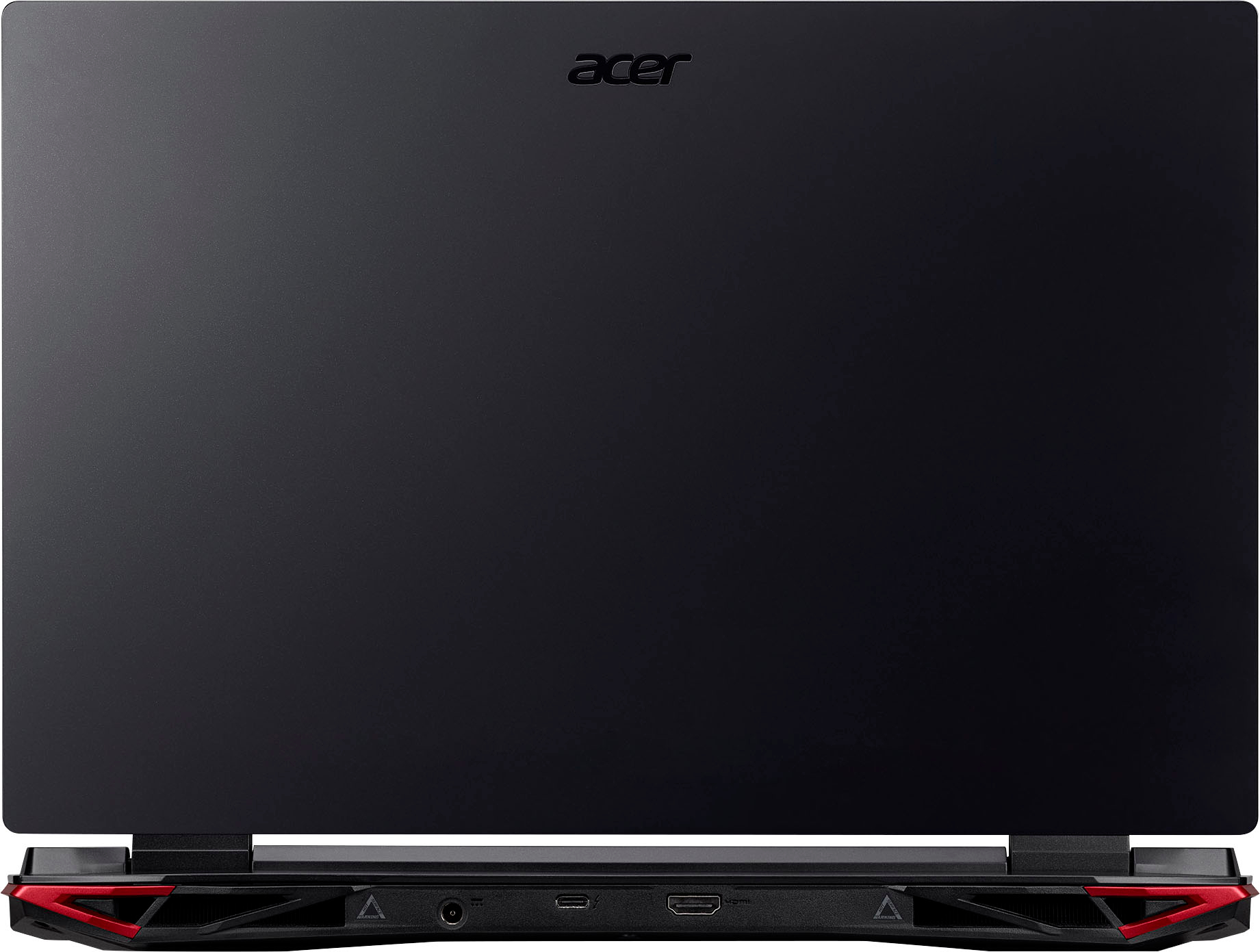
A:AnswerWhile this laptop has USB-C, it will charge small electronics such as a tablet or phone. The specs on the USB-C port are:
• Supports DP 1.4a
• Supports Thunderbolt4
• Delivers up to 3A at 5V up to max 15W DC for USB charging
• Supports power delivery for charging (up to 20V/3.25A)
A:AnswerWhile Acer does not test many gaming applications we would recommend you check that the computer meets the system requirements of the application/game to determine if it will work. You might also post your question on the Acer Community where there are many users that post questions and offer help and advice on Acer products.