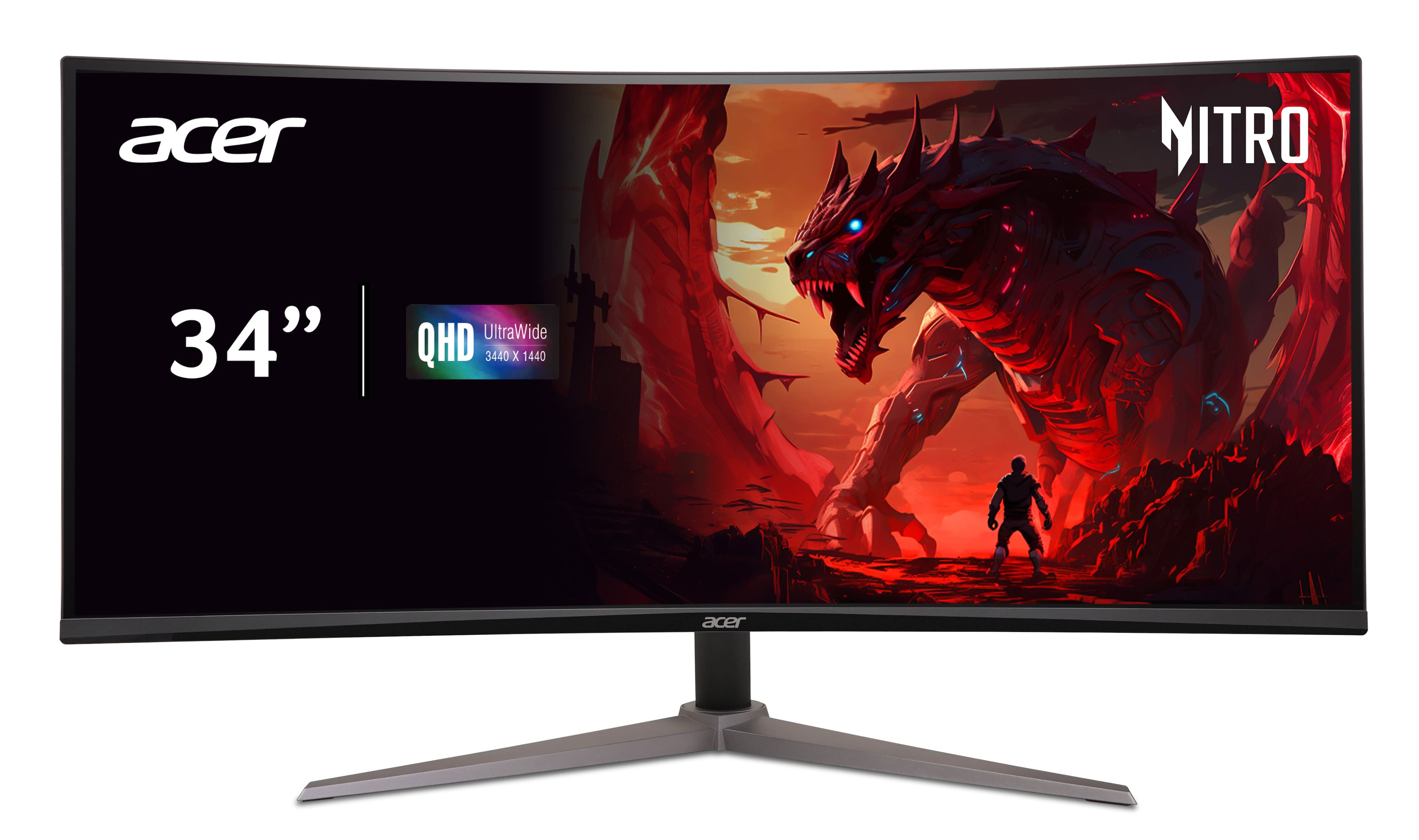
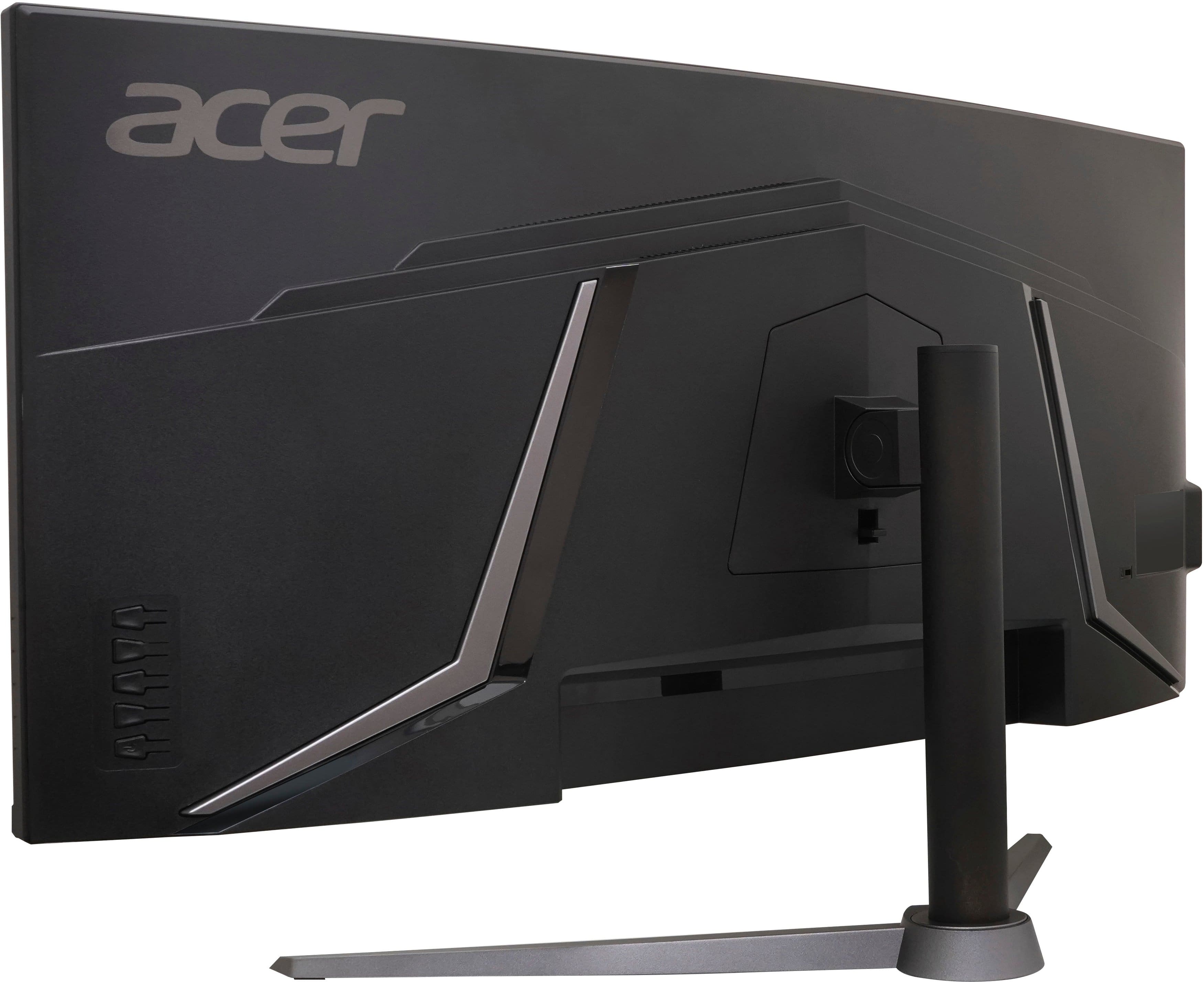
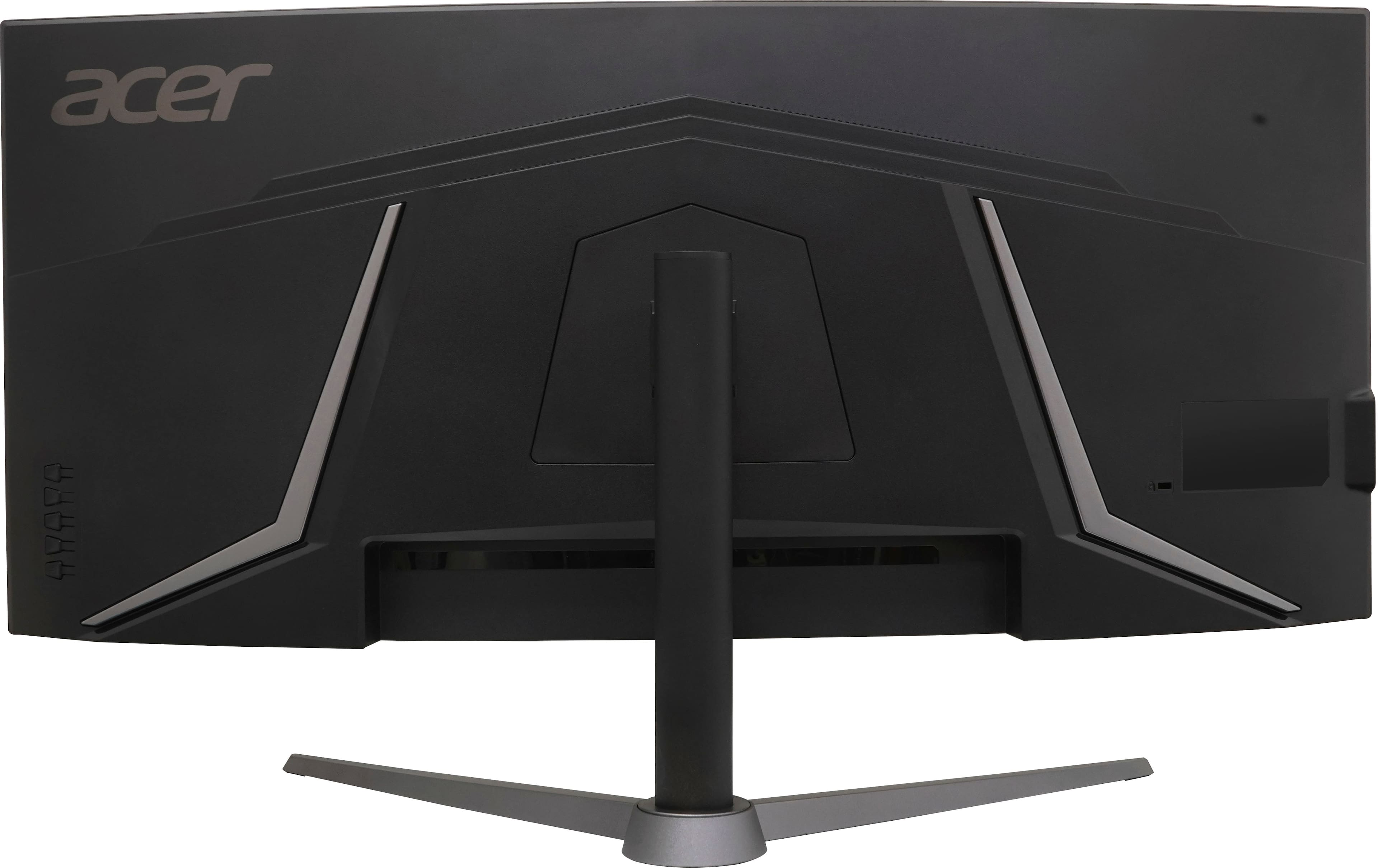
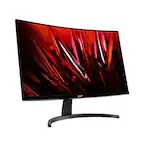
A:AnswerThis monitor has both HDMI and DP ports. If your laptop has HDMI only, you could try a HDMI to DP adapter but please keep in mind Acer can best guarantee using direct connections. We also suggest you post your question on the Acer community forum at community.acer.com. This is a very good peer-to-peer forum for questions and answers on Acer products.
A:AnswerFor assistance with your monitor please contact Acer support at 866-695-2237. They are available 24/7 for in-warranty products and will be best able to answer your monitor questions.
A:AnswerThis should work fine with most any console that has HDMI or DP connections. Please note that though this monitor supports up to 180hz refresh rate, you will be limited to the supported refresh rate of the console, which is 120hz.
A:AnswerSales generally are on a store by store basis, and is commonly separate from any deal you see online. If you see an online deal, its for all stores, if you find one in store that isn't reflected online is it most likely a in store only deal.
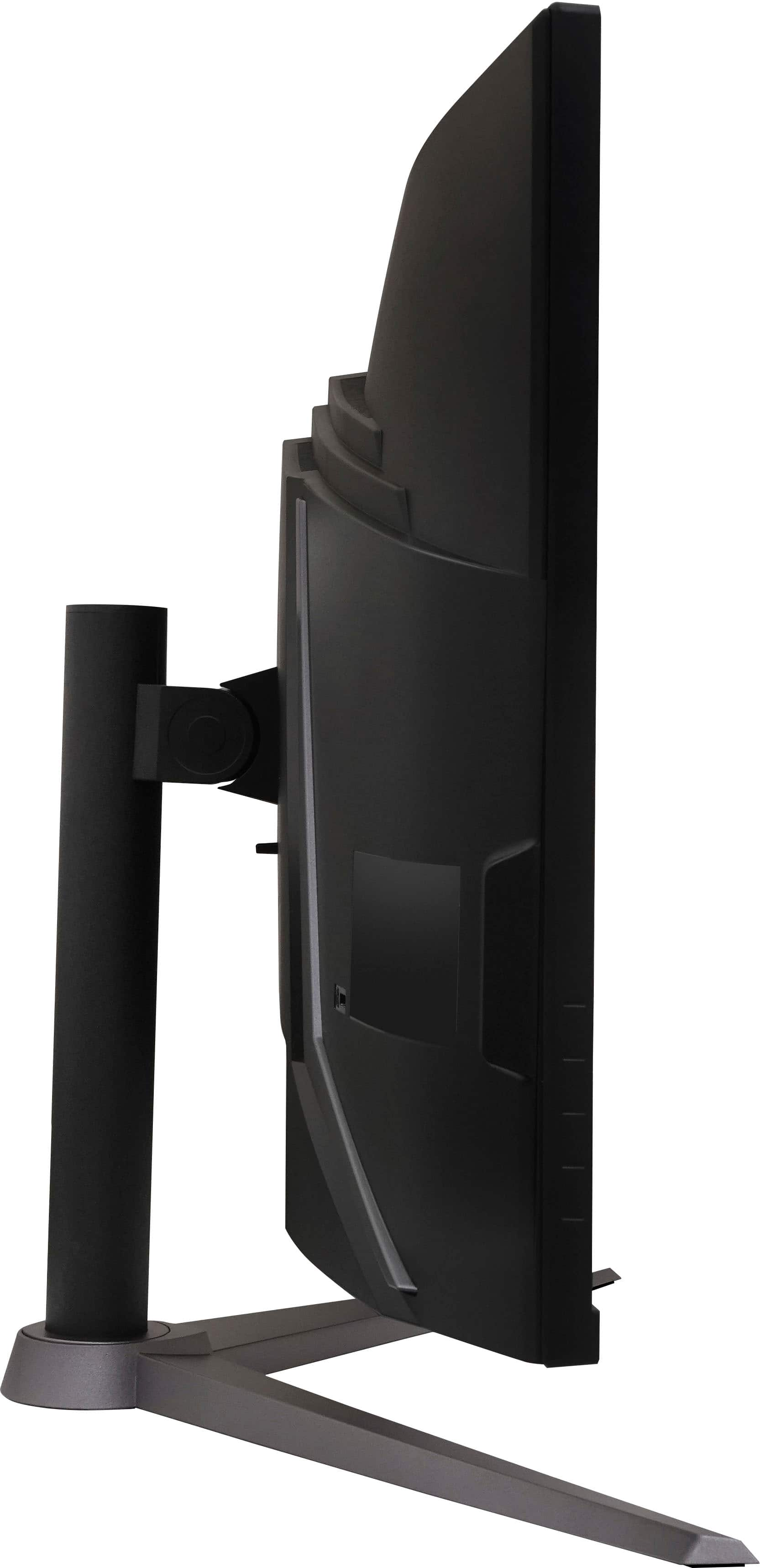
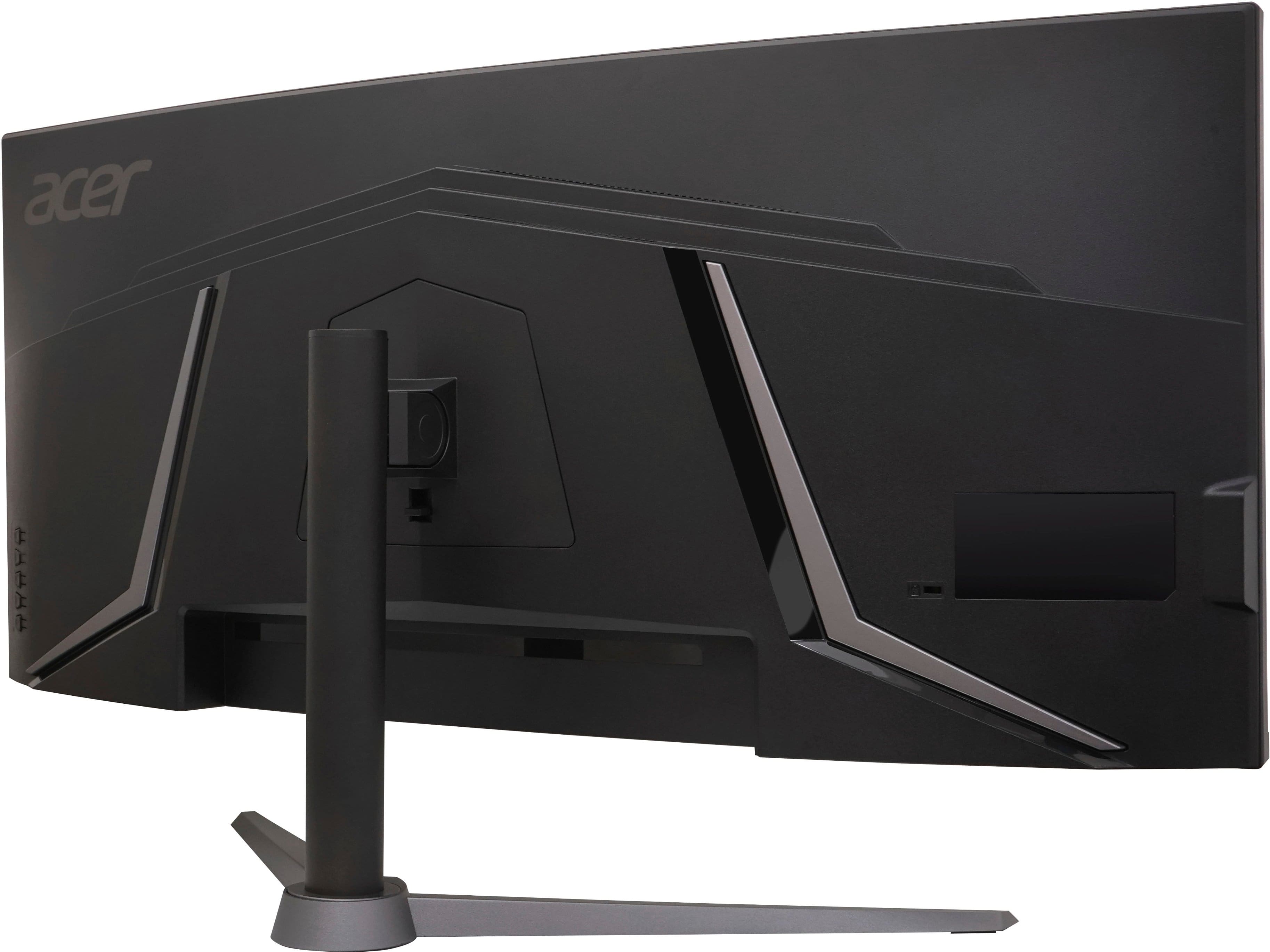
A:AnswerYes, this monitor uses a 100mm x 100mm VESA standard, allowing you to use many VESA mounts. Do know however that the mount is recessed, meaning that the third party mount cannot be larger than 100mm x 100mm, unless you use shims or spacers (most mounts do come with them). When you install a mount, make sure to use spacers to better distribute the clamping force and reduce the risk of cracking the surrounding plastic.