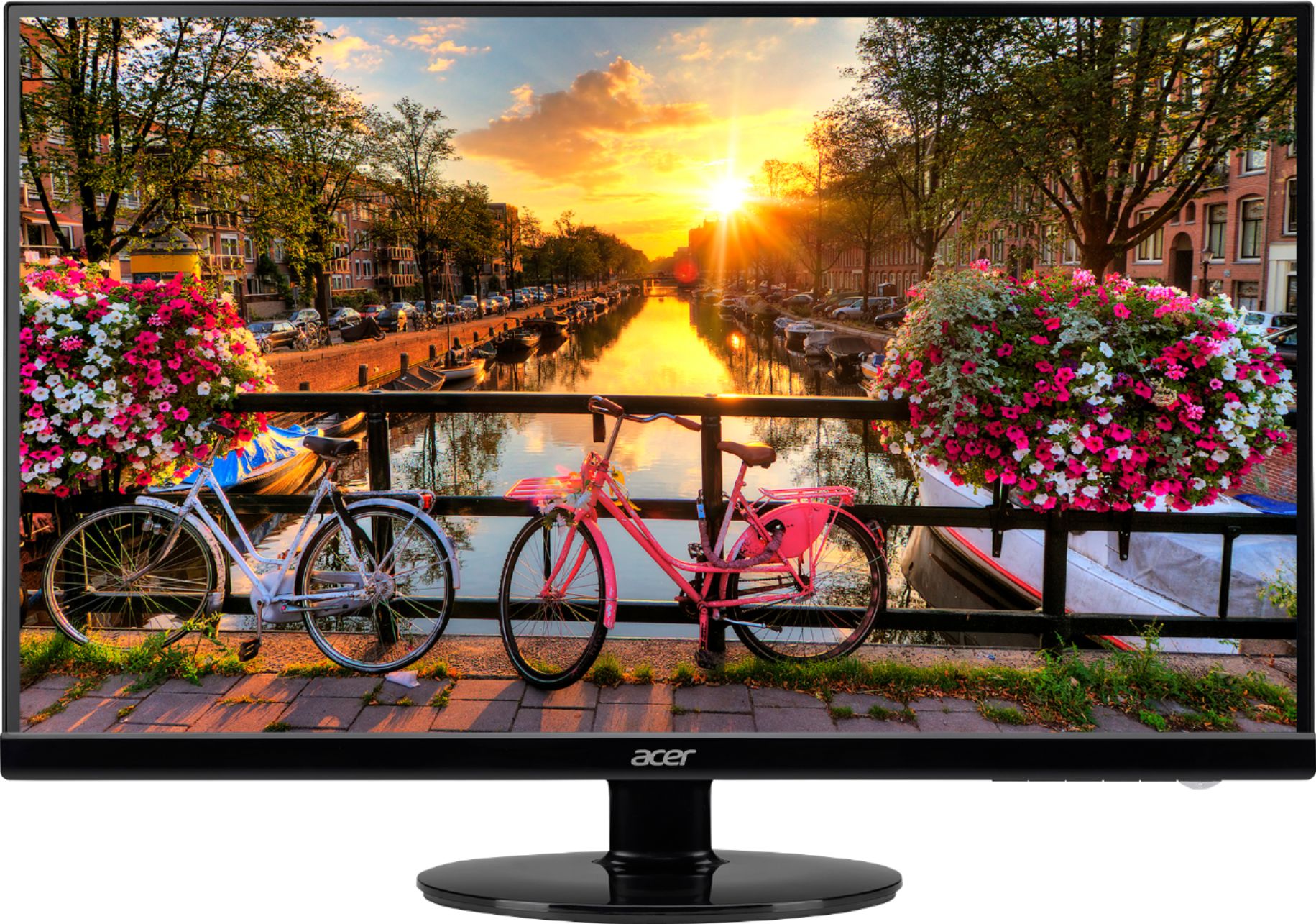
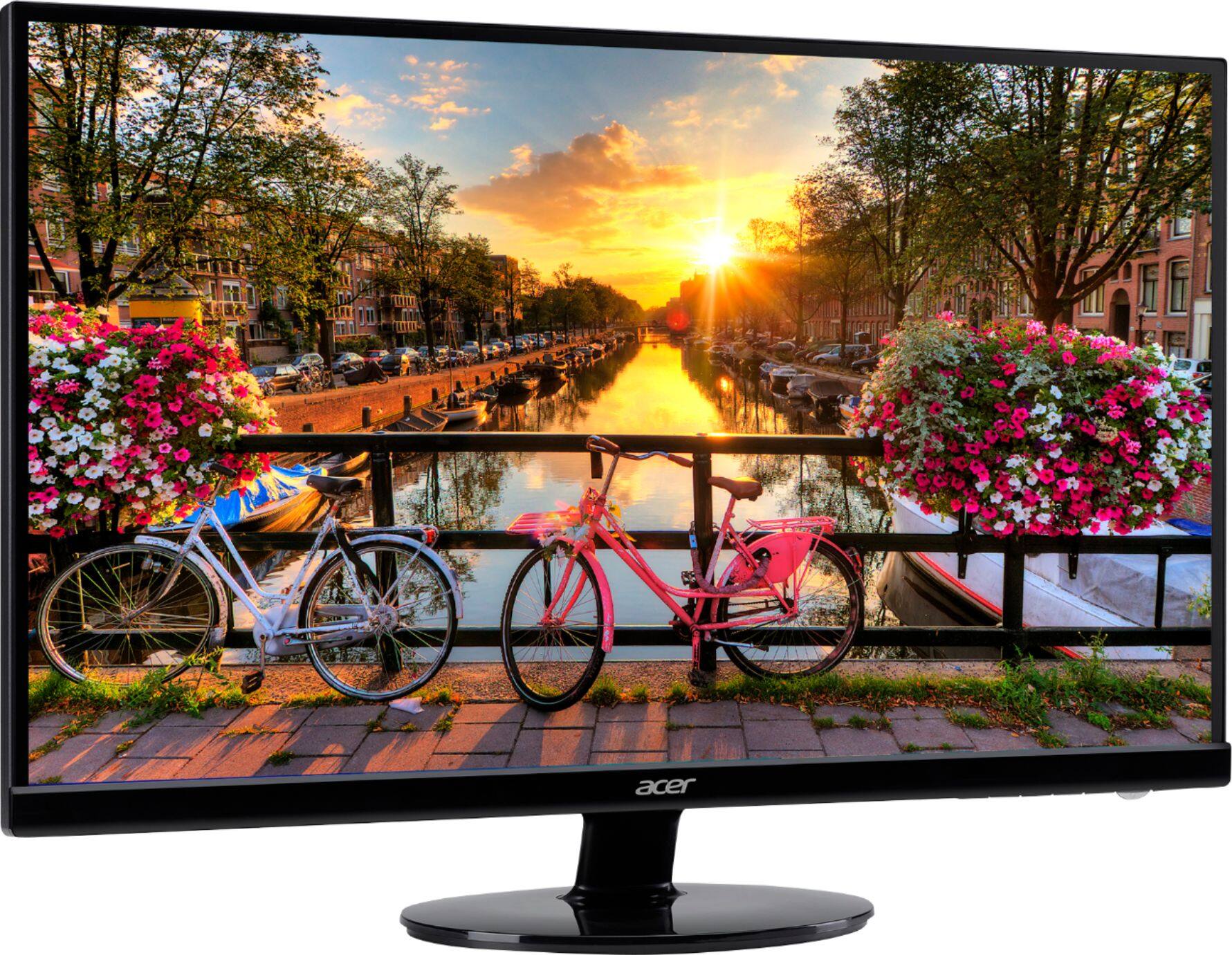
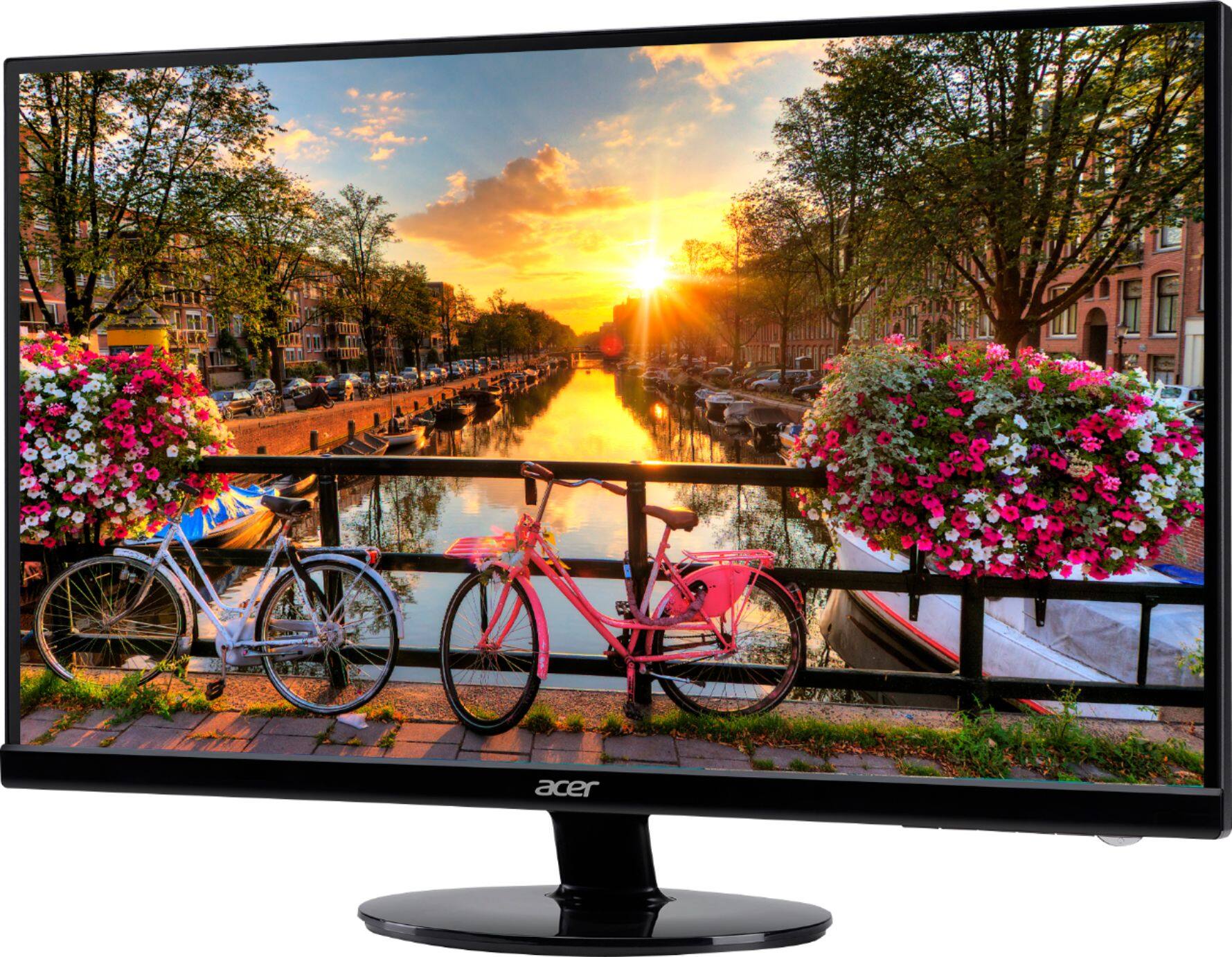
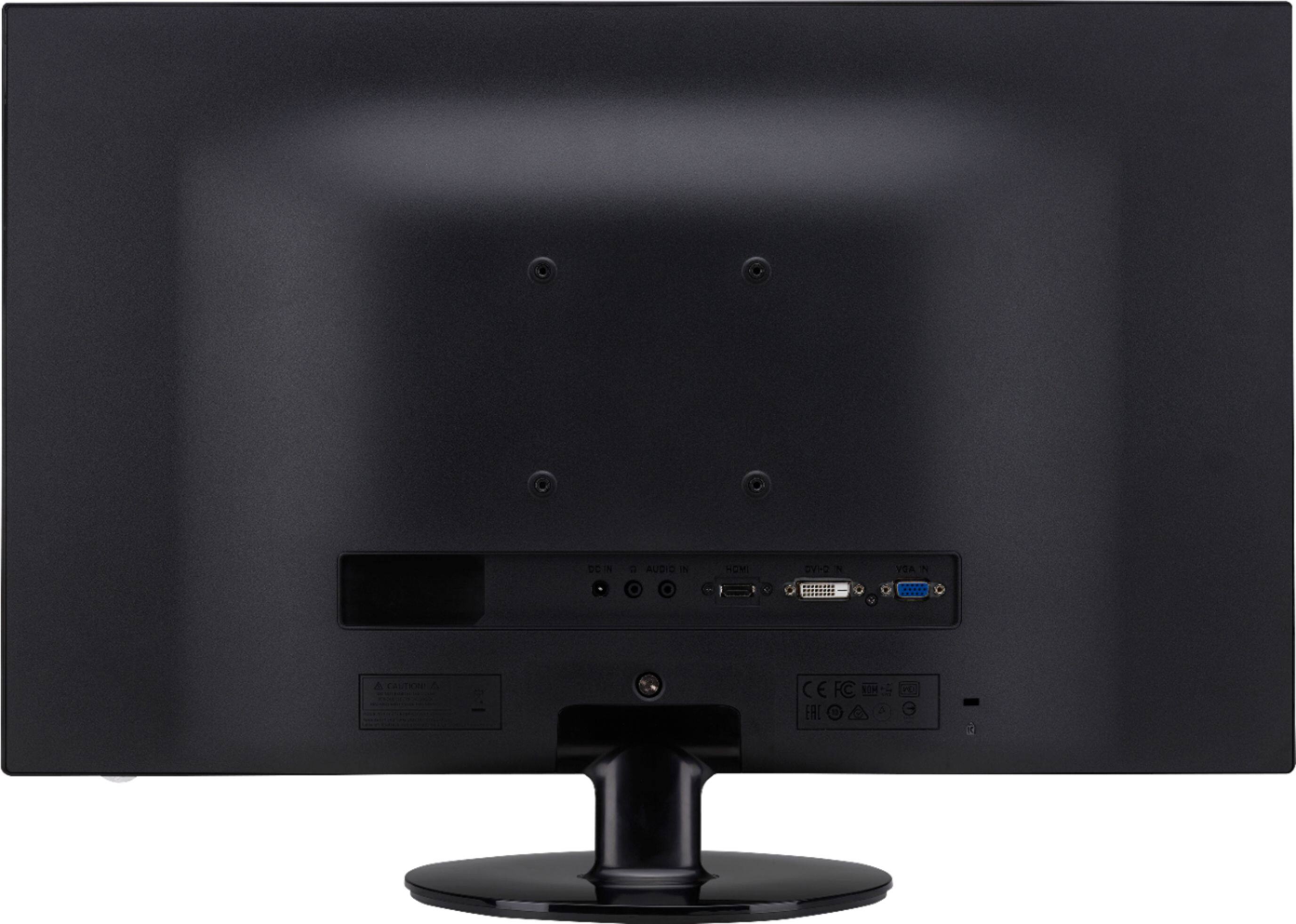
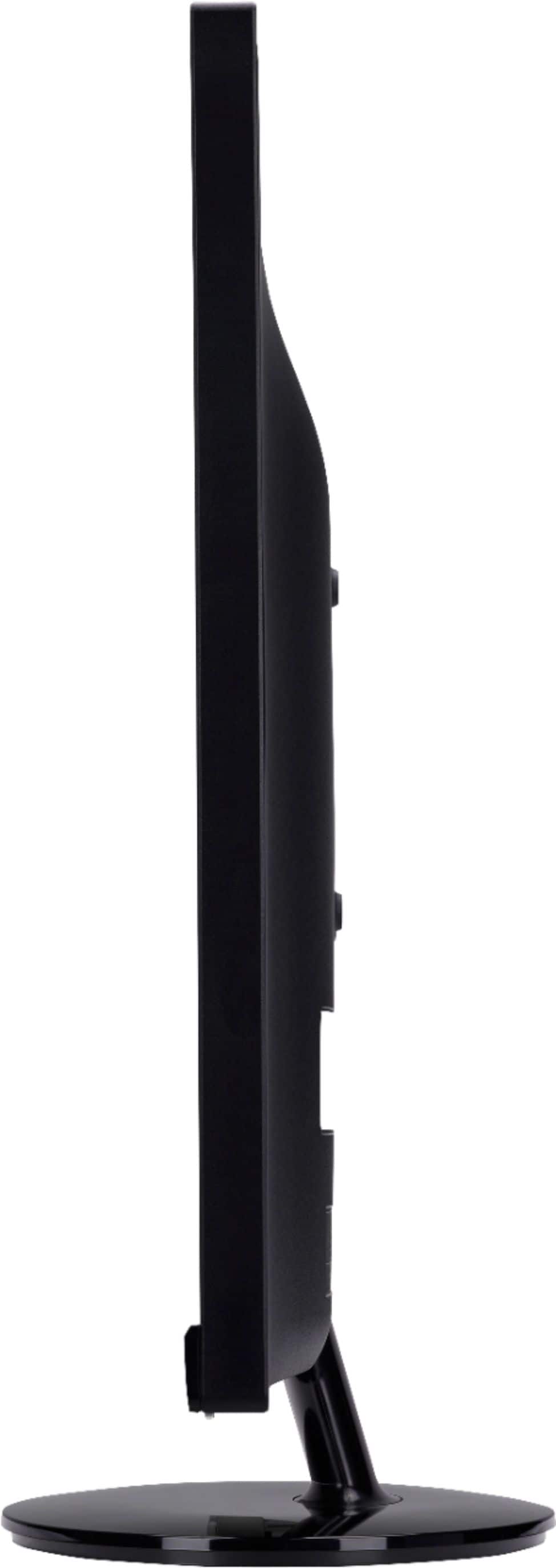
A:Answer I'm with you on this issue... it's typical of so many other monitors though... you have to feel your way through the sides and bottom until you find the buttons,
then once you've found the buttons (just left of the power on light, lower right) you press the one farthest to the right, but KEEP YOUR HANDS THERE... because
all the controls will show up on the screen just above the buttons...
The third button from the power switch will give you the brightness menu... trial and error and fumbling will get you there...
Every monitor I've seen is like this... except the very old ones that have actual buttons on the front or at least labels.
some of the monitors have s/w you can load to adjust via a GUI... don't know if this one has that... I didn't RTM (read the manual).
You might make a label to tape to the front that points down to the various buttons, that might help... good luck!