A:AnswerThere is a screw on the bottom side of the stand. You can tighten it or unscrew it to remove the stand. There is a clip that is the screw so you can do this by hand and don't need a tool.
A:AnswerIPS (in-plane switching) is a screen technology for liquid-crystal displays (LCDs). It improves colour consistency under different viewing angles, does not lighten or show tailing when touched and offer clear images and stable response times.
A:AnswerNo it does not look that great it is only 1080 HD. If you want OverWatch to look good get yourself a 4k monitor or even a 2K monitor at a high refresh rate. Trust me brother
A:AnswerAcer monitors include a power cable and AC adapter where necessary. If you purchased the monitor and it has no power cable, please contact Acer support at 866-695-2237 for assistance.
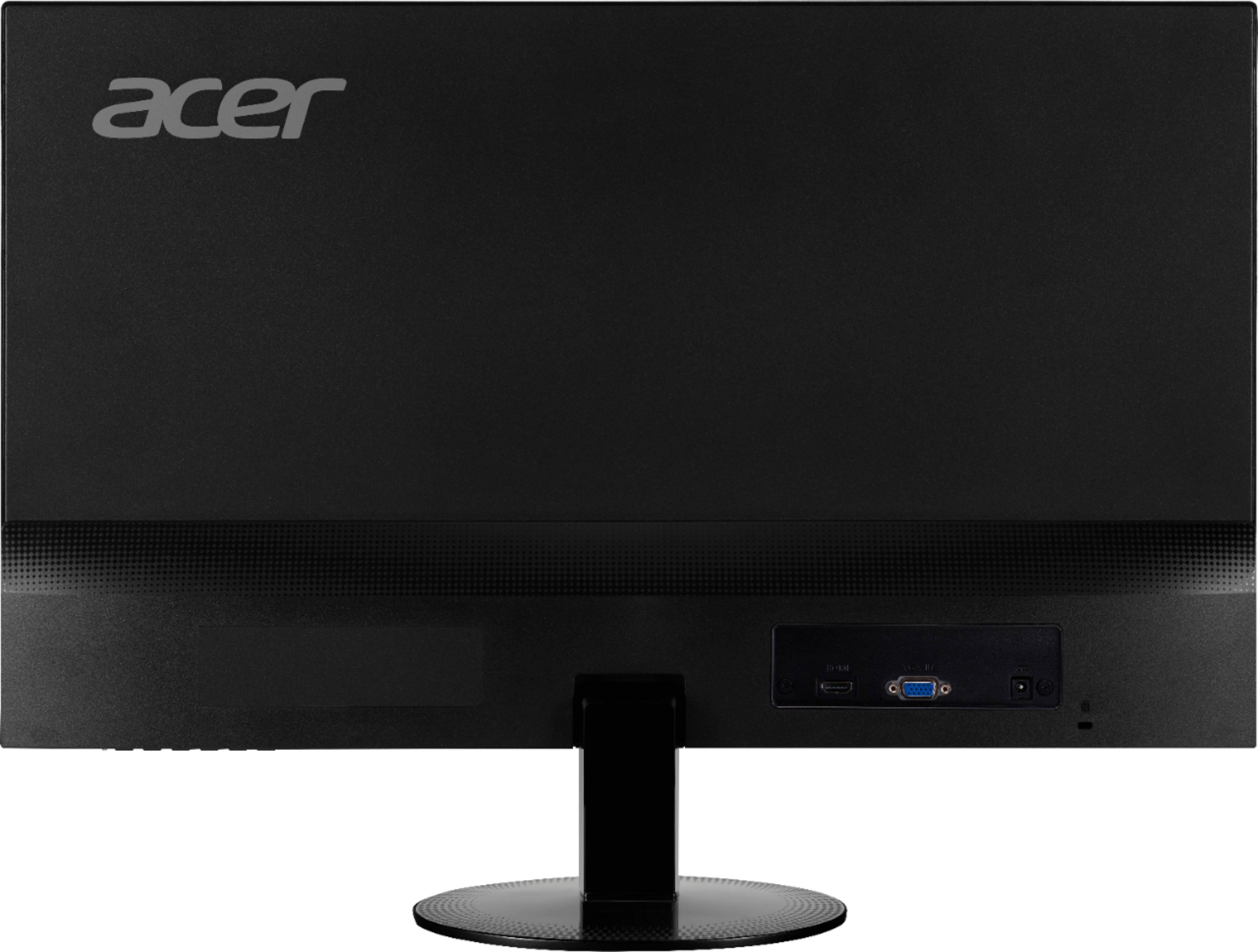
A:AnswerThe SA230 bi monitor has VGA and HDMI only. We appreciate you pointing out the picture and we will forward this to the appropriate team to get this corrected.