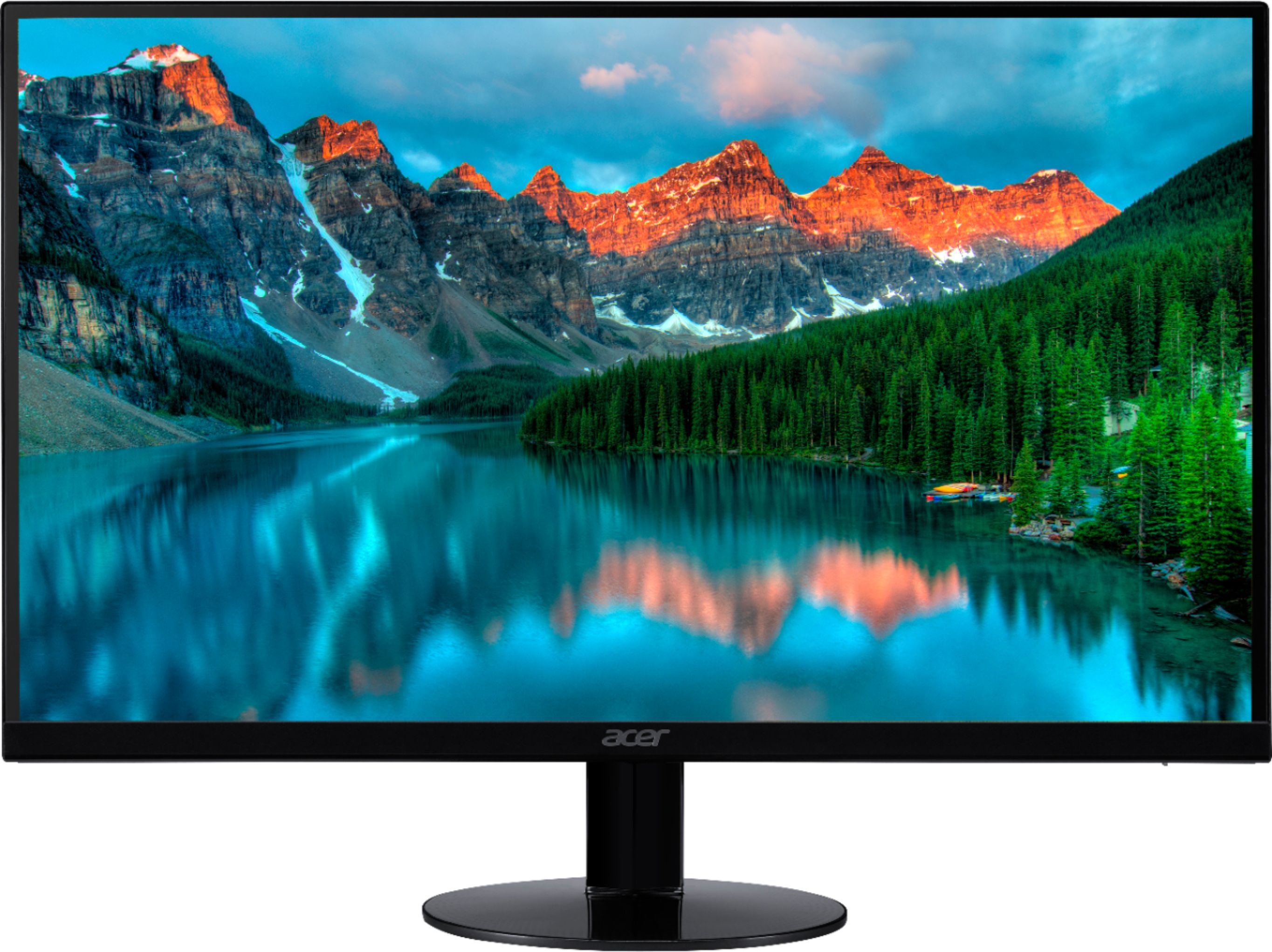
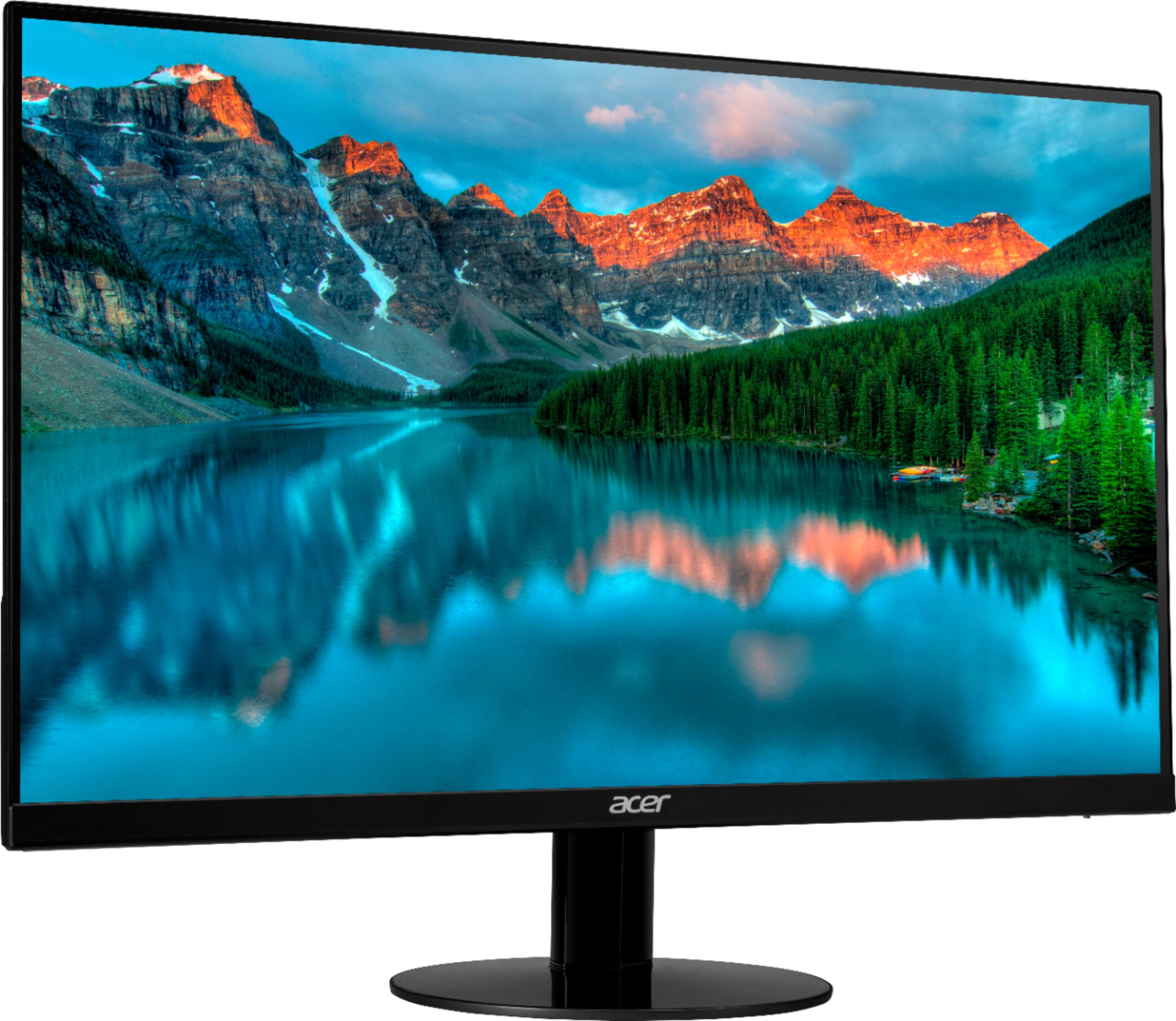
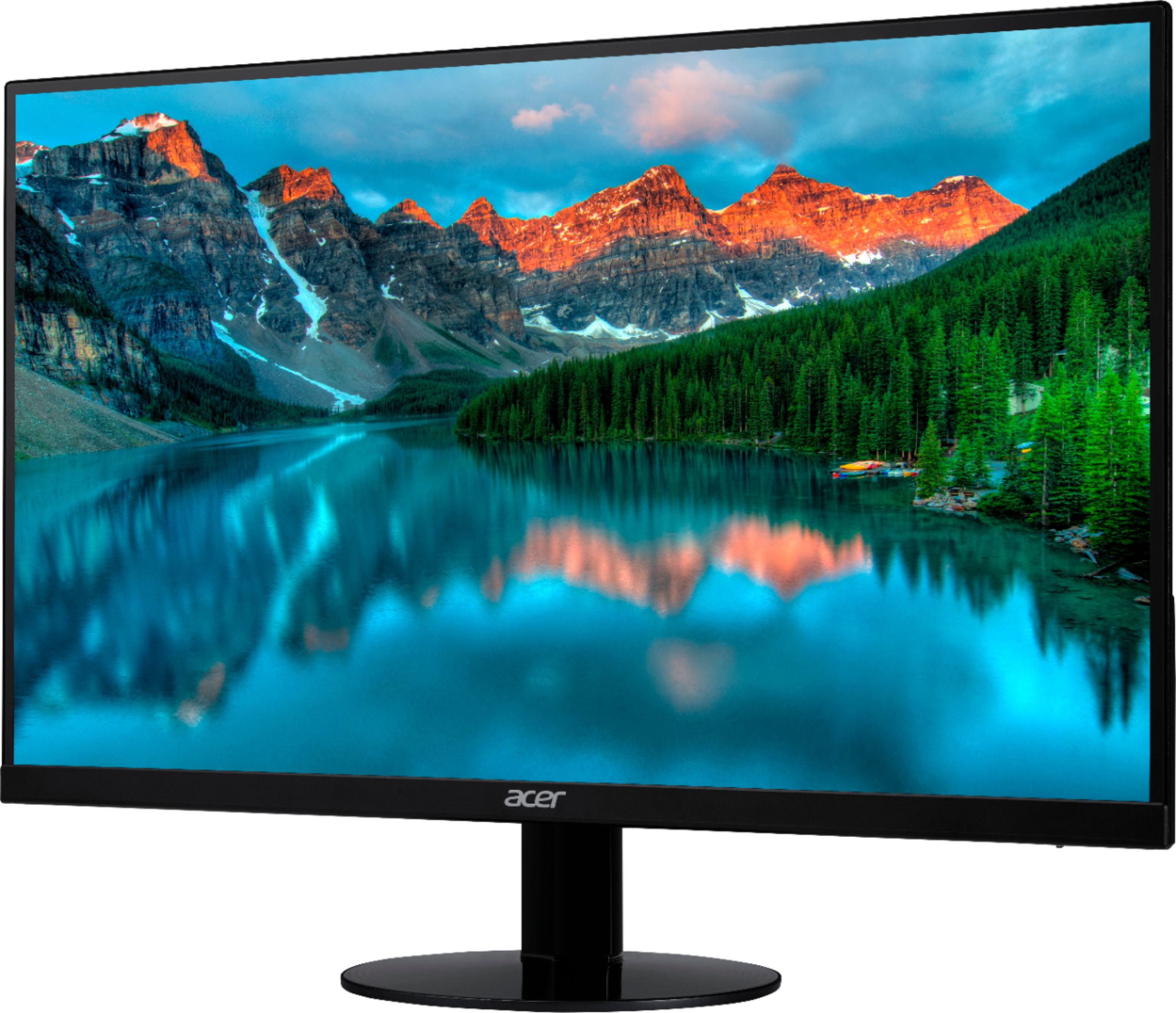
A:AnswerThe monitor can be adjusted to 15 degrees backwards or 5 degrees forwards. The easiest way to tilt it to place one hand at the top center of the screen bezel, and the other at the bottom. Using a push with the top and pull at the bottom motion, you tilt it that way. You may have to give it a firm push/pull but be careful not to put pressure on the LCD screen itself.
A:AnswerPlease contact Acer support for assistance with this. Contact information is posted here for your convenience: https://www.acer.com/ac/en/US/content/service-contact
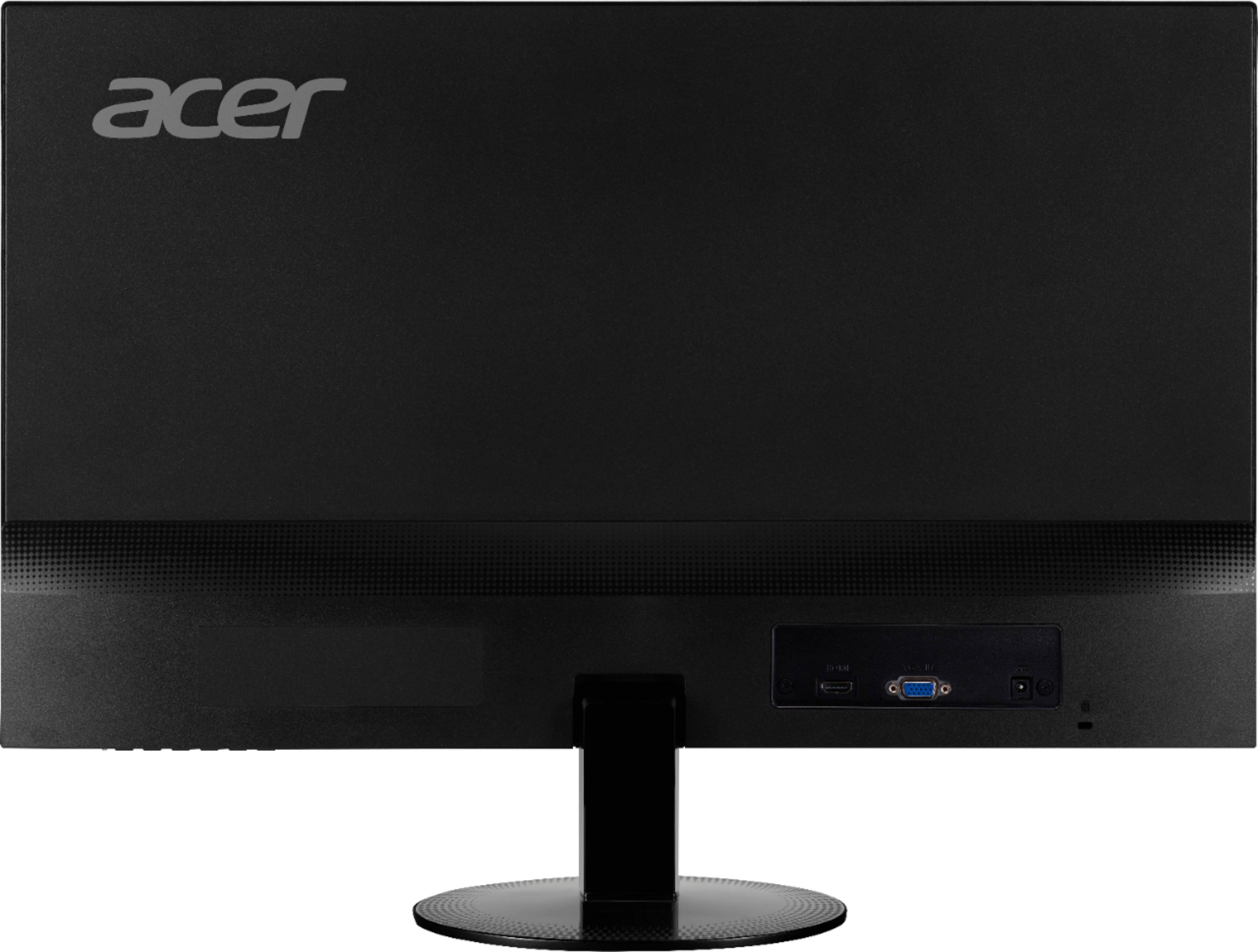
A:AnswerThe SA230 monitor does not have VESA wall mount screw holes to mount the monitor. There are several Youtube videos that have information on how to mount monitors that do not have VESA wall mounts, such as this, that you might find helpful: https://www.youtube.com/watch?v=8h3ibr_eGx0
A:AnswerWe are sorry to hear this. Acer provides support for in-warranty products. For assistance with this please contact support; contact information is posted here for your convenience: https://www.acer.com/ac/en/US/content/service-contact
A:AnswerThe screen will tilt forward 5 degrees and backwards 15 degrees. The best way to do this is have one hand on the upper bezel and one on the bottom. Push back on the top edge as you pull forward on the bottom, to tilt it back. Be careful not to press on the screen itself as these can break from too much pressure on the LCD panel.
A:AnswerIn order to make it clear to you depending upon how far away I imagine you can change the focus to make it crisp and clock is in the corner of the monitor and tells you what time it is...
A:AnswerYou do this via the on screen menu. Please refer to the user guide on pages 8 and 9 for details on how to access this menu and change the inputs. The user guide is available online at: https://www.acer.com/ac/en/US/content/support-product/6982?b=1
A:AnswerWhen facing monitor, put hand on right-side edge and pull monitor 1/4 turn toward you, so you can see that back corner of monitor.
There is a raised utton & 4 other toggles, but I just got mine, no clue what ANY do yet. (See photo)