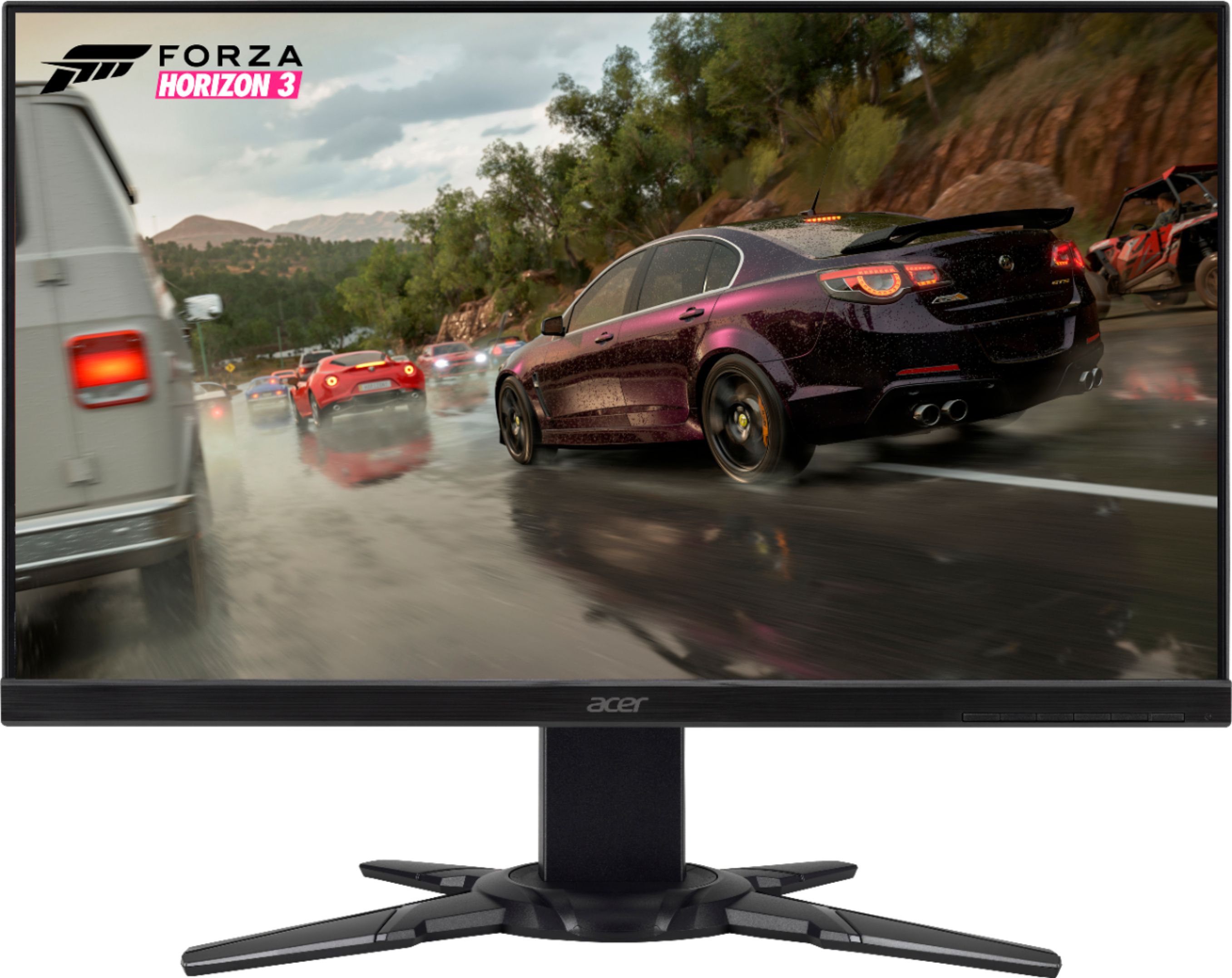
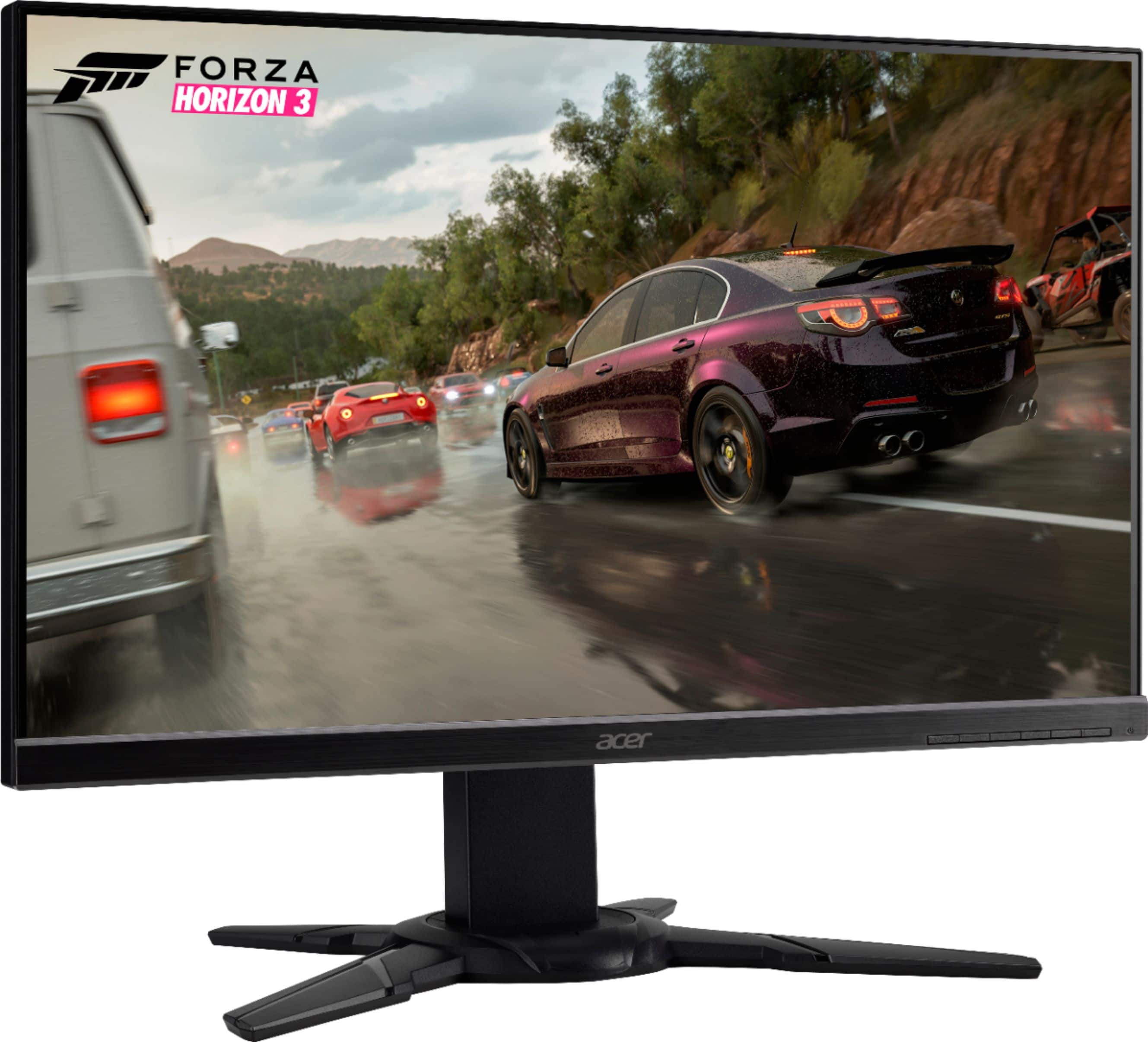
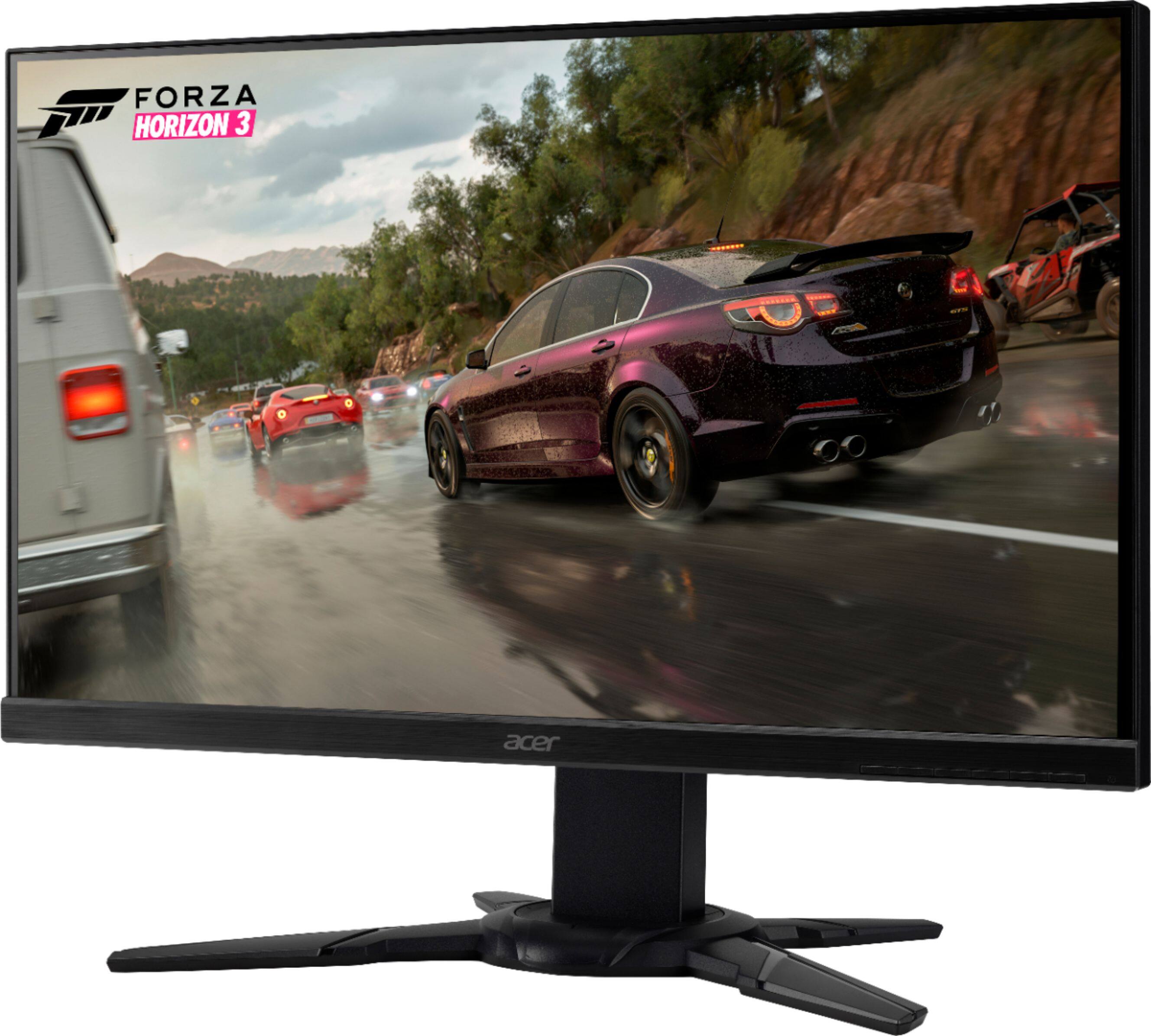
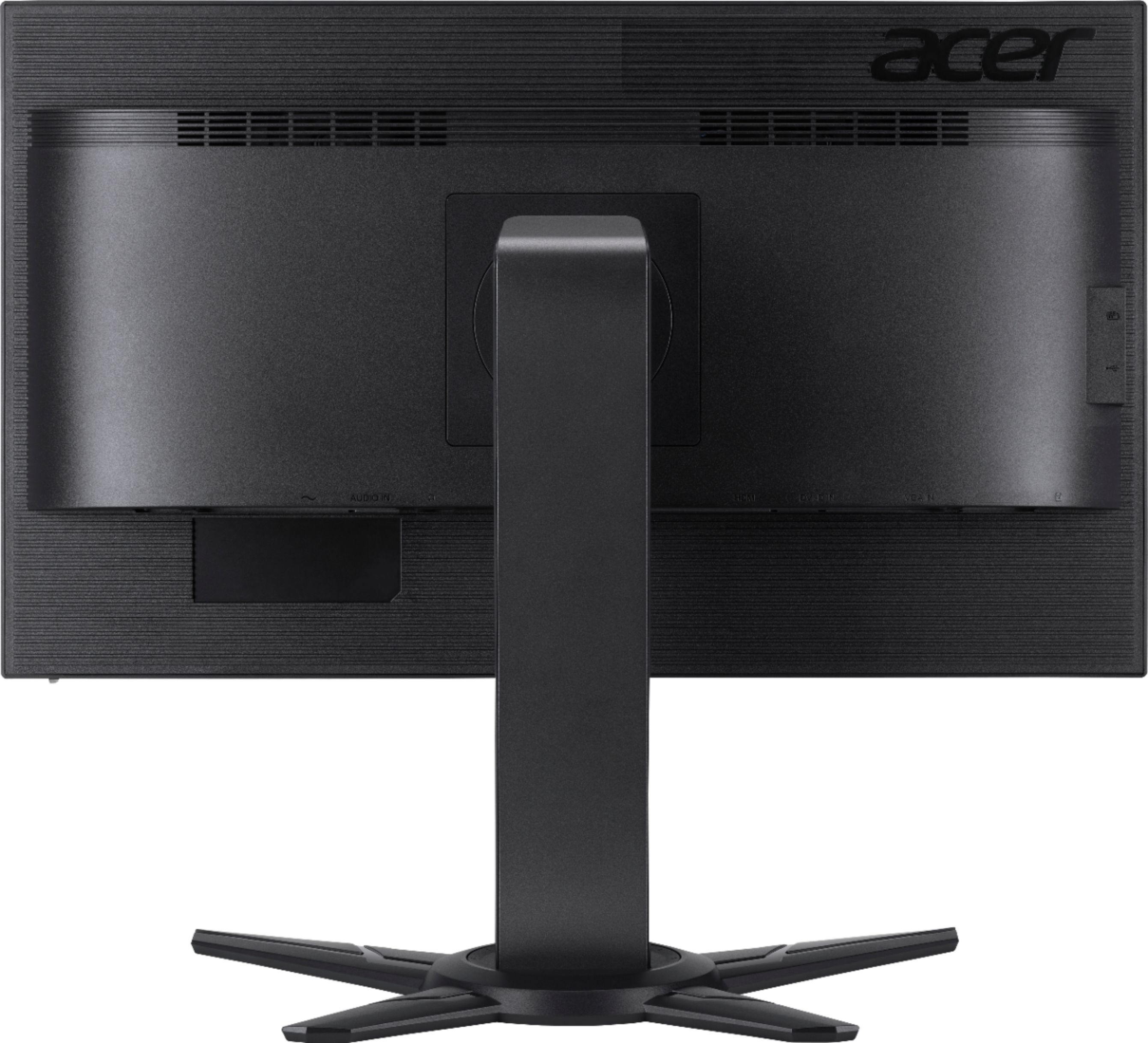
A:AnswerThis monitor ships with an HDMI and VGA cable. The HDMI version on the monitor is 1.4; our documentation does not show the version of the HDMI cable, but the included cable works fine with the monitor.
A:AnswerYes, you can adjust the volume on monitors that have built in speakers. The user guide has this information and it's usually done via the On Screen Menu settings.
A:AnswerThe monitor plastics/chassis is used for this model world-wide. Some countries may offer this feature but in the US, it is not offered on this particular model.
A:AnswerIt is a little difficult at first but there are two pegs on the stand that have to be depressed and hen the height adjusts and you can press the pegs again and it “locks” in place.
A:AnswerThe PS4 supports up to 60Hz so while this monitor supports up to 75Hz via HDMI, and 60Hz via VGA, refresh rate is limited to what the gaming console can push.
A:AnswerAcer has qualified this monitor for Freesync. Nvidia has qualified several monitors to add support for Gsync, but the XF251Q is not one of them. Here is a list of monitors that Nvidia qualified: https://www.nvidia.com/en-us/geforce/products/g-sync-monitors/specs/