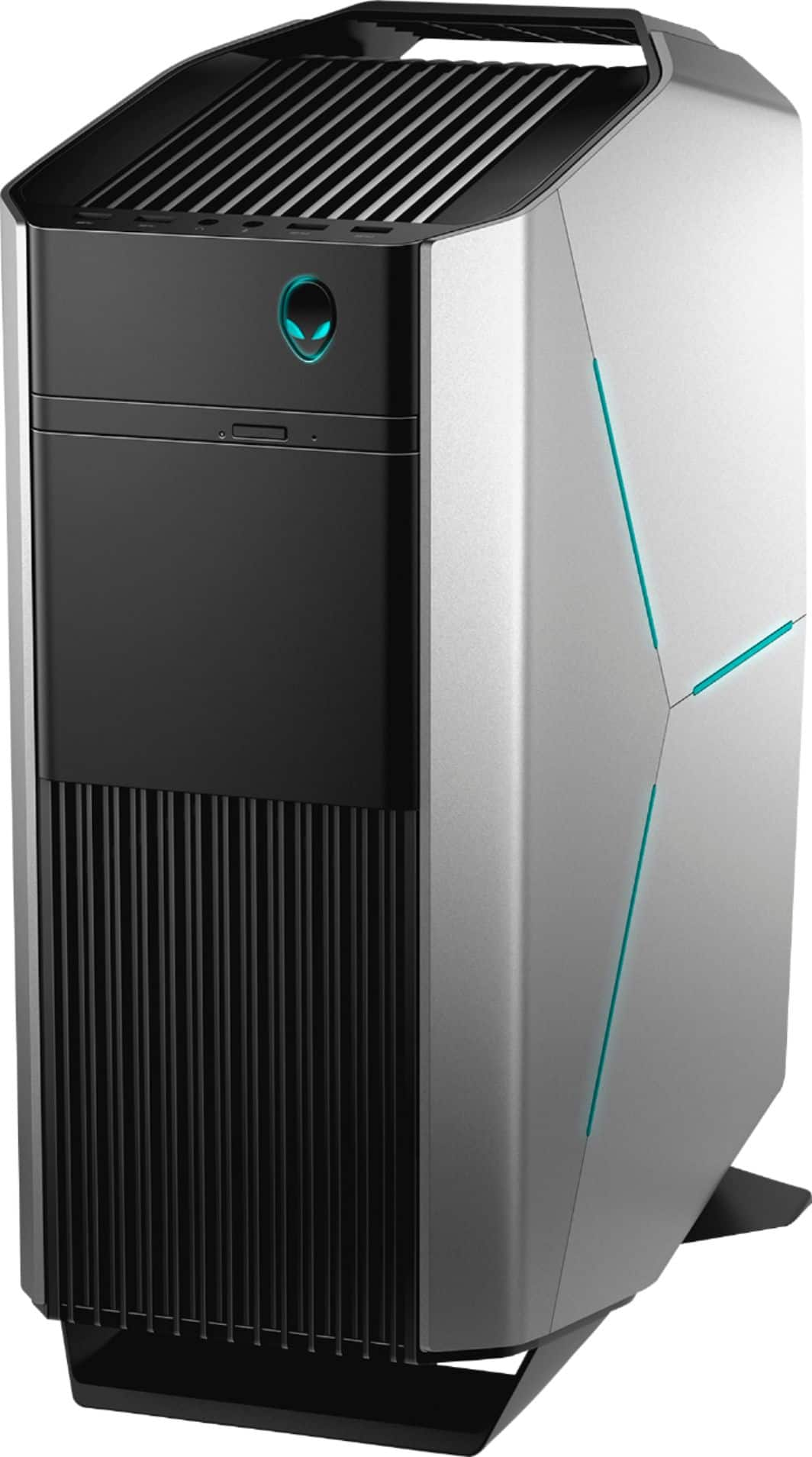
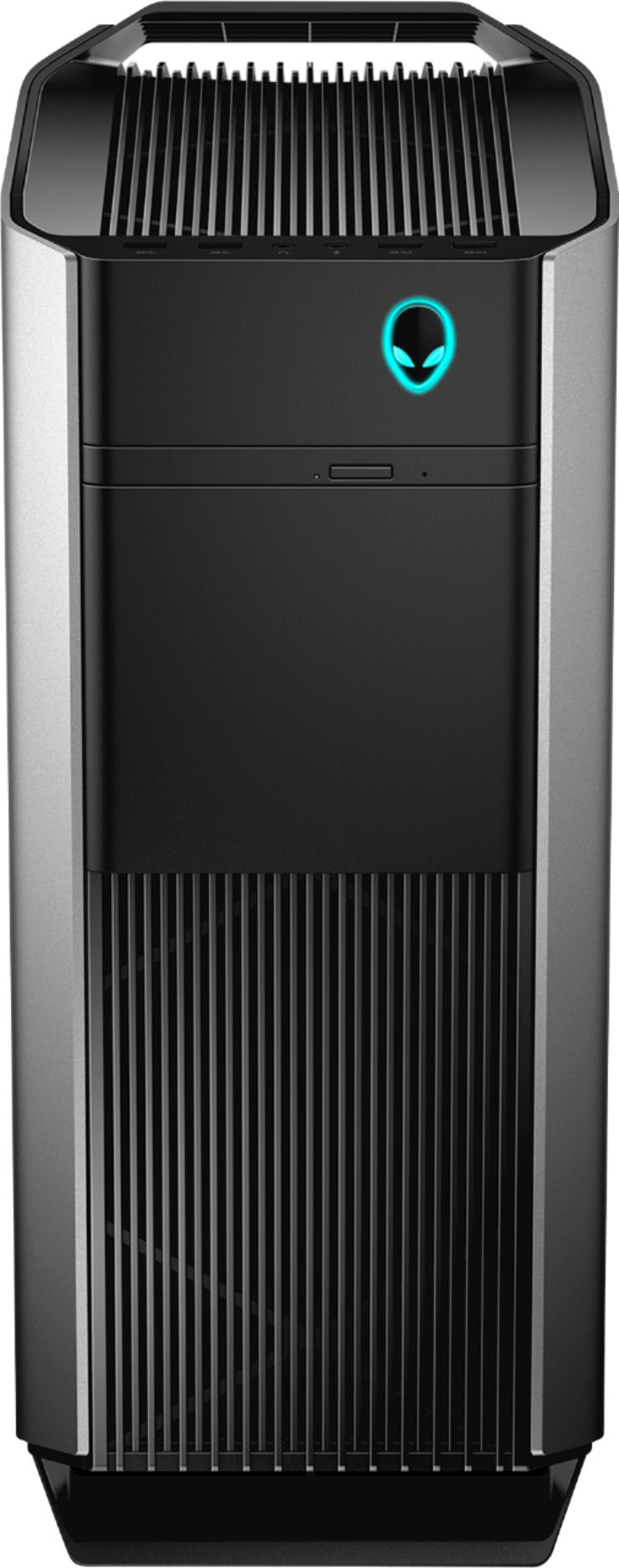
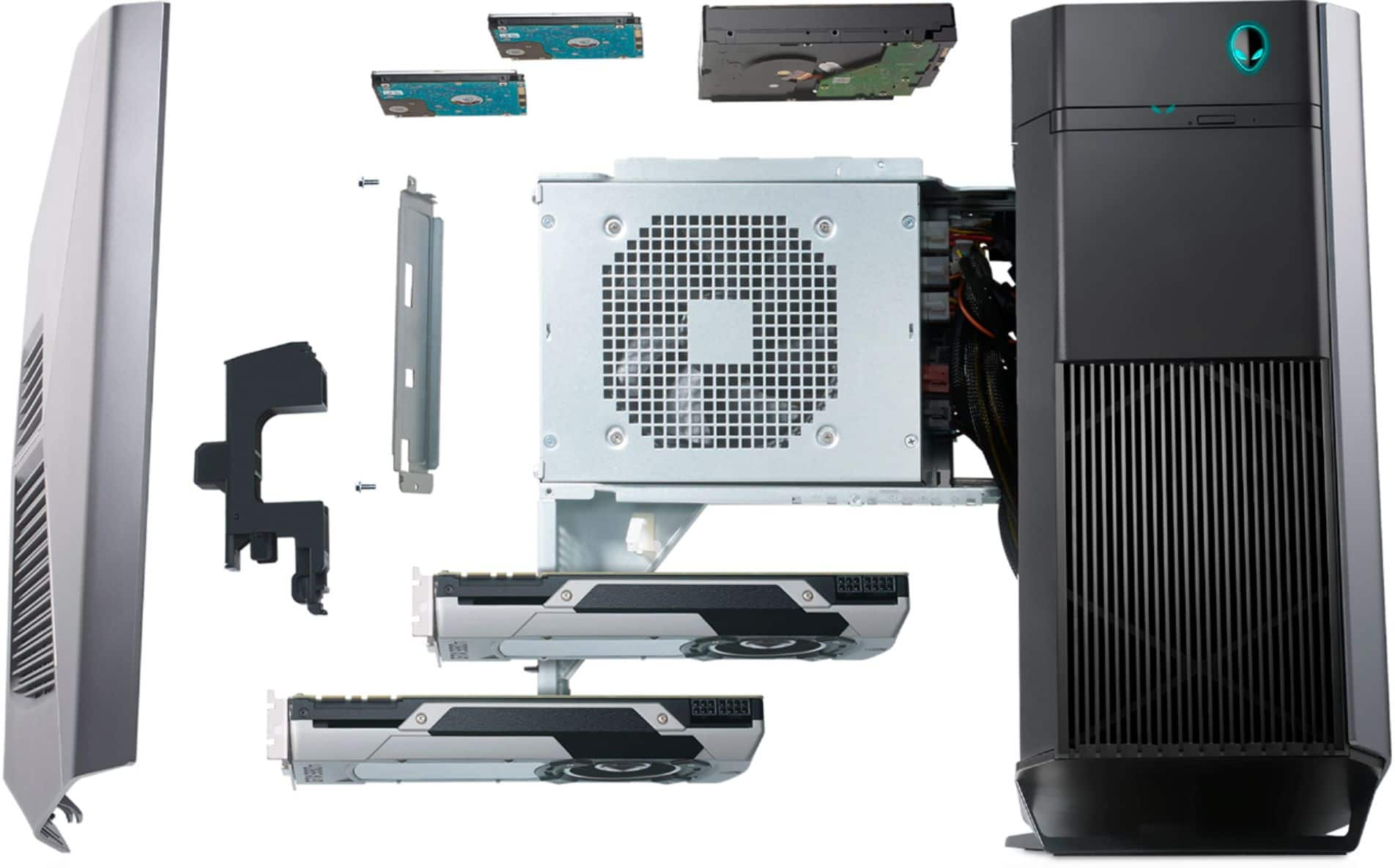
A:AnswerThere are a couple bays for 2.5” drives. Plus the existing 3.5” bay.
The manual with all the info you need is here.
https://topics-cdn.dell.com/pdf/alienware-aurora-r8-desktop_service-manual_en-us.pdf
A:AnswerEven though this PC is a prebuild from Alienware it is still very accessible. You shouldn't have any issues upgrading RAM, HDD, SSD, NVME, Graphic Cards, PSU and even adding water cooling. In other words you're not restricted to the current components.
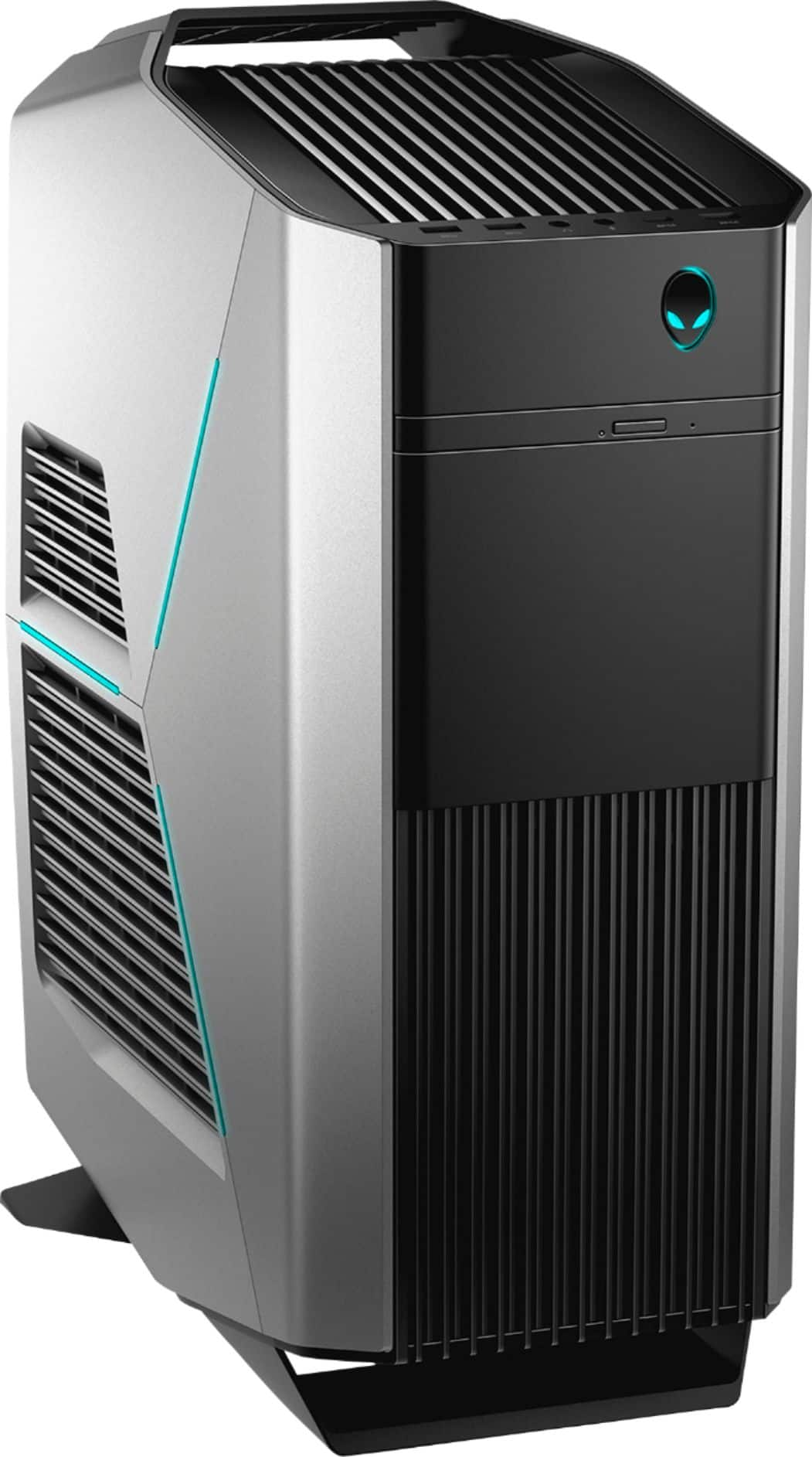
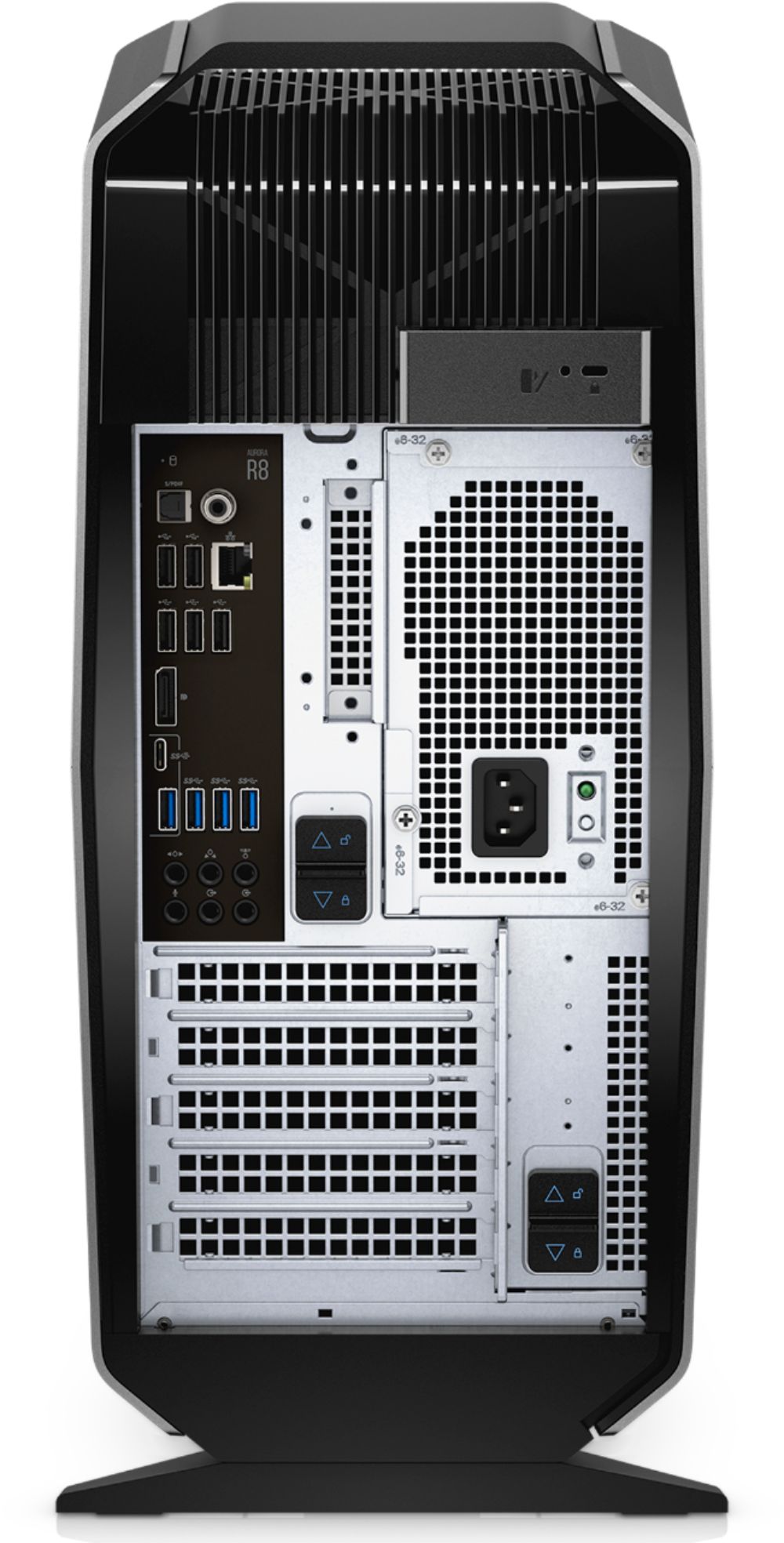
A:AnswerIf you don't have a second video card and there is only the one HDMI you can get an adapter to go into the DVI-I port that is also on the back. Make sure the adapter fits into that slot because there are two different types of DVI cords so you will want to purchase the correct one.
Other than that you can also get a "Display Port" cable. They are similar to HDMI but shaped slightly different. You can go into any major retailer to purchase one of those (including Best Buy) and they should be able to get it for you.
A:AnswerThe top and front fans are 120mm fans if you do decided to upgrade the fans i have seen videos where you will need the fan rated to run at least 1700rpm for it to work with the motherboards settings