A:AnswerHi there - unfortunately, our speakers only accept Bluetooth connection. Thank you for the idea and we'll look into implementing this feature into future products!
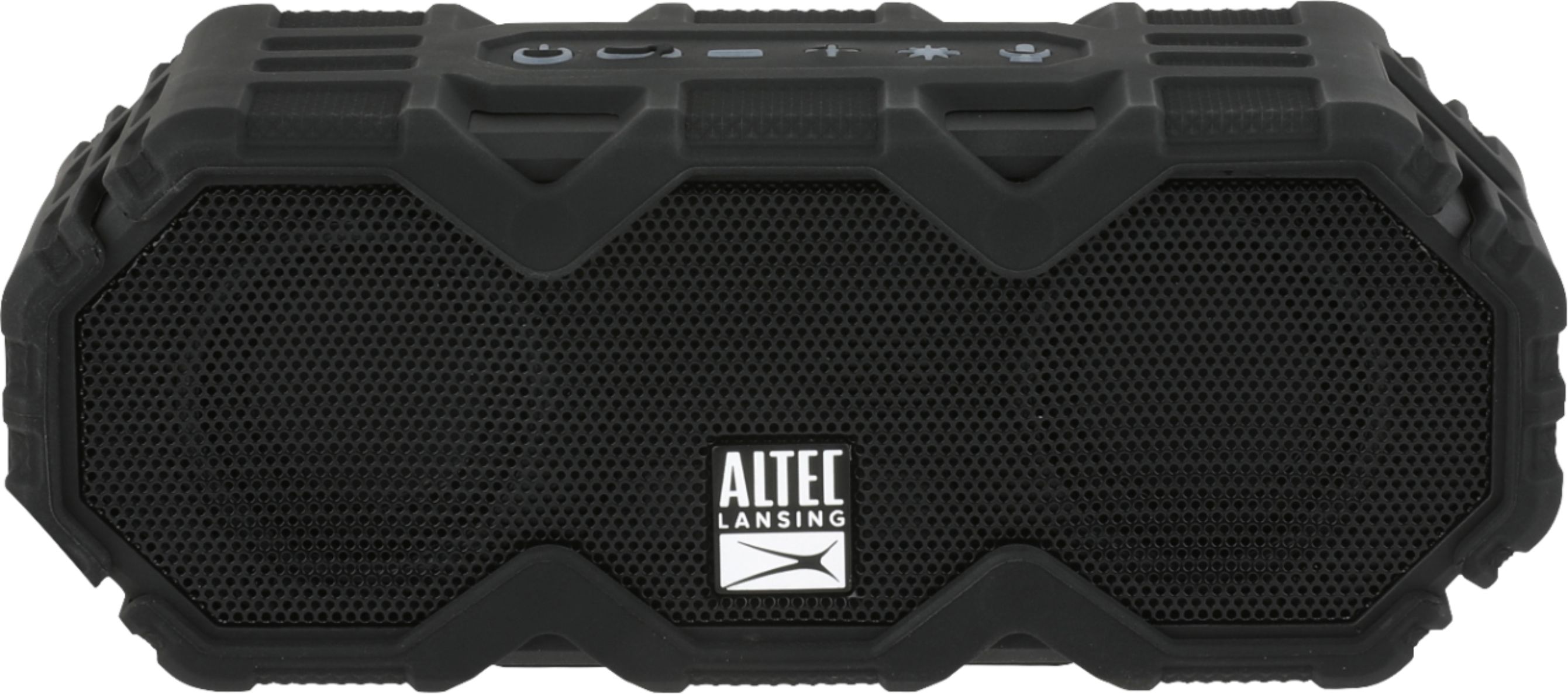
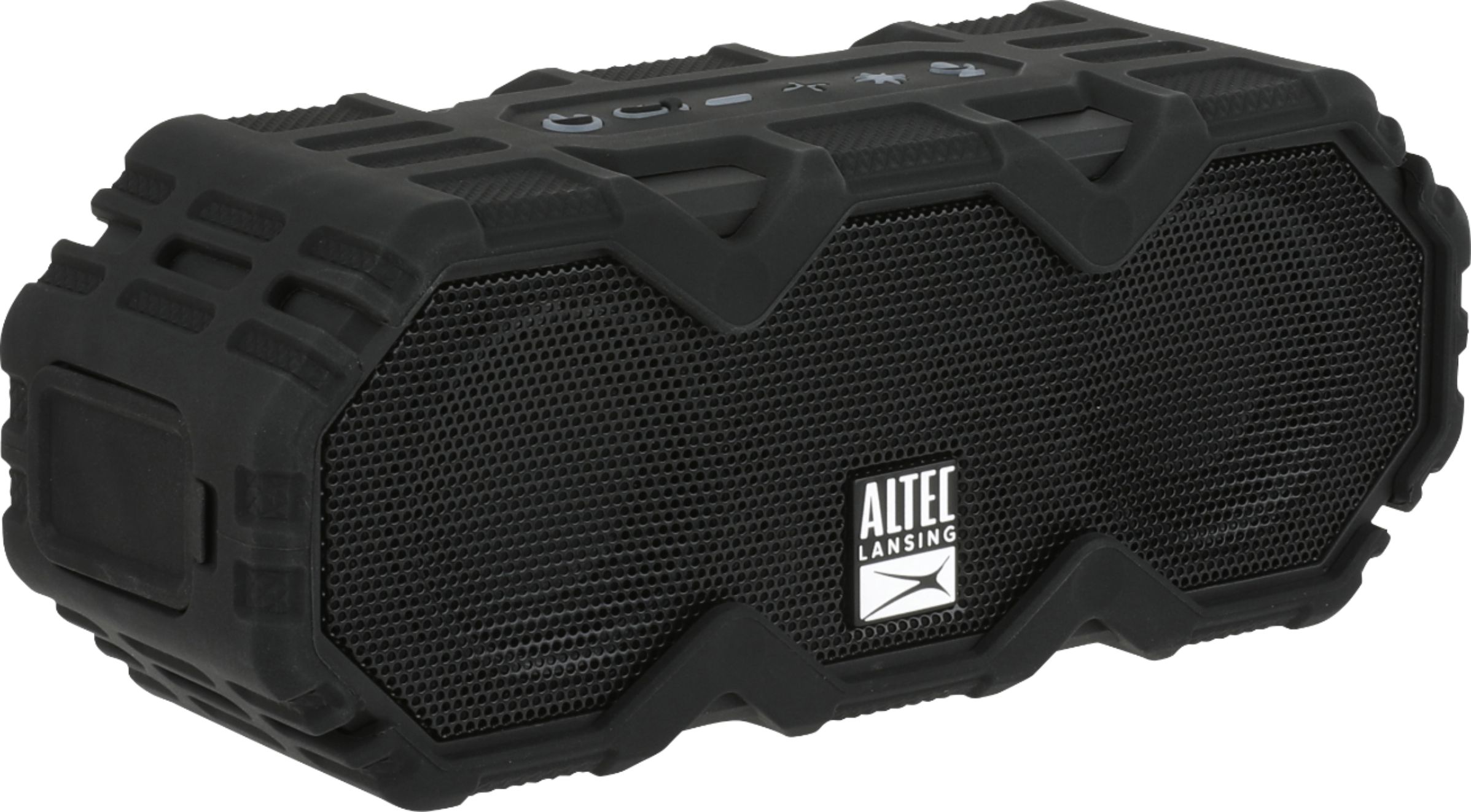
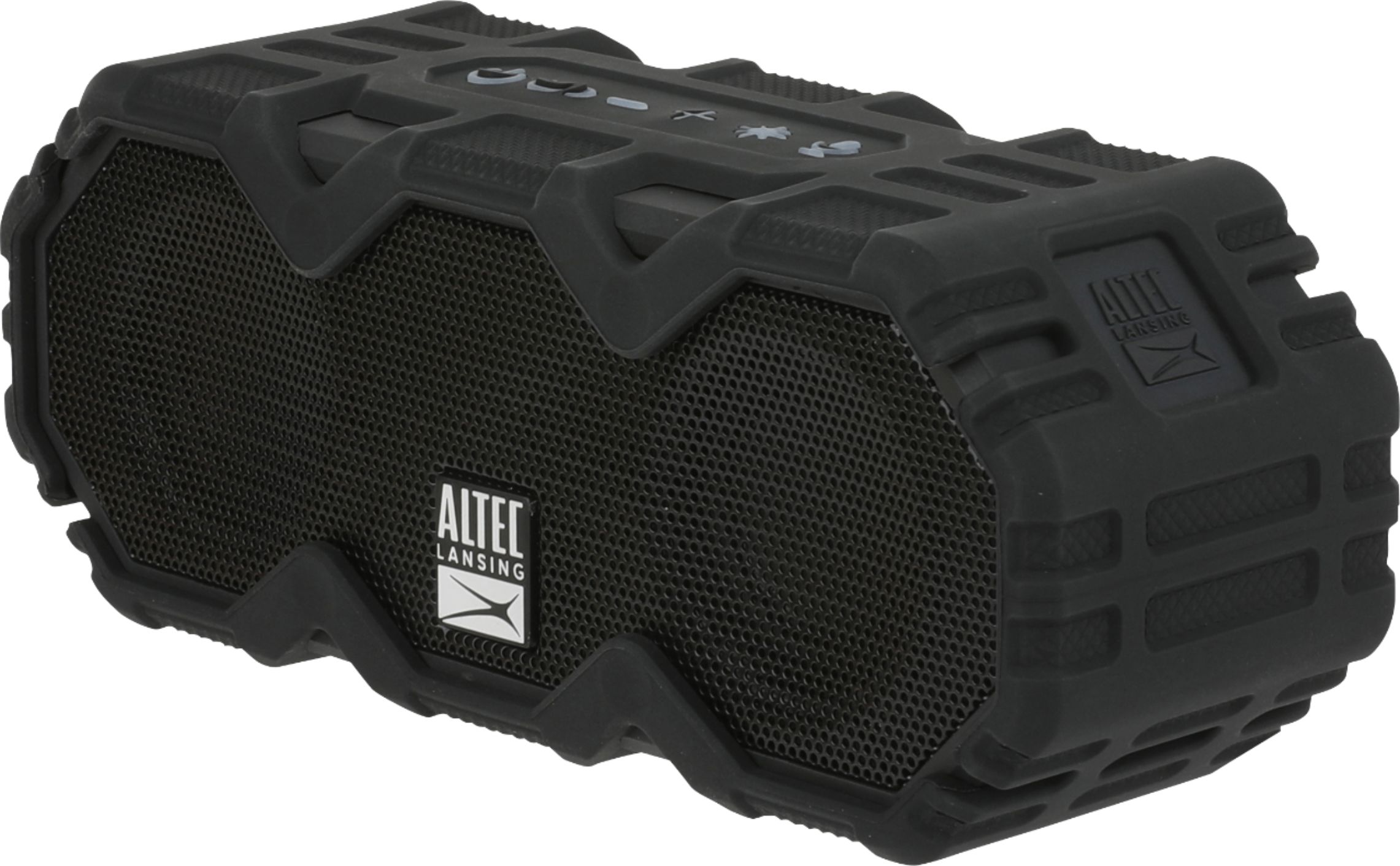
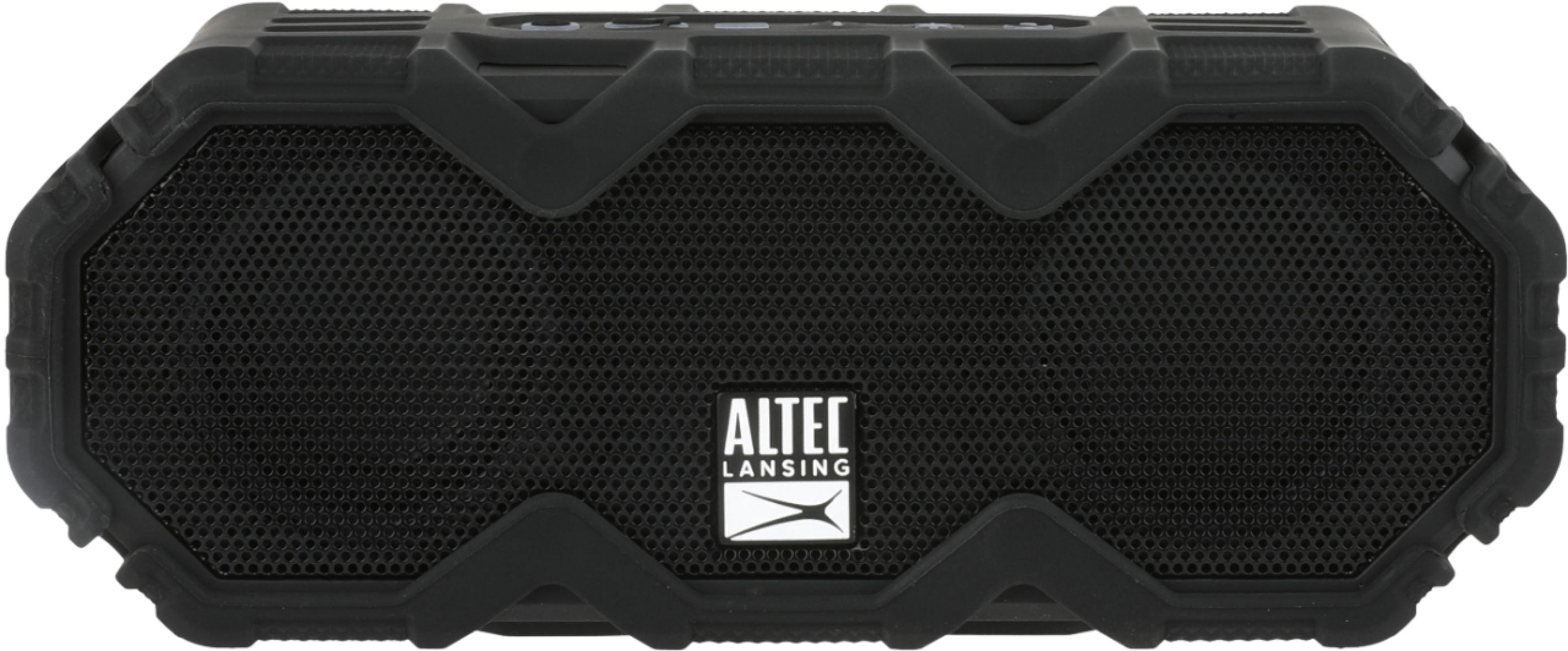
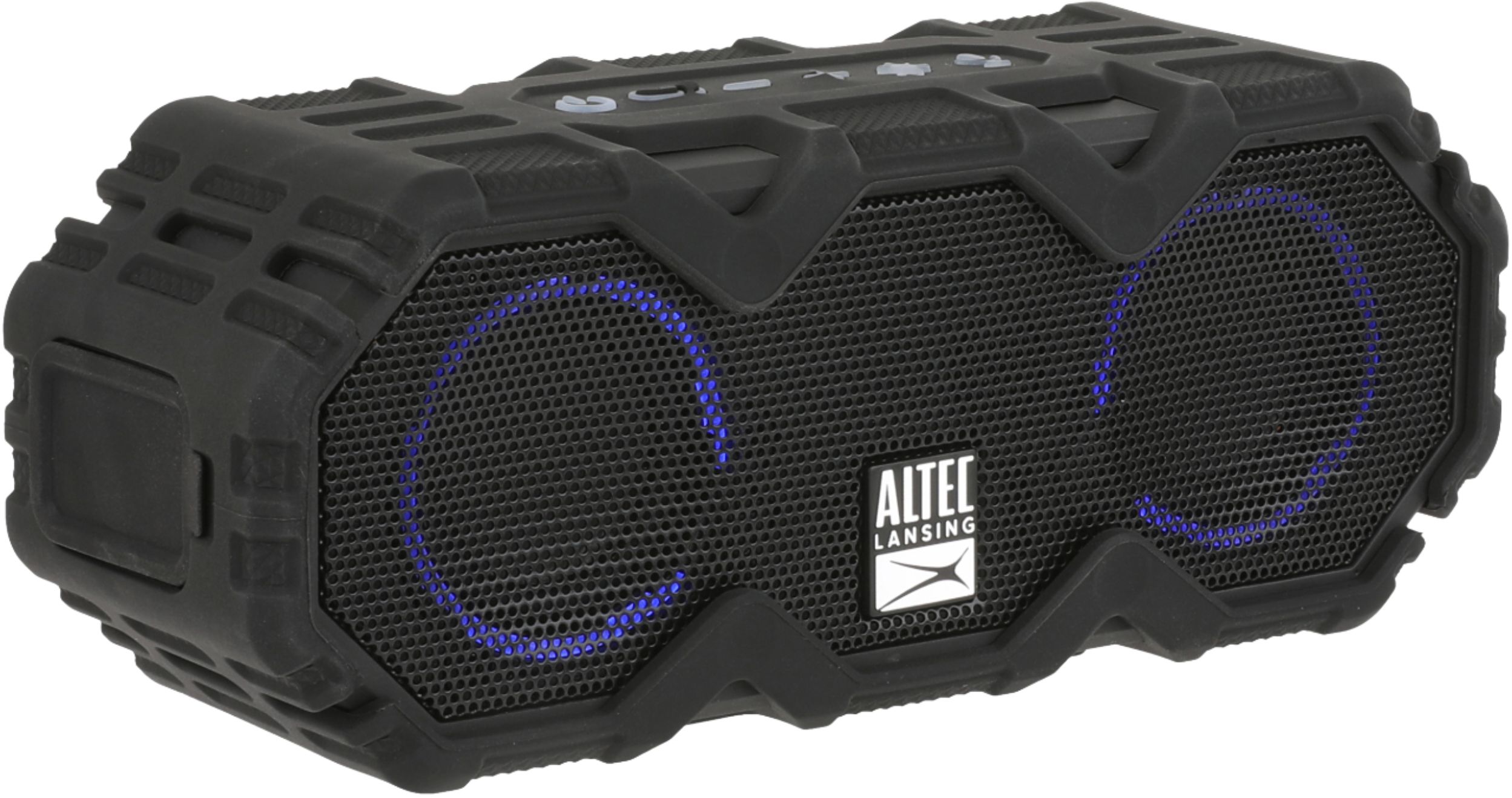
A:AnswerHi there - No, the Mini LifeJacket Jolt does not support USB Flash Drives through the USB port. This speaker is a Bluetooth speaker and needs to be connected to a Bluetooth device. The USB port built-in to the speaker is for smartphone charging.
A:AnswerHi there! Thanks for your question - when you power your device on for the first time there will be 2 LED rings that appear through the grill of your speaker. You can alternate through the 5 different light mode settings or turn them off by pressing the starburst button atop the speaker
A:AnswerHi there Rosie - The Mini LifeJacket Jolt would be an absolute great choice! If you're looking for something a little louder we recommend the BoomJacket or the Super LifeJacket Jolt for more bass and louder volume!
A:AnswerHi there - Please contact us by our social media channels (Facebook: @alteclansing, Instagram: @alteclansingoffical). We'd be happy to assist you!