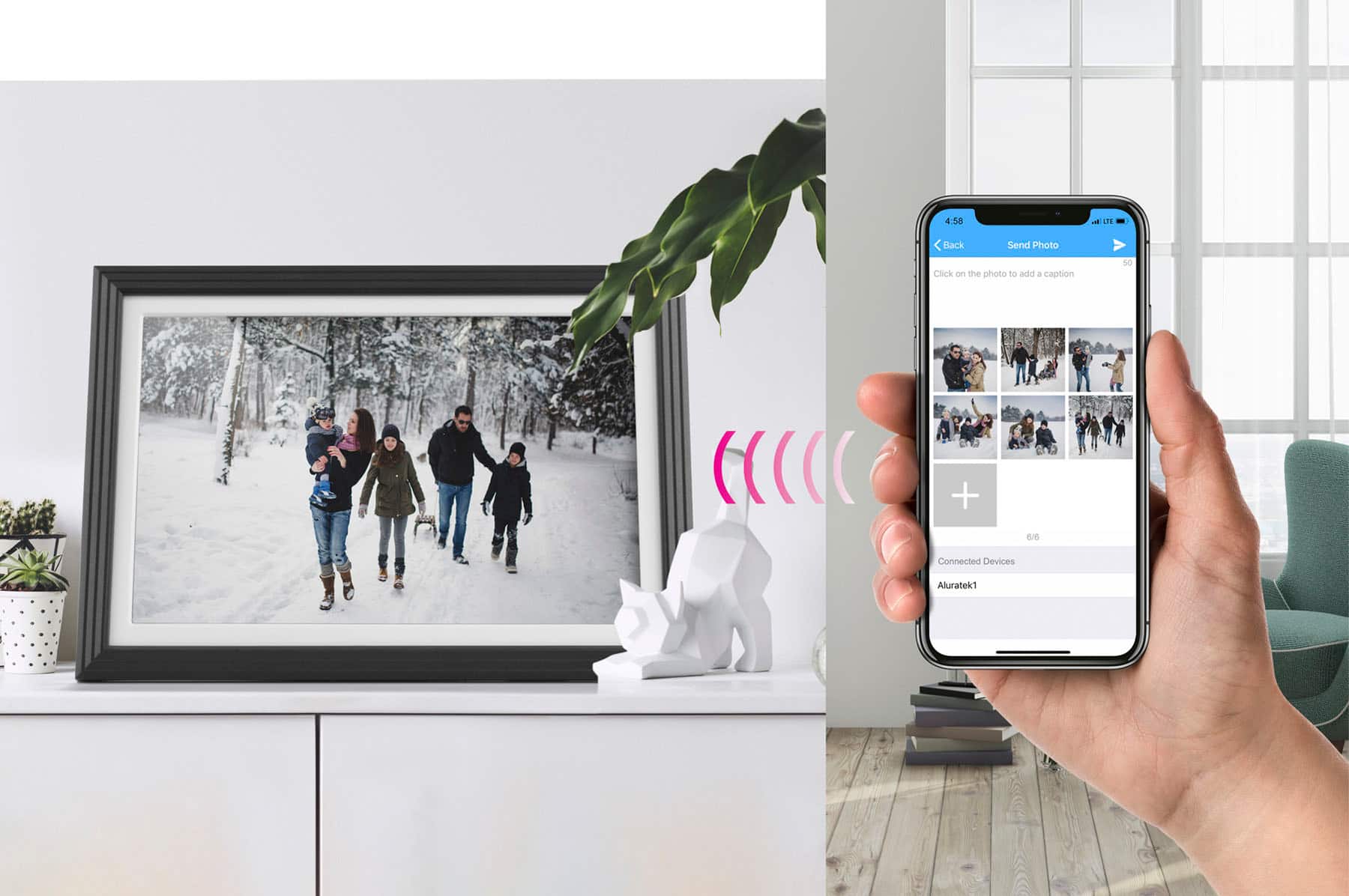
A:AnswerNo. You can only use the Aluratek app with our frames. We recommend 32GB or smaller SD card or USB drives with our frames. Photos should be in the standard .jpg format. The phone app will be given in the instructions since we do have 3 different phone apps for our WIFI frames depending on the model you get.
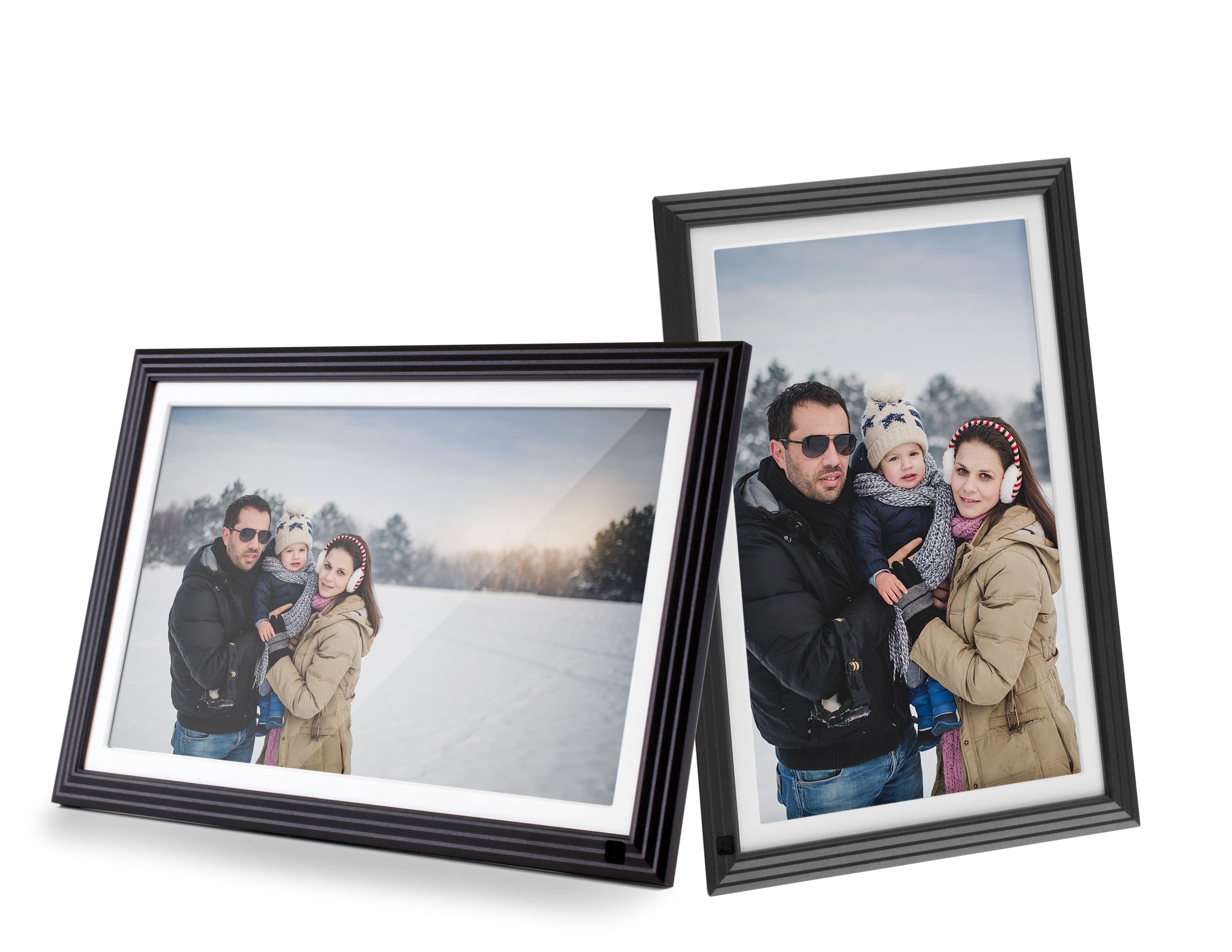
A:AnswerThe frame has built-in memory so you don't have to have a memory card to use the frame. You can rotate the frame to show the picture in either portrait or landscape but the frame will not able to rotate on specific picture. You are able to rotate the picture on the frame directly and the frame will able to remember and show the correct orientation when it shows the picture next time.
A:AnswerBest to use this type of frame in U.S. or Canada. Depending on IP Protocol and Security the WIFI send and receive capabilities may be limited in other countries. We do not ship to other countries outside of U.S. or Canada so keep that in mind. You would need a U.S. or Canada address where a replacement could be sent if you had to ship the unit back.
A:AnswerThis frame does not always have to be connected to WIFI. If you setup the frame first, you can use WIFI and our Smart Frame app, bind the phone to the frame and send over photos. They will load onto the Internal Storage. So even when the frame is not connected to WIFI those photos will show. Once you setup the unit at the home with no WIFI you can use 32GB or smaller USB thumb drives or SD cards. Put your .jpg photos onto the memory card and insert into the frame. The frame can play the photos directly from the card, or you can upload them. Shoot us a note when you are ready to setup without WIFI. We can send you a tutorial on how to import and export from a 32GB memory card. Send to [email protected].
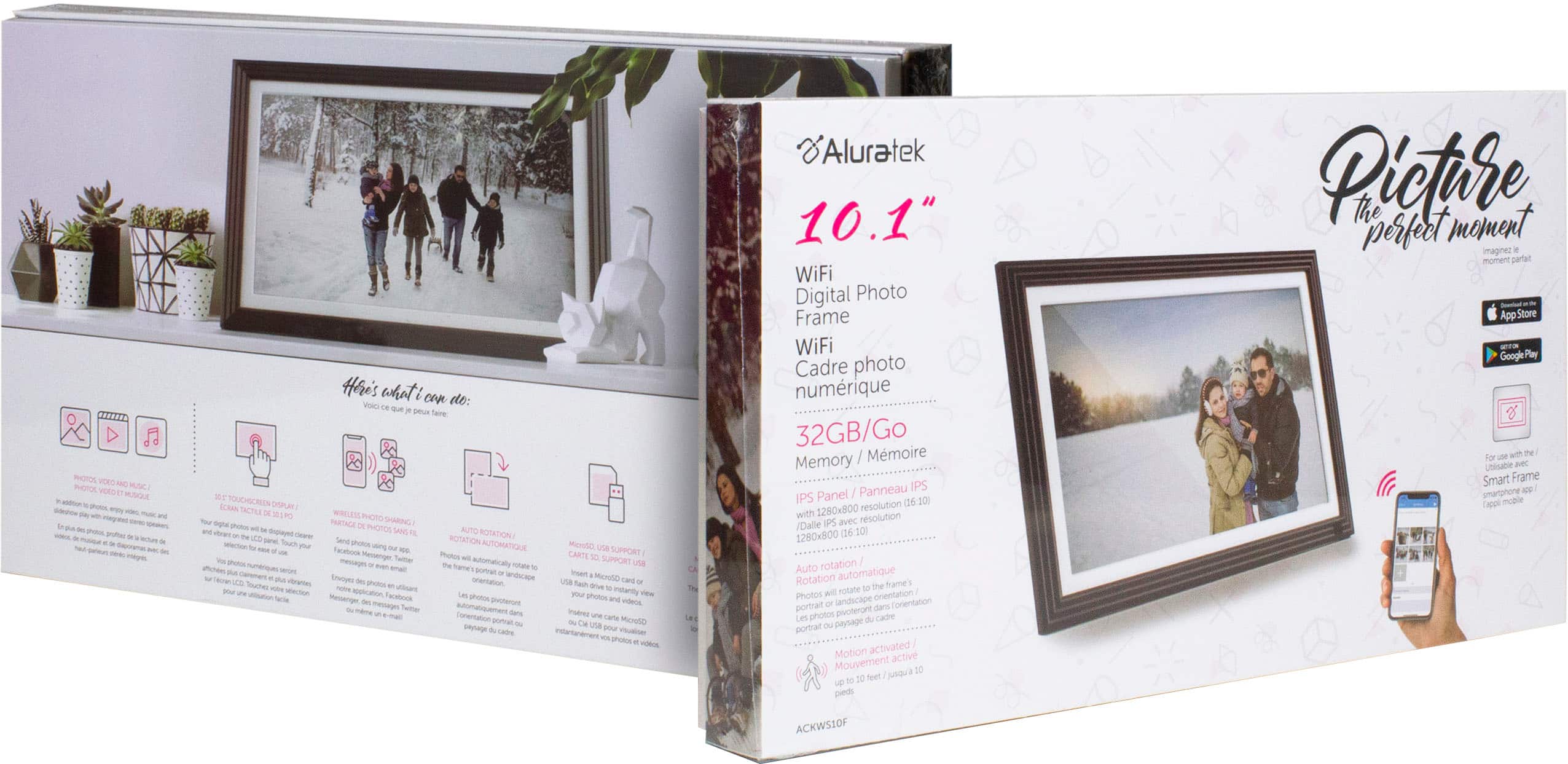
A:AnswerIt has 32GB or internal storage. Depending on photo size you should get 5,000 to 6,500 photos on this frame. They need to be in .jpg format. Larger photos will take up more space. Contact [email protected] if you need setup tips.
A:AnswerWe recommend 32GB because the frame reads a FAT32 format. You can likely use 64GB cards, but they need to be formatted in FAT32. Photos need to be in .jpg format.
A:AnswerThe display unit has an auto on and off functions. The display unit needs to be plugged into an outlet for a power source. The unit doesn’t operate on batteries.
A:AnswerYou can't preload before opening the box, but you can put some photos on a 32GB or smaller USB thumb drive and provide that with the gift. Make sure photos are in .jpg format.