A:Answer No. Your buds must already receive a signal of some sort bc they’re wireless. Here are 3 possible solutions:
1.) If your buds receive a Bluetooth signal and if your TCL TV transmits a Bluetooth signal then you need nothing else to make that connection.
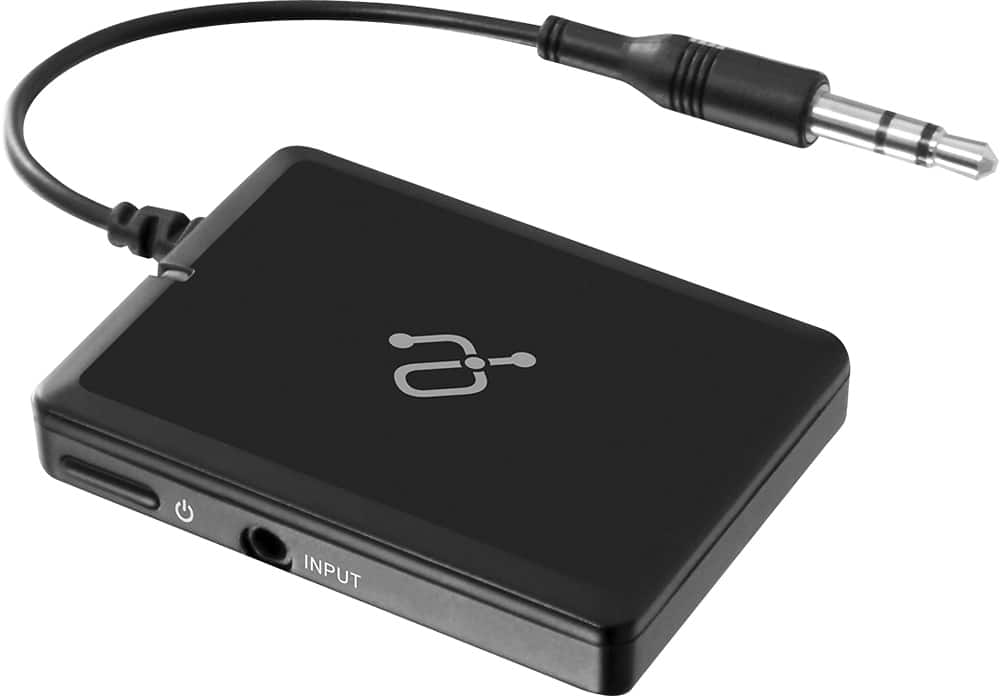
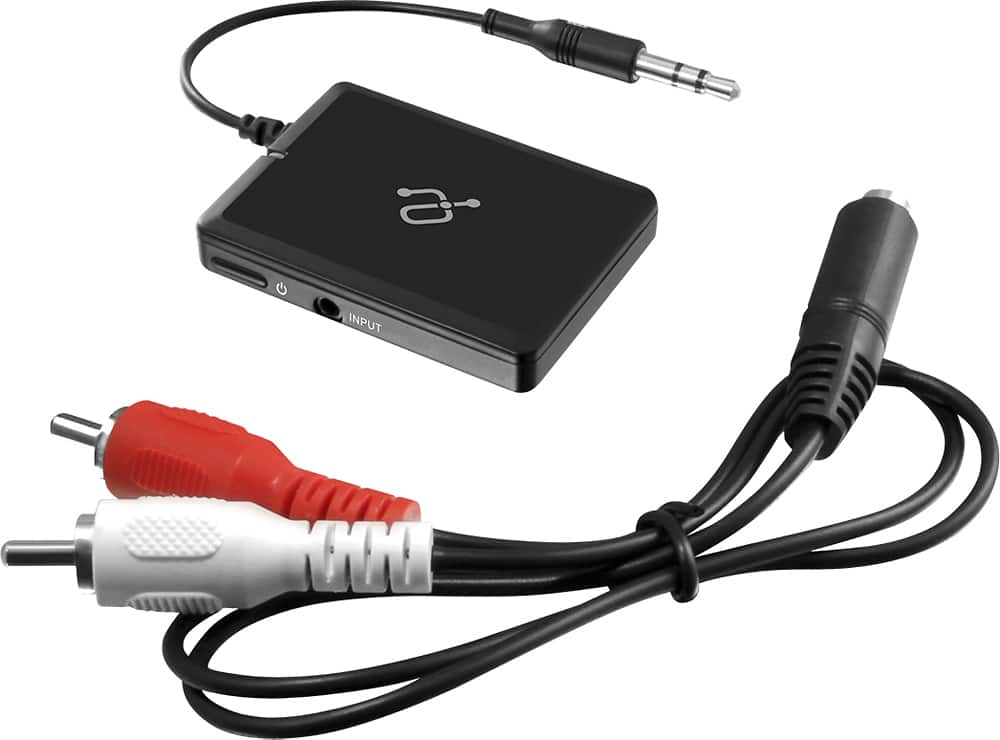
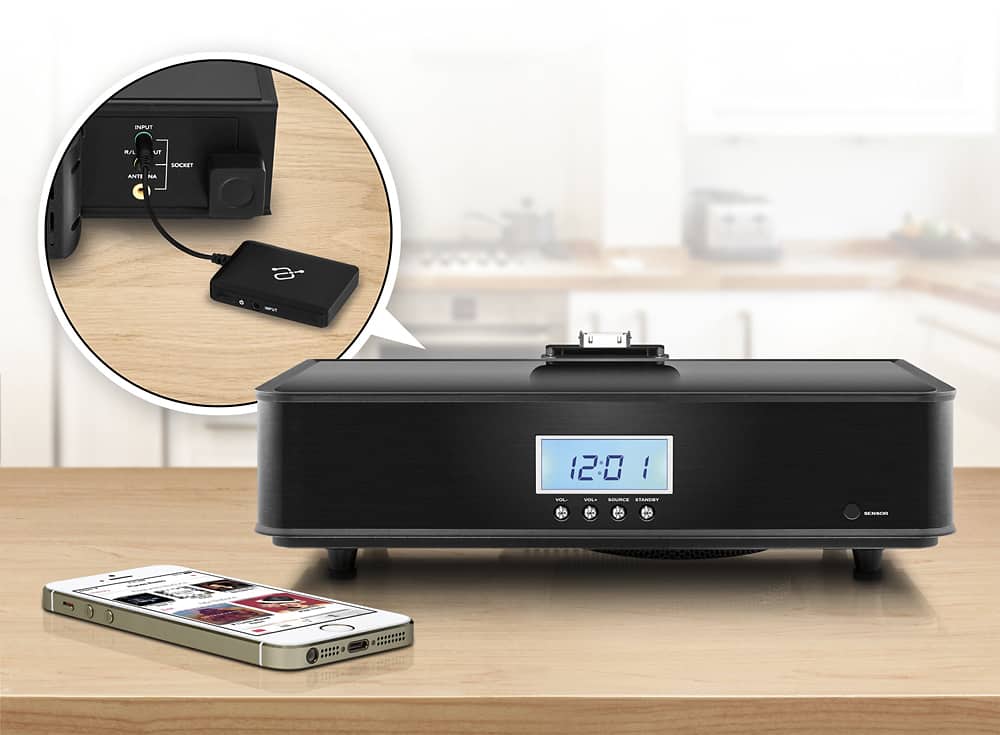
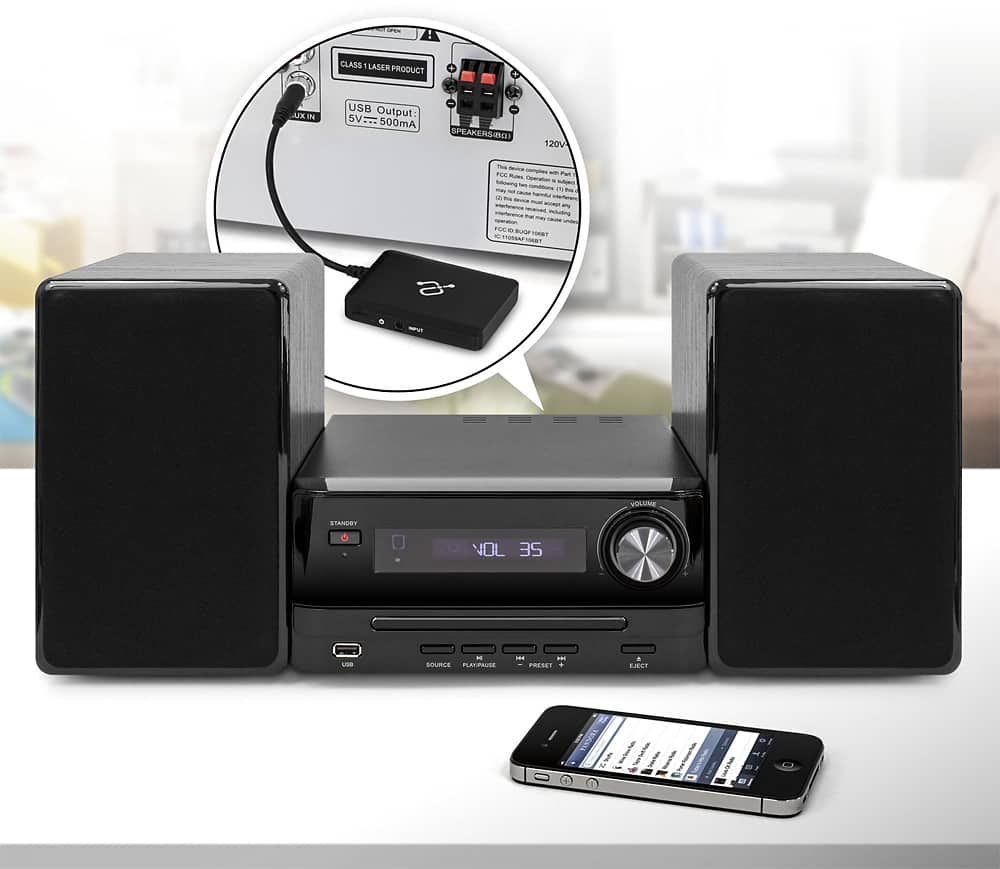
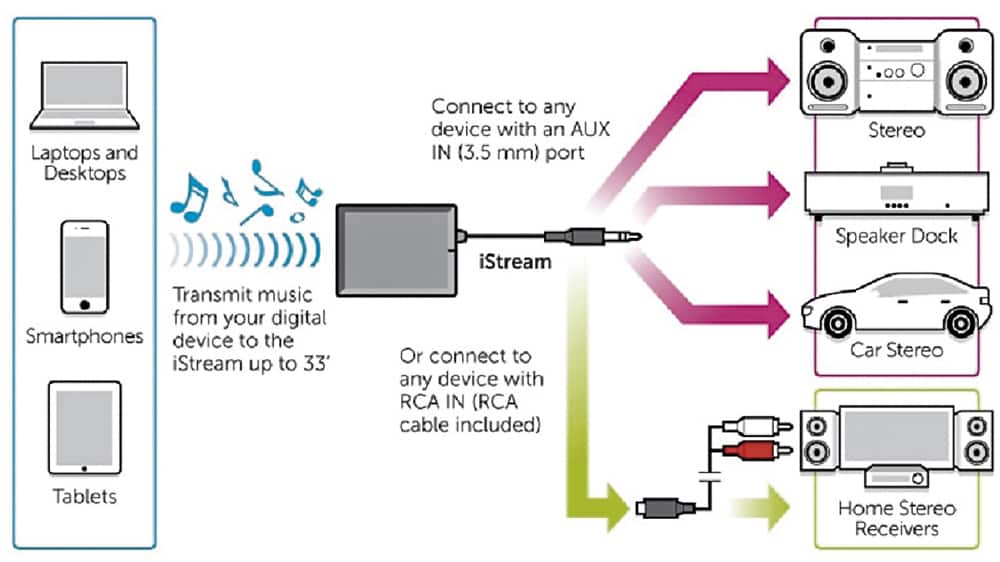
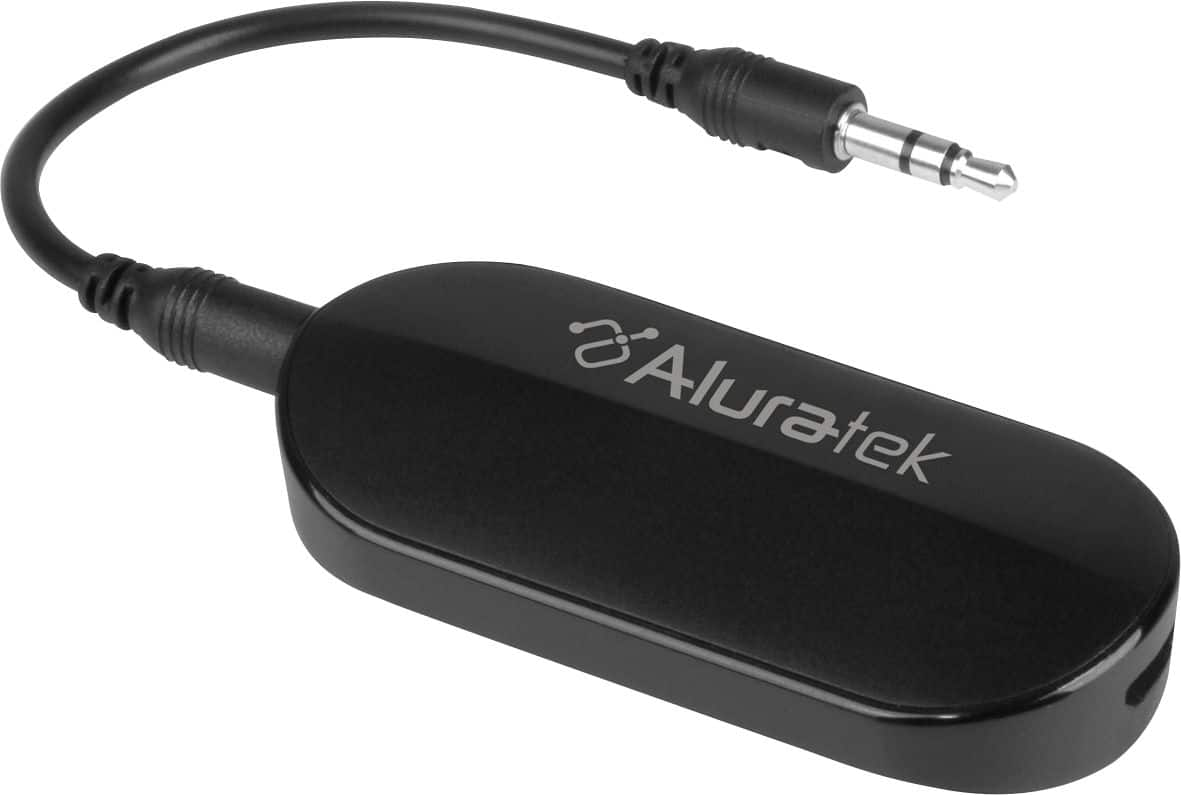
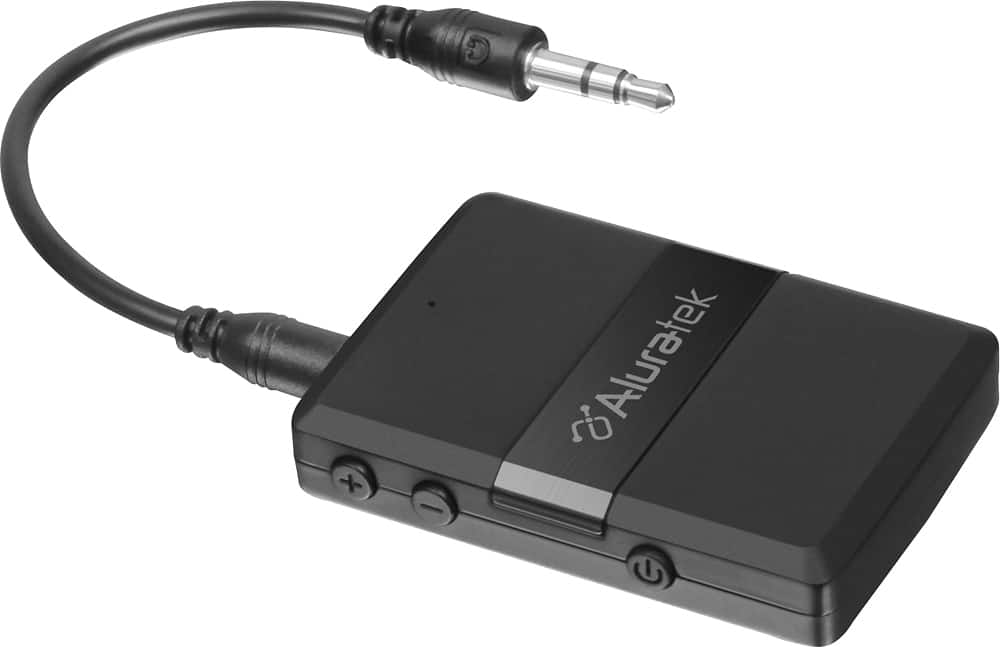
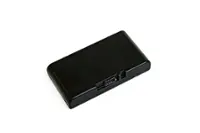
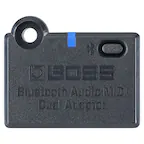
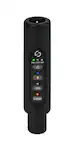
2.) If your buds receive a Bluetooth signal and your TCL TV does NOT transmit a Bluetooth signal then you need to purchase a Bluetooth Transmitter. Aluratec makes a good one that we also bought at BestBuy. :) After hooking up the Bluetooth Transmitter to your TV, using an audio cable connected to an “audio out” port on your tv, the Bluetooth Transmitter will send out the audio from your TV via a Bluetooth signal.
3.) If your wireless buds do NOT receive a Bluetooth signal then making that connection, between your TV and buds, will NOT use Bluetooth transmitters or receivers. (If your TV does NOT wirelessly transmit the signal your buds receive, it may be possible to purchase a transmitter of that signal, and then you’d hook that transmitter to an “audio out” port on your TV.)
One of these 3 possibilities can solve your problem if you read them carefully. :)