A:AnswerThere is nothing in the adapter than controls he phone nor tells the phone only to ring once. This could be a setting on the phone or with hands-free settings on the car. In some cases you may need to be connected to the Adapter via Bluetooth and then also to the car stereo via Bluetooth.
A:AnswerThis all depends on how the car stereo was built to work with Bluetooth and whether the Apple CarPlay icon is built in or if the car has to get the info from the phone using a USB connection. Be sure to test the unit once purchased.
A:AnswerI would say probably not. This device didn't even provide the ability to even use Car Play. It would not work with my iPhone 16 Pro on a 2024 year model vehicle. So I doubt it would let you use the apps you mentioned.
A:AnswerIf the CarPlay or Android Auto icon on your car stereo shows even when the phone is not connected via USB cable then the unit should work. Some vehicles only get the app from the phone if they do not have the software built into the vehicle. Check it out and let us know if you need assistance. Contact support@aluratek.com.
A:AnswerIf the CarPlay icon on your car stereo shows even when the phone is not connected via USB cable then this should work. Try it out and let us know if you need further assistance. Contact us at support@aluratek.com.
A:AnswerThis depends on how the stereo was manufactured. ---- NOTES ON COMPATIBILITY ---->>>> If the CarPlay or Android Auto icon on your car stereo does not show unless your iPhone is plugged into the car -- directly via USB -- then the adapter will likely not work with your vehicle. Some vehicles only get the app from the phone and do not have the software built into the vehicle. Test this unit quickly and if it's not compatible then return to the retailer immediately.
A:AnswerMost likely not. Usually the 2015 models onward will work better. See my notes below. ---->>> NOTES ON COMPATIBILITY : If the CarPlay or Android Auto icon on your car stereo does not show unless your iPhone or Android phone is plugged into the car -- directly via USB -- then the adapter will likely not work with your vehicle. Some vehicles only get the app from the phone and do not have the software built into the vehicle.
A:AnswerWe do recommend testing them to see if your vehicle is setup for the wireless CarPlay adapter. Great device. If your vehicle has the built-in Apple icon for CarPlay then you should be OK. Contact support@aluratek.com for more info and assistance.
A:AnswerTake the unit back immediately. These are not compatible with many many vehicles. Some car menufacturers built their stereos in such a way that they can only get Apple carplay with a USB connection and not wirelessly...even if it did work for a day or a few hours. For more tips or support on this contact support@aluratek.com.
A:AnswerIt might. Just depends on how the stereo in the vehicle was manufactured. If the stereo has the Apple CarPlay icon and back-end software built in, even when your iphone is not connected with USB cable, then it should work. If you need help setting up contact support@aluratek.com.
A:AnswerIf the CarPlay or Android Auto icon on your car stereo does not show unless your iPhone or Android phone is plugged into the car -- directly via USB -- then the adapter will likely not work with your vehicle. Some vehicles only get the app from the phone and do not have the software built into the vehicle. So definitely give it a try but don't wait too long to return if it's not compatible. Contact support@aluratek.com.
A:AnswerMost likely not. Usually the vehicles it will work with are 2015 models to now. And even then some models will not work unless the Apple Car Play is built into the stereo. It all depends on how the stereo in the car was built.
A:AnswerMost likely not. Usually the vehicles it will work with are 2015 models to now. And even then some models will not work unless the Apple Car Play is built into the stereo. It all depends on how the stereo in the car was built.
A:AnswerPossibly. It mostly depends on how the stereo was manufactured in the vehicle. In general if Apple CarPlay is built into the stereo then this should work. It all depends on how the stereo in the car was built.
A:AnswerMost likely not. Usually the vehicles it will work with are 2015 models to now. And even then some models will not work unless the Apple Car Play is built into the stereo. It all depends on how the stereo in the car was built.
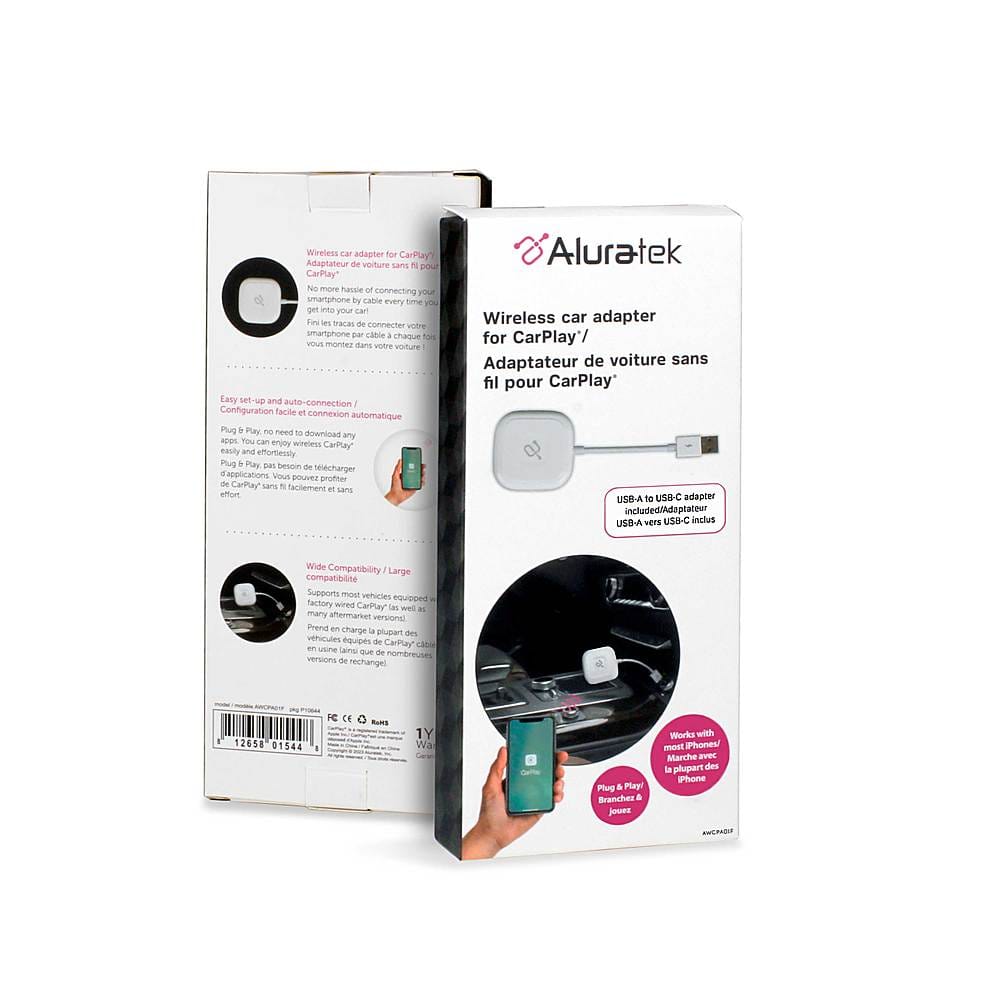
A:AnswerYes, you need Apple CarPlay already built into the car. The adapter itself does not give you ACP, it just provides the wireless connection. In most vehicles you have to connect your iPhone to the car via USB cable because that is how the car grabs the Apple software. Most cars up until the 2024 models (depending on the maker) needed that USB connection to get the icon and software for ACP to operate.
A:AnswerThanks for the note on the adapter. See my notes below on setup and how to reset the unit and see if this helps. Don't wait too long to simply return the unit for a refund or replacement. These units are not compatible with all vehicles. So test things out quickly.
NOTES ON COMPATIBILITY
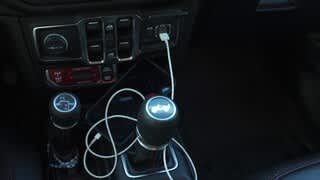
If the CarPlay or Android Auto icon on your car stereo does not show unless your iPhone or Android phone is plugged into the car -- directly via USB -- then the adapter will likely not work with your vehicle. Some vehicles only get the app from the phone and do not have the software built into the vehicle. The CarPlay or Android Auto icon must show even when your phone is not directly connected to the vehicle via USB cable. There are some exceptions with certain models where the icon will show but the phone still needs to be directly connected for the vehicle to use the software off the phone. In some cases the adapter will not be able to use all features of the vehicle stereo.
SETUP
Once plugged in and the vehicle is on, connect your phone's Bluetooth to the Aluratek CarPlay or Android Auto adapter. It is ok if your Phone's Bluetooth is also connected to the vehicle's Bluetooth as well...but make sure the phone is connected to the Aluratek adapter. You can disconnect from the unit and reconnect to establish a better connection if needed.
- Note: You should not need to use your car or phone WIFI for this, not unless the Bluetooth does not work.
A:AnswerMost likely not. In general they are more compatible with vehicles from 2015 and on, and only when the vehicle already has the CarPlay built in with icon.